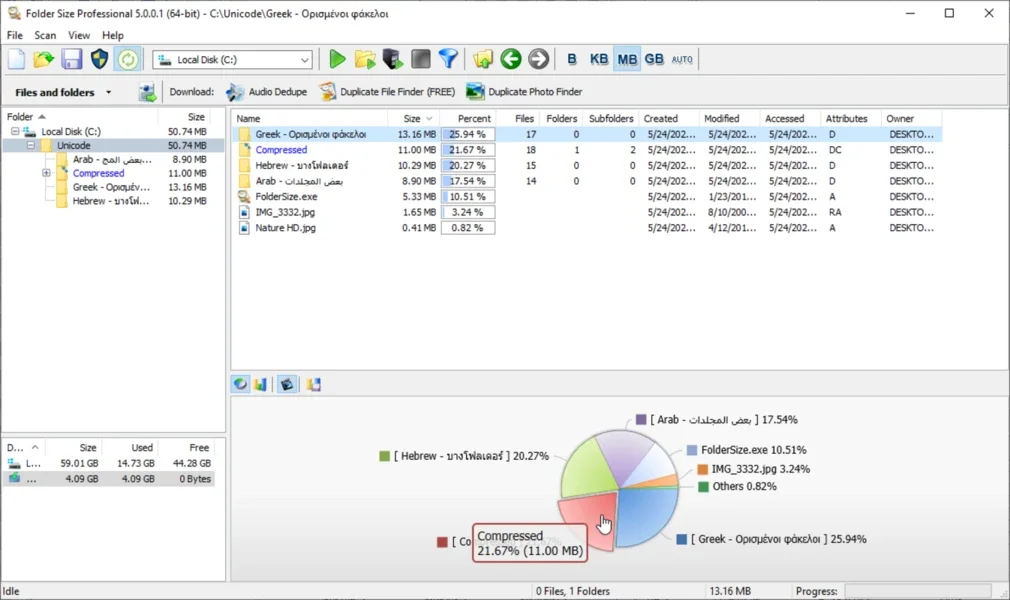
Screenshots
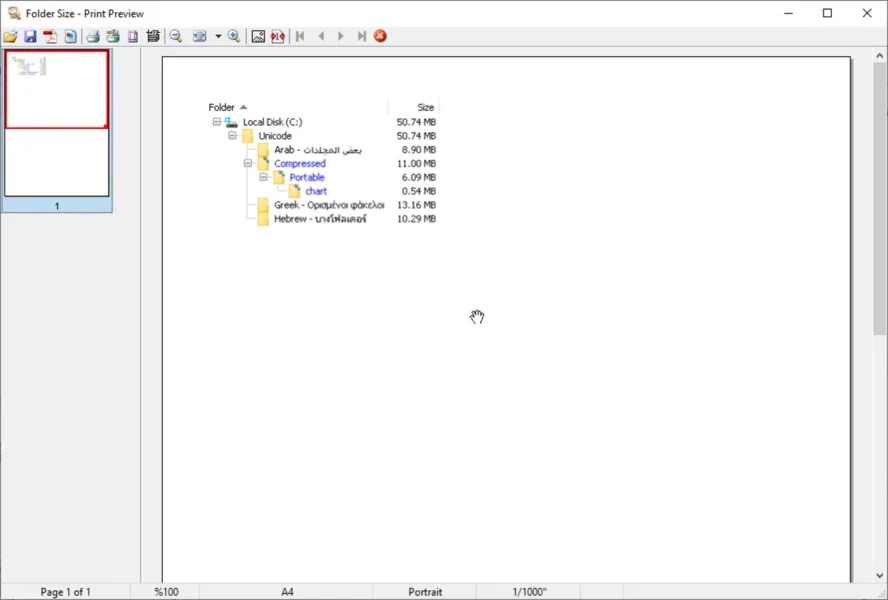
Description
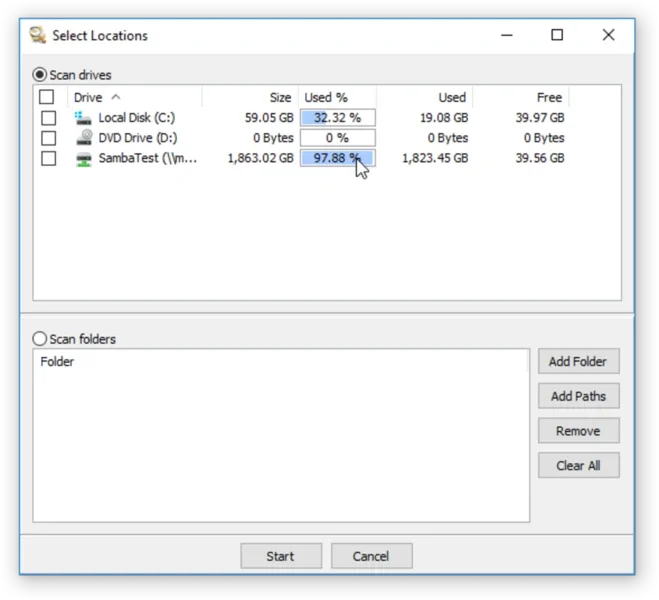
Folder Size scans hard drives and network locations and shows how much space each file and folder takes up. It's a free utility for managing files and folders on Windows.
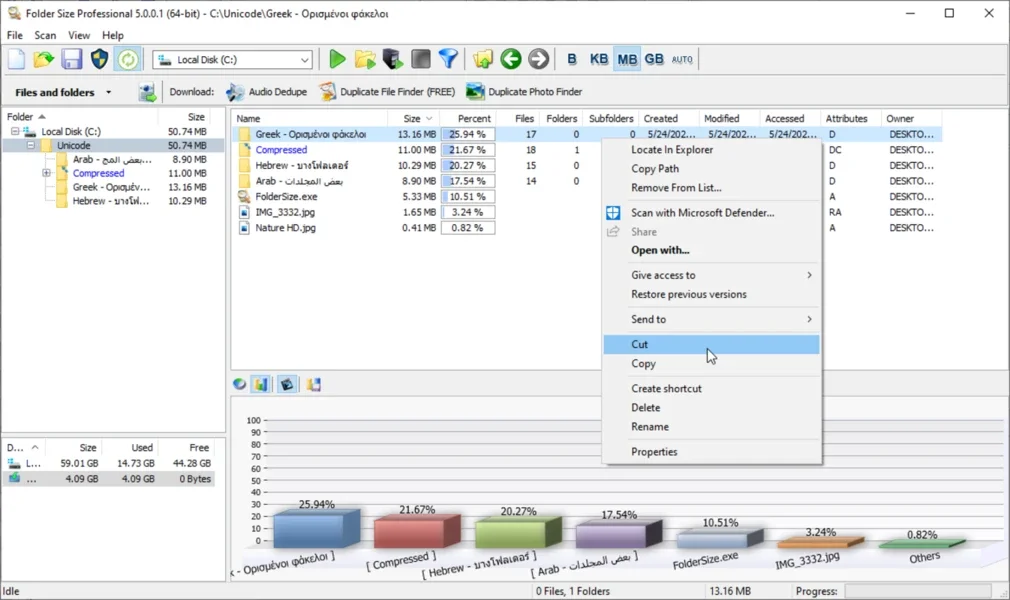
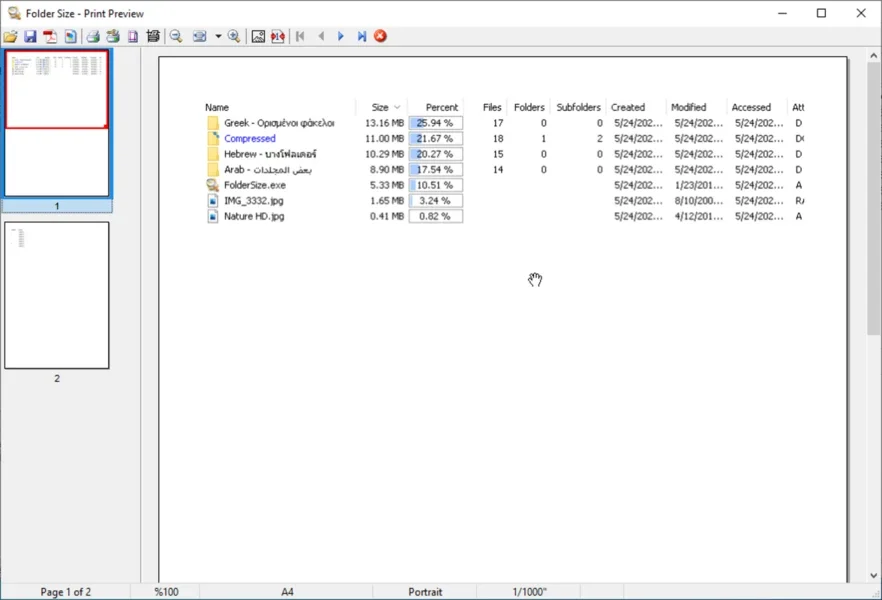
You can scan whole storage devices or just chosen folders, and progressive scanning updates results as it goes, which saves processing time. Sizes appear in bar charts and pie charts, and you can switch between Bytes, Kilobytes, Megabytes and Gigabytes or leave the unit on automatic. The interface follows an Explorer style, with Back, Forward and Folder Up for navigation. Columns can be rearranged or hidden, and data can be sorted by folder name, size or file count. Each item's details include creation time, modification time and owner. Reports cover Largest Files, Largest Folders, Oldest Files and Newest Files, and the program can find empty folders and files. You can delete or open files and folders from within the app. Command line options exist for scanning folder tree sizes, a 'Scan with Folder Size' entry can be added to the Windows Explorer context menu, and scanned data can be saved and loaded to compare with later scans. Data exports to CSV or XML files, and documentation is provided.
The latest version is 5.9.0.6, developed by MindGems under GPL 2.0.
Download files
1453a209eaf589622cf398cd9cdda3a7fb17f96f2e4f18708524bb8980089b25
Signed by MindGems · valid until Oct 3, 202682c37903e434da7d94d8f6bbdee0b2104a8690875dddc61b267a12fd3f500df9
d9d8cef74b2c4a217212b856bcba203382f418939d1457db359b88e9fcfec897
b2cd422aa1309602e207d721b5b5a3da9357574fe91b53aab82720b65a02d111
No digital signatureSystem requirements
Available on:
Minimum OS:
Windows XP or later
Additional information
Developer
Latest release
Size
File type
SHA-256
1453a209eaf589622cf398cd9cdda3a7fb17f96f2e4f18708524bb8980089b25





