
Command line client for working with GitHub from the terminal
You are on macOS — this is the Windows version. See the macOS version
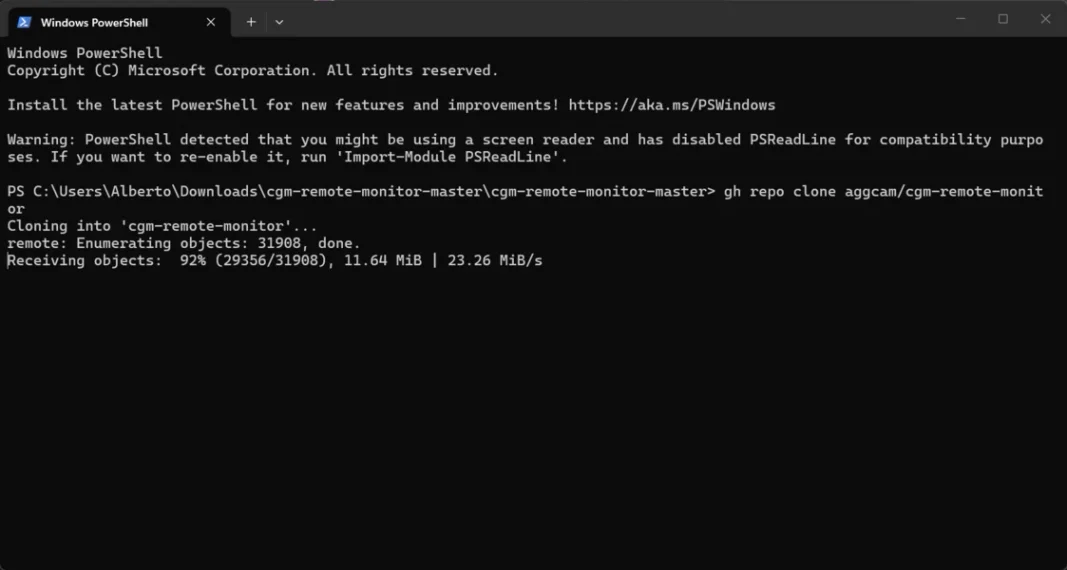
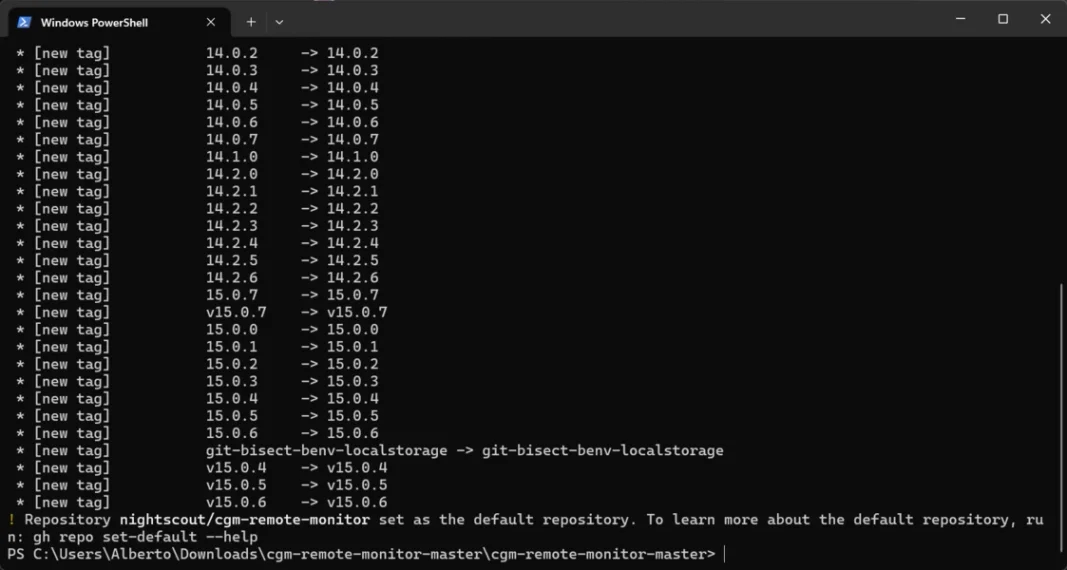
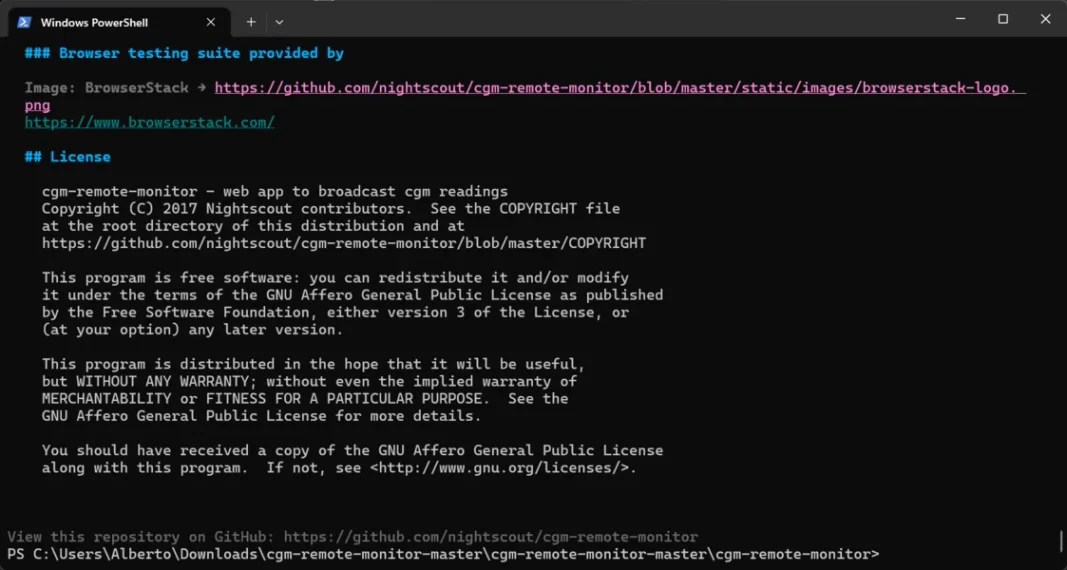
Screenshots
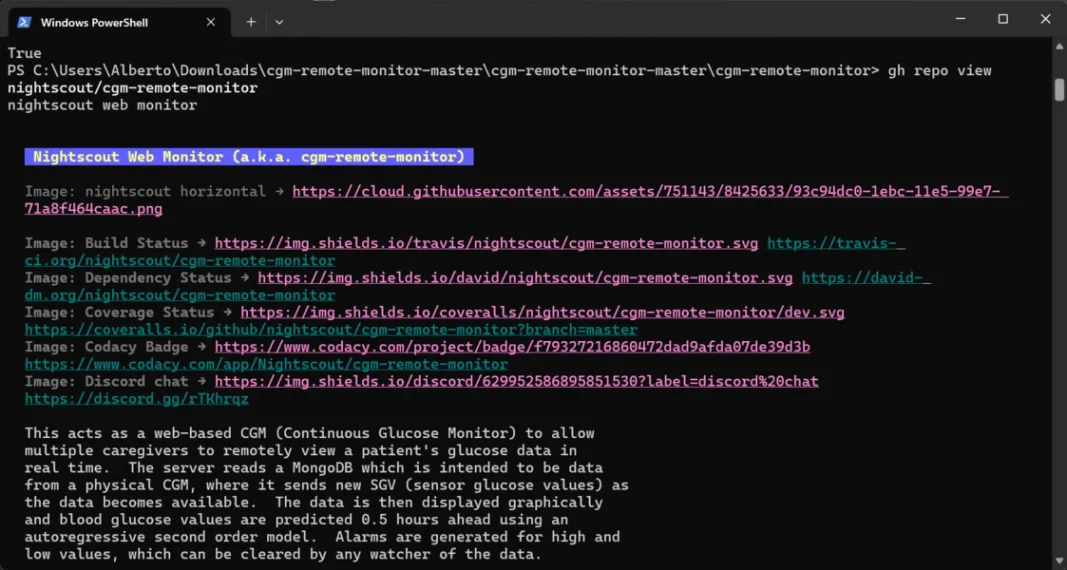
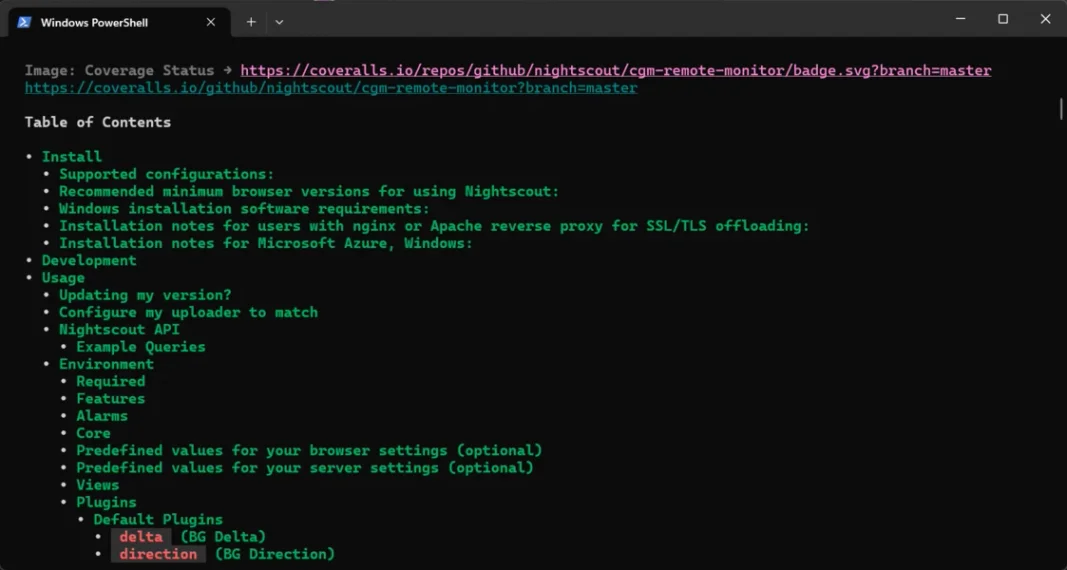
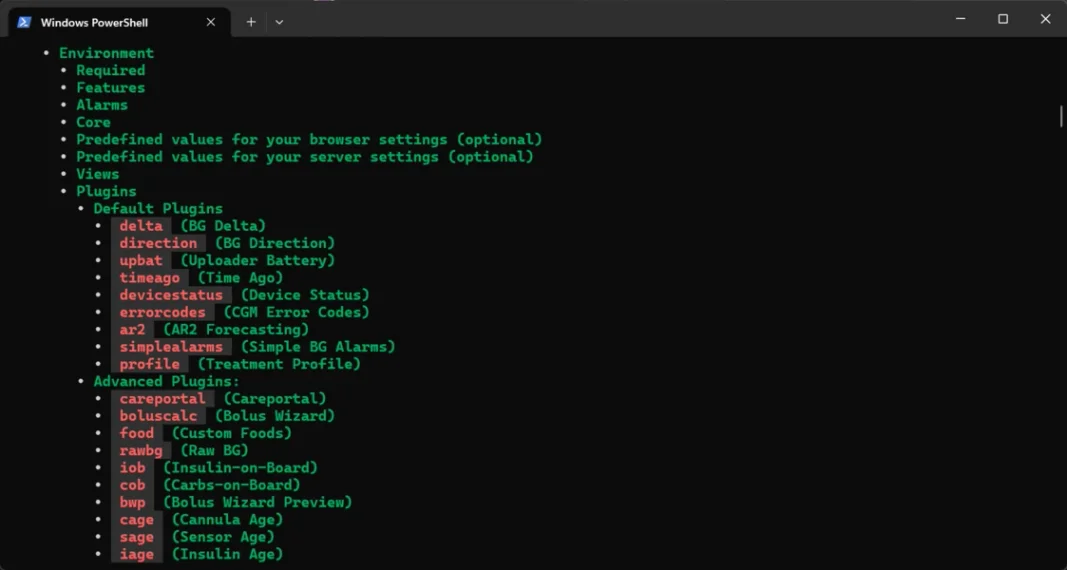
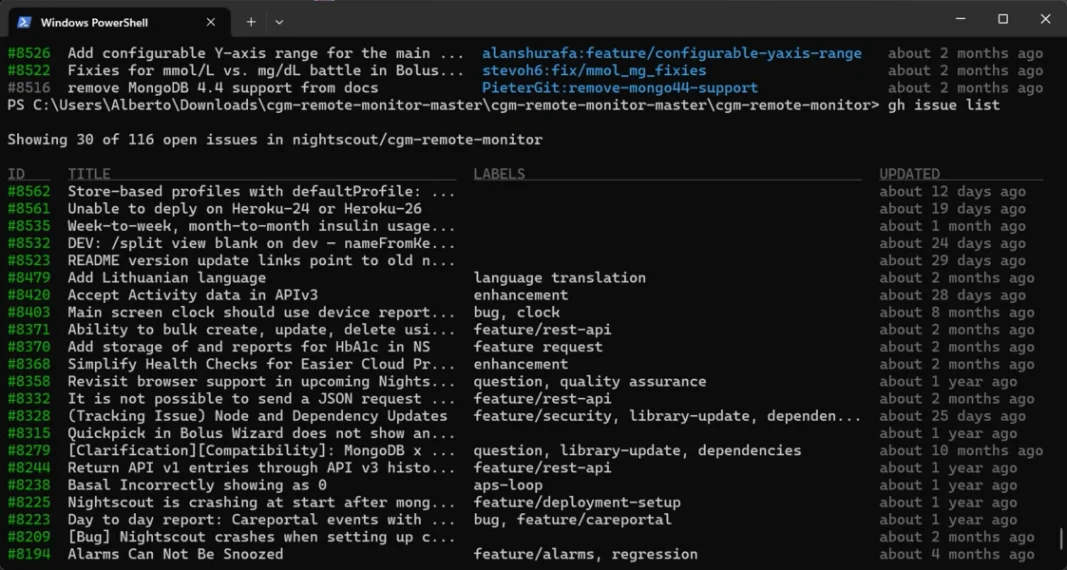
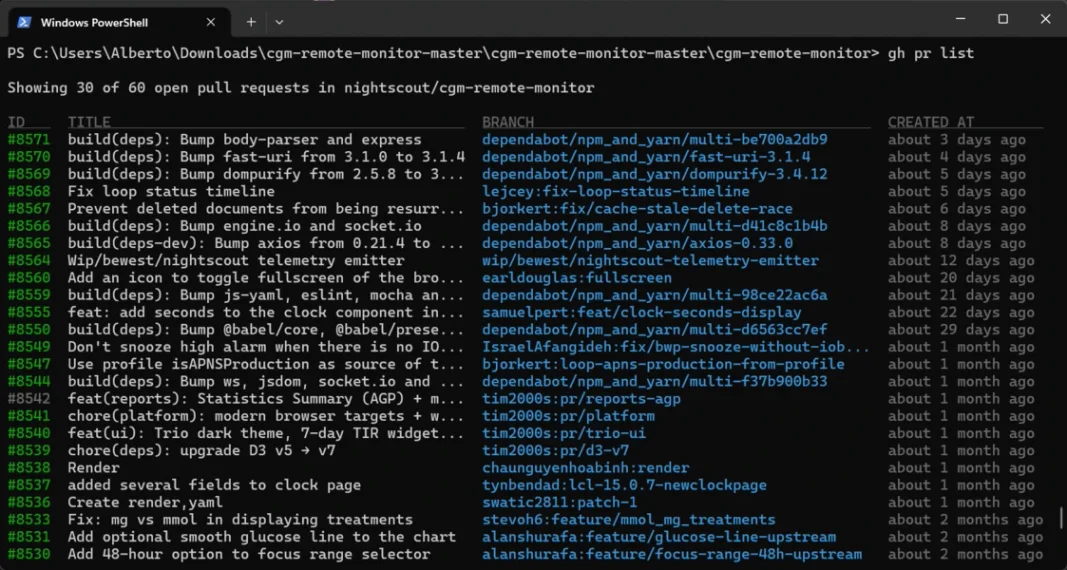
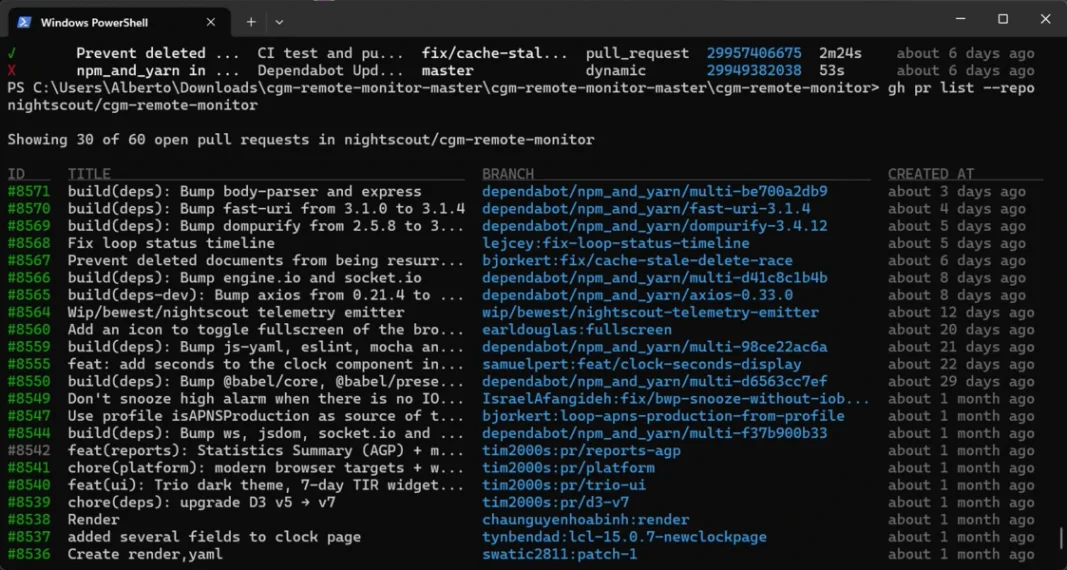
Description
GitHub CLI reads issues, pull requests and release information in the terminal, so you do not need a browser for those checks. The client handles public repositories and private enterprise servers. Enterprise setup follows close to the same steps as a regular account. You can move between personal and work accounts, keeping their credentials separate.
Pull requests and releases
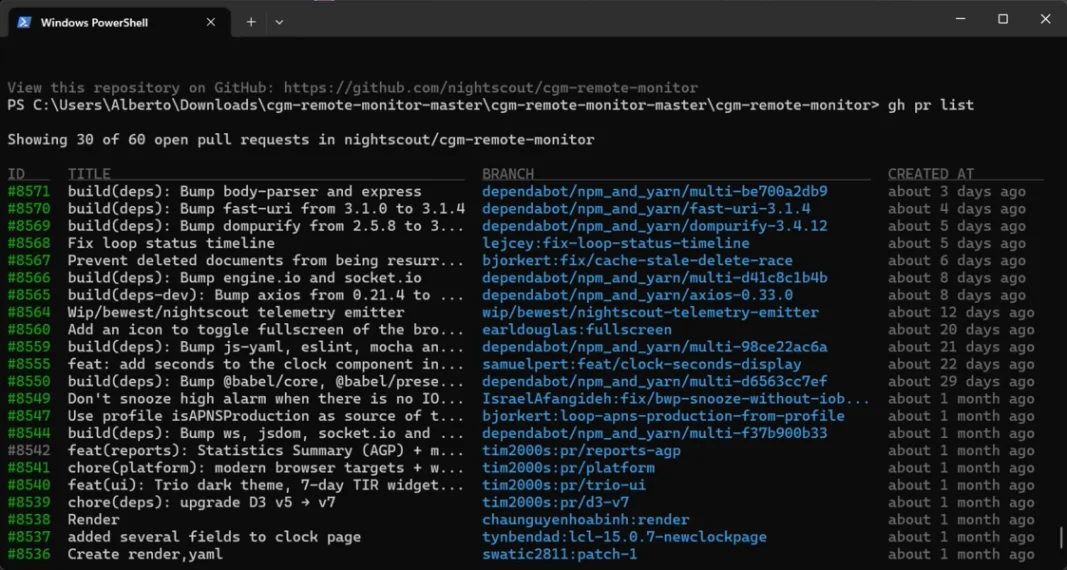
Finished work becomes a pull request with one command. You can download a specific pull request locally and work on it as though you had made the branch yourself. Before approving, check whether the pull request's automatic checks passed. Pending pull requests can be checked for status. Publishing a version takes the tag and attached files, all from the terminal. Repository documentation is readable from the console. Open issues can be listed and filtered without leaving the shell.
- Save shortcuts for command combinations you repeat
- Some advanced GitHub features have no command of their own and take manual setup
- Reach nearly any GitHub function for automating actions that lack a command
It is open source under the MIT license.
Download files
1793a0dd0064b3f03fe8ceb16b18da751d60e0c7efcfe7bbb4715fca3b675392
Signed by GitHub, Inc. · valid until Aug 22, 2026583ee96619753844ae4af9dff29ae6d34076a4d0b74c8354f150473dd21fa5d6
Signed by GitHub, Inc. · valid until Jul 4, 2026System requirements
Available on:
Minimum OS:
Windows XP or later
Additional information
Developer
Latest release
Size
Category
File type
SHA-256
1793a0dd0064b3f03fe8ceb16b18da751d60e0c7efcfe7bbb4715fca3b675392