
GitHub Desktop is the official GitHub client for Windows
You are on macOS — this is the Windows version. See the macOS version
Screenshots
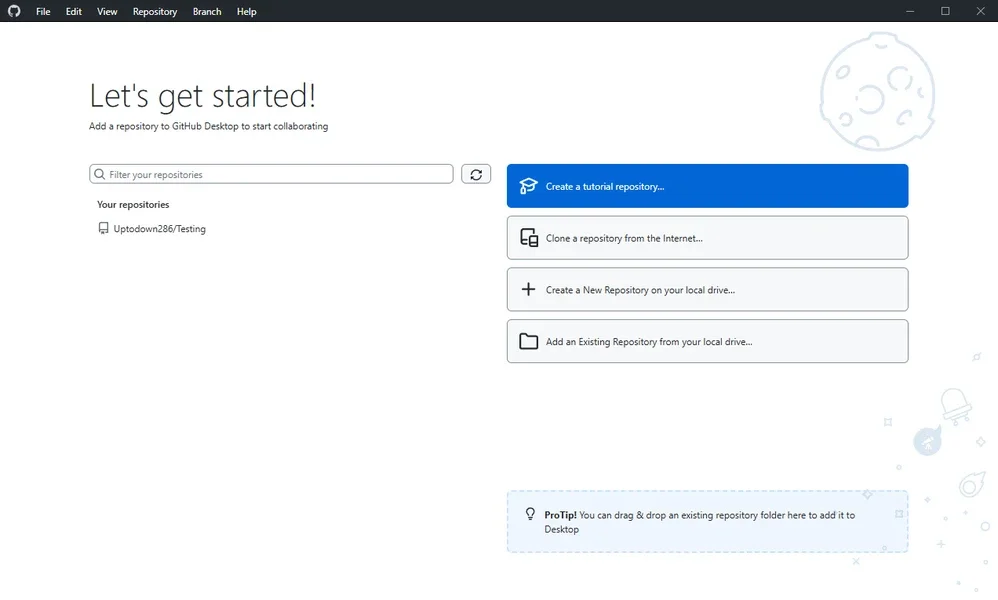
Description
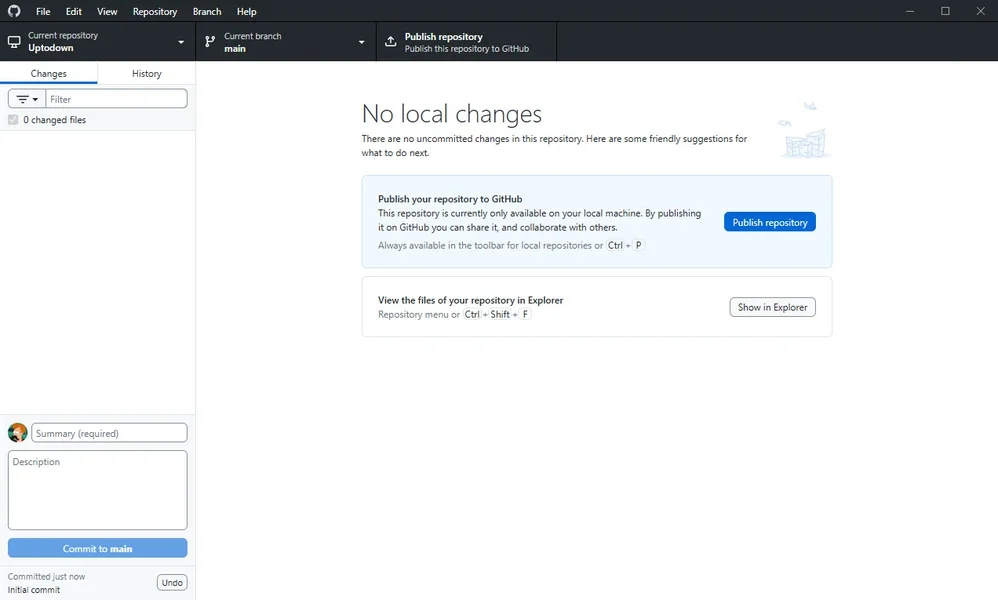
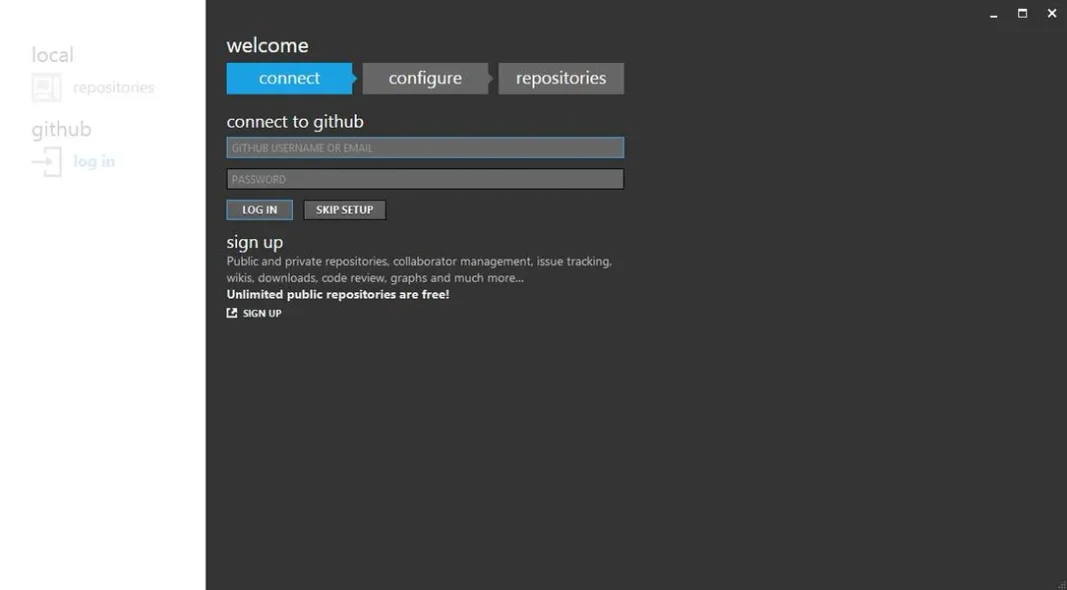
GitHub Desktop is GitHub's official client for Windows, and it puts Git version control features in front of you without the usual drawbacks. You need a GitHub user account to use it. Existing users log in through the browser, and a new account can be created for free inside the app with an email address and a secure password. Account creation takes less than a minute.
Managing repositories and changes
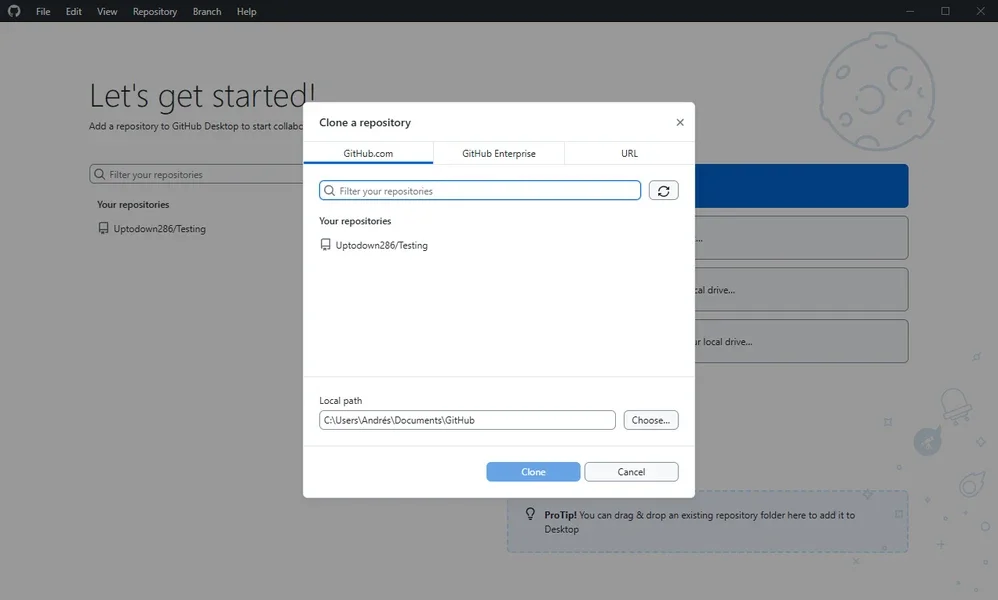
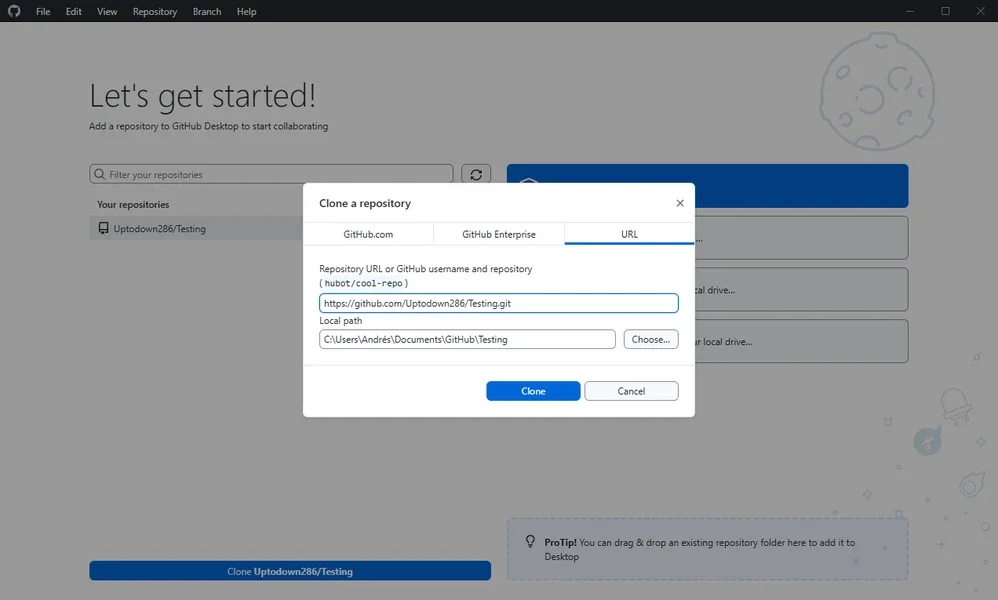
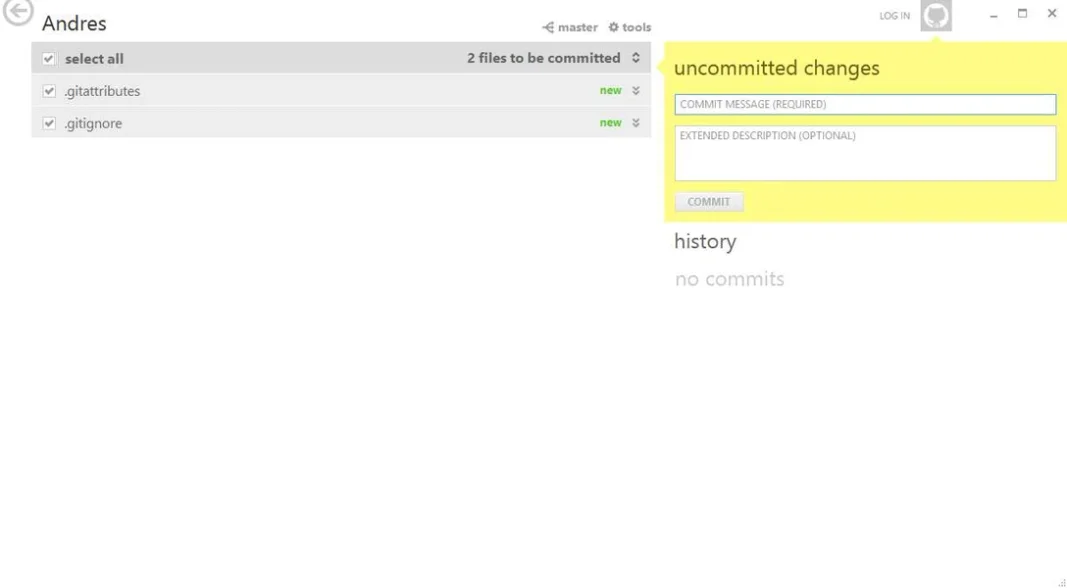
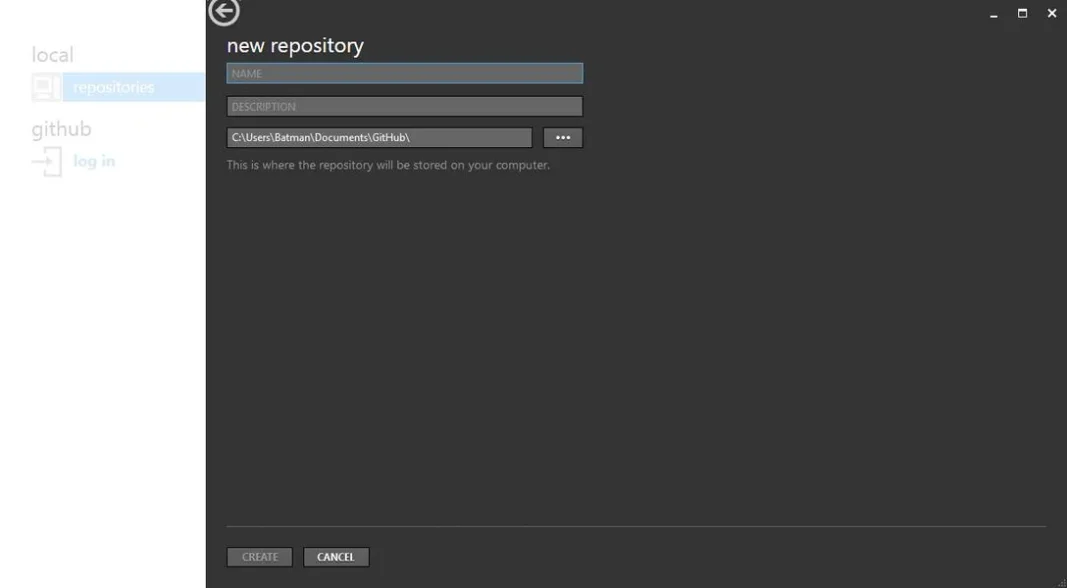
Multiple GitHub repositories can be managed locally. You can create, store, manage and share code, and code can be shared with other users on the project. Changes can be reviewed before publishing, versions can be compared easily, and new changes can be incorporated and previous states restored in seconds. Changes can be made quickly within any branch, and project history can be modified with a few adjustments.
Setup and appearance
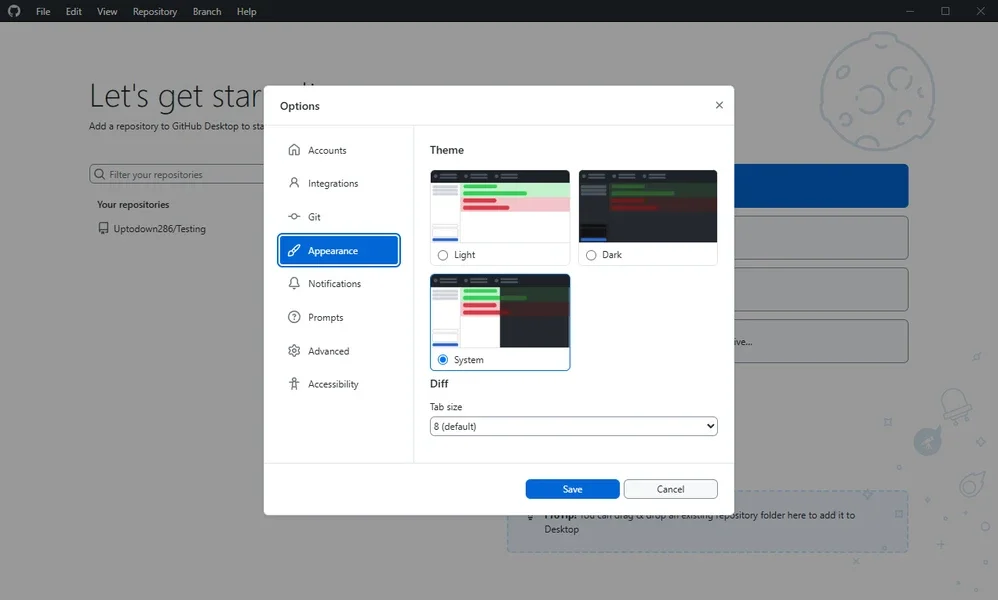
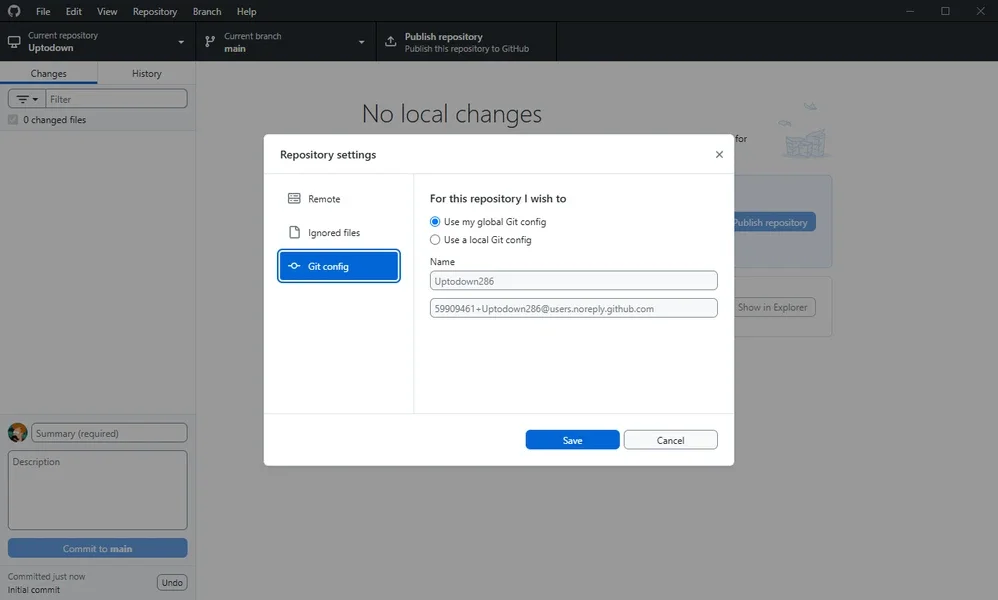
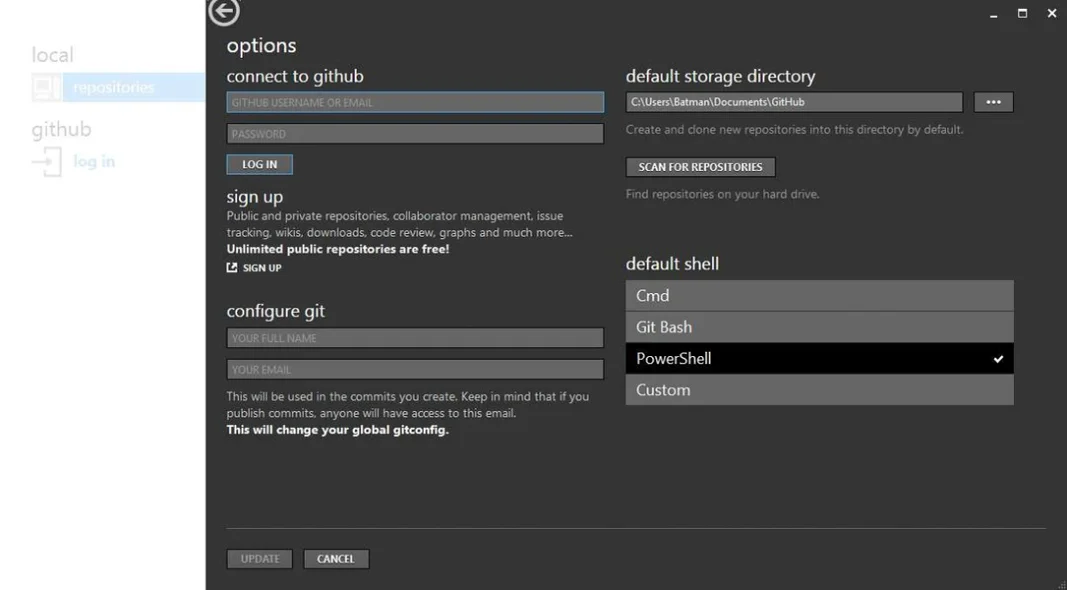
Interface options include light and dark themes. The Git setup can be edited manually, and settings let you choose an internal or external shell for integrations.
Download files
2e49e219c6f6e06fedeb2a7a14d357bf43b701efe29ad6963e84cf326b1c9fca
Signed by GitHub, Inc. · valid until Nov 21, 2026c76edda67f22103b65da1468687348e9e97ddb53d977b727f16aa695680f1618
Signed by GitHub, Inc. · valid until Nov 13, 202636cae76228a32cfabcf2bf3e17e6bb3f4e294b70692ca88a163595e6603dd835
Signed by GitHub, Inc. · valid until Oct 28, 2026f0017af2efb38d22ecfdc519ed387449f112c5cab486c41214c173230de953c1
Signed by GitHub, Inc. · valid until Oct 26, 20268b378ffbde3e4d00525dac7472d5dfc367adbcf31bf5034dee800dfcf625e496
Signed by GitHub, Inc. · valid until Oct 24, 2026System requirements
Available on:
Additional information
Developer
Latest release
Size
Category
File type
SHA-256
2e49e219c6f6e06fedeb2a7a14d357bf43b701efe29ad6963e84cf326b1c9fca