
GMail Backup 0.104 for Windows
SHA-256 listed
Saves and restores a Gmail account by date range
All ages
Age rating
Screenshots
Description
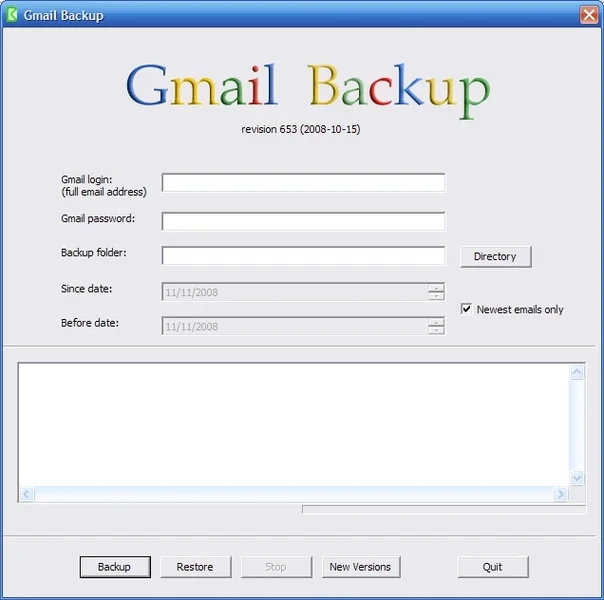
GMail Backup copies a Gmail account by date range, and the copies can be restored later. You enter your Gmail address and password, then choose which received emails to take and where on disk the backup folder goes.
Backups are made quickly, and restoring one returns the email account to an earlier state. That covers both halves of the job, saving and putting back, from the same program. The backup is a local copy kept in the folder you picked, so the account state at the time of the copy is what you get back. Copies are made on demand rather than on a schedule, so when the backup runs is up to you. It is not an official Gmail application.
It runs on Windows.
Download files
File0.104EXE
Version0.104
ReleasedNov 11, 2008
Size4.4 MB
SHA-256
Get
8d495768ad8298acd7f75095a70aabbda7527ea16ecfd7c4ce2a4282135dc4da
No digital signatureSystem requirements
Available on:
Additional information
Developer
Latest release
0.104 · Nov 11, 2008
Size
4.4 MB
File type
EXE
SHA-256
8d495768ad8298acd7f75095a70aabbda7527ea16ecfd7c4ce2a4282135dc4da
Digital signature
No digital signature