
Google Play Games 26.10.802.0 for Windows
Play Android games on a Windows PC with your Google account
Screenshots

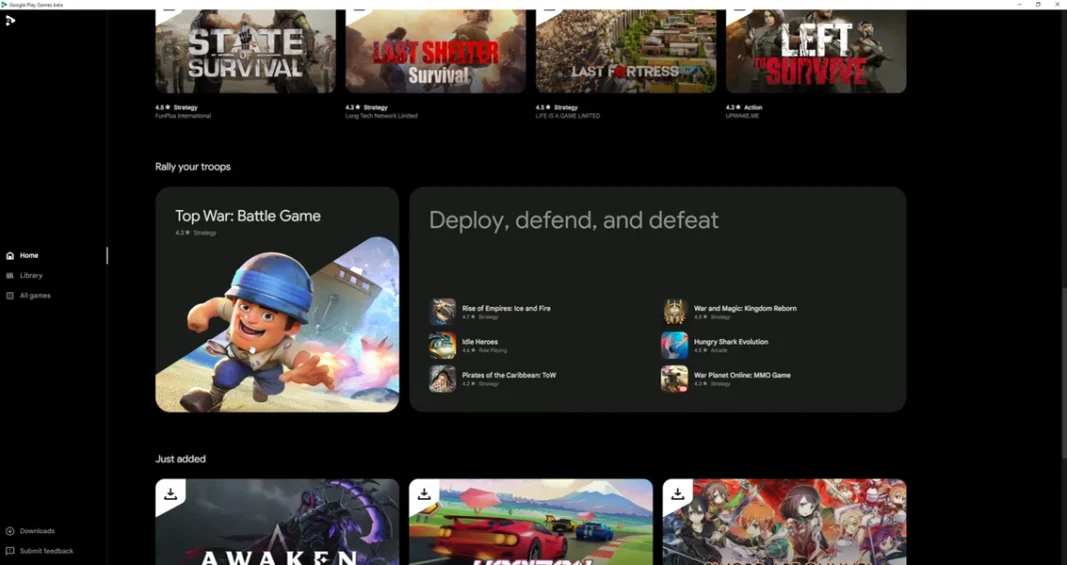
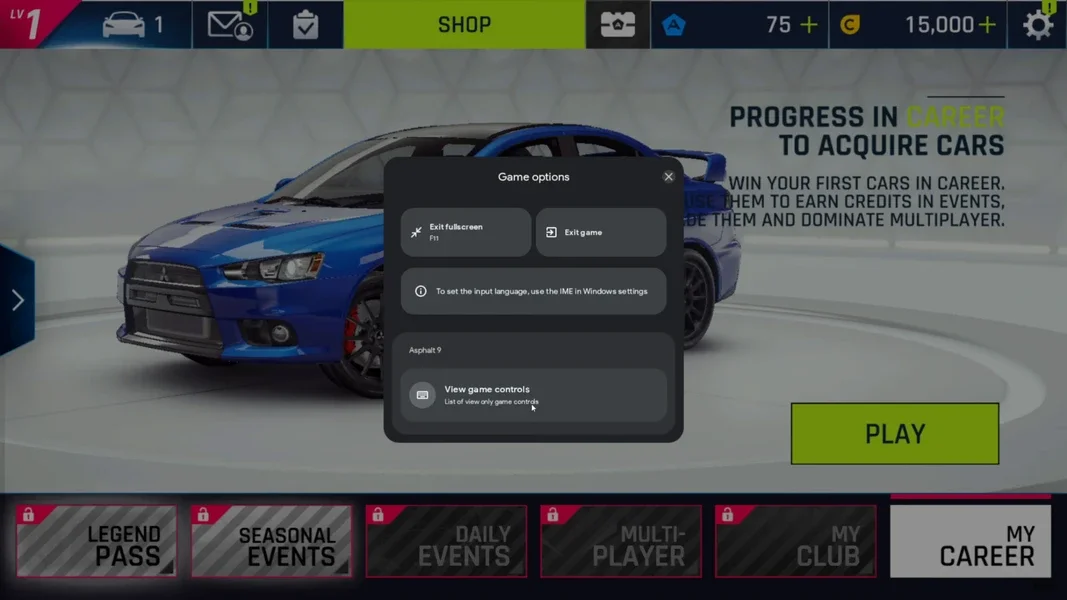
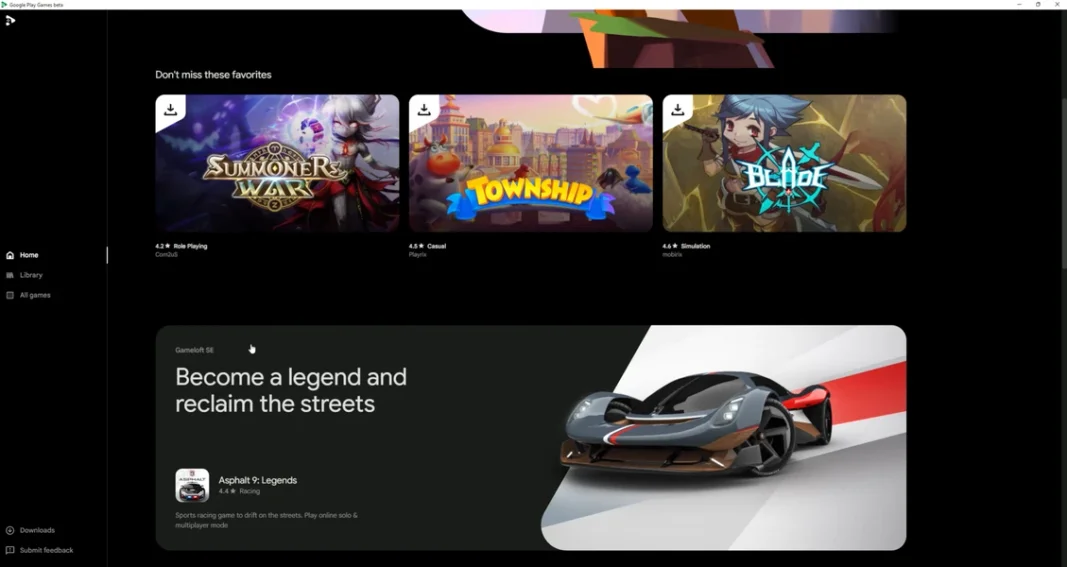
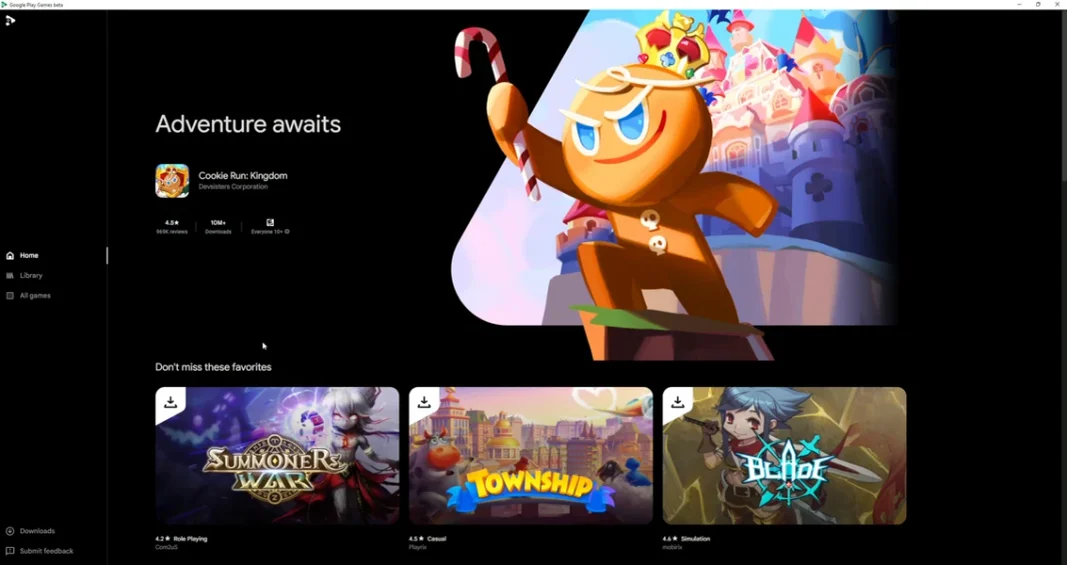
Description
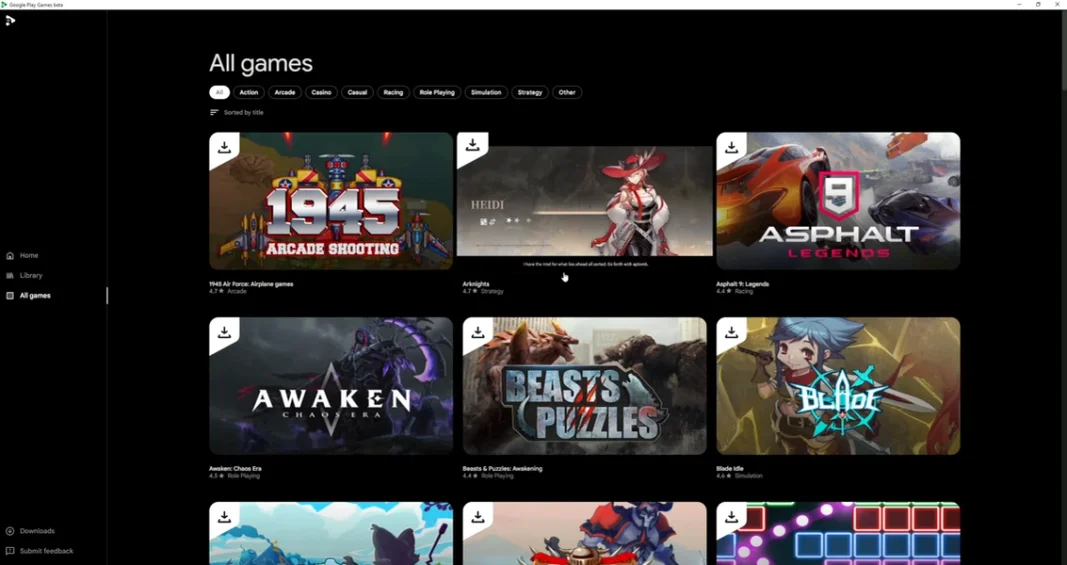
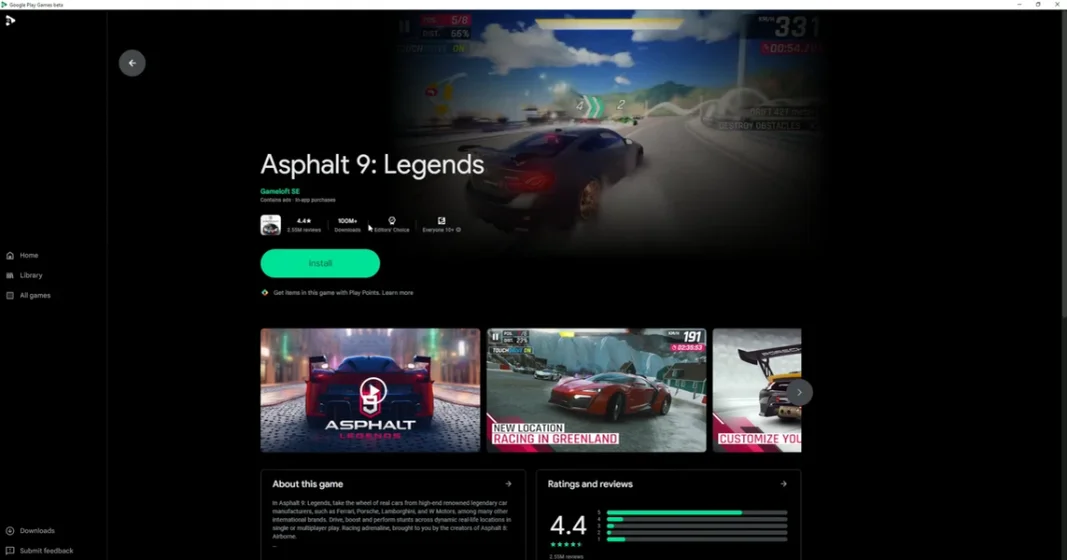
Google Play Games is a program that lets you play Android games on desktop platforms. That is the core of it: Android titles, running on a PC rather than a phone. The library includes games refined for desktop performance, and there are thousands of optimized titles in it. The service is free. Google LLC develops it.
What you need on the machine
The hardware bar is not trivial. You need a processor with several cores, enough RAM, and storage that uses solid-state technology. Hardware virtualization can matter too: without it, performance may not be optimal. Even on a machine that clears the bar, performance depends on system capabilities. Built-in compatibility filters help maintain stability. Installation goes through Google's official website.
- Multi-core processor
- Sufficient memory
- Solid-state storage
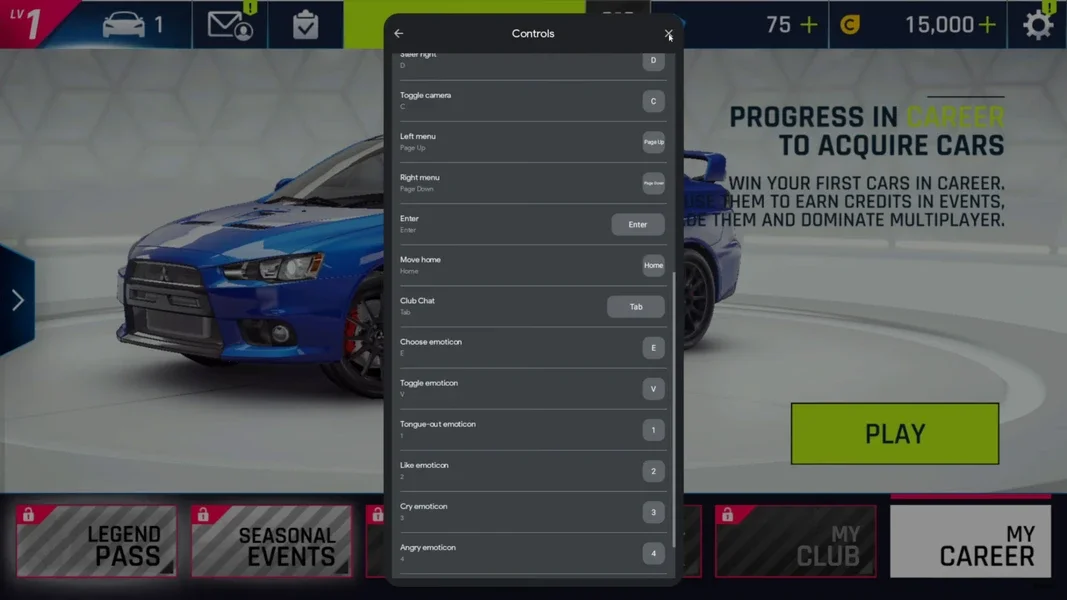
After installing, you browse, download, and play compatible Android games. Supported titles can run at higher resolutions, up to 4K. Keyboard and mouse input work for games.
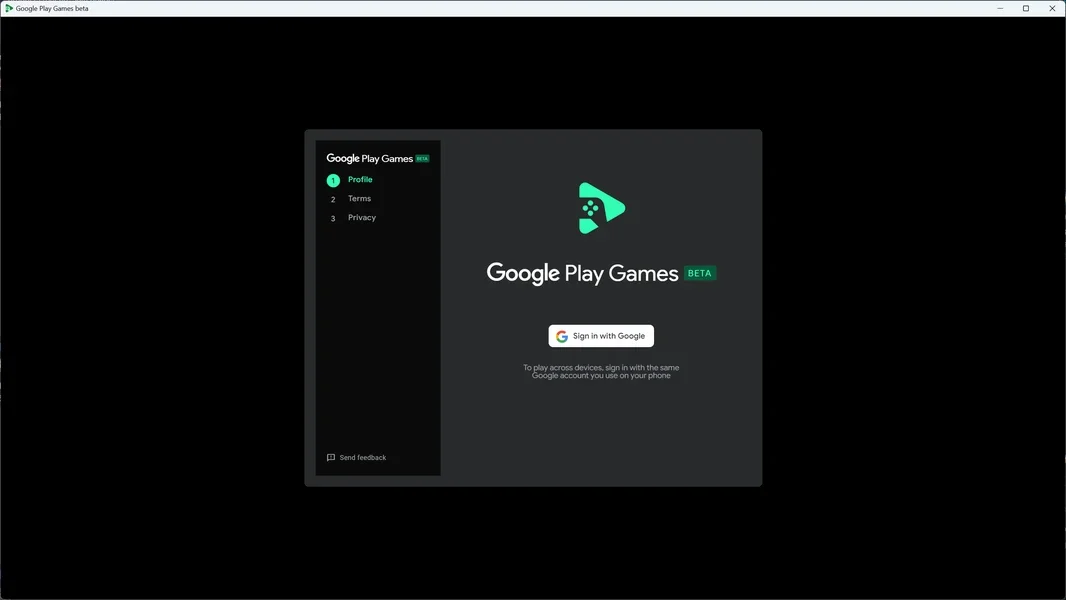
Sign in with the same Google account on another device and progress syncs across devices. Achievements and saves stay accessible through that cross-device syncing.
Download files
90655b619f6ccaf0fbe0258537a79ee21848593108c5fdcf69e898cb5086370e
Signed by Google LLC · valid until Apr 10, 2027ba26b70f587a1b697139b8030441e287d6e20633cc2cc11089d2ebbcb10c91d0
No digital signature7be75a88a132332c682c781d490856e8b2a771911c9729bb16b0828084a87768
No digital signature745e57b6cb59b28537cca84ba231db415a9fd710e84069deea12a7ade2e6c64e
Signed by Google LLC · valid until Apr 10, 2027a76b8881a132fc75bb1321921359228b45fa9fa984f7a73d90a255c7407bcce9
Signed by Google LLC · valid until Apr 10, 2027System requirements
Available on:
Architecture:
64-bit
Additional information
Developer
Latest release
Size
File type
SHA-256
90655b619f6ccaf0fbe0258537a79ee21848593108c5fdcf69e898cb5086370e





