
Gramblr 2.9.209 for Windows
SHA-256 listed
Upload pictures to Instagram from a Windows PC
You are on macOS — this is the Windows version. See the macOS version
12+
Age rating
Screenshots
Description
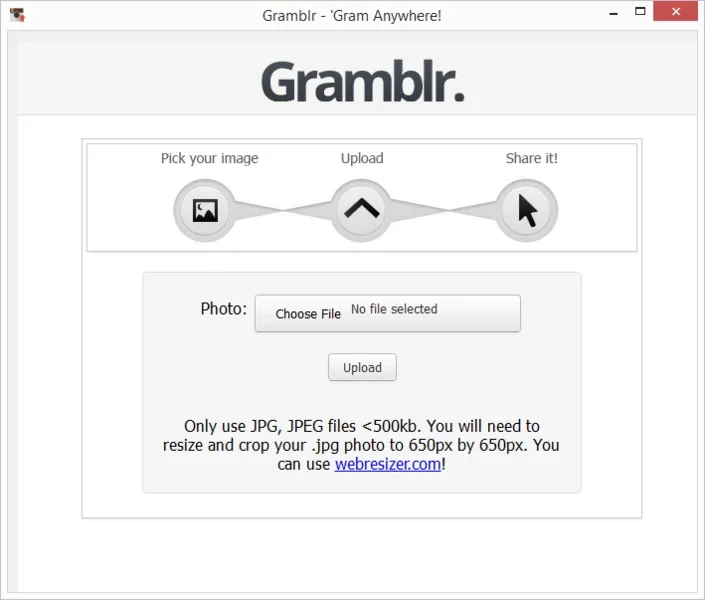
Gramblr lets you upload pictures to Instagram from a PC instead of a mobile phone. You sign in with the username and password of your profile, then choose the photo to upload.
- The picture must be in JPG format before pressing the upload button.
- The picture must be square and at least 640 x 640 pixels, matching Instagram's normal upload parameters.
- The interface suggests a website that makes an image square, though any photo-editing tool can do it.
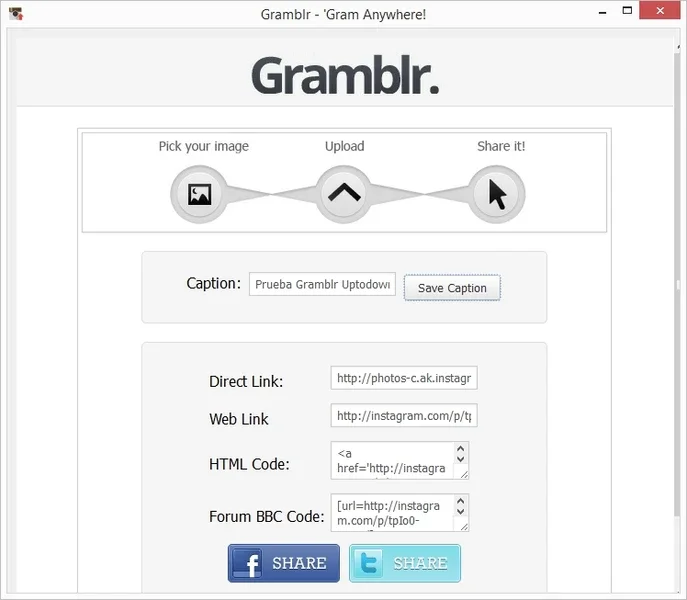
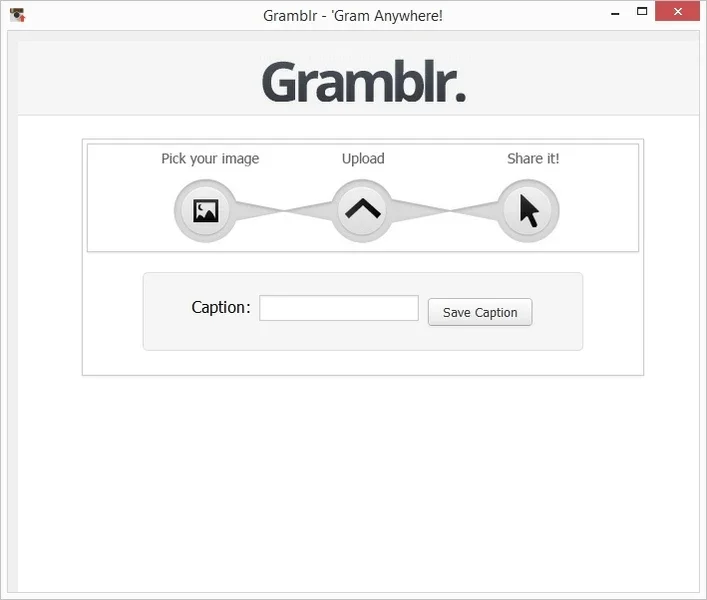
After uploading you add a caption. There are no effect options, so the result has no filter. Once uploaded, you can share the picture on Facebook or Twitter, as in the mobile version. The Instagram web version does not allow uploading pictures.
Download files
File2.9.209ZIP
Version2.9.209
ReleasedJan 12, 2026
Size27.2 MB
SHA-256
Get
b55c4d449ea10d32cbd0ec041f80695f17ef4b84495edf25574baa5d72b6461e
File1.0.0ZIP
Version1.0.0
ReleasedOct 3, 2014
Size27.2 MB
SHA-256
Get
b55c4d449ea10d32cbd0ec041f80695f17ef4b84495edf25574baa5d72b6461e
Filegramblr2_win64.zipZIP
Version2.9.104
ReleasedUnknown
Size3.9 MB
SHA-256
Get
6cfdf576f195394eb2a55e2ae8c97c6ce394909e0a423366e04bc53183acb9ee
System requirements
Available on:
Minimum OS:
Windows Windows 7 or later
Additional information
Developer
Latest release
2.9.209 · Jan 12, 2026
Size
27.2 MB
Category
File type
ZIP
SHA-256
b55c4d449ea10d32cbd0ec041f80695f17ef4b84495edf25574baa5d72b6461e