

TikTok 1.0.5.0 for Windows
SHA-256 listed
Short videos on the Windows desktop, from sports to cats
All ages
Age rating
Screenshots

Description
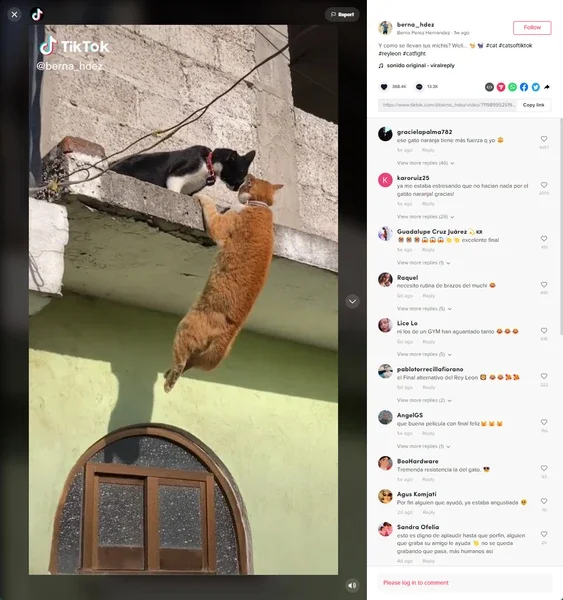
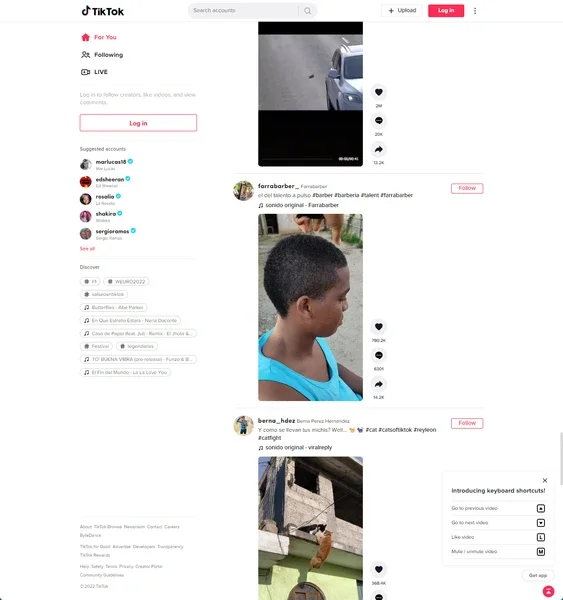
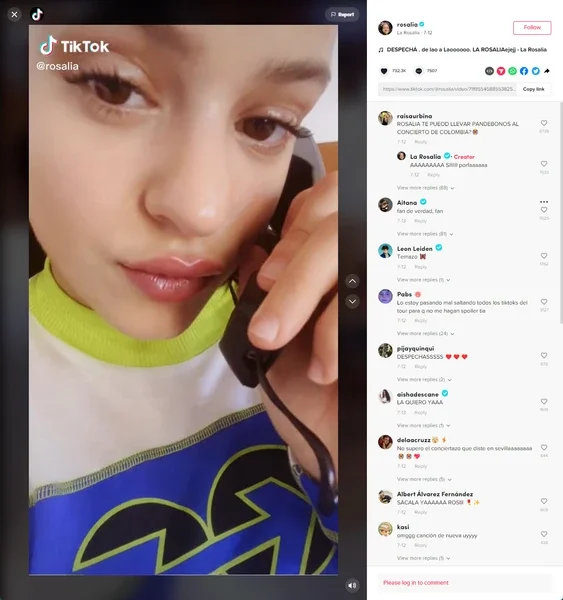
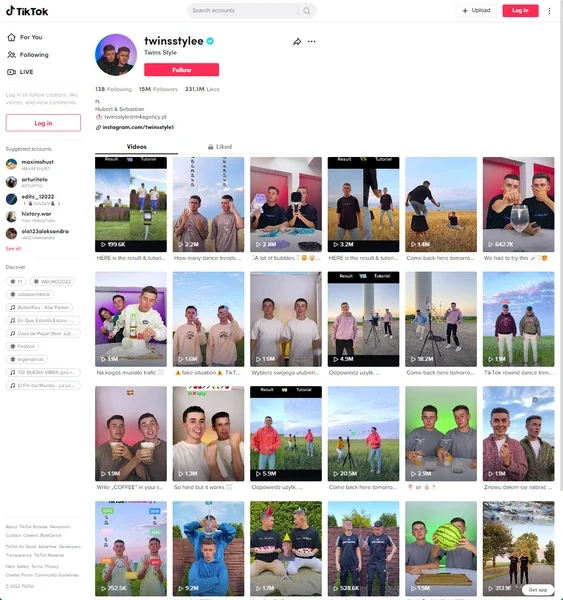
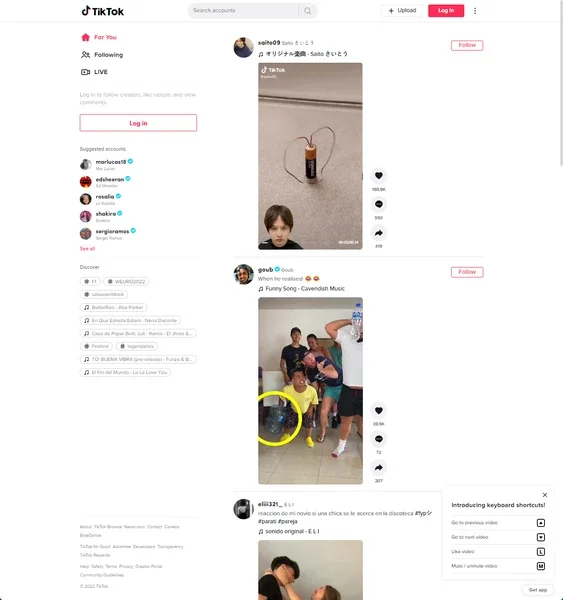
TikTok for Windows is the desktop version of the mobile short-video app. Dragging the mouse up or down moves to the next video, so the feed runs on the same swipe idea as the phone.
Right-clicking a video opens a menu that includes a choice for marking similar clips as unwanted. Picking it tells the TikTok algorithm which kinds of content to avoid showing, so later videos come closer to the user's tastes. That matters because the feed does not always land on something worth watching.
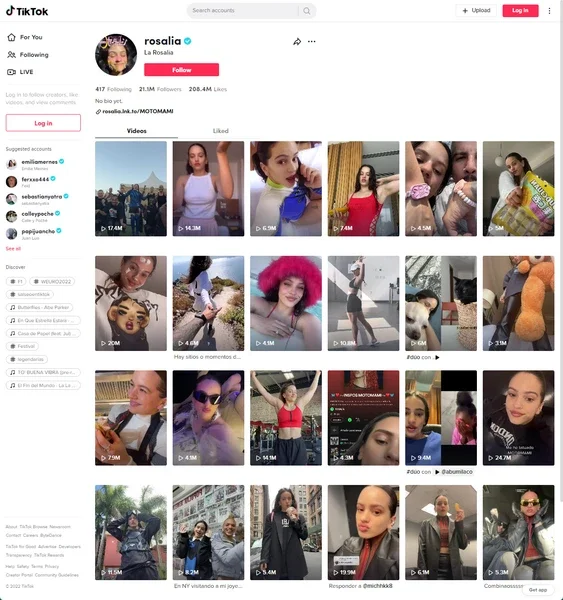
Topics in the feed include sports, movies, music and cats. A video recording section lets users make their own content with the app's tools. Using it properly requires an account.
Download files
Filetiktok-1-0-5-0.msixbundleMSIXBUNDLE
Version1.0.5.0
ReleasedApr 6, 2026
Size717.8 KB
SHA-256
Get
0b66debc161b2415641636397e42561c5241fdf9fa0a74d0d2b6cff1ca013b35
Signed by 73D412C5-1507-4ADC-B58F-491FD52592E3 · valid until Sep 7, 2024Filetiktok-1.0.5.0.msixbundleMSIXB
Version1.0.5.0
ReleasedAug 21, 2023
Size715.5 KB
SHA-256
Get
2681ea97a4cd290cb1736ba773c699a1cbebd5bb469e7522d5ca786d4e37811b
Filetiktok-1.0.3.0.msixbundleMSIXB
Version1.0.3.0
ReleasedAug 3, 2022
Size715.4 KB
SHA-256
Get
c59a3ef2b50ebb81f6bc57f69a4e02b24df09b57b8d9d7386e6ddbb6fb9d422f
System requirements
Available on:
Additional information
Developer
Latest release
1.0.5.0 · Apr 6, 2026
Size
717.8 KB
Category
File type
MSIXBUNDLE
SHA-256
0b66debc161b2415641636397e42561c5241fdf9fa0a74d0d2b6cff1ca013b35
Digital signature
Signed by 73D412C5-1507-4ADC-B58F-491FD52592E3 · valid until Sep 7, 2024