
X (Twitter) 7.0.1.0 for Windows
Post, read and follow X on a Windows desktop without a browser
You are on macOS — this is the Windows version. See the macOS version
Screenshots


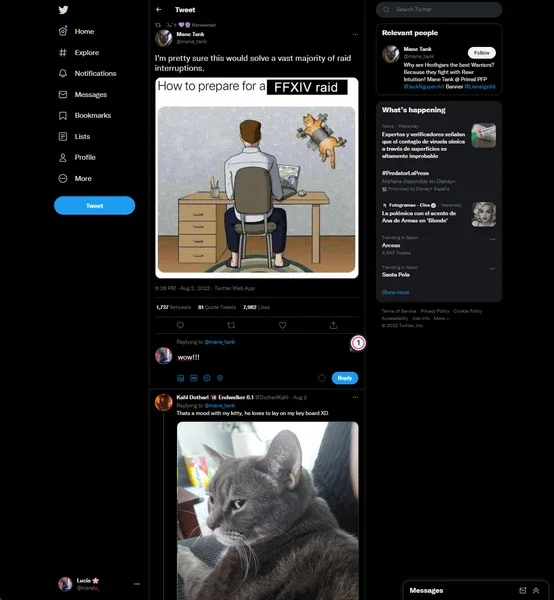
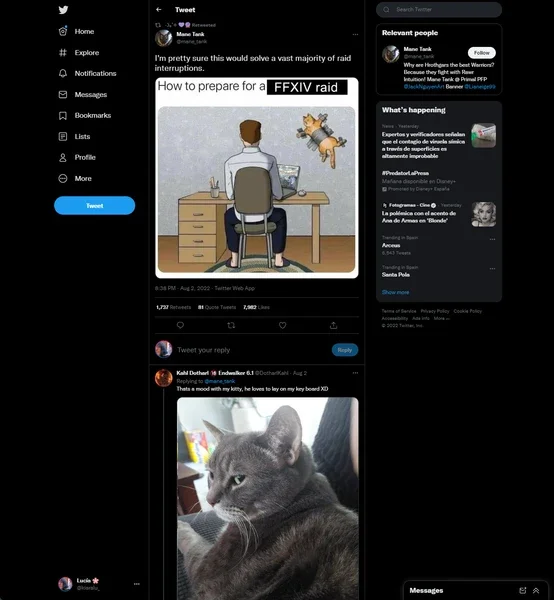
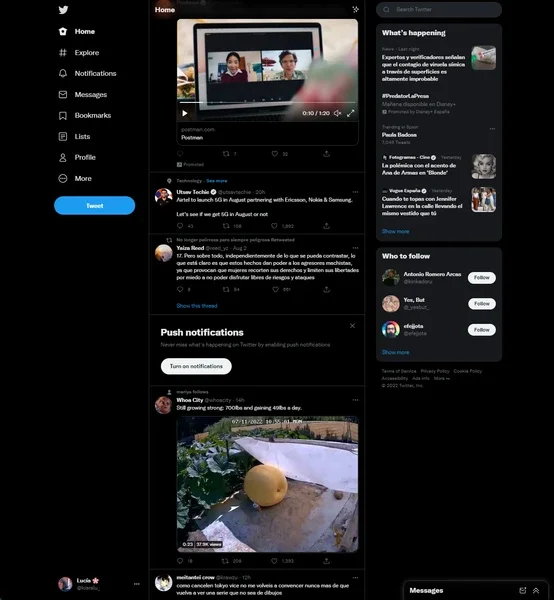
Description
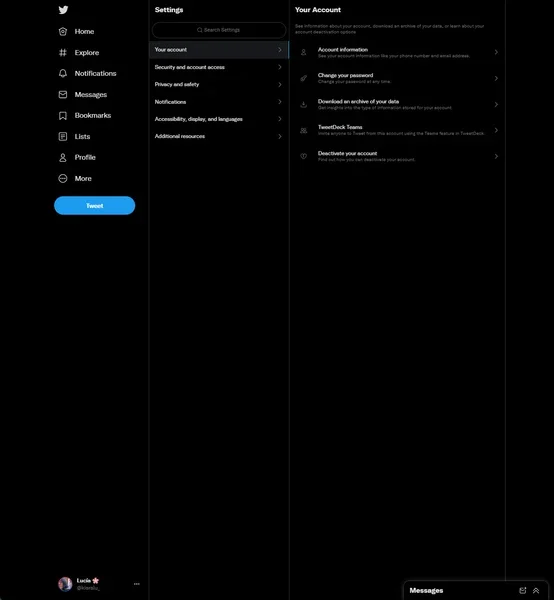
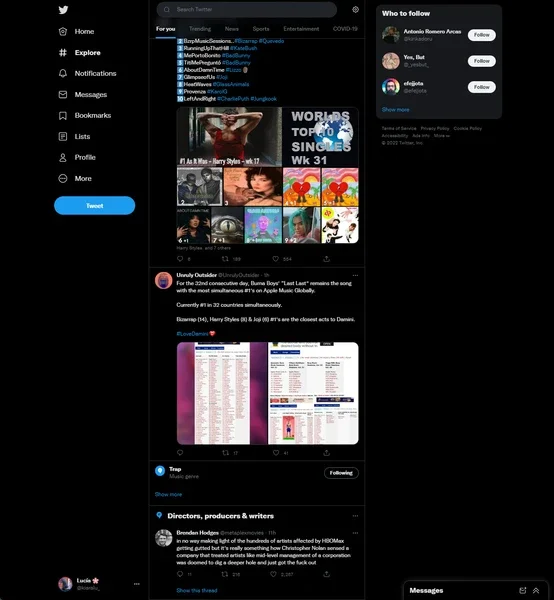
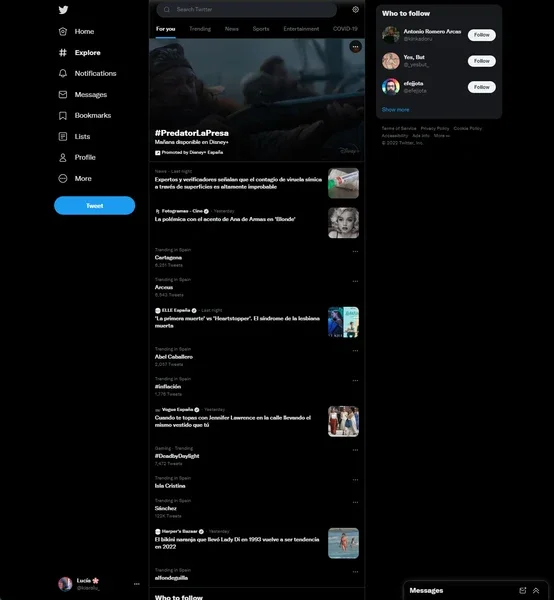
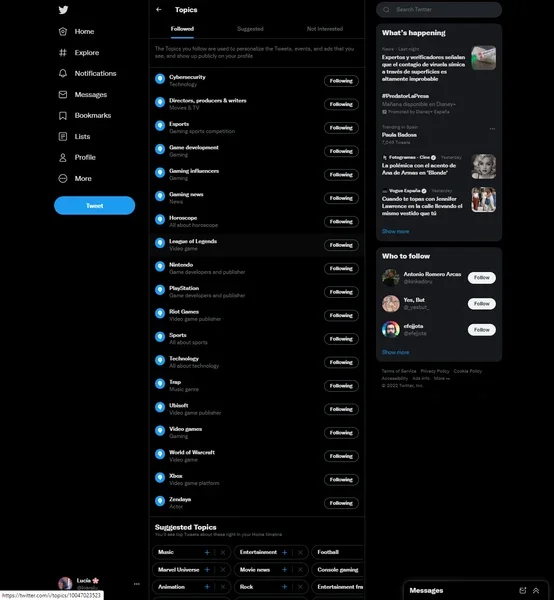
X (Twitter) puts your X account on a Windows desktop without opening a browser. You sign in and the timeline is there. It is a microblogging system, so a tweet runs to 280 characters at most. Within those limits you can create your own content and share it with your followers and other users, and the program has internal tools to help you put that content together.
What people mostly do with it is find breaking news and trending topics about entertainment, politics, and daily life. The timeline can be shown in chronological order, or by the algorithm, which picks tweets based on how you use the network. Both options sit in the same window, and switching between them changes what you see first.
The program is built specifically for Windows. It is free, and the current build is 7.0.1.0.
Download files
509c3e05cc31ebad6853b84b93655aab19780b924b4f9601b0bc3e88b76efb5f
Signed by Microsoft Corporation · valid until Sep 16, 2024d4a057b4158461f1973de23c8da95137cf6692fc568f873e43055d43f7ab2a8e
Signed by 2079F891-4F1B-4C35-9488-2582FB598793 · valid until Jun 13, 20219d83b1ee79a0a9b020663820eb665197d9816eb0433eac5138876b6df173d95e
System requirements
Available on:
Minimum OS:
Windows Windows 11 or later
Additional information
Developer
Latest release
Size
Category
File type
SHA-256
509c3e05cc31ebad6853b84b93655aab19780b924b4f9601b0bc3e88b76efb5f