
Notification system with history, themes and network alerts
You are on macOS — this is the Windows version. See the macOS version
Screenshots
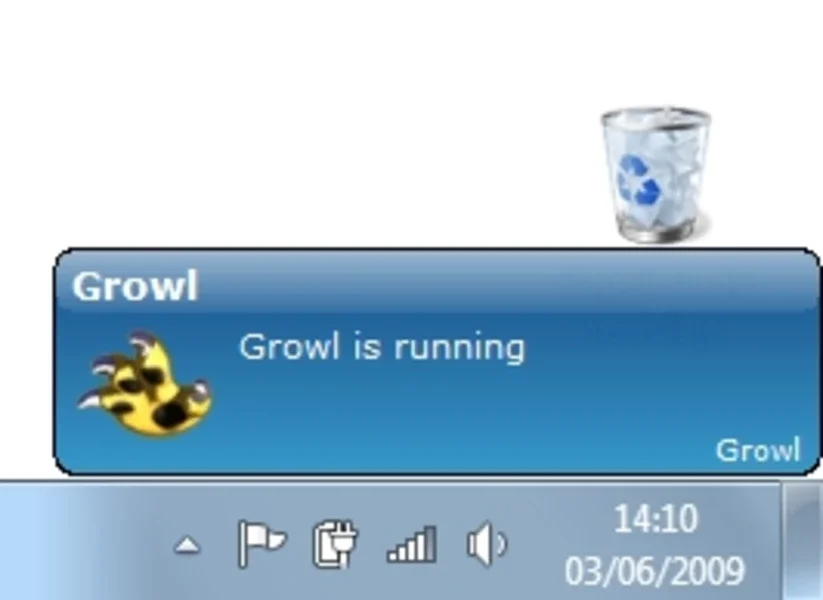
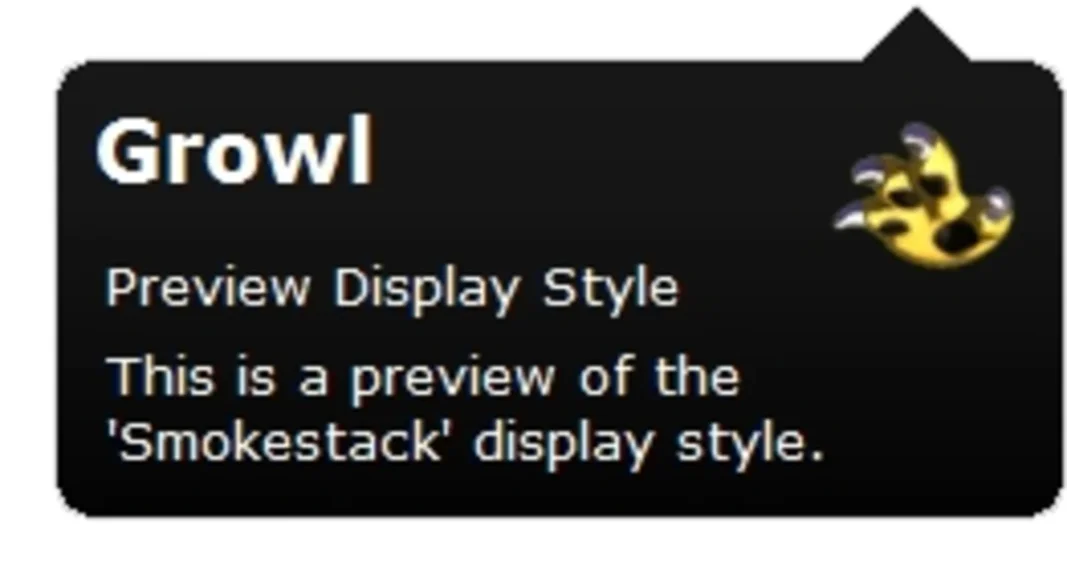
Description
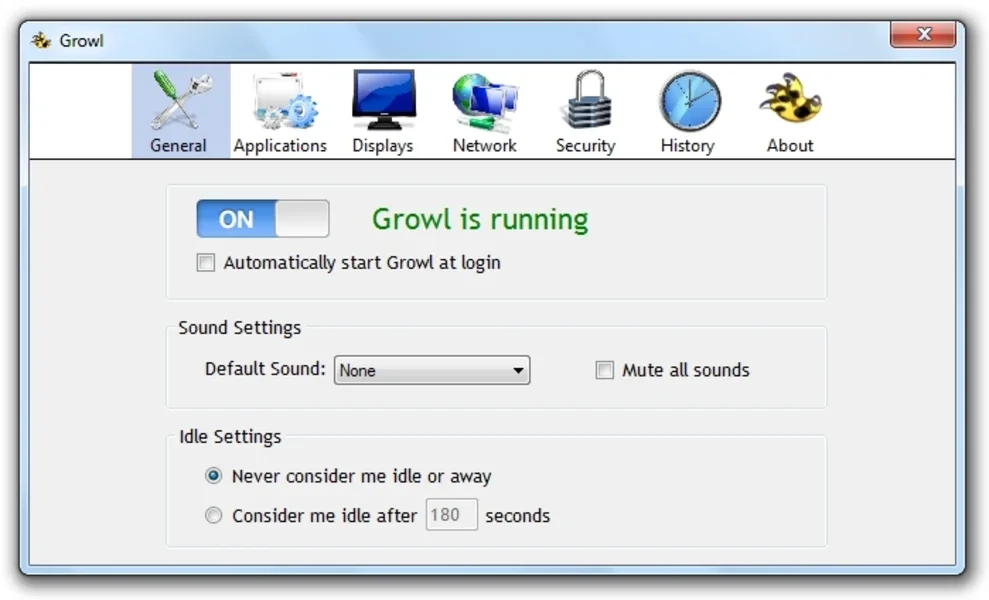
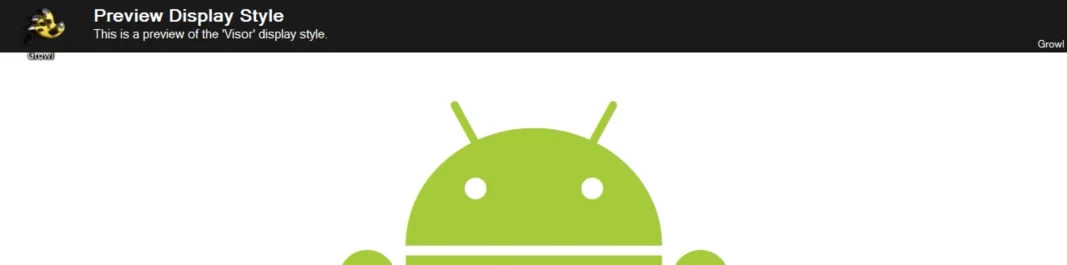
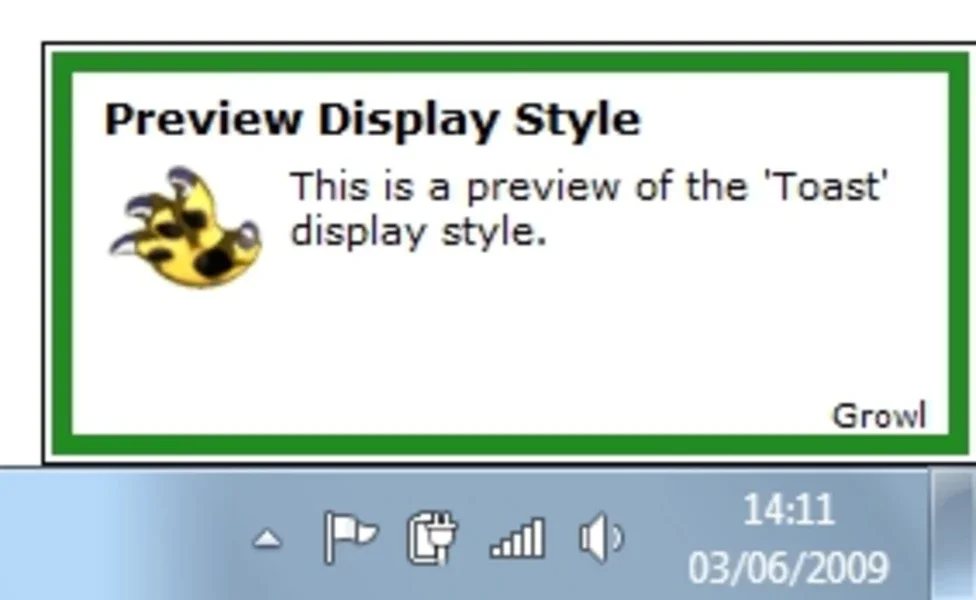
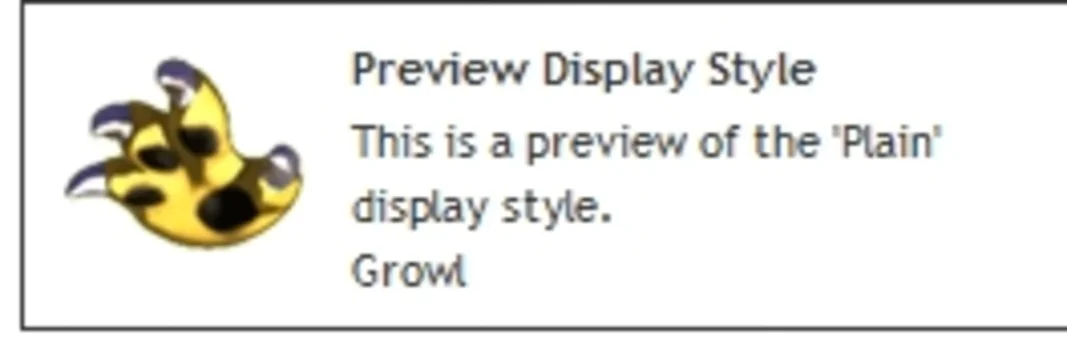
Growl puts notifications on your Windows screen, the kind that slide in from the edge when something happens in another program. It is a notifier that was originally known in the Mac world, and the Windows version aims to compete with the notifier built into Windows. It has notification history, so you can look back at what came in. There are different themes, and you can change the shape and color of notifications. Button layouts, sizes and color combinations are all adjustable, and the whole thing is fully customizable. It also has an application manager for the programs that send you alerts.
Sound notifications are included, along with network notifications and a sleep mode. Password protection is there too.
Download files
663598d376d15eaea5d82d21abcaed36039d958eced0e085b7b9937f3e10b8da
No digital signaturee0ab2a6c6e4fffce8ff112df3513a610d653d86f7a592b7af7c65fd292d74c53
1ab1852a3eec5bcbce59f8a3ea9dcb9b1816da951305a8f1d8ae2343c0600591
5013c6dcc523991d61fbfa7cf1e4146207bf592d437cfe317d50184dcbdb0a6a
2f874c00602eea6d998fda8579de39cbbd2a1ea614cd6f2b63fe28126be5aec8
System requirements
Available on:
Additional information
Developer
Latest release
Size
File type
SHA-256
663598d376d15eaea5d82d21abcaed36039d958eced0e085b7b9937f3e10b8da





