
Manages Xray proxy connections with per-app routing rules
You are on macOS — this is the Windows version. See the macOS version
Screenshots
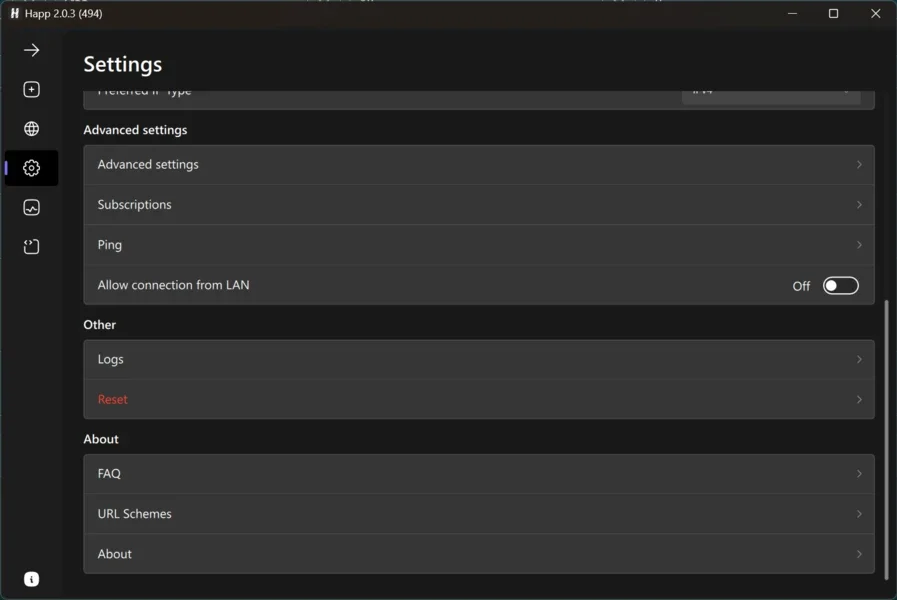
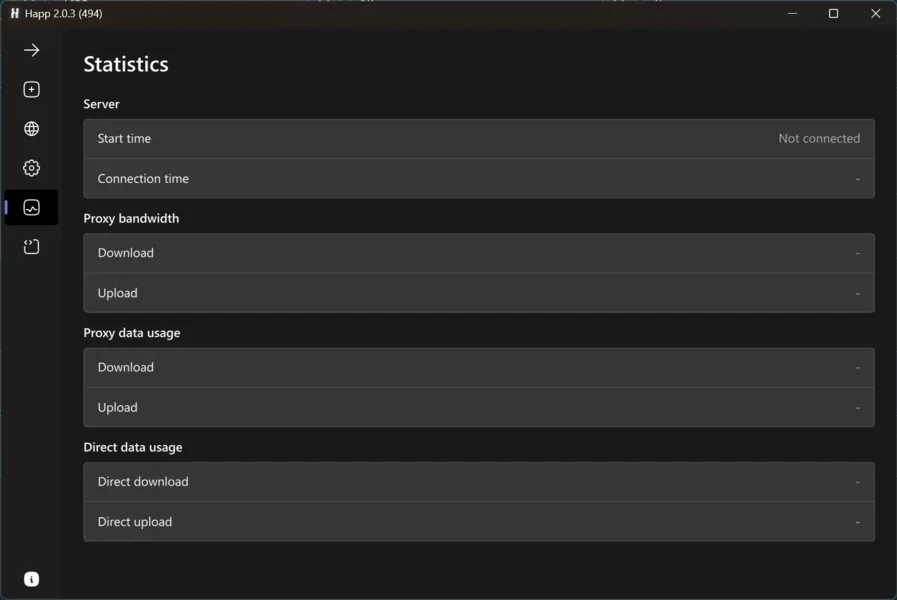
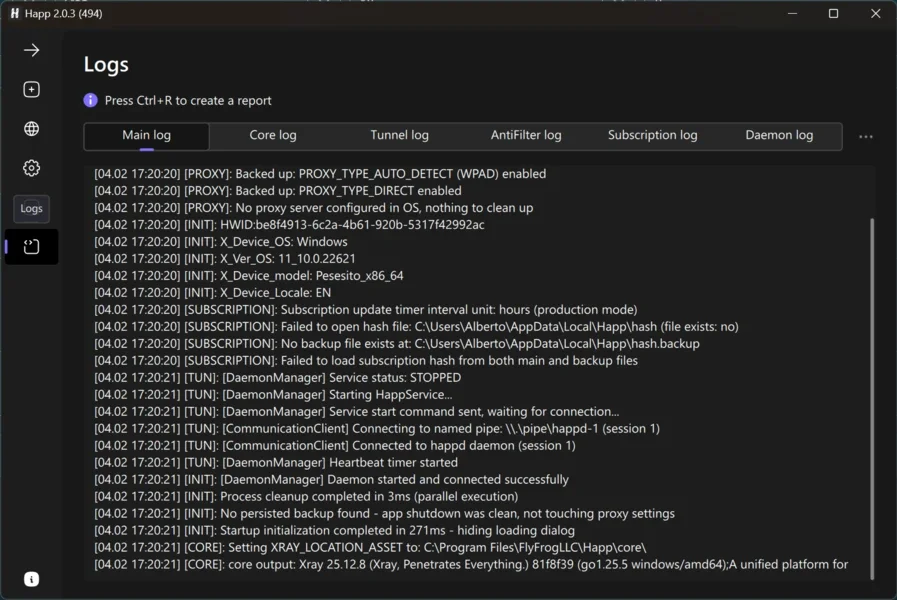
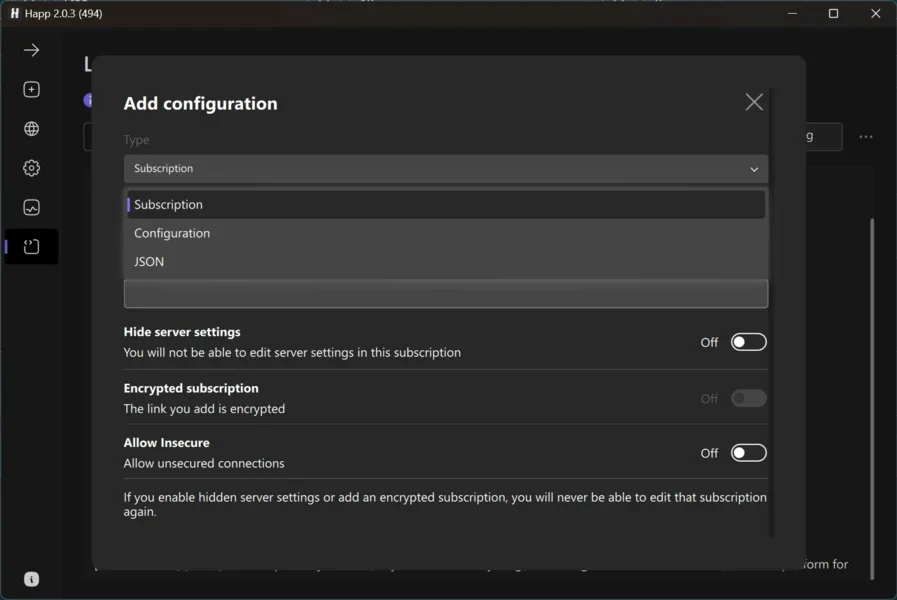
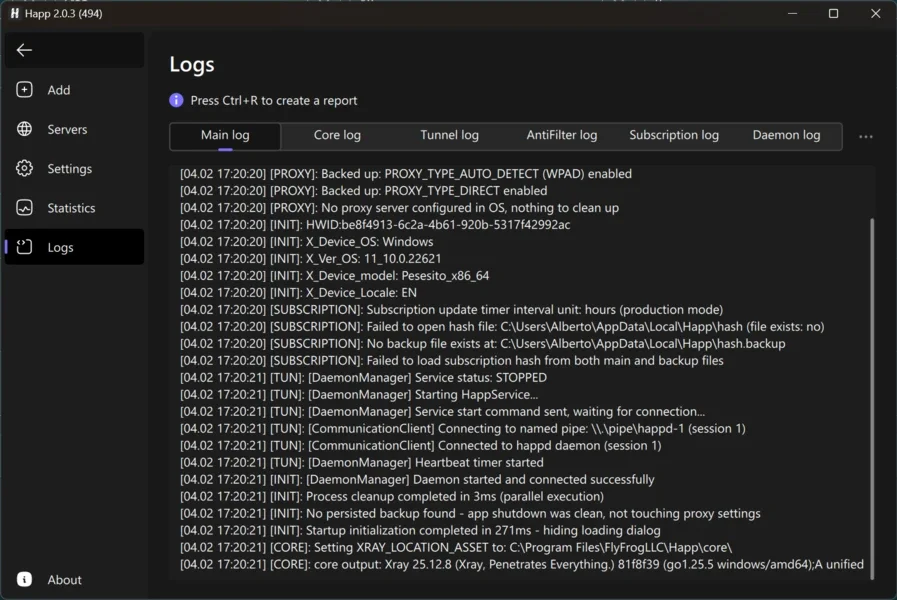
Description
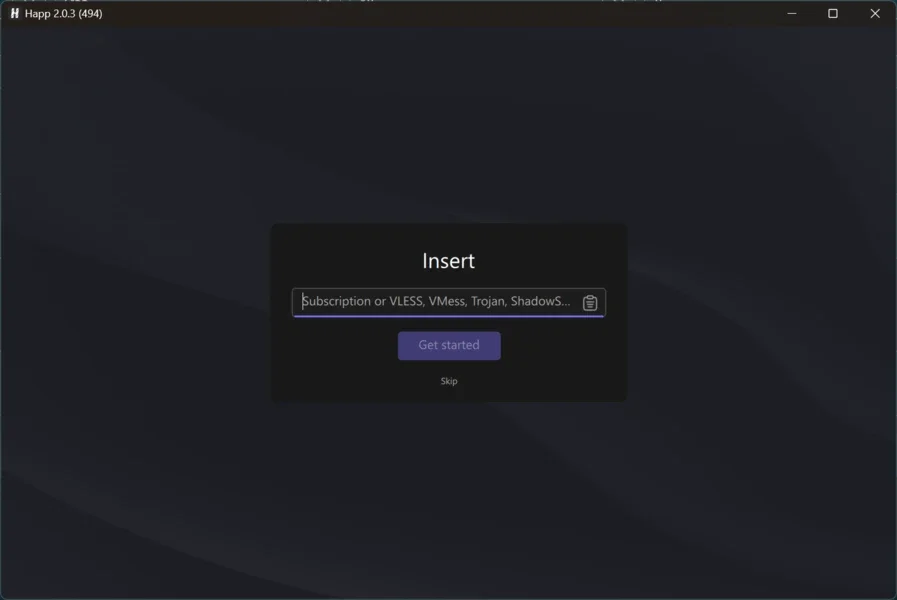
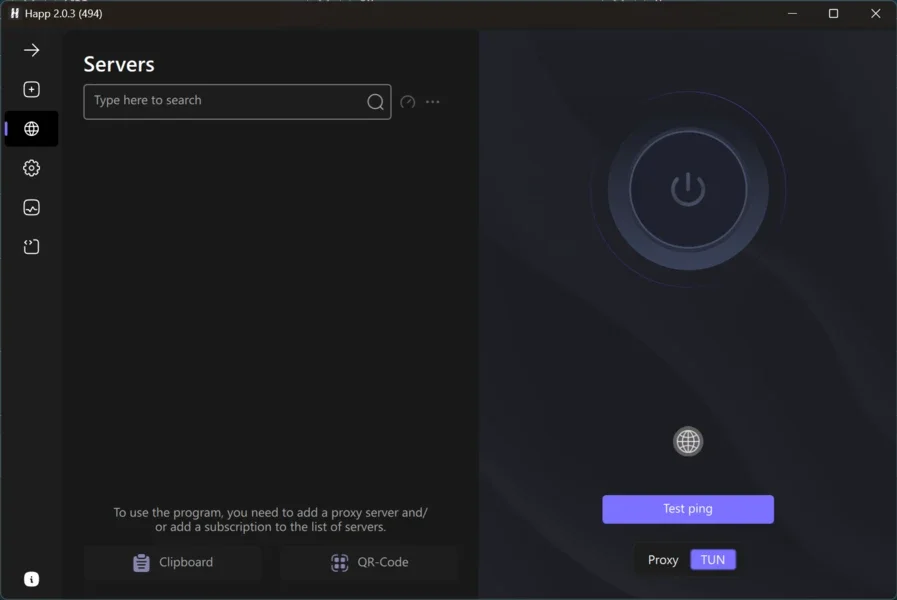
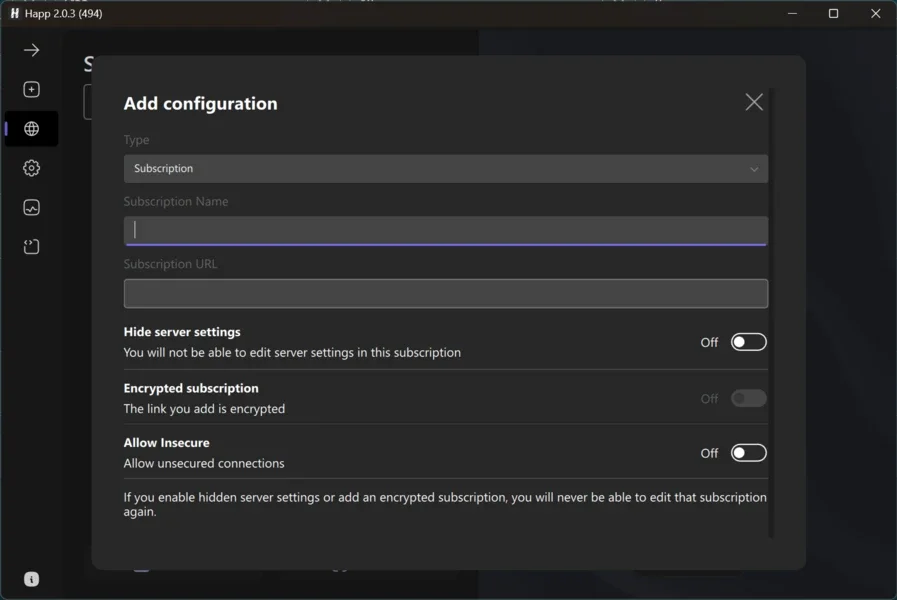
Happ routes only the websites or apps you choose through the proxy, so everything else keeps using the normal connection. It is a management and connection tool for people who already have access to Xray servers. You add servers to the app and click Connect.
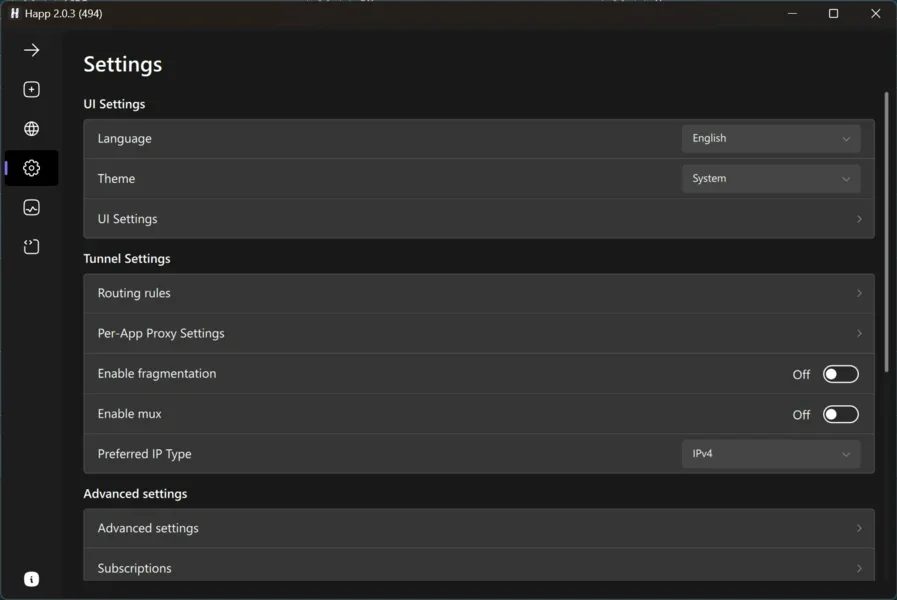
Routing rules decide which traffic goes through the proxy, set by domain, IP, or protocol. VLESS (Reality), VMess, Trojan, Shadowsocks, and Socks are all supported. You can add several profiles with different protocols and switch between them. Connection details such as the outgoing IP address and latency to the server are visible at any time. Configuration data isn't uploaded to external servers, and the app doesn't monitor network activity for collection. Settings and data stay on the device.
Happ doesn't sell or include VPN services. The remote servers are yours to obtain, configure, and look after, free or paid, and the app is the interface for using them.
Download files
3dd0ac14f4013cfb67fb2a34930a9ff2f31becfc88fd635e6fe559ced5fa94e3
Signed by Flyfrog LLC · valid until Mar 5, 20266b6ff7def794e76d0f0c1c2e955006fa372811a65a3917e445cee3001de7f485
Signed by Flyfrog LLC · valid until Jan 26, 2026System requirements
Available on:
Minimum OS:
Windows XP or later
Additional information
Developer
Latest release
Size
File type
SHA-256
3dd0ac14f4013cfb67fb2a34930a9ff2f31becfc88fd635e6fe559ced5fa94e3