
Hasleo Disk Clone 5.9.2.0 for Windows
Clones disks and partitions, migrates Windows without reinstalling apps
Screenshots
Description
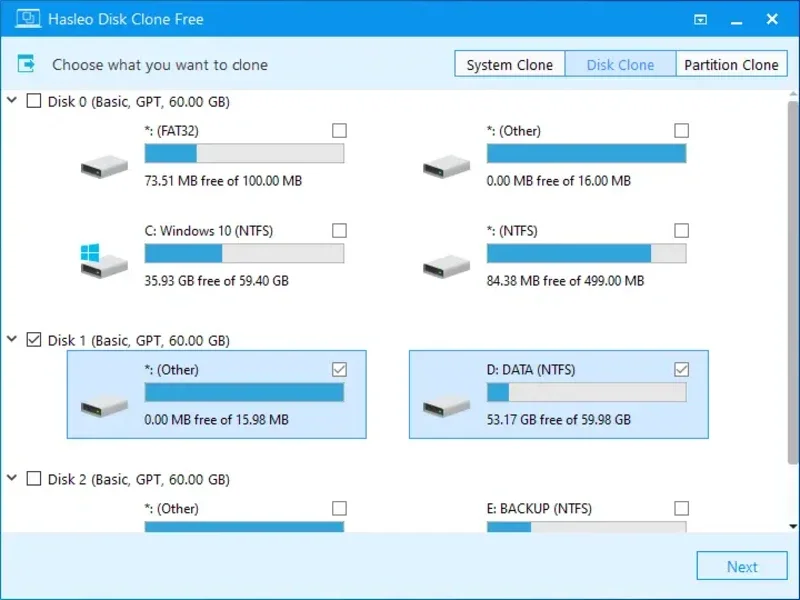
Hasleo Disk Clone is used to move a Windows installation to a different disk without reinstalling applications. Choose one of three actions: System Clone, Disk Clone or Partition Clone. In System Clone the source disk is picked for you; the other two ask you to select it yourself.
Running a clone
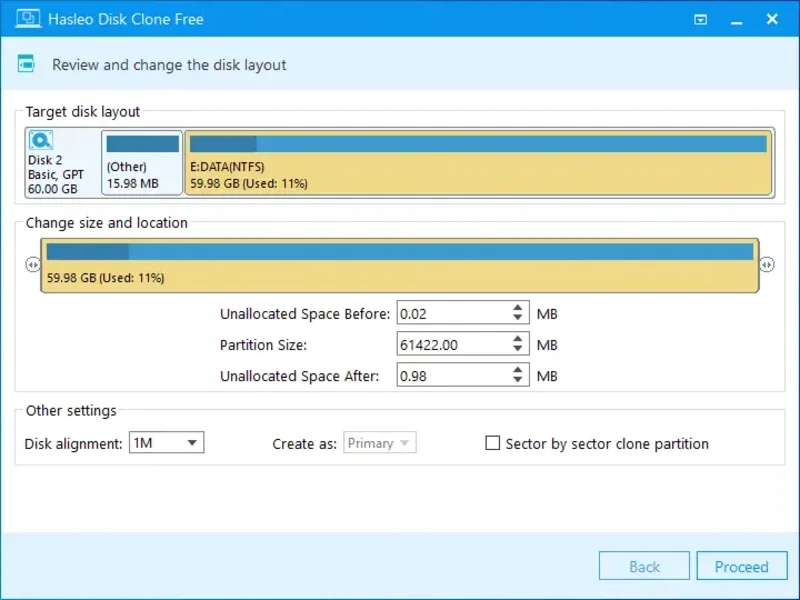
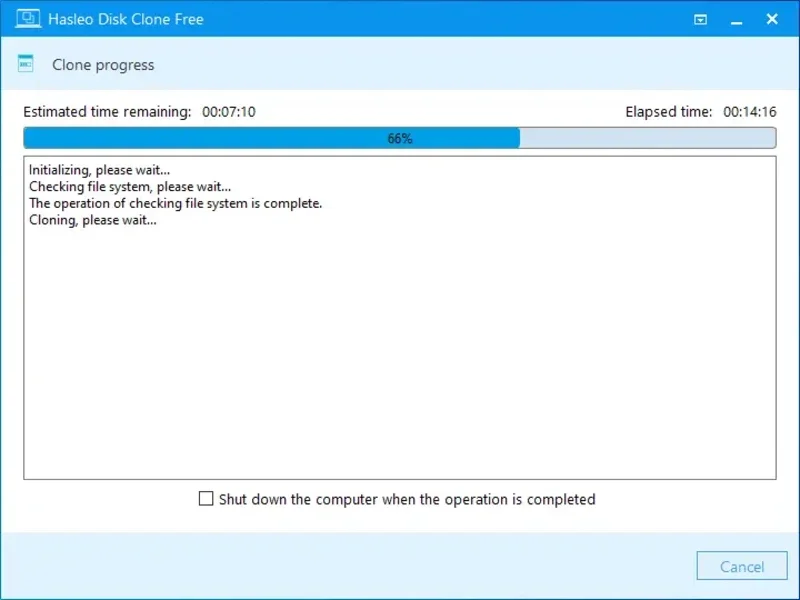
After you pick the destination disk and click Next, a pop-up states that everything currently on the chosen drive will be erased. The cloning starts once you confirm that warning. How long it takes depends on how much data sits on the source disks. The last step lets you change the size and position of partitions. If some terms are unclear, a detailed guide with screenshots explains them. The program is free, and the interface comes in several languages, among them English, German, French and Italian.
Download files
280509fc1f4f2a7495f0cb910d615e1b17fbad6bb0f7816bf8a24809d4f2eb1c
Signed by Chengdu Hasile Technology Development Co., Ltd. · valid until May 13, 2027280509fc1f4f2a7495f0cb910d615e1b17fbad6bb0f7816bf8a24809d4f2eb1c
Signed by Chengdu Hasile Technology Development Co., Ltd. · valid until May 13, 2027453057785bd495b4e0b99cc1a5844165d0391b082dbd9f6358fea2842d1a3add
No digital signature92dd29ffd103bb6a38ca134855a499e6828249930ecaf3db04fccf54a81631be
79be670e69d081c4549dcddbc2d256b01cba620847edb251328507addcc3305d
System requirements
Available on:
Minimum OS:
Windows Windows 10 or later
Additional information
Developer
Latest release
Size
Category
File type
SHA-256
280509fc1f4f2a7495f0cb910d615e1b17fbad6bb0f7816bf8a24809d4f2eb1c





