HDD Low Level Format Tool 5.6 for Windows
SHA-256 listed
Securely wipes a storage drive by overwriting every bit with zeros
All ages
Age rating
Screenshots
Description
HDD Low Level Format Tool is a Windows utility that securely formats storage drives and removes their data. Deleting a file in Windows does not erase it; the bits it occupies are merely allowed to be overwritten. The tool overwrites every bit in a storage unit with the value "00" instead, which leaves no trace of personal information on the device.
What happens after you pick a drive
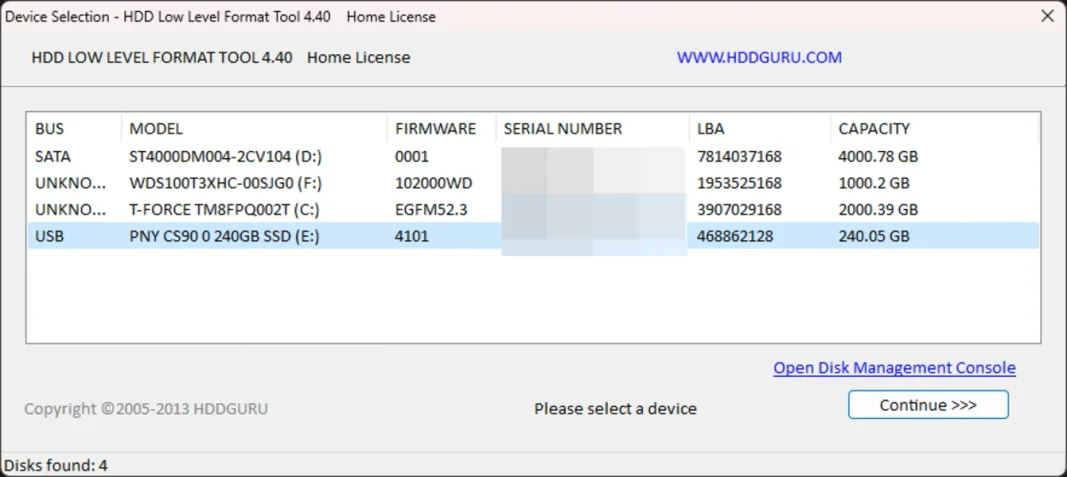
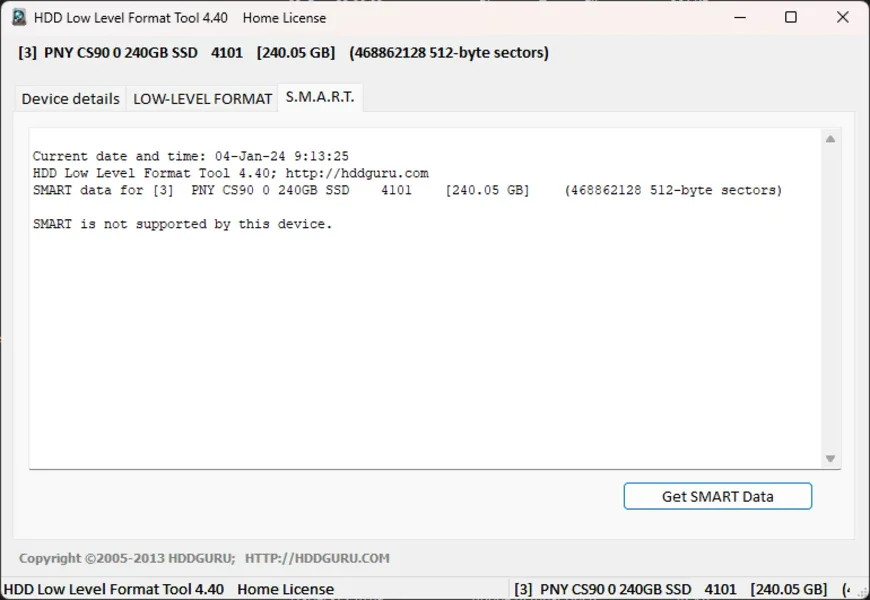
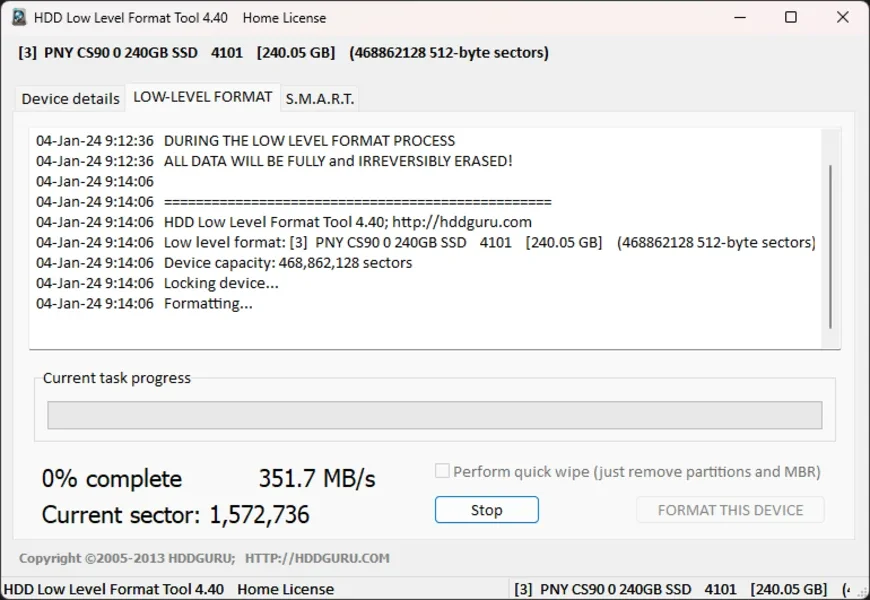
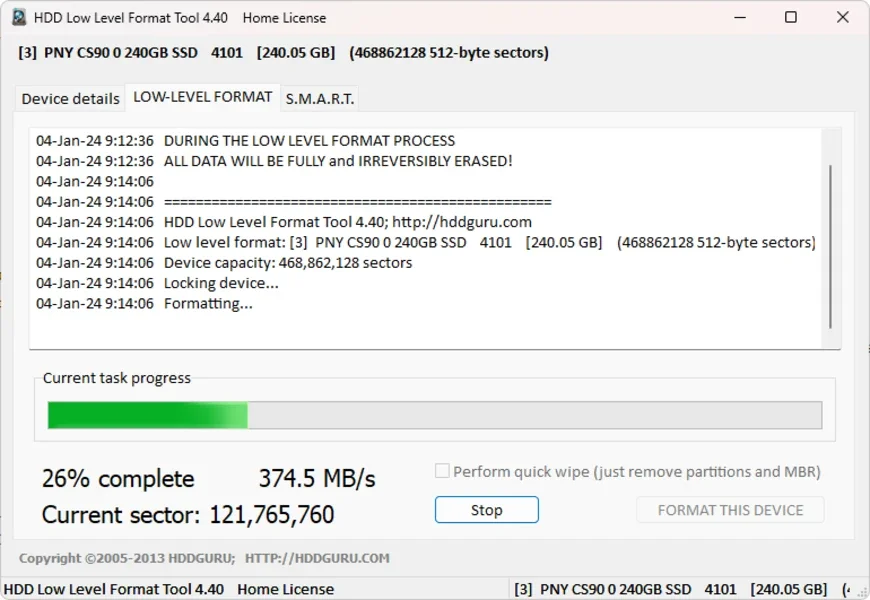
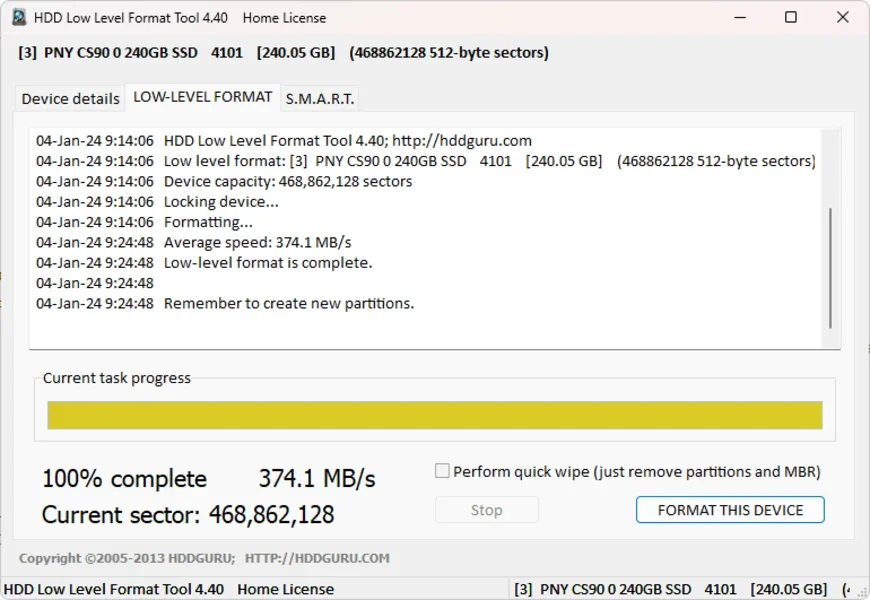
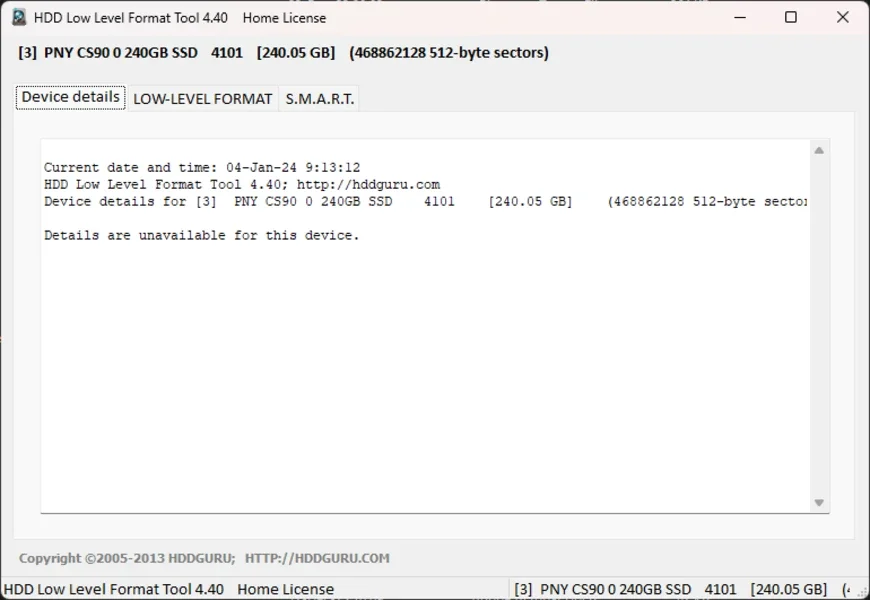
Opening the program shows a full list of the available storage drives. After you select one and click "Next", three options appear: a screen of device details, S.M.A.R.T. data, and low-level formatting. The S.M.A.R.T. readout covers things like the count of write cycles and the hours of use.
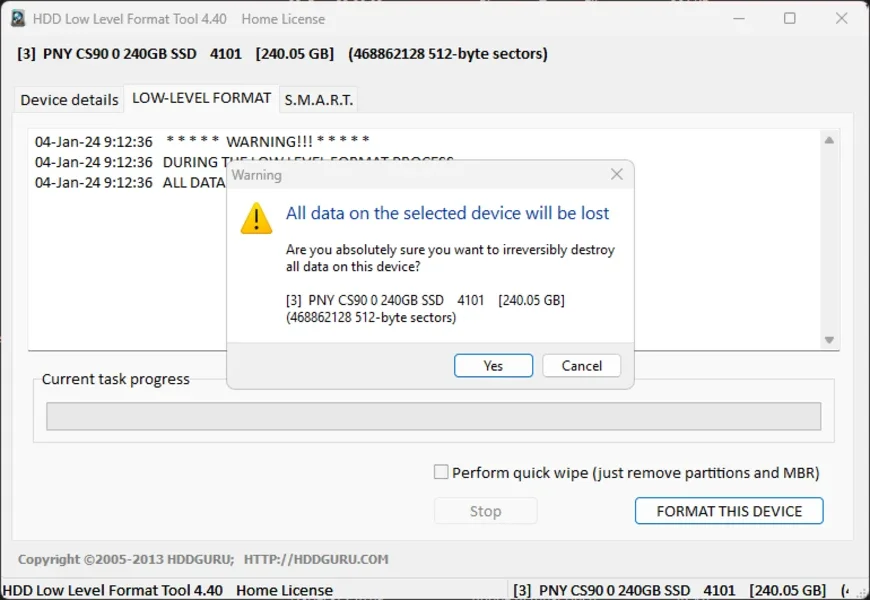
- Choosing "Format this device" erases all data on the drive permanently, beyond recovery by programs such as Recuva.
- The process is complete when it reaches 100%.
- Speed depends on the storage drive, running faster on an SSD and slower on a hard disk.
- On an SSD or USB flash drive, a pass amounts to a full write cycle equal to the drive size and shortens its useful life; such drives tolerate only so many of these, so run the tool on them once.
- Preparing a hard drive for resale suits it well, since the stored information cannot be recovered.
Download files
File5.6EXE
Version5.6
ReleasedMar 23, 2026
Size33.8 MB
SHA-256
Get
6743f3e7ac21b14c9664ab51d5ec61b61f2602ebd135bdc1705df1442dc02d0d
No digital signatureFilehdd-low-level-format-tool-5.2.exeEXE
Version5.2
ReleasedMar 16, 2026
Size33.8 MB
SHA-256
Get
e6c197b32691733f2db461fe93481d480df85422bb5186a01856f7bed2204b79
No digital signatureFilehdd-low-level-format-tool-4.50.exeEXE
Version4.50
ReleasedDec 18, 2024
Size2.1 MB
SHA-256
Get
9d1b0d220bce5150069d6878c6889a8288e0bf26f29329d90ba2064b33707066
Filehdd-low-level-format-tool-4.40.exeEXE
Version4.40
ReleasedJan 4, 2024
Size759.0 KB
SHA-256
Get
09aa2b3a6e5ee49fbf9a84a222fb23440ce601435d602dd1f79b2c3727cafd67
Filehdd-low-level-format-tool-2.36.11.81.exeEXE
Version2.36.11.81
ReleasedUnknown
Size496.3 KB
SHA-256
Get
35cae9a7990700f744eaf490550dcc6439f676e12743c070ca72d75f29797f5e
No digital signatureSystem requirements
Available on:
Additional information
Developer
Latest release
5.6 · Mar 23, 2026
Size
33.8 MB
Category
File type
EXE
SHA-256
6743f3e7ac21b14c9664ab51d5ec61b61f2602ebd135bdc1705df1442dc02d0d
Digital signature
No digital signature





