HDD Raw Copy Tool 2.6 for Windows
Clones disks and cards sector by sector, byte for byte
Screenshots
Description
HDD Raw Copy Tool copies a disk sector by sector, so the destination ends up identical to the source. It doesn't care about the file system or how the partitions are laid out.
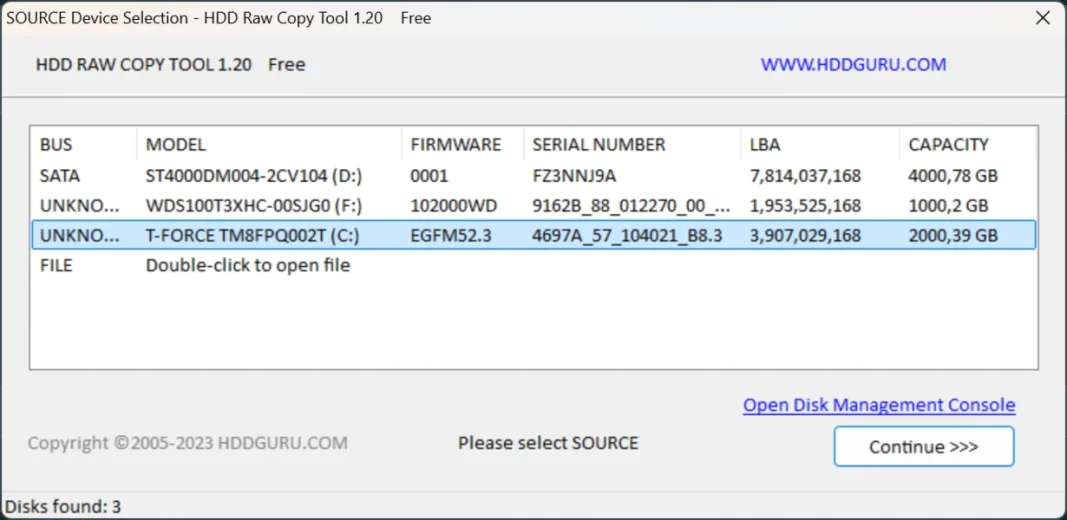
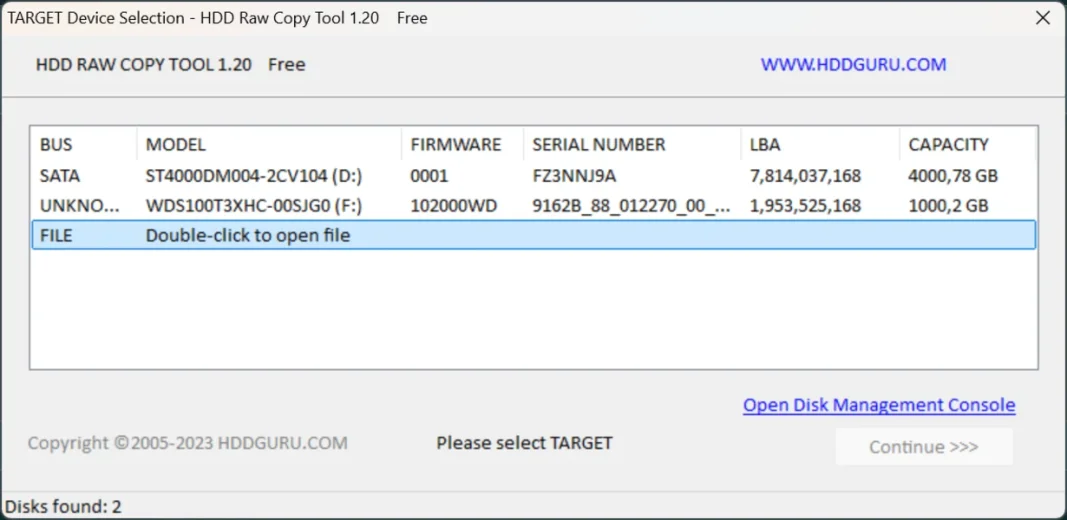
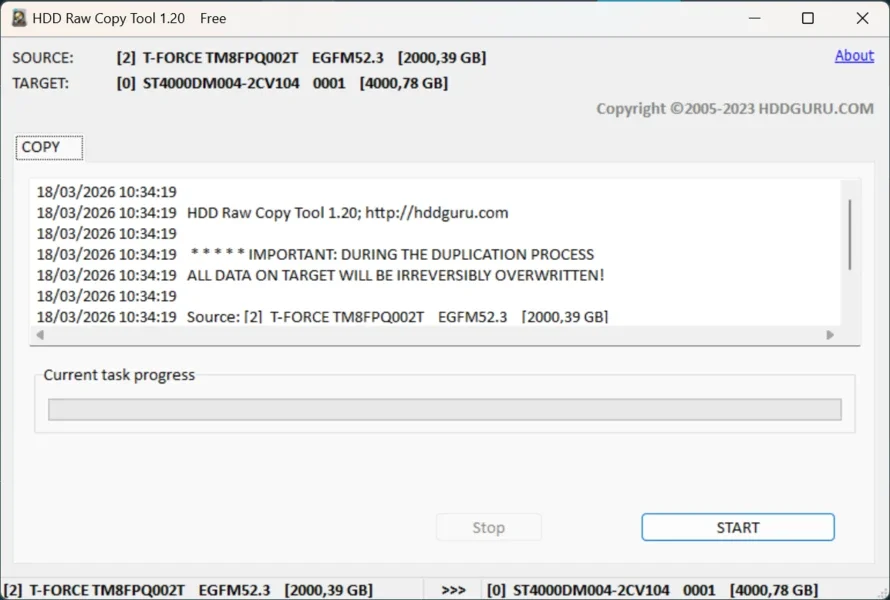
Pick a source: a physical disk, a USB drive, an SD card, or an existing image. Then pick where it goes, another disk or a new image file, confirm, and let it run. Everything comes across: the MBR or GPT table, the partitions, the data, the empty space, the bad sectors. The clone is bootable if the original was, settings and installed programs included. Images are saved as .img or .bin, and compressed images work without losing data. Restoring an image to a new drive is the reverse trip. When the two disks differ in size, the destination needs to be the same size or larger; any space left over can be recovered afterwards with Disk Management. Copying to a hard drive takes noticeably longer than to an SSD. For drives that ordinary software can't read, it will try to keep going past bad sectors, skipping only the ones it cannot read and writing their exact position to a log.
While it runs you see progress as it happens, with the current read speed and the current write speed, an estimate of the time still to go, and a running count of errors. A whole system disk went to an SSD in under an hour and booted from the copy.
Download files
0034023a5133971493e50b29ad9cea9940473a517c21e6606b0db149fcba1329
No digital signaturec34ff6181728ec4d1a3443d9326eec5334afcf3f49b87fc479f3767ea8df1fbd
No digital signatureSystem requirements
Available on:
Additional information
Developer
Latest release
Size
Category
File type
SHA-256
0034023a5133971493e50b29ad9cea9940473a517c21e6606b0db149fcba1329





