Alerts you to new mail on six providers from the task bar
You are on macOS — this is the Windows version. See the macOS version
Screenshots
Description
Howard Email Notifier watches your mail accounts and tells you when something arrives. It handles Outlook, Gmail, Yahoo Mail, Zoho, Mail.ru and Virgilio.it, and its window keeps a separate tab for each provider. The default check runs every five minutes. You can set any interval you like instead.
To add an account, pick its tab, tick 'Use for new emails' and click 'Change current email'. A browser tab opens so you can sign in, and syncing starts from there. After installation the program sits in the task bar. Right-clicking its icon opens the options.
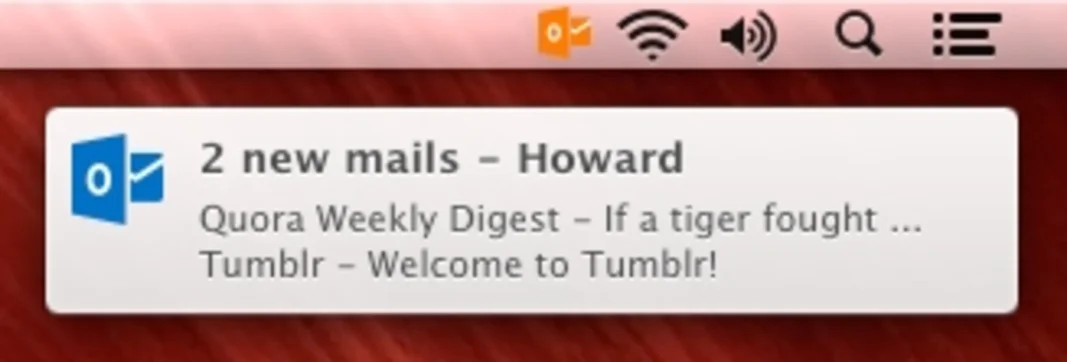
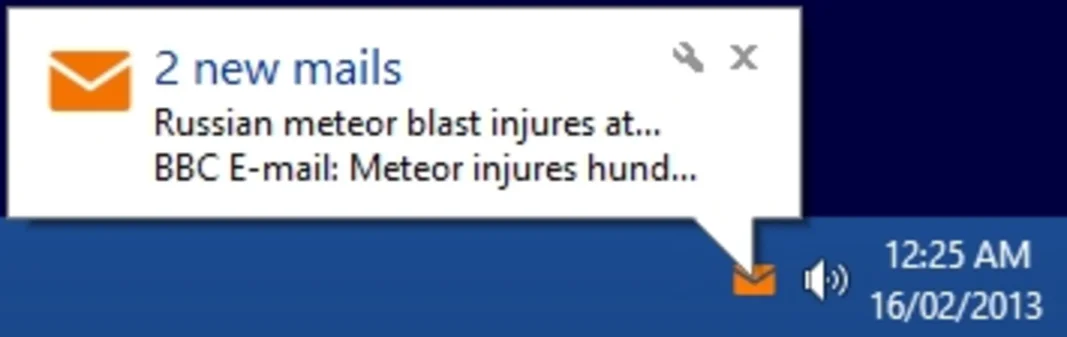
New mail brings up a small window and plays an audio notification.
Download files
05789470149f4bd4488763ef0544660877f98667e673d168210f06ca094e7c71
14aed8e3d11bba771ccb58215560e1535452b4af3cc43ca17b79ba181cbce690
b6129d1c11ba67f14ba0ba3ed775a592447529533a5eec6c7c064981413ad247
63bf93dceba66fbdb1d3ee0fd65197b2e30fbe70682cc5a3fb3ec846353a4601
15da91c0b6557896a39f850afefb9b7af94297ec15292a3a05caf555f5689ebc
System requirements
Available on:
Additional information
Developer
Latest release
Size
File type
SHA-256
05789470149f4bd4488763ef0544660877f98667e673d168210f06ca094e7c71