
HUAWEI HiSuite 14.0.0.380 for Windows
Connects a HUAWEI phone to a PC for backups, updates, and repairs
You are on macOS — this is the Windows version. See the macOS version
Screenshots
Description
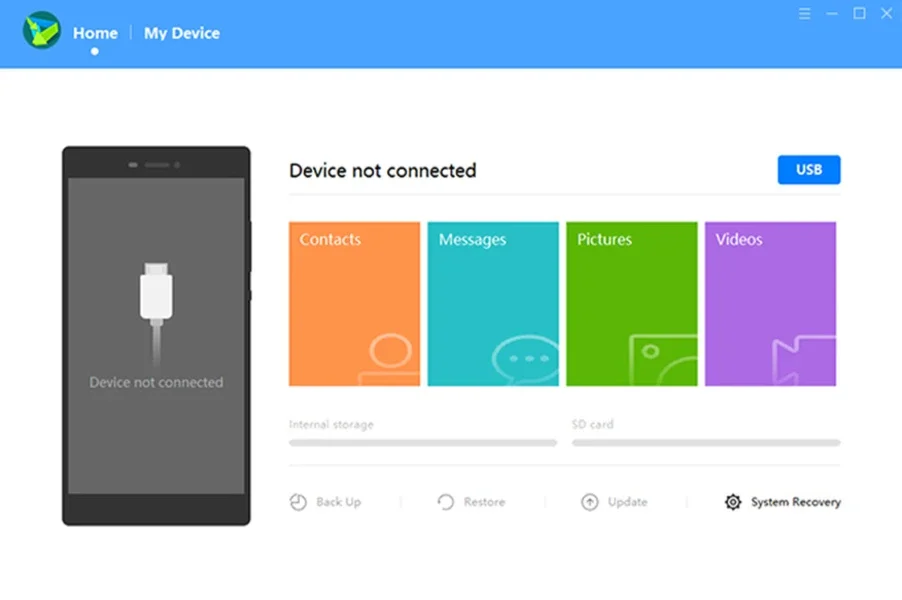
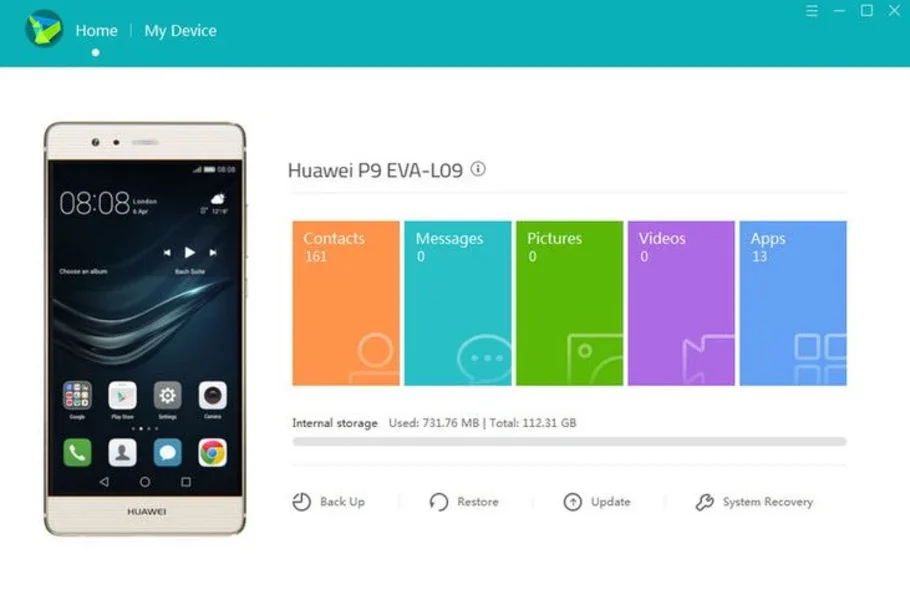
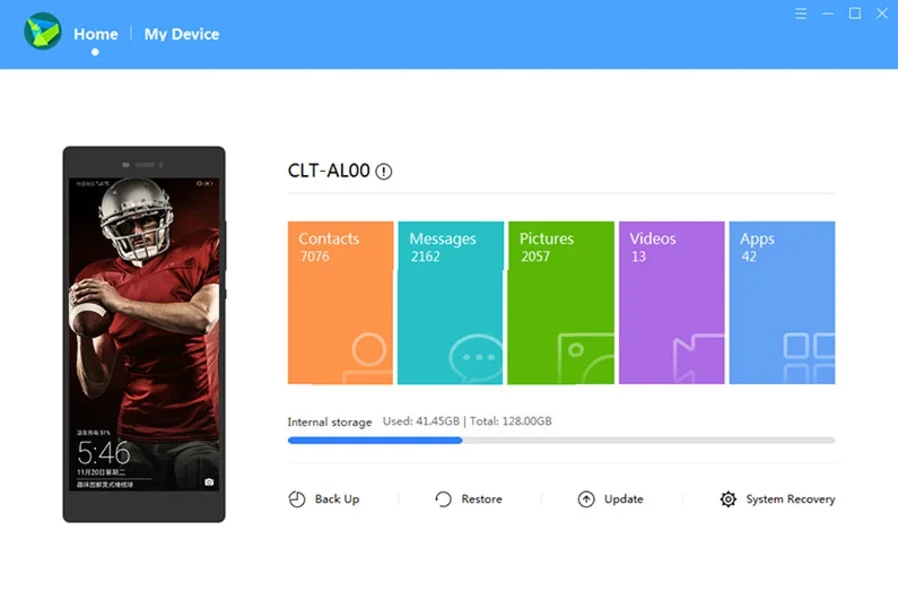
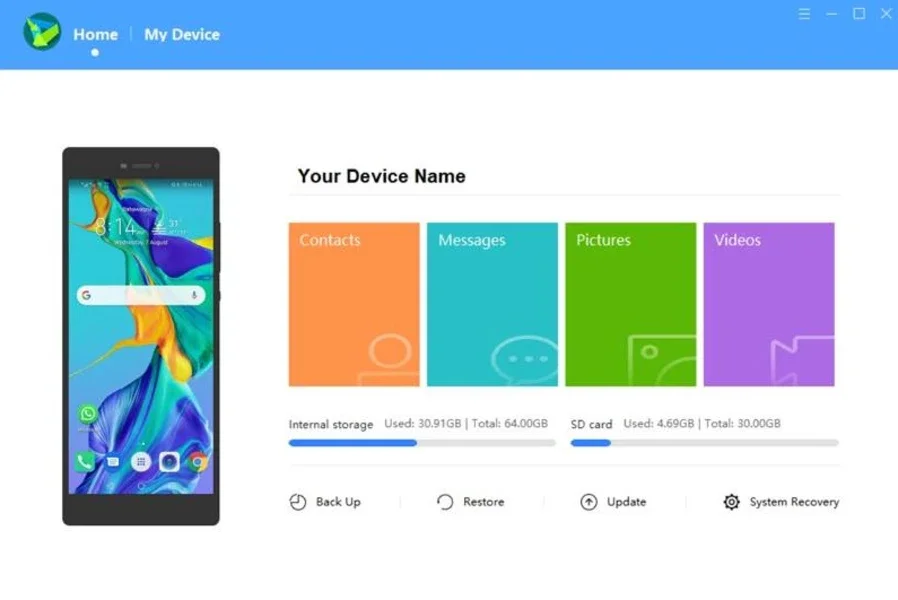
HUAWEI HiSuite connects a HUAWEI smartphone to a computer so you can back up videos and text messages, manage contacts, messages, and apps from the desktop, and take a one-click screenshot of the phone screen. It runs on Windows and Mac and is free.
Software updates and rollback
The program can update the phone's system or roll it back to an older version. A rollback restores the phone to its previous state after slowdowns, bugs, or the device becoming unusable, but it completely wipes all personal data. On-screen instructions guide you through the process, and a Huawei ID is needed to follow the prompts for restoring or repairing software.
Some advanced features may not work on every model. Devices are connected using eight-digit verification codes. Connection issues can occur, especially with a loose or old USB cable, and the program can freeze during large transfers. Some tasks may require help from someone with more knowledge, such as a friend, relative, or certified technician.
Download files
28f0786004358beab5dba1dca82a734d36bf6a95b5b13f148c5fbf662e0bf7cc
Signed by Huawei Technologies Co., Ltd. · valid until Oct 10, 20267801f3fff3be0b3c63a68f7c577cad3dece98e4854644a1d605679c9b6d7e498
Signed by Huawei Technologies Co., Ltd. · valid until Oct 10, 2026c93388eeac3e07d583da1a64a8682c99444c30b9c71b275d492a7e1f51618213
8f44ee18eed5606cb211bdcf78258bdca061767ab366c6c5d055d8982b22fa87
8f44ee18eed5606cb211bdcf78258bdca061767ab366c6c5d055d8982b22fa87
System requirements
Available on:
Minimum OS:
Windows Windows 11 or later
Additional information
Developer
Latest release
Size
Category
File type
SHA-256
28f0786004358beab5dba1dca82a734d36bf6a95b5b13f148c5fbf662e0bf7cc