
iBackup Extractor 26.7.7.0 for Windows
Browse iTunes backups and pull out files without a restore
You are on macOS — this is the Windows version. See the macOS version
Screenshots
Description
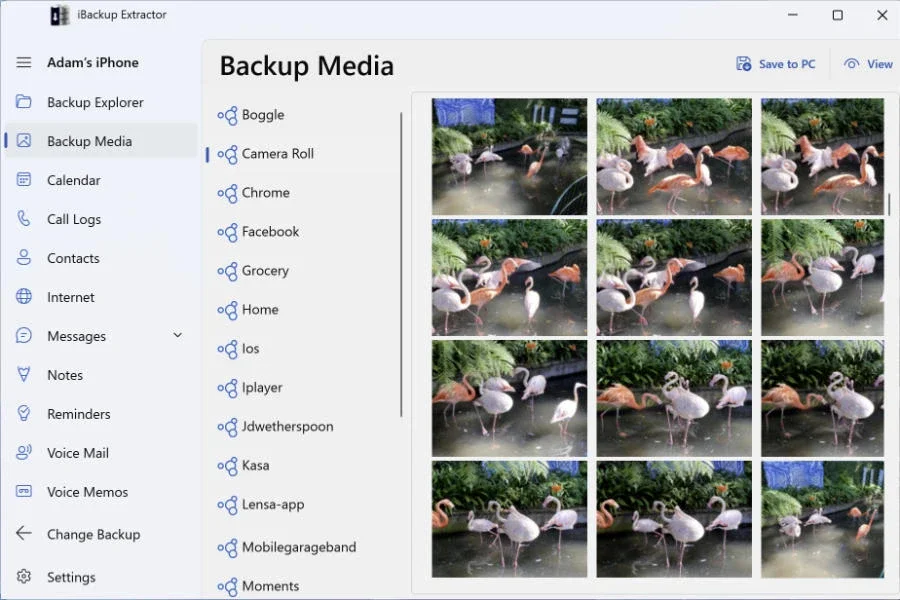
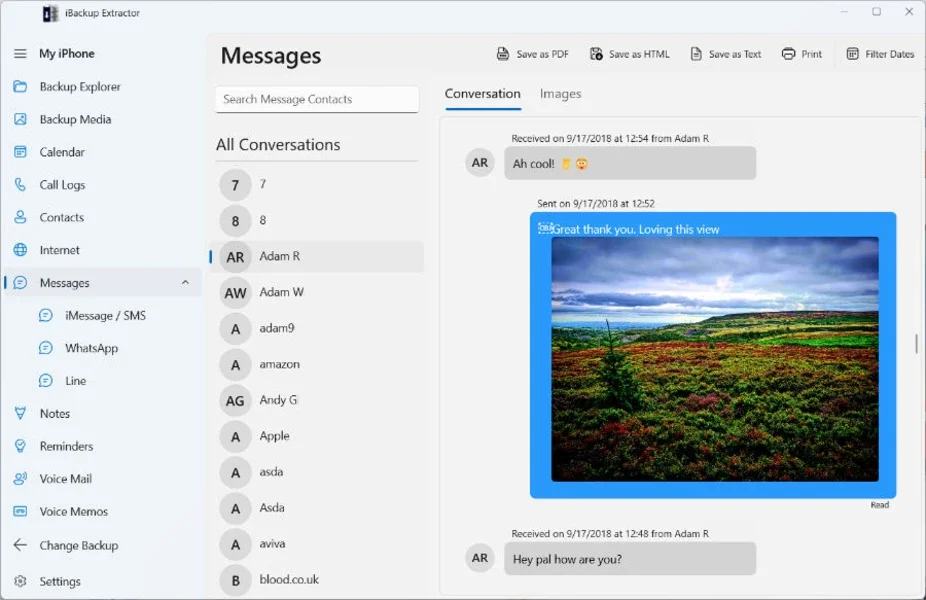
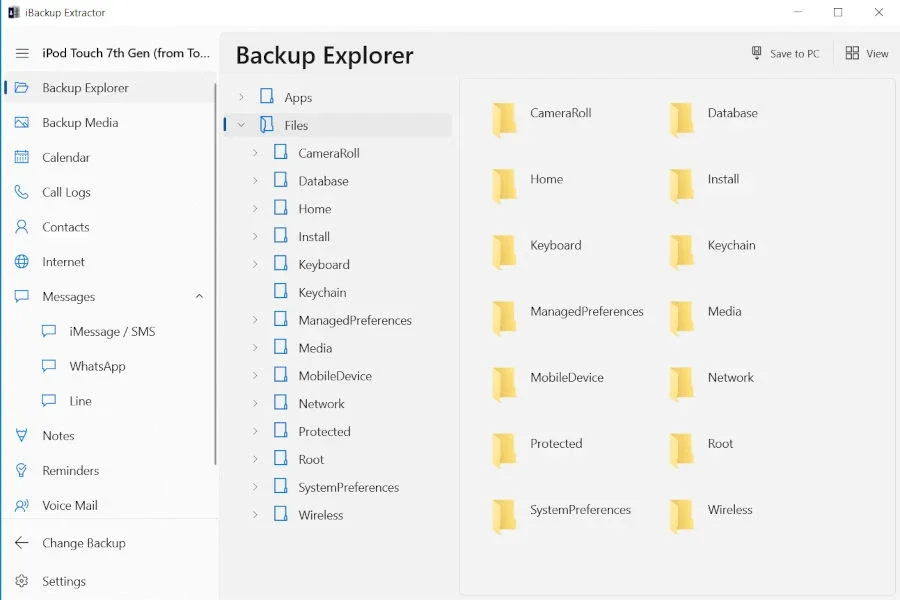
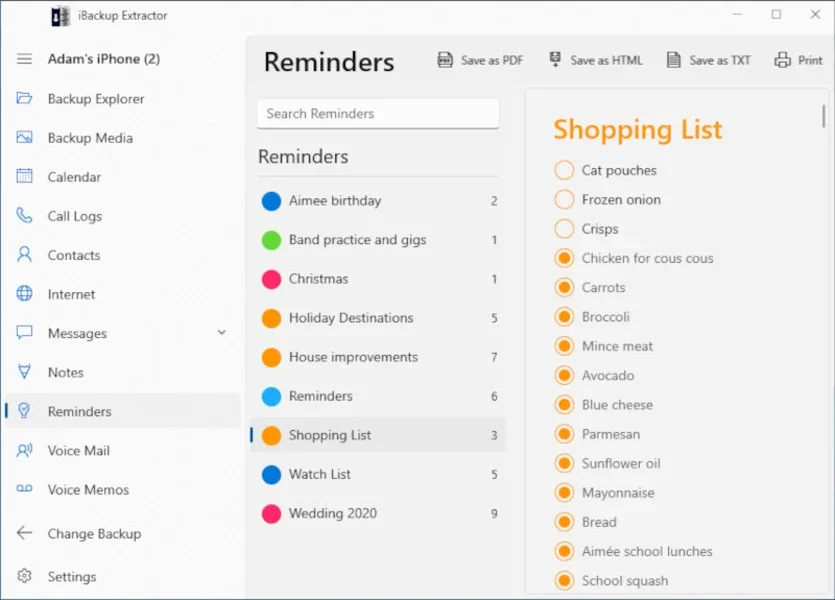
iBackup Extractor opens an iPhone, iPad or iPod backup the way you would a folder, and a single click recovers the file you need. iOS backups are not meant to be read by people, so the tool does the decoding. You pick a backup, tick the data types you want, and hit Save to copy them to a PC or Mac in formats you can open. The original device does not have to be on hand, and you do not have to restore the whole backup to get one file out of it.
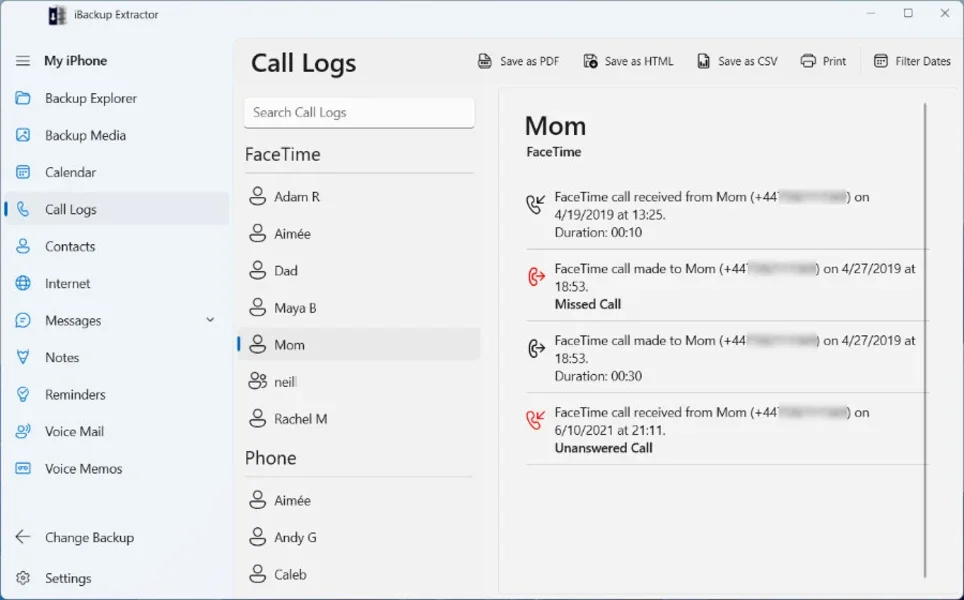
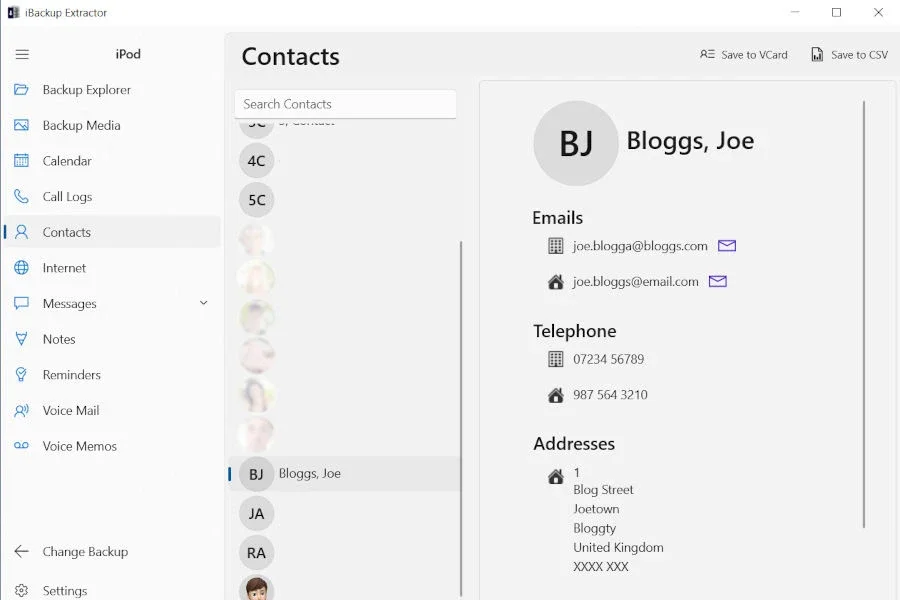
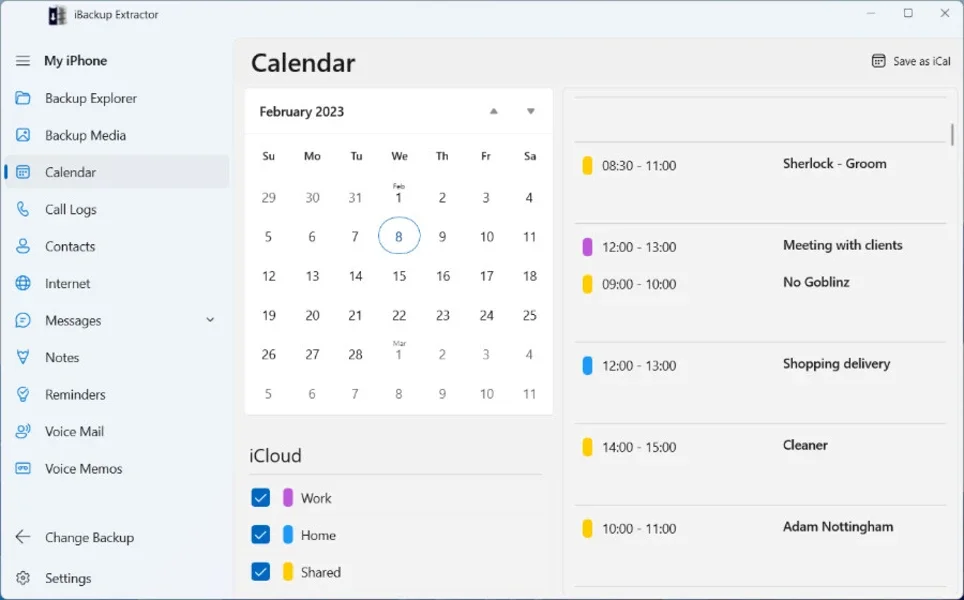
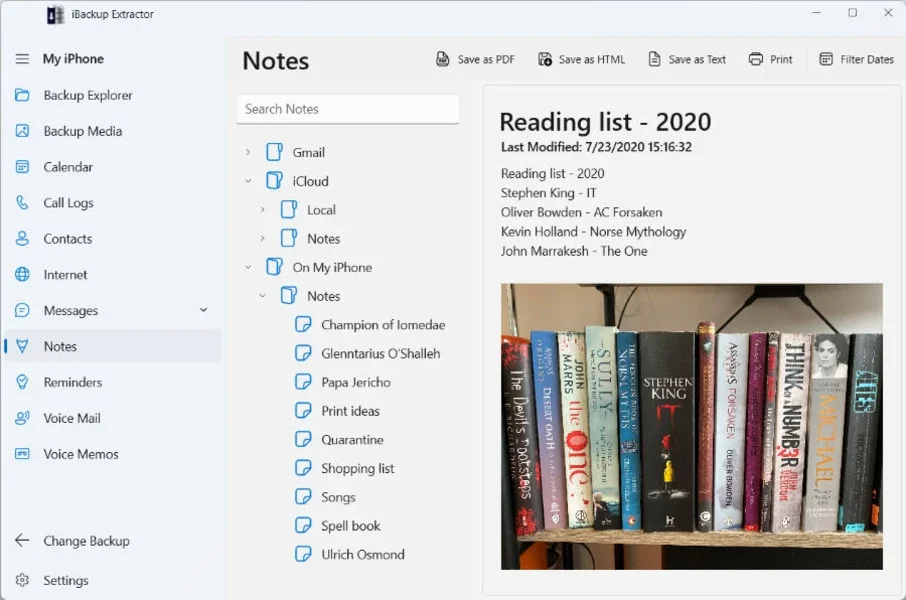
- Photos, videos, contacts, messages, call logs, calendars and notes
- Internet history, bookmarks and voice mails
- Text messages exported as PDF, HTML, CSV or plain text
- Encrypted and unencrypted backups both supported
Anything found can be previewed before you extract it. The app scans the computer and lists every device backup stored on it, so you do not have to remember where iTunes, the Apple Devices app or Finder put them. It runs on Windows and macOS.
Download files
8364814c573a89c250d4ac865c65683776c1cbfebb2f7627c5e7c85232b8d3e9
Signed by Wide Angle Software Ltd · valid until Jan 5, 20272d01b86e85842fdd7eeaae405c8d8c83c2c2a4d7df6a764d6398ba1f63fceaaf
Signed by Wide Angle Software Ltd · valid until Jan 2, 202699857327d2b07f18206414fe50fdfcf49103ba7e3cdd2b8e3216e62a5b1e5220
58b88f6f62a6c32389a9fd02c89981a8623d6fc5a3e8d2f6ae79126f4b213606
2a95c14af81655de9cab90f934ab26388fc0038c0eb6fd387ae1ebb411f8d9a1
System requirements
Available on:
Minimum OS:
Windows XP or later
Additional information
Developer
Latest release
Size
File type
SHA-256
8364814c573a89c250d4ac865c65683776c1cbfebb2f7627c5e7c85232b8d3e9