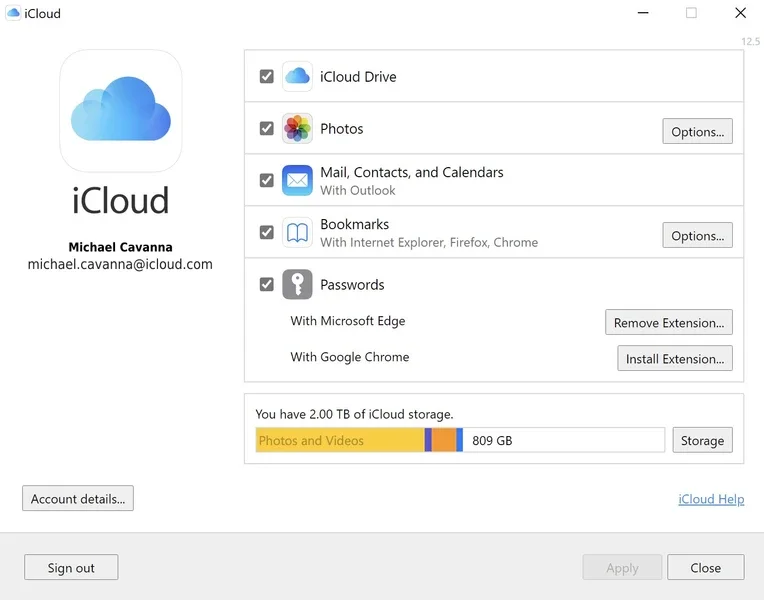

Screenshots
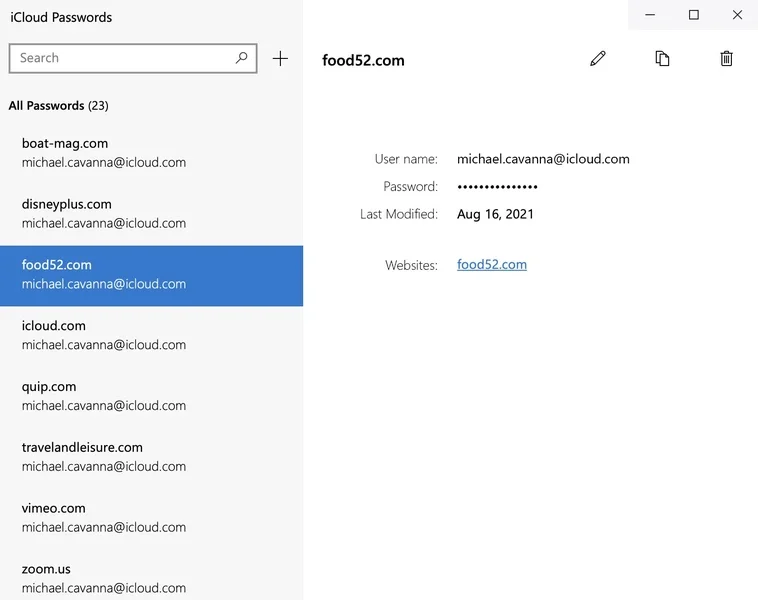
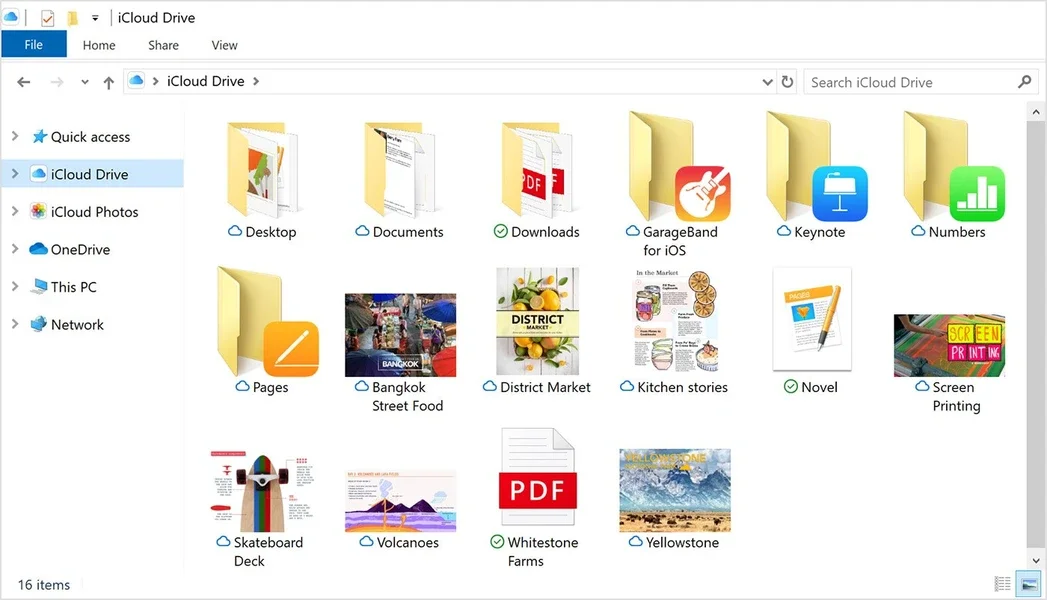
Description
Sign in with an Apple ID and iCloud puts your photos, videos, documents, notes, contacts and messages on the PC, kept current with every other device on the account. Changes made on one device show up on the others, and the reverse. Photos and videos open directly on the computer, and comments or notes on an image sync along with it. You can build albums and share them with anyone. Mail, contacts and calendar are reachable from the desktop too, and backup runs on its own.
The app is free, and 5GB of storage comes with the account. Beyond that you pay for a plan. It began on Apple hardware and came to PCs later; the Windows iTunes store was one route to it. Apple answers support calls around the clock, on any plan.
People who use it point to the small free tier and rough edges away from Apple devices. A knowledge base walks through nearly every function step by step, and an active community is there to ask.
Download files
bdca7b5b8b2819d758cd7ba4ea25bd87b7cca1ae7dc25627e6cd02248d8d38ca
Signed by 5BD5593D-A41B-4F89-884E-B4F3E0FBAA75 · valid until Sep 21, 20265c41ce3d8de1191624f111261a20319bebd6a257e8808f6d248cc405cbc4df1b
Signed by 5BD5593D-A41B-4F89-884E-B4F3E0FBAA75 · valid until Jul 21, 20261a2c23e199c5242cf7d94fa7247efb698962a6d8add7ae091016f892ec167937
Signed by 5BD5593D-A41B-4F89-884E-B4F3E0FBAA75 · valid until Jun 6, 2026860a24b690ec199e8ccac6797f32a8bfe48a01a1fc3d9ec2a52383a55ca774dc
Signed by 5BD5593D-A41B-4F89-884E-B4F3E0FBAA75 · valid until May 24, 2026cbd5bb2ab743560666e1e8484e3d99e177a2d9102de7880aaa3de575ff047946
Signed by 5BD5593D-A41B-4F89-884E-B4F3E0FBAA75 · valid until Jan 13, 2026System requirements
Available on:
Minimum OS:
Windows Windows 8.1 or later
Additional information
Developer
Latest release
Size
File type
SHA-256
bdca7b5b8b2819d758cd7ba4ea25bd87b7cca1ae7dc25627e6cd02248d8d38ca





