
Ico Converter 1.3 for Windows
SHA-256 listed
Drag an image in, press convert, get an icon
All ages
Age rating
Screenshots
Description
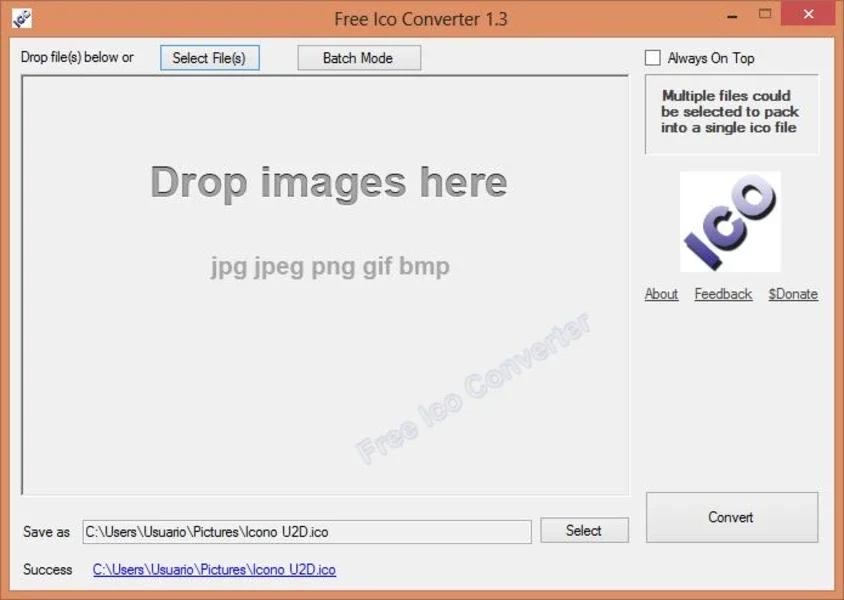
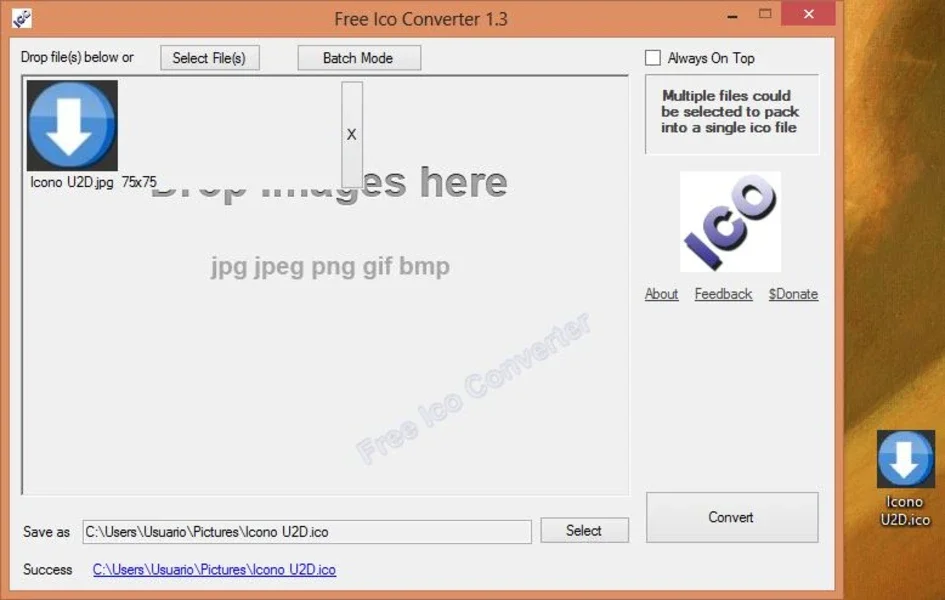
Drop an image file onto the main window and it is ready to go. Ico Converter turns image files into icons, and the drag-and-drop step is the quickest way in. You can open an image from the file menu instead if you prefer.
Pressing the convert button generates the new icon automatically. Batch mode lets you create several icons at the same time.
The program is free and runs on Windows.
Download files
File1.3EXE
Version1.3
ReleasedDec 28, 2012
Size2.5 MB
SHA-256
Get
7293f834779ef984b8debde60629bef89d76e1b431f35e1b9d4048579d148cb2
Signed by Le Liao · valid until Sep 13, 2013System requirements
Available on:
Additional information
Developer
Latest release
1.3 · Dec 28, 2012
Size
2.5 MB
File type
EXE
SHA-256
7293f834779ef984b8debde60629bef89d76e1b431f35e1b9d4048579d148cb2
Digital signature
Signed by Le Liao · valid until Sep 13, 2013