
IconEdit2 8.0 for Windows
Build and edit icons, then save them at the quality you pick
Screenshots
Description
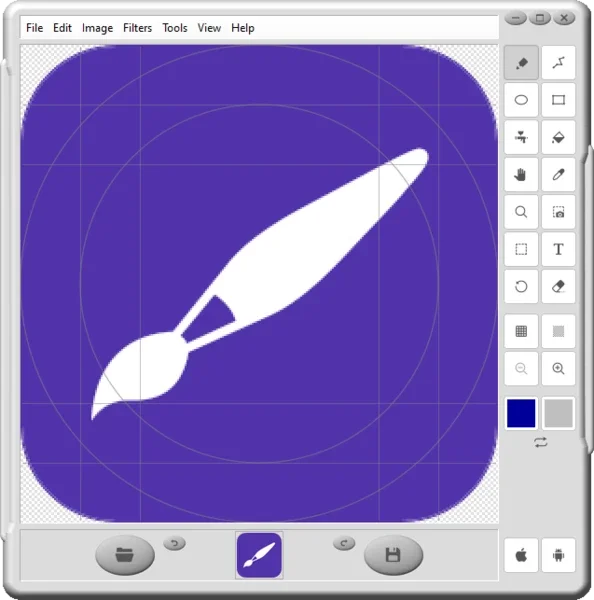
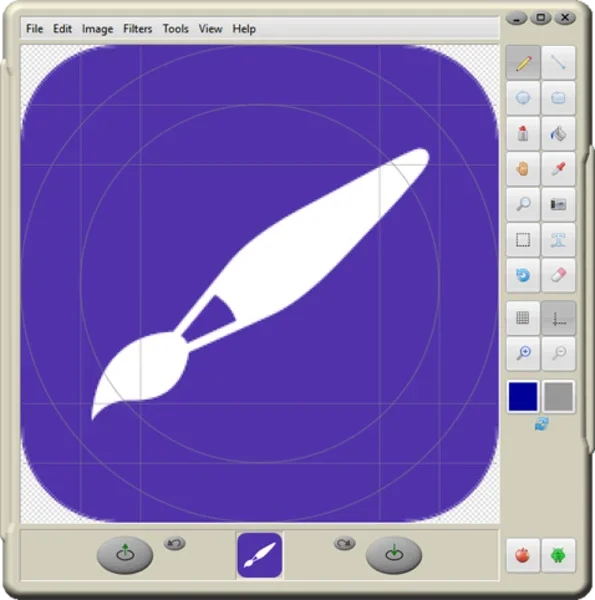
IconEdit2 starts with icon-making: editing tools let you create icons from scratch or rework the ones already on the PC. Images from any folder on the PC can be imported as source material. Saving is flexible, since each icon can come out in the format that suits the visual quality you want. TrueColor is one save option, and sizes such as 48x48 and 32x32 are others.
The formats go well beyond the ICO you would expect. ICL and NIL are handled, and so are EXE and DLL, which matters when you want to change the artwork inside a program file. On the image side there is GIF, TIFF, BMP, JPEG and PNG. You can capture a defined region of the screen into the editor. Once an icon is made, AOL Messenger users can drop it into the client and use it in chats. Customizing Windows with your own icons is part of the point of the tool.
IconEdit2 runs on Windows.
Download files
11830b52983815b5286cbc48474f1e24d113817d3ec2e145ab1a545361bb8c95
Signed by Dmitry Kozhinov · valid until May 2, 202211830b52983815b5286cbc48474f1e24d113817d3ec2e145ab1a545361bb8c95
Signed by Dmitry Kozhinov · valid until May 2, 2022aa0dd6426fda0f961b5a070b2a04f6c40185c77e3ad9f2b1b46a443ec0b74b97
96a07d19eda747af7e2936edbe603637a03c3cdab530b89d1457fa7012c94984
a63a2ef0b897e8e279d29d72a7f5e2dac678919f0c92ad47ae162e50d9b99813
System requirements
Available on:
Minimum OS:
Windows XP or later
Additional information
Developer
Latest release
Size
File type
SHA-256
11830b52983815b5286cbc48474f1e24d113817d3ec2e145ab1a545361bb8c95