
IconRestorer 2.0.8.1 for Windows
SHA-256 listed
Saves and restores desktop icon positions
All ages
Age rating
Screenshots
Description
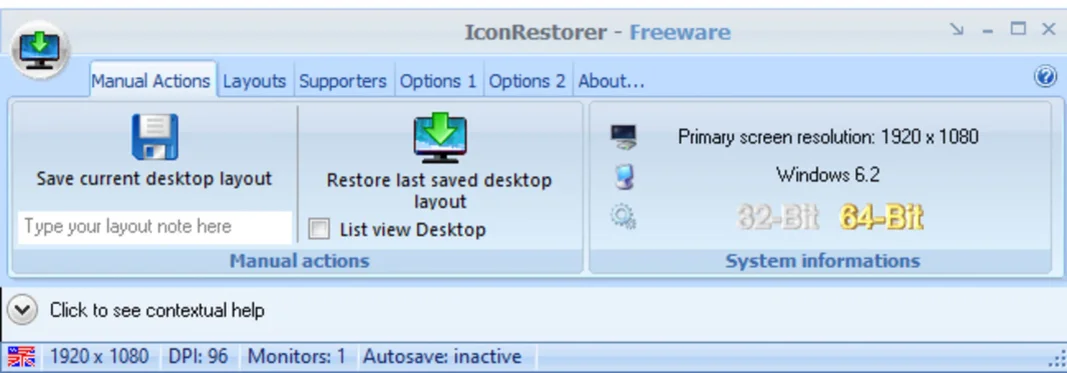
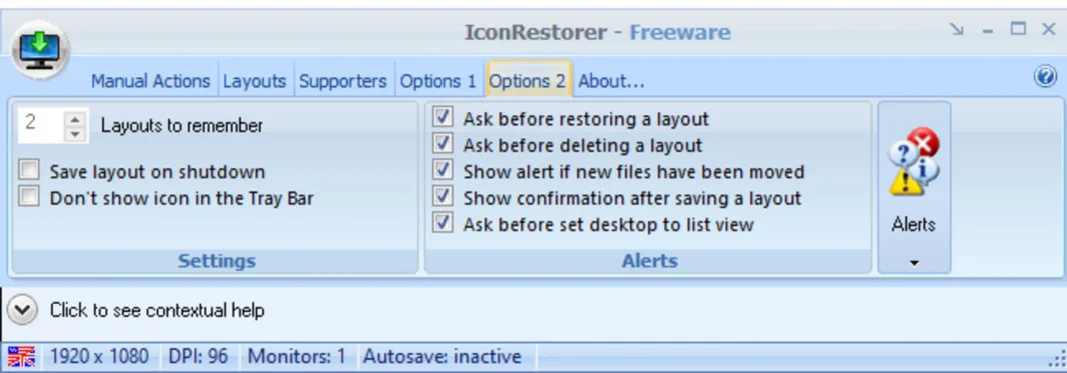
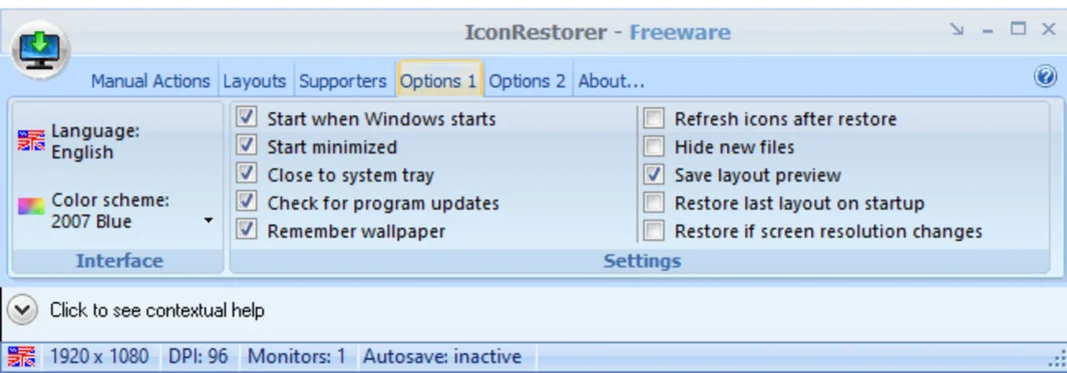
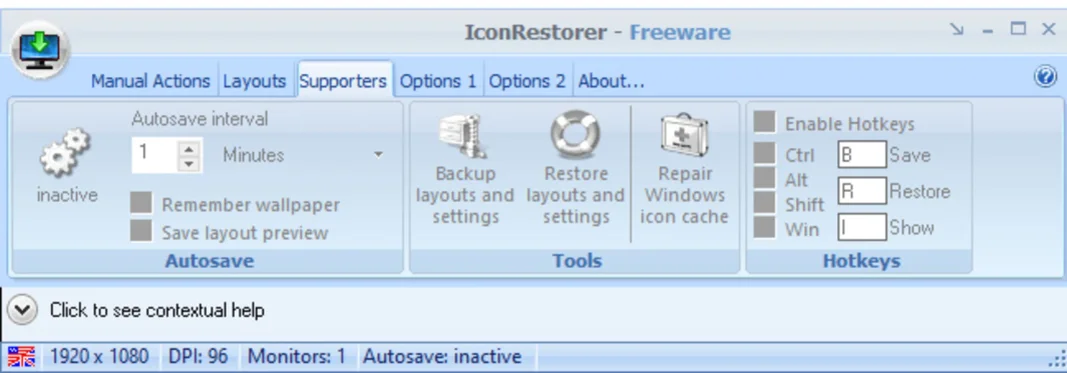
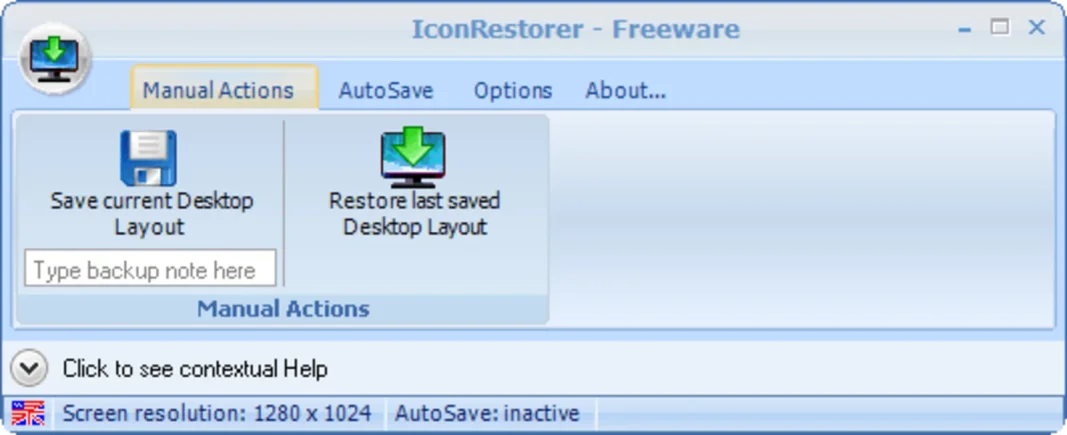
IconRestorer backs up where every desktop icon sits, so you can put them back after they move. Icons tend to shift on their own when you change screen resolution or enable automatic arrangement by accident. The backup can be made by hand or scheduled to run periodically.
Anything new that did not exist when the backup was made goes into a special folder IconRestorer creates for that purpose, rather than being dropped from the record.
It can also remember the wallpaper in use at the time.
Download files
File2.0.8.1EXE
Version2.0.8.1
ReleasedMar 24, 2026
Size2.8 MB
SHA-256
Get
0f903e79de5699274787ae868dd54595514ffc75aa315a85c18df189dc2dceb9
No digital signatureFile1.0.8.1EXE
Version1.0.8.1
ReleasedJun 10, 2022
Size2.8 MB
SHA-256
Get
0f903e79de5699274787ae868dd54595514ffc75aa315a85c18df189dc2dceb9
No digital signatureFileiconrestorer-1.0.5.3.exeEXE
Version1.0.5.3
ReleasedJul 29, 2009
Size2.5 MB
SHA-256
Get
7426f83fa6718074b24a95fb2cd84f1daeb4a4b8c87e83f0d6daa1811c0b05bb
Fileiconrestorer-1.0.6.2.exeEXE
Version1.0.6.2
ReleasedUnknown
Size2.5 MB
SHA-256
Get
8cd55391642adb3874fa909f405acafc5c2feb80440d8400bec611f30e6145ad
No digital signatureSystem requirements
Available on:
Minimum OS:
Windows Windows 2003 or later
Additional information
Developer
Latest release
2.0.8.1 · Mar 24, 2026
Size
2.8 MB
File type
EXE
SHA-256
0f903e79de5699274787ae868dd54595514ffc75aa315a85c18df189dc2dceb9
Digital signature
No digital signature