
iFunBox 4.4 for Windows
SHA-256 listed
Manages iPhone and Apple device files from a Windows PC without iTunes
You are on macOS — this is the Windows version. See the macOS version
All ages
Age rating
Screenshots
Description
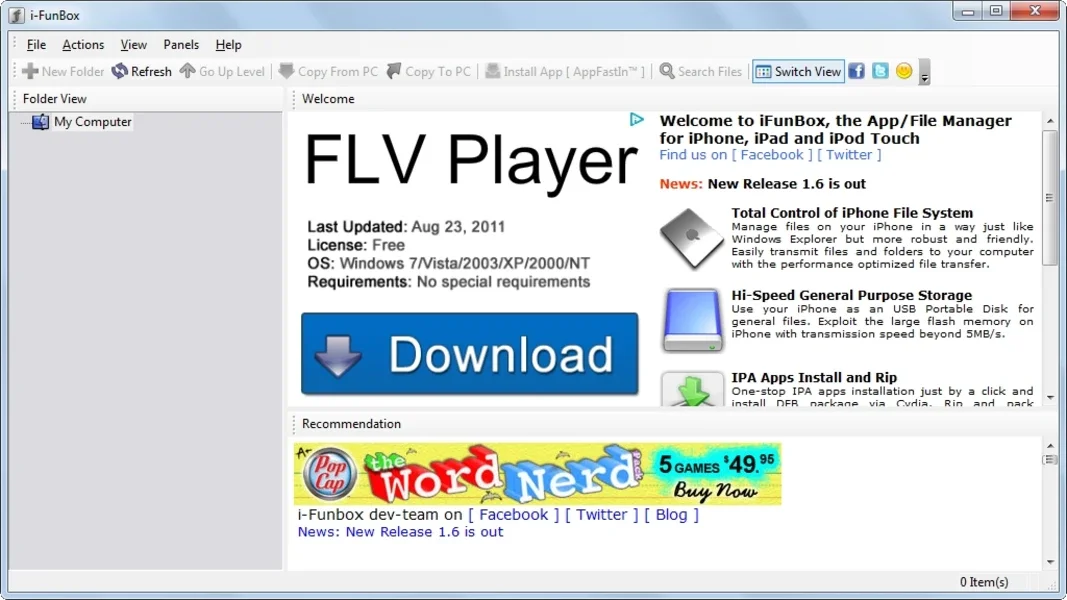
iFunBox puts files onto an iPhone or other Apple device from a Windows PC, and it does the job as an alternative to iTunes. No jailbreak is needed. You can treat the iOS device like a USB memory drive, and any file that could be stored on a memory device can be added. Applications can be copied directly to the hard drive, and it can create backups of all applications.
It is much lighter than Apple's official program and is presented as easier to use.
It can sometimes be somewhat unstable.
Download files
File4.4EXE
Version4.4
ReleasedOct 21, 2023
Size44.1 MB
SHA-256
Get
f11b26cdfc189ab584c452ab64fd9962fced5ae980072bfccb2fa73aa0160e37
Signed by Appholly Technology Co., Ltd. · valid until Feb 8, 2022Fileifunbox-3.0.exeEXE
Version3.0
ReleasedApr 29, 2020
Size31.6 MB
SHA-256
Get
bc5e5e3d0bc5ab7f748d2e42bc9838c1425356fb614b9d6fc3344a1848786e01
Fileifunbox-2.95-Beta.exeEXE
Version2.95 Beta
ReleasedApr 13, 2015
Size20.4 MB
SHA-256
Get
cbce8ce128420399fe99b34141a78be6926212b75bc0a1dbafc280af2faa8a42
Fileifunbox-2014-Beta.exeEXE
Version2014 Beta
ReleasedNov 27, 2013
Size7.3 MB
SHA-256
Get
c550c33d59d2f0a24c4601eda9c8aaefed5d6e1de0c46fda4543b7dba3703dfa
Fileifunbox-2.7.exeEXE
Version2.7
ReleasedOct 14, 2013
Size14.3 MB
SHA-256
Get
3006ae1b4838b35fdbddb1488d46b22b9c83680769a8041ea539b855429014c4
System requirements
Available on:
Minimum OS:
Windows XP or later
Additional information
Developer
Latest release
4.4 · Oct 21, 2023
Size
44.1 MB
Category
File type
EXE
SHA-256
f11b26cdfc189ab584c452ab64fd9962fced5ae980072bfccb2fa73aa0160e37
Digital signature
Signed by Appholly Technology Co., Ltd. · valid until Feb 8, 2022





