
Image Viewer 2.0.1410 for Windows
Views and edits still and animated images, with slideshow and scroll modes
Screenshots
Description
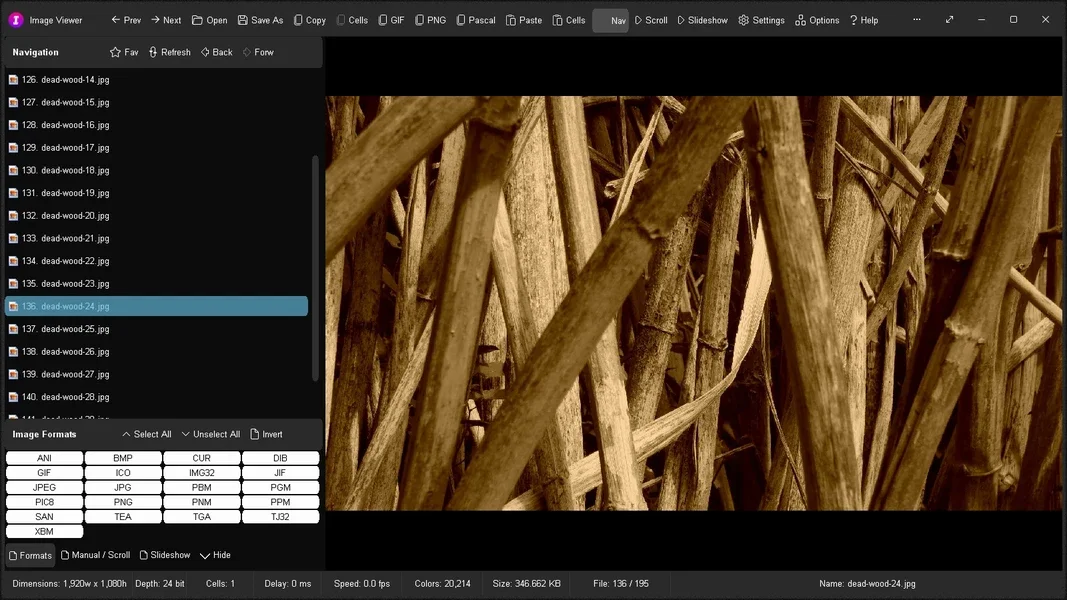
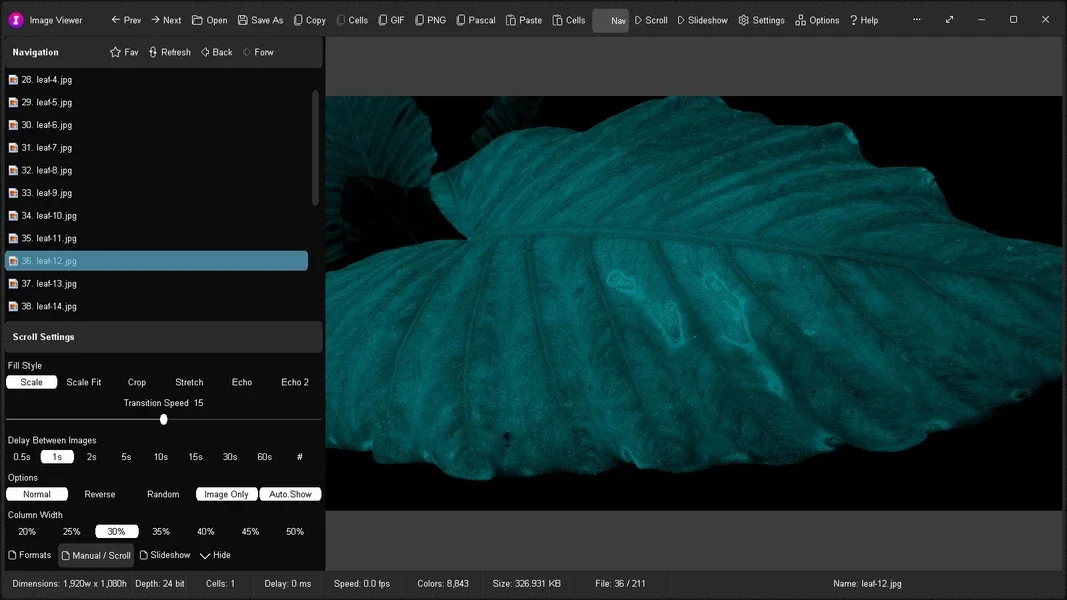
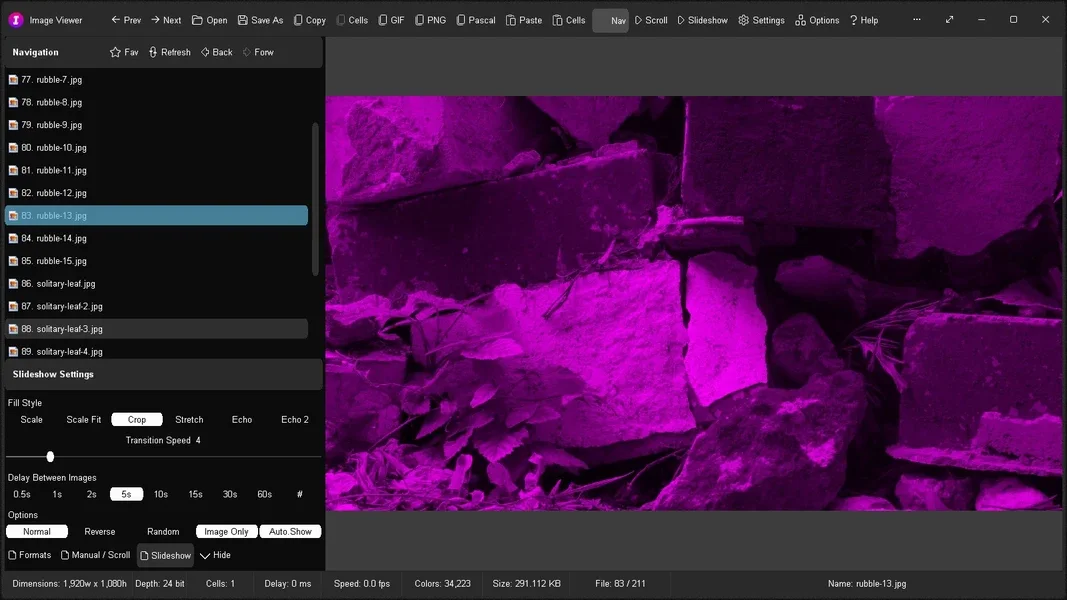
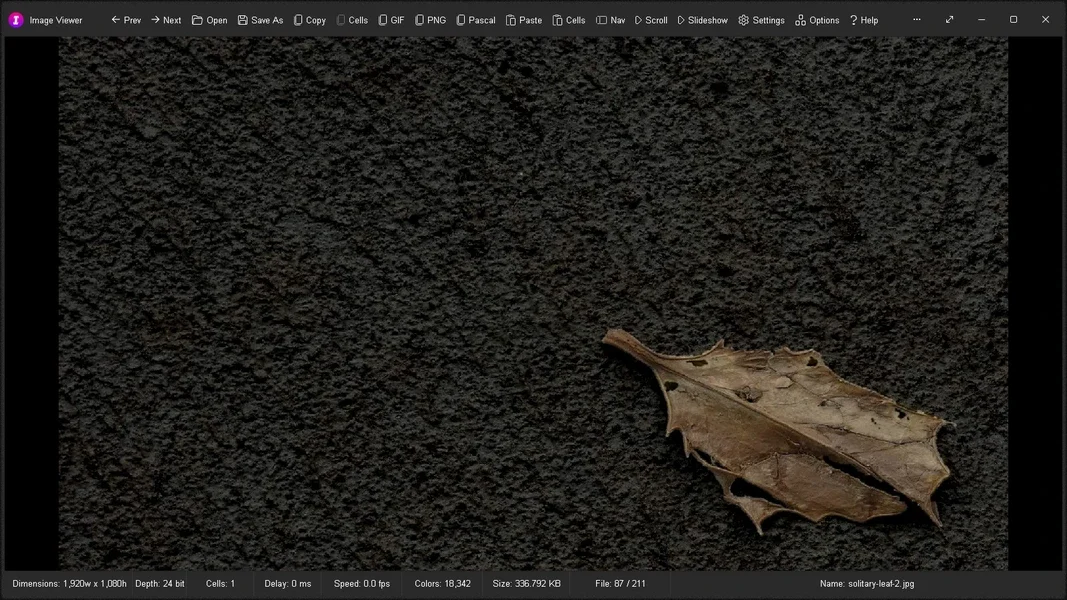
Image Viewer opens a folder of static or animated images and displays them one at a time, with Prev/Next to step through and a slideshow that fills the screen. The slideshow and the scroll mode both use a delay and transition speed you set; scroll mode moves through the folder inside the current window instead of fullscreen.
- Supported formats: ANI, BMP, CUR, DIB, GIF, ICO, IMG32, JIF, JPEG, JPG, PBM, PGM, PIC8, PNG, PNM, PPM, SAN, TEA, TGA, TJ32, XBM
- Display order: Normal, Reverse, Random
- Fill Style: Scale (1:1 or scaled down), Scale Fit (up or down), Crop (1:1 or trimmed), Stretch, Echo and Echo 2
- Screen color: Default, Grey, Light Grey, Black, White, Off White, Custom
While an image is on screen, the program shows its dimensions in pixels, depth in bits, cell count, delay in milliseconds, speed in frames or cells per second, colors, file size and file name, all updating in realtime. Save As keeps the format or converts to another one.
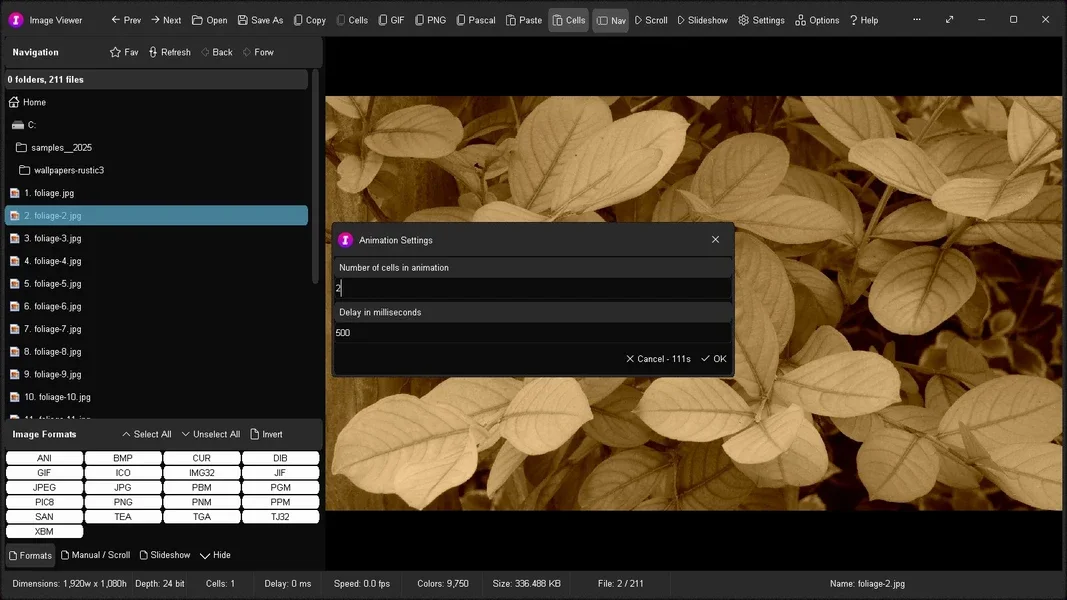
Copying to the Clipboard has several forms: the plain image, the first cell of an animation, an animation as an image strip, an uncompressed Pascal array, or GIF/PNG mime data for pasting into HTML. Clipboard transparency works for PNG and CF_DIBV5. You can also paste an image or an image strip and save it to a file, giving the cell count and delay in milliseconds yourself; Paste to Current Folder decides whether it lands in the current folder or the last one.
Open hands the image to the default graphics app, such as MS Photos, for editing. Several settings shape how a task runs. The On App Start setting can be Start Normally, Scroll through List or Play Slideshow. Image Only hides the GUI after a short delay and leaves just the image, and Auto.Show brings the GUI back when the mouse moves; unticking it lets a task run on a second monitor while you work on the first. Nav toggles the navigation panel, and the Options Window sets app color, font and other settings. The program is portable. The source code is Smart Source Code for Borland Delphi 3 and Lazarus 2.
Download files
1474e49d345ea75f5ab2f02c1c72d6ba69f0899ef3f5d306919f7cd6ac4b8eec
Signed by Blaiz Enterprises · valid until Nov 1, 2028System requirements
Available on:
Minimum OS:
Windows XP or later
Additional information
Developer
Latest release
Size
Category
File type
SHA-256
1474e49d345ea75f5ab2f02c1c72d6ba69f0899ef3f5d306919f7cd6ac4b8eec