ImageUSB 1.5.1007.0 for Windows
Copies or images USB drives bit for bit
Screenshots
Description
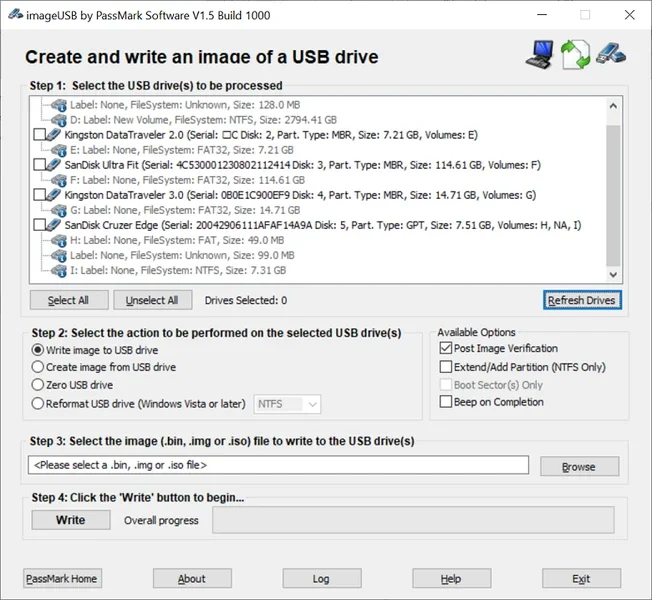
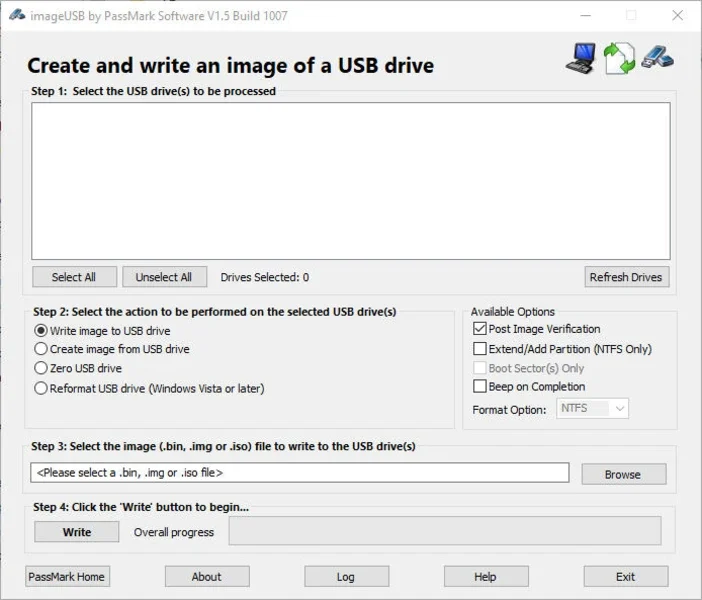
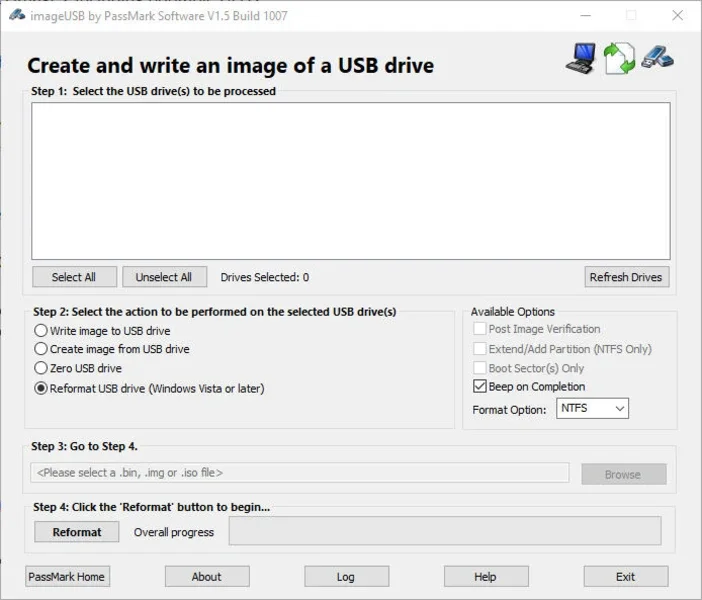
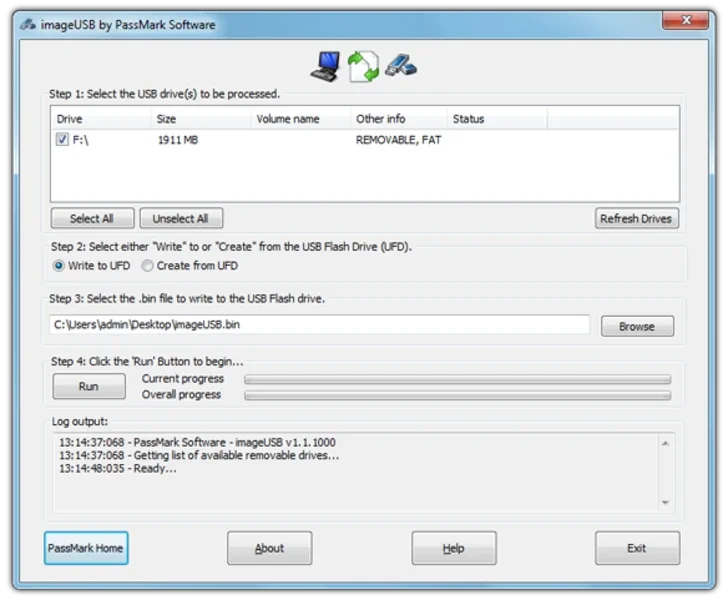
ImageUSB makes a bit-for-bit identical copy of everything on a portable USB device, such as a pendrive or memory card. You plug the device into the PC, pick it from the list, and press Start.
You choose one of four actions: writing an image to a USB drive, capturing the contents of a USB drive as an image, formatting a USB drive, or reformatting one. The image can be saved as BIN, IMG, or ISO. Once you have an image, you can write it to any number of other USB drives. Several devices can be copied at the same time if there are enough USB ports.
Processing time depends on the task and the size of the device; a pendrive over 4 GB can take more than ten minutes. Speed also varies with the drive's format and the PC it runs on. USB port multipliers tend to give slow transfer speeds, so they may not be the best way to use the program. It runs on Windows.
Download files
290ddf3070f7d99c492533b2daba74cbf53ad8c4bc49ee0fc0dbef392f19a748
b6f83468e227dcf869d7c70dbf1b9547d40df45dcf0909186ff447738866611f
fdca8d537b091ab5bb0434cb36075191bbfbb7800f941b3816e22977a353e2cb
ec9bcfbc7255010ee80938fcaa9bc28f249515076a9cb36d700f7d3c9318ca31
7fa83443e3f713ce4348825ebf481055475999d3ffd11e198d9591bba8f5fd3f
System requirements
Available on:
Minimum OS:
Windows XP or later
Additional information
Developer
Latest release
Size
Category
File type
SHA-256
290ddf3070f7d99c492533b2daba74cbf53ad8c4bc49ee0fc0dbef392f19a748





