
Imagicon 4.4 for Windows
SHA-256 listed
Turns an image or part of one into an icon at five pixel sizes
All ages
Age rating
Screenshots
Description
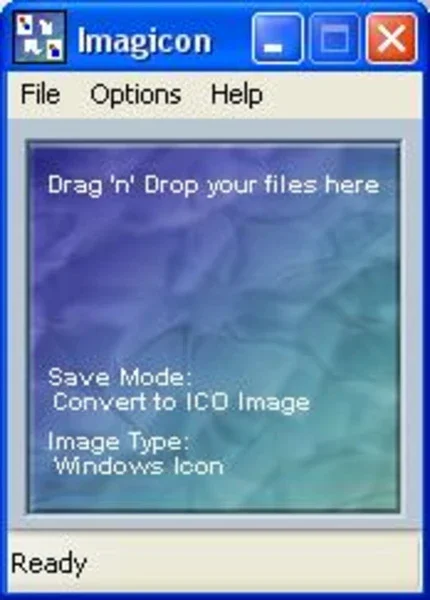
Drag and drop a picture onto the Imagicon interface and it converts the image, or a part of it, into an icon. Size and proportions can be adjusted before you save, and transparencies can be set. The icon pixel sizes offered are 16x16, 32x32, 48x48, 64x64 and 128x128.
BMP, JPEG, PNG and ICO work as input or output formats. The new icon is saved in the same folder as the original picture.
Download files
System requirements
Available on:
Minimum OS:
Windows XP or later
Additional information
Developer
Latest release
4.4 · Apr 12, 2024
Size
1.1 MB
File type
ZIP
SHA-256
a5d3605c4ff99d79dea868f1fce054feb6b6a0bd82afe5698b0ca631a3b2055c