ImgBurn 2.5.8.0 for Windows
Burns, reads, creates and verifies disc images and audio CDs
Screenshots
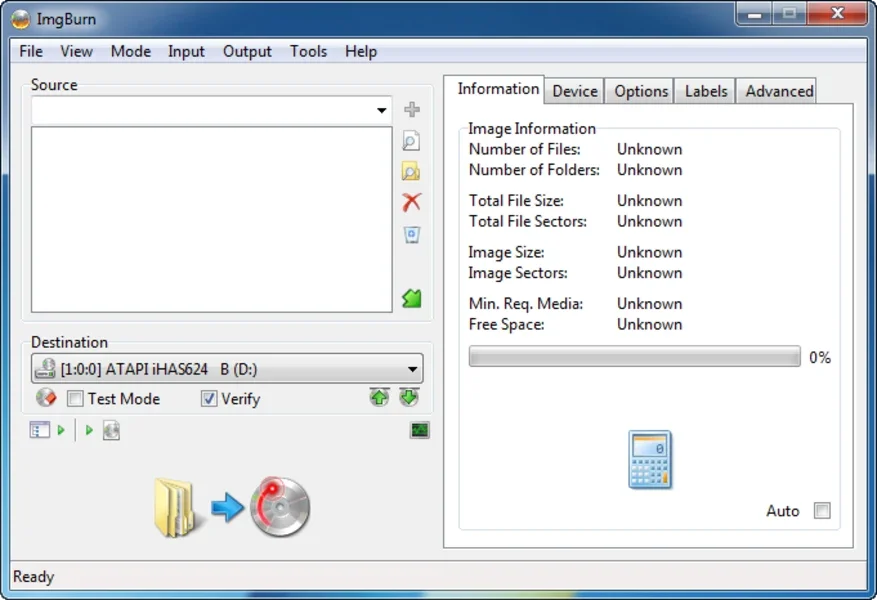
Description
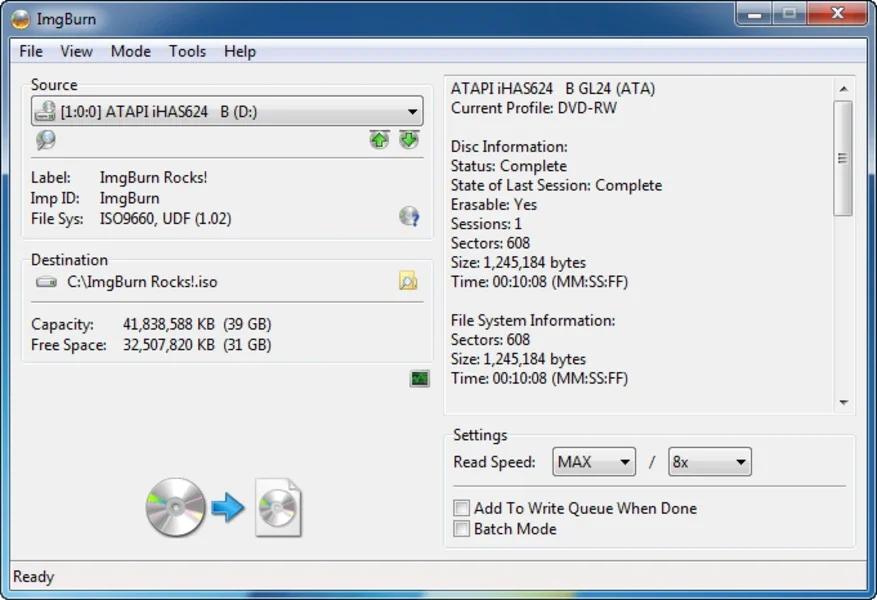
ImgBurn writes disc images to physical media. CD, DVD, HD-DVD and Blu-ray all work. It also reads images back off discs.
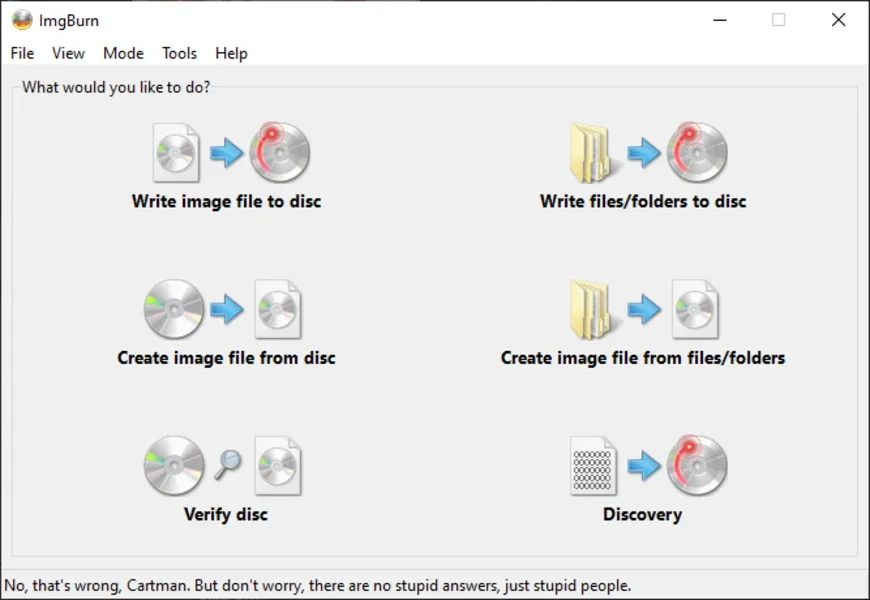
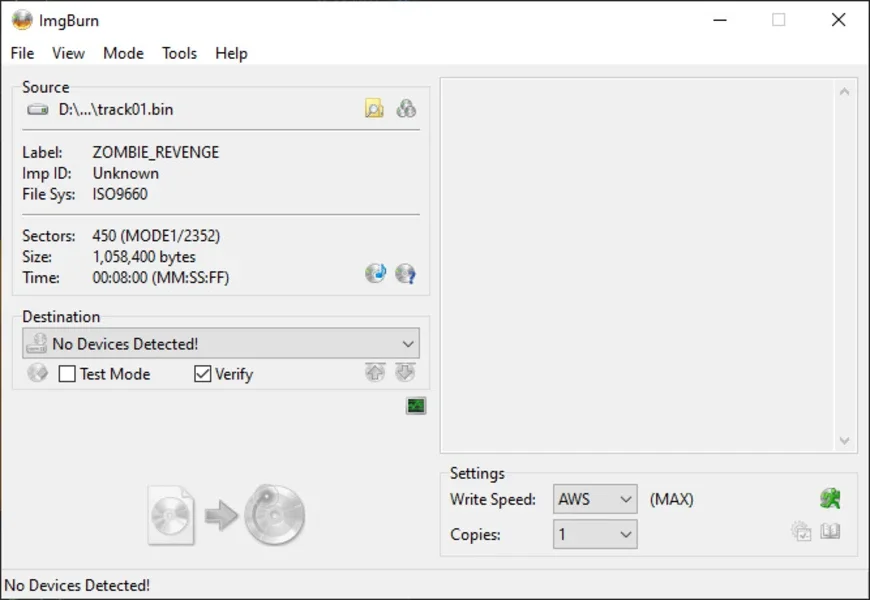
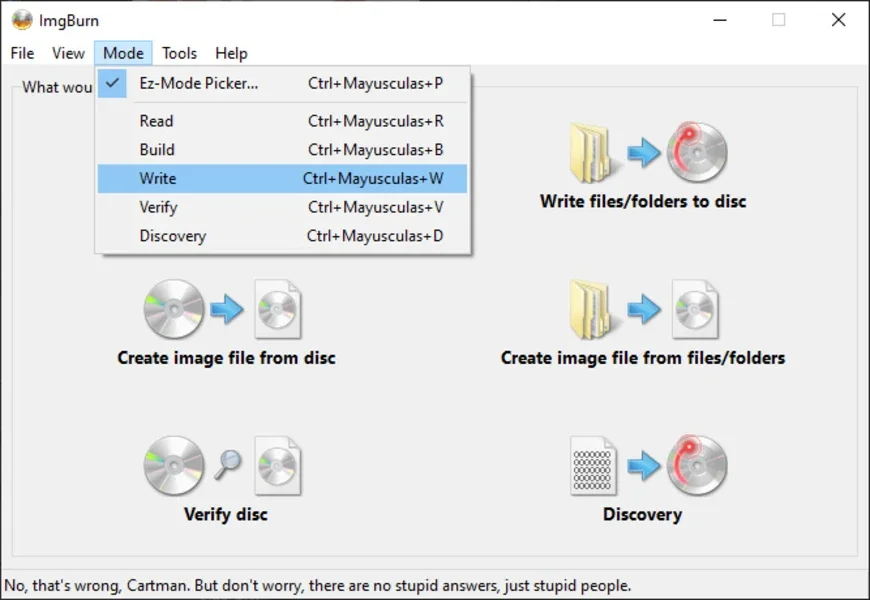
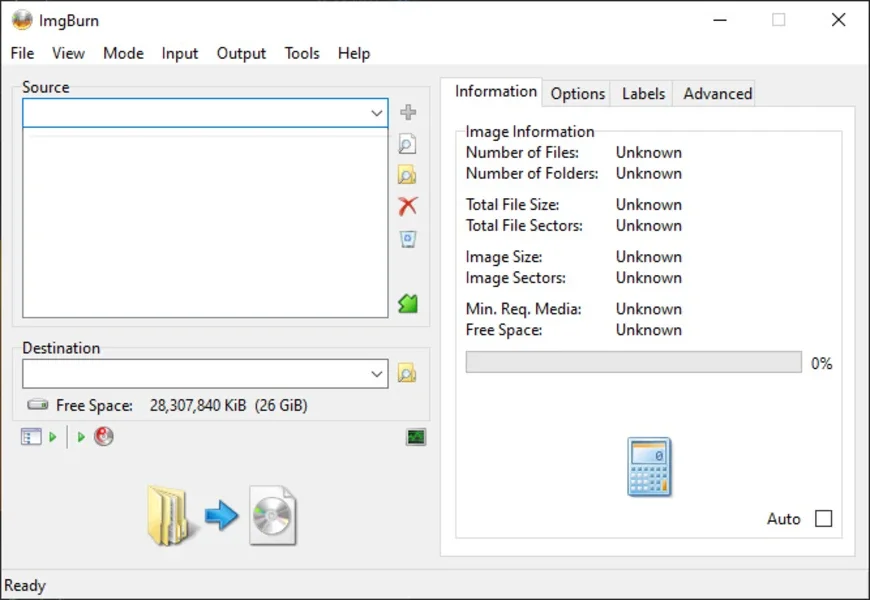
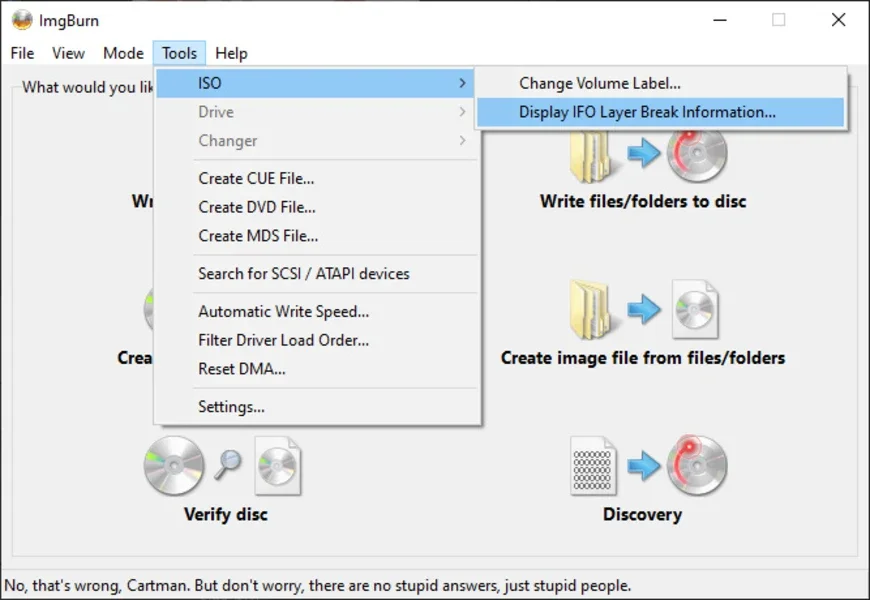
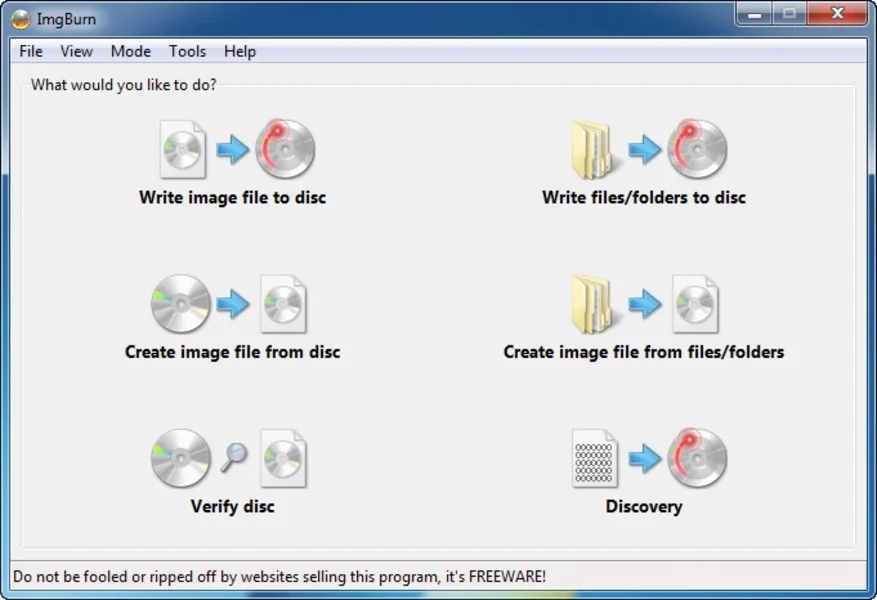
The main menu holds six features, each behind its own icon: read an image, create one, burn one, verify one, and Discovery. Creating an image can mean building an ISO from files already on the PC, or assembling an audio CD from a folder of tracks. Accepted audio formats include MP3, WAV, FLAC, M4A, AAC, APE, MPC, OGG, PCM, WMA, MP4 and WV. Image formats run from ISO and BIN to CCD, CDI, CUE, DI, DVD, GI, IMG, MDS, NRG and PDI. Verifying checks that a burnt DVD or Blu-ray reads back with no damage or reading errors, and Discovery checks the quality of images you make. A burn normally goes: pick the file, pick the drive and speed, confirm the parameters. Beyond that the program carries a long list of advanced options that most people will never touch.
The Help section includes several tutorials. It takes up under 5 MB of hard drive space and uses practically no resources while running.
Download files
49aa06eaffe431f05687109fee25f66781abbe1108f3f8ca78c79bdec8753420
No digital signature38f554c6377b4dcac69cc0003f5c384d7bdfc8a62f4824d14b9b448afb9b3b74
No digital signaturee4ed0f746591491a8cc08d62bb6961a1f2c31bc5e5789b20a44d1a4ab557ff67
No digital signatured5e8cb1ba3580099095b703f44e002671de01a0789335728de580416f34114eb
No digital signatureSystem requirements
Available on:
Minimum OS:
Windows XP or later
Additional information
Developer
Latest release
Size
File type
SHA-256
49aa06eaffe431f05687109fee25f66781abbe1108f3f8ca78c79bdec8753420