
iTop Screen Recorder 7.1.0.3787 for Windows
Records the screen, saves the file, and converts its format
Screenshots
Description
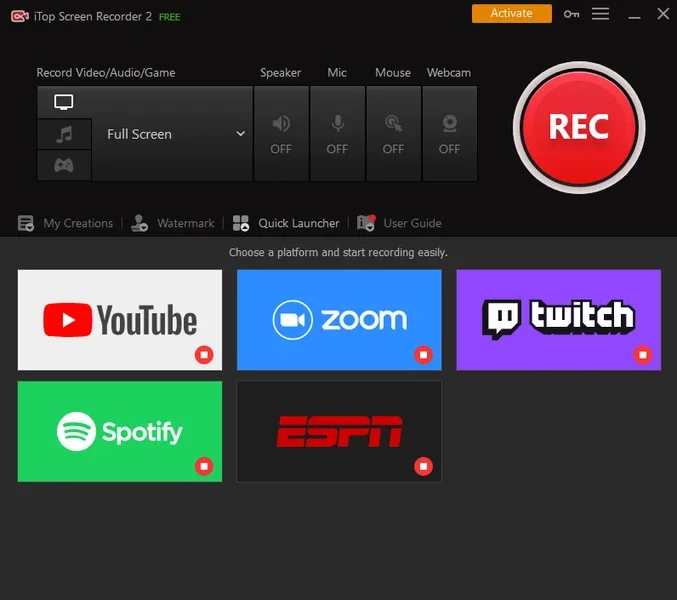
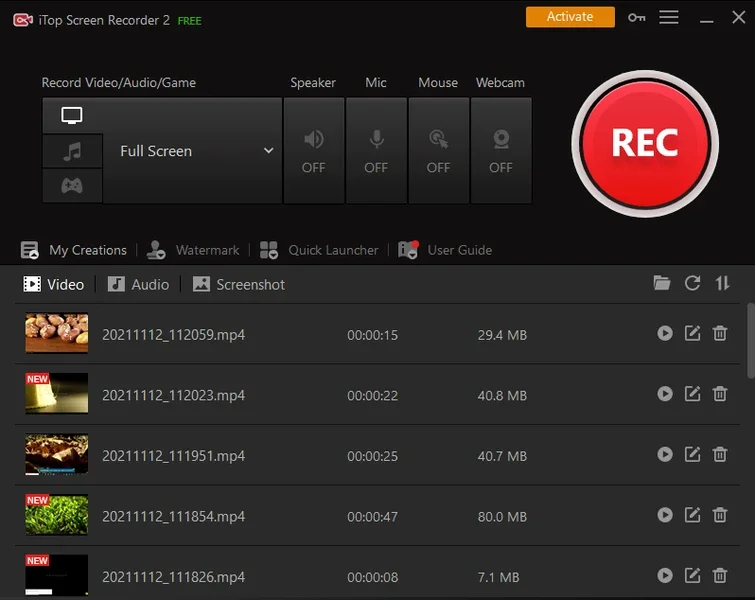
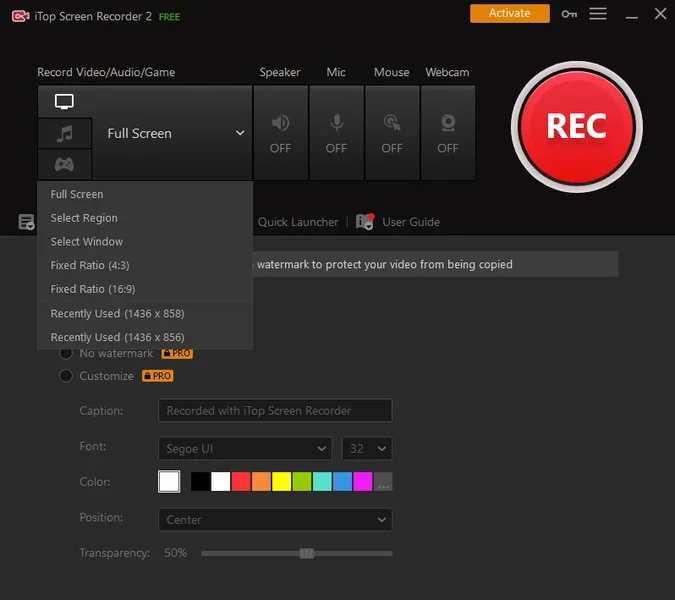
iTop Screen Recorder records the computer screen. Start a recording by clicking Record. Three recording options are available, and the one you pick sets what gets captured and how much of the machine it takes. Classic screen capture records the whole monitor or specific sections, and you select the area to capture. Video game recording mode limits resource consumption to reduce processor load. Audio recording mode records only microphone input.
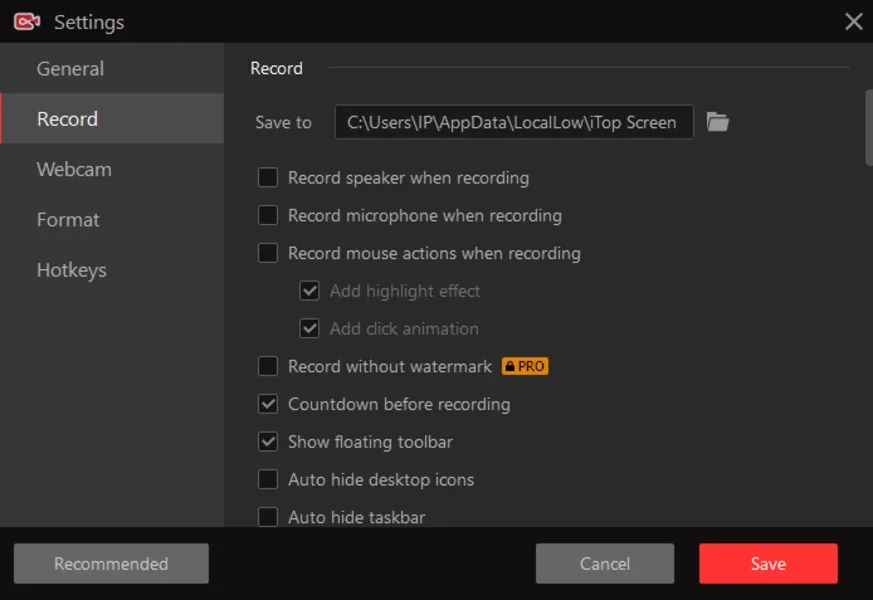
In each mode, microphone and webcam can be enabled individually, and so can mouse display and PC output sound capture. A webcam can be included as a video source. Screenshots can be taken during recordings. The interface has a simple design.
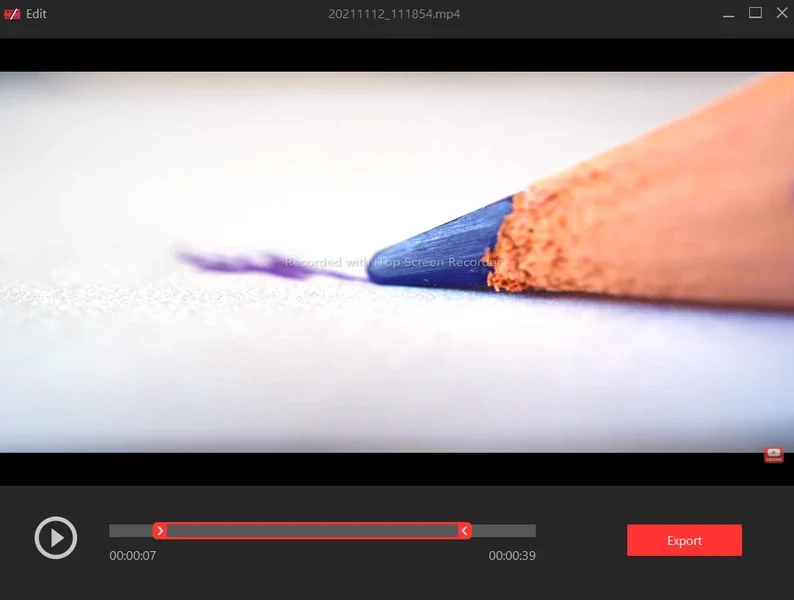
A converter is included to change the output format of the video file.
Download files
a1b128696426c6cc6e88a8d0de06b2b7e225cdce8c2fa58f3db6a34f2180a33e
Signed by ORANGE VIEW LIMITED · valid until Oct 15, 2027f37a54f4e15db83873953c3ae4c44ca86fb58889725aeccac7ecdbf744a79f4b
Signed by ORANGE VIEW LIMITED · valid until Oct 15, 20274265d22adfc0fe9d7461aab3611ea9e14802f8335327666b1cb41c62db43510d
Signed by ORANGE VIEW LIMITED · valid until Oct 26, 2026ebc3d14033ef37e6a3a77c33d5cdc8fca814c86d398e9305cbd985c5d0b8ec09
Signed by ORANGE VIEW LIMITED · valid until Oct 26, 2026cc678ba66c249e3b5810d992f8aa0afbad97aadaaf3f358dd18934d7fca4a871
Signed by ORANGE VIEW LIMITED · valid until Oct 26, 2026System requirements
Available on:
Additional information
Developer
Latest release
Size
Category
File type
SHA-256
a1b128696426c6cc6e88a8d0de06b2b7e225cdce8c2fa58f3db6a34f2180a33e