
KDE Connect 26.09.15 for Windows
Keeps your phone and computer connected and in sync
You are on macOS — this is the Windows version. See the macOS version
Screenshots
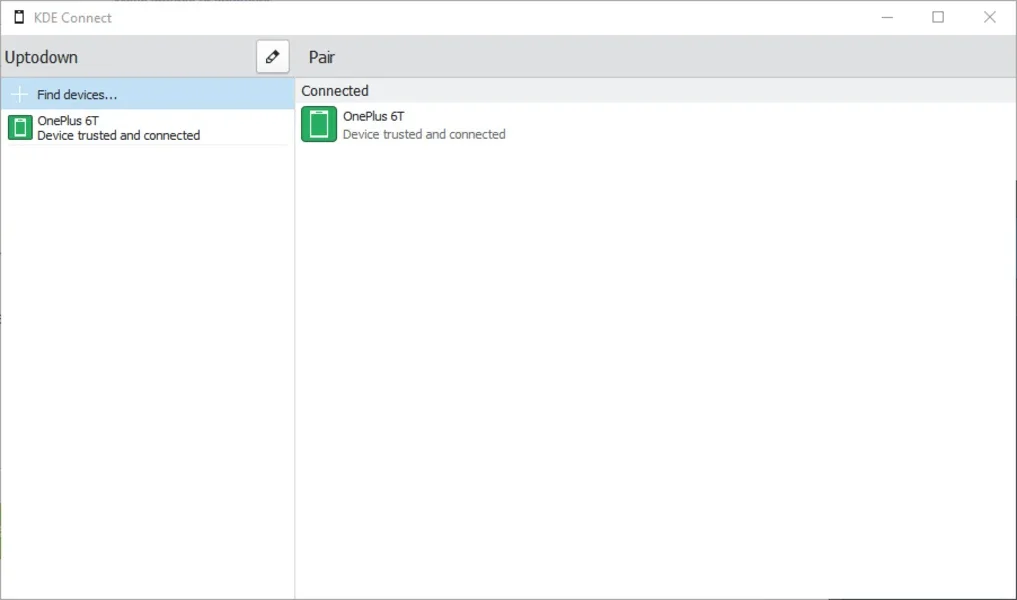
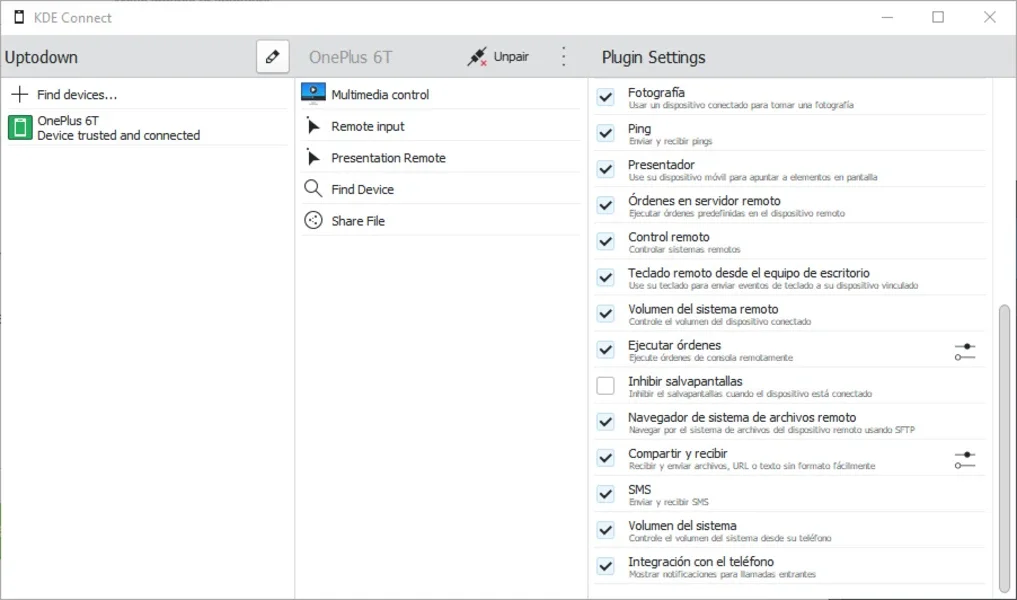
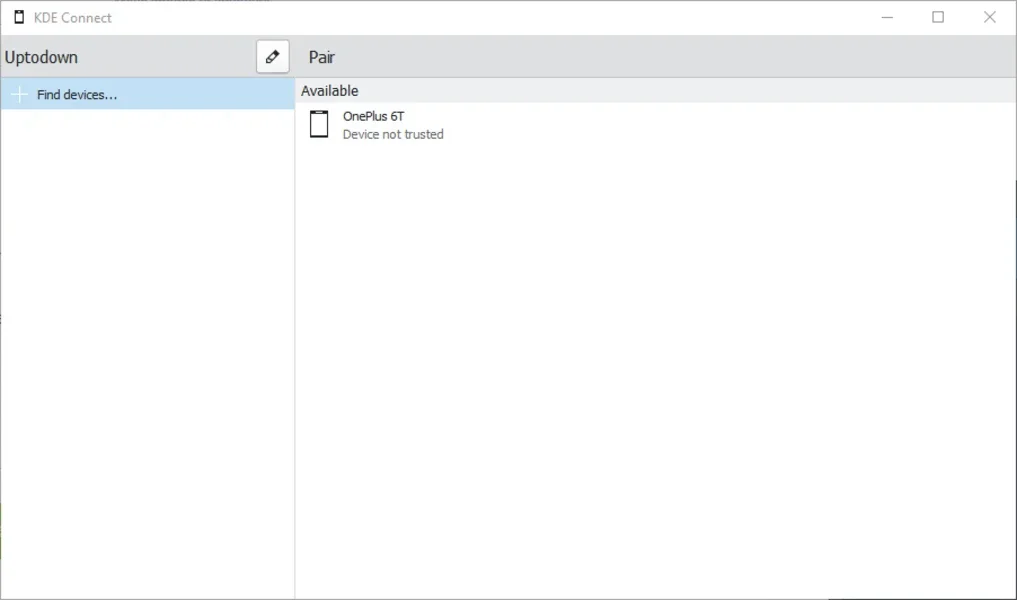
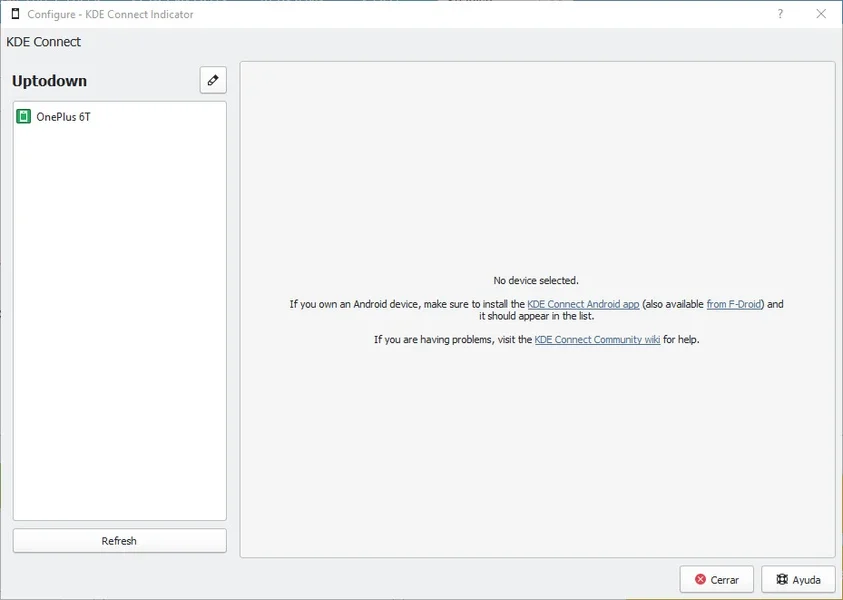
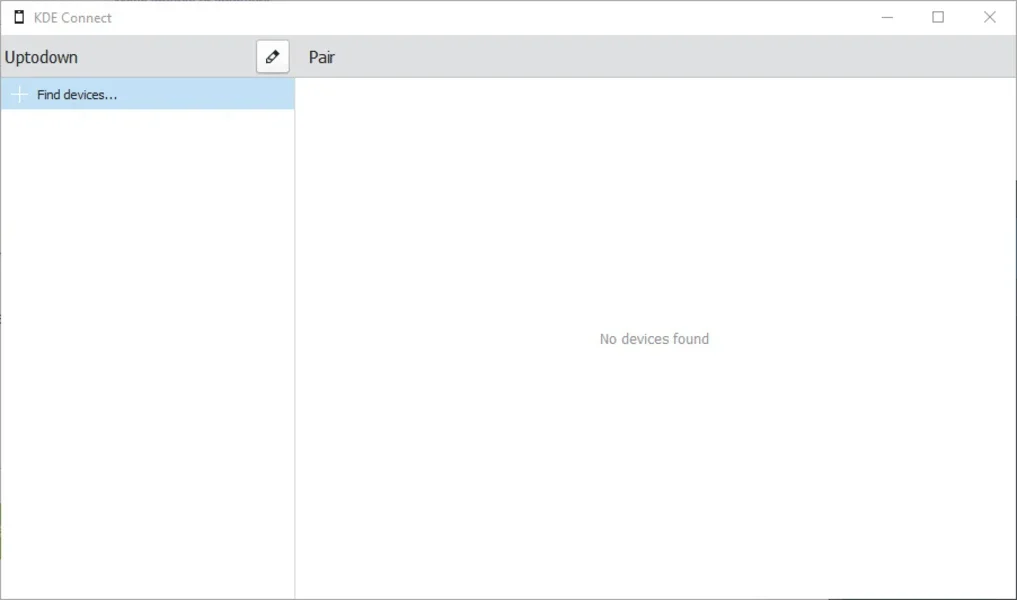
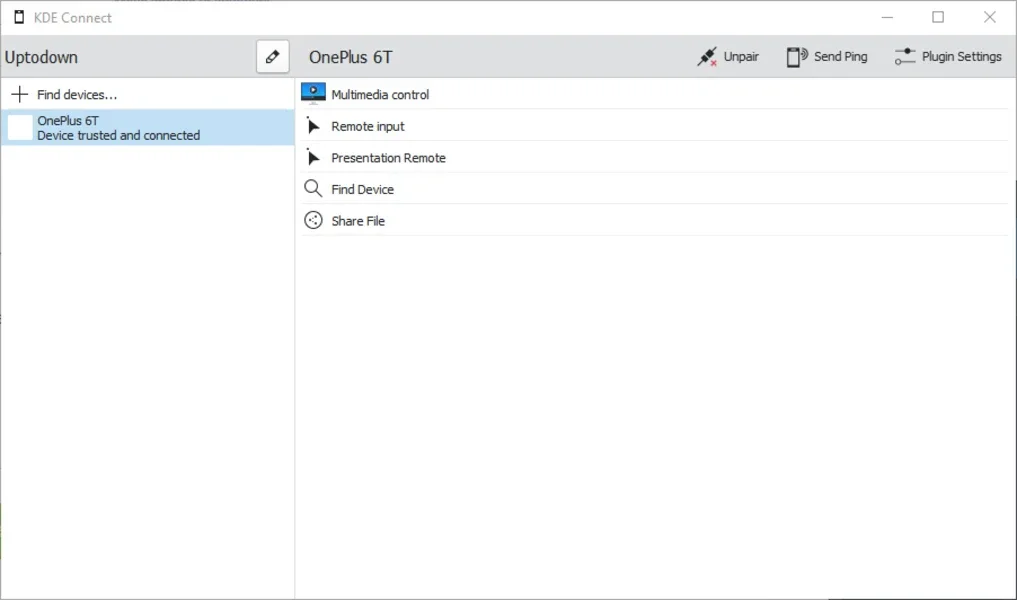
Description
Install KDE Connect on every device you want to sync, then send a pairing request from one device and accept it on the other. Either side can unlink at any time without asking. Syncing across devices is simple, and the app is easy to use.
Files move both ways: photos, videos, and any other kind of file can go from an Android phone to a Windows computer and back again. Clipboard content copied on one device can be pasted on another. A ping makes an Android device ring at maximum volume, which helps when you have misplaced it. The cursor on the computer can be controlled from an Android device.
Music can be played remotely. You can also create special commands, such as shutting down the computer or starting processes. Android, iOS, Windows, Mac, Linux, and SailfishOS all have a build.
Download files
b5761fa0d54bd0f5c157a7285c5879df3cbaecfa10d95f56de0ff5c24407a5ec
Signed by Microsoft Corporation · valid until Sep 27, 20265a3536bd37673599aab651ca12715a6efcf5a7a1323306c4f979edcca052b7d3
Signed by K Desktop Environment e.V. · valid until Jul 27, 2027a909e90c62d3122f74043bf6bb12bd1b6be7e90aabea31608fa2407e1e0b8c4c
Signed by K Desktop Environment e.V. · valid until Jul 27, 202735717dec80f155ad9143961921493f2764b3d185060aed403e3603dab536f768
Signed by K Desktop Environment e. V. · valid until Jul 31, 202602f7312778b73067573f5c54f3cef0ef612df61d7d53d5dd58af98ff960e36a4
System requirements
Available on:
Minimum OS:
Windows XP or later
Additional information
Developer
Latest release
Size
Category
File type
SHA-256
b5761fa0d54bd0f5c157a7285c5879df3cbaecfa10d95f56de0ff5c24407a5ec