
KingRoot PC 3.5.0.1157 for Windows
Roots an Android device over USB from a Windows PC
Screenshots
Description
KingRoot PC roots an Android device by connecting it to a computer over USB. Rooting completes within seconds once it starts. It is a Windows program in the Lifestyle and Phone Tools categories.
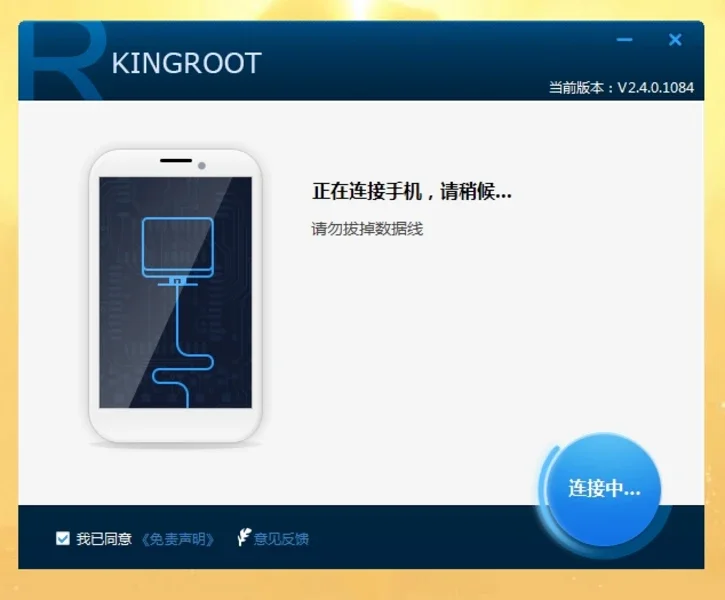
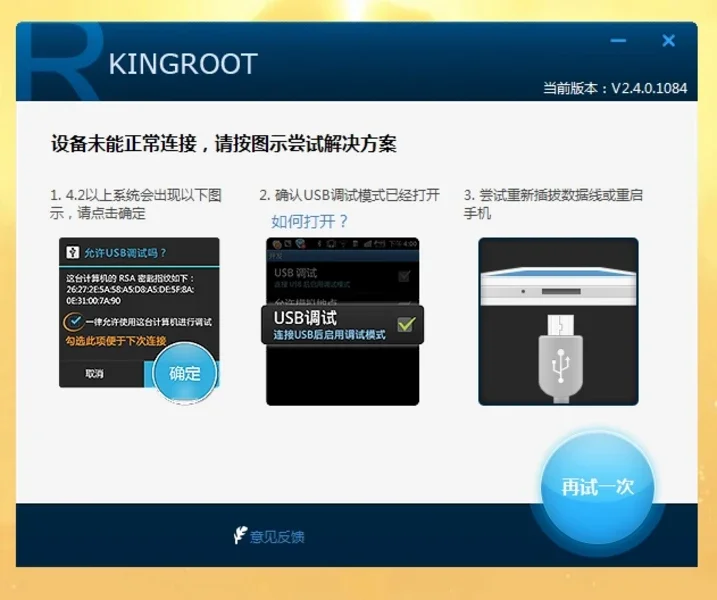
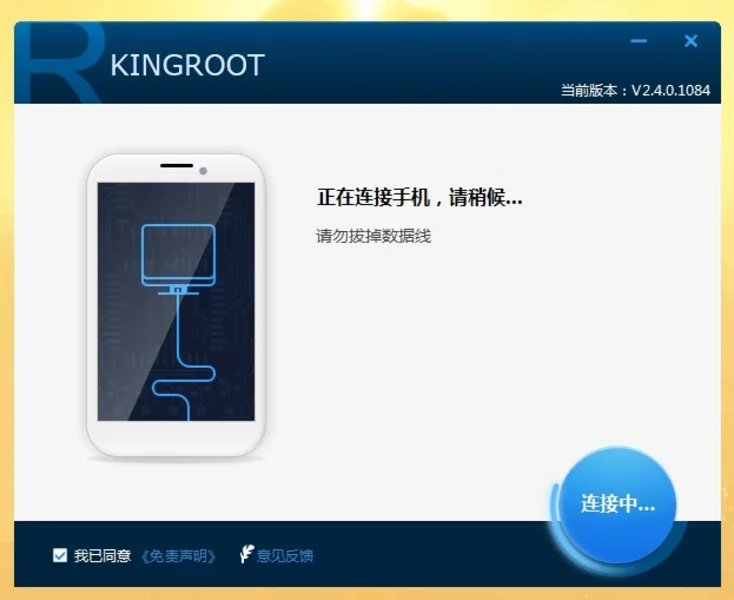
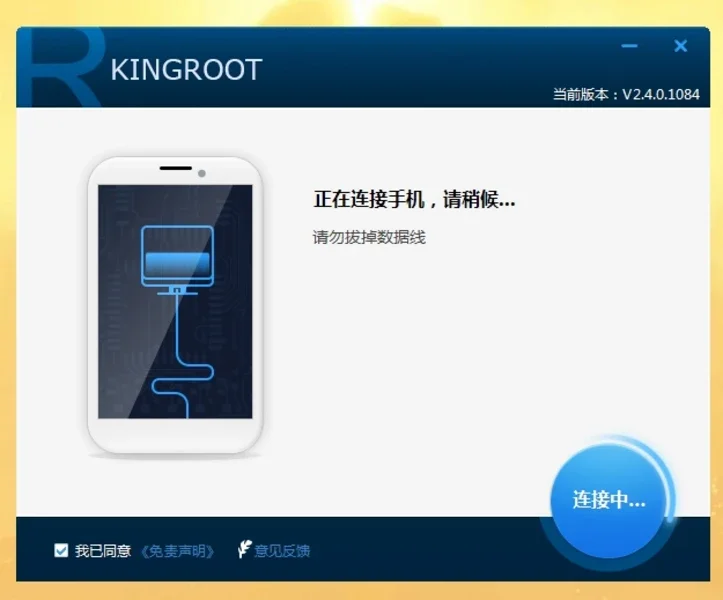
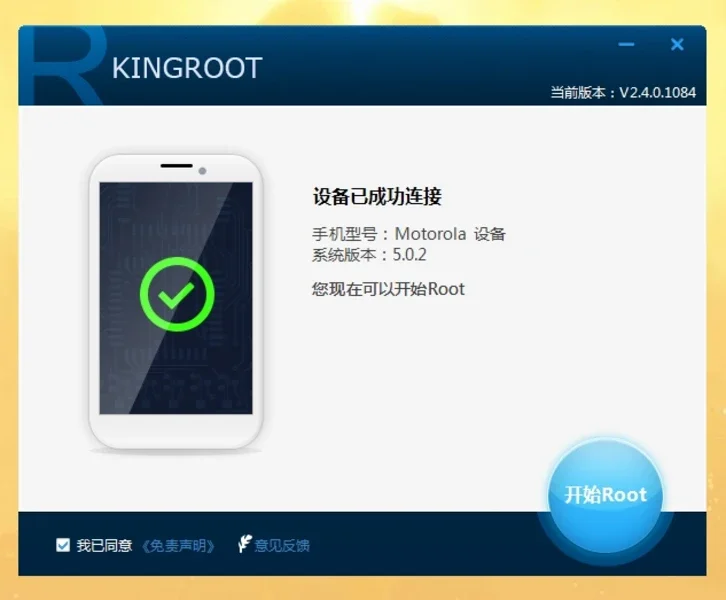
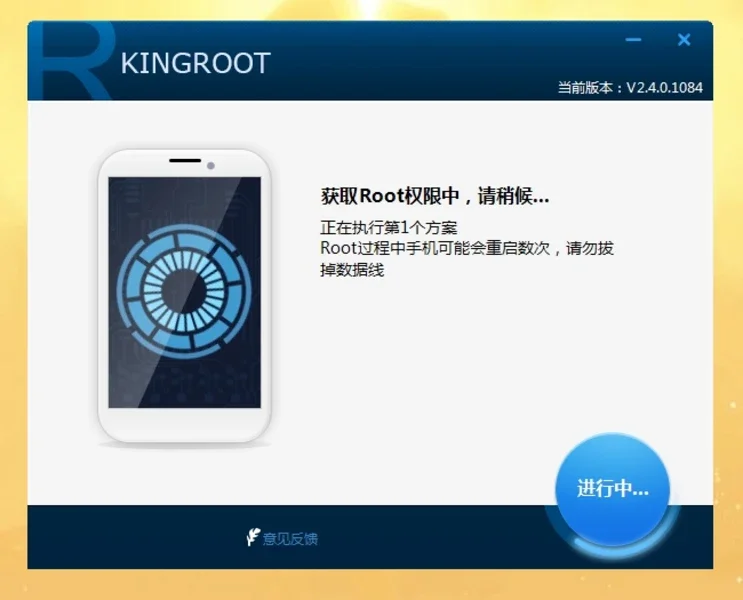
Before you connect anything, USB debug mode has to be enabled on the device. That setting sits under developer options. With the phone plugged in over USB, the rest is a single step: press the large blue button in the interface. The interface itself is in Chinese, but you do not need to know Chinese to operate it. The button is where it is, and the job runs from there. Some Android models are not supported, and the program may fail to identify certain devices, so a device it cannot see will not root.
The program is free. It is proprietary, from kingroot studio. The latest version is 3.5.0.1157.
Download files
f194dd9a8f5bc38d58ef17b8a2e08006db1cd0fa59b96c47d68c80796dec2c3b
Signed by KingRootApp · valid until Dec 31, 20390b88786922edca8a535d157d9cc9a28768dd2a2902b83db7f3fa238b87c4dd32
System requirements
Available on:
Minimum OS:
Windows XP or later
Additional information
Developer
Latest release
Size
Category
File type
SHA-256
f194dd9a8f5bc38d58ef17b8a2e08006db1cd0fa59b96c47d68c80796dec2c3b