
Launchy 2.5 for Windows
SHA-256 listed
Type an app name, press Enter, and it opens
You are on macOS — this is the Windows version. See the macOS version
All ages
Age rating
Screenshots

Description
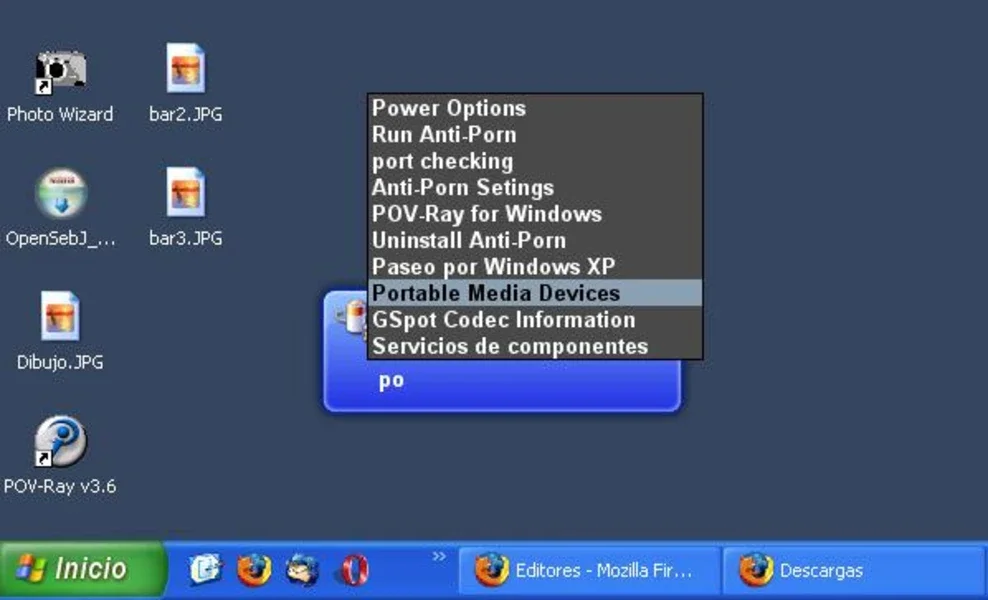
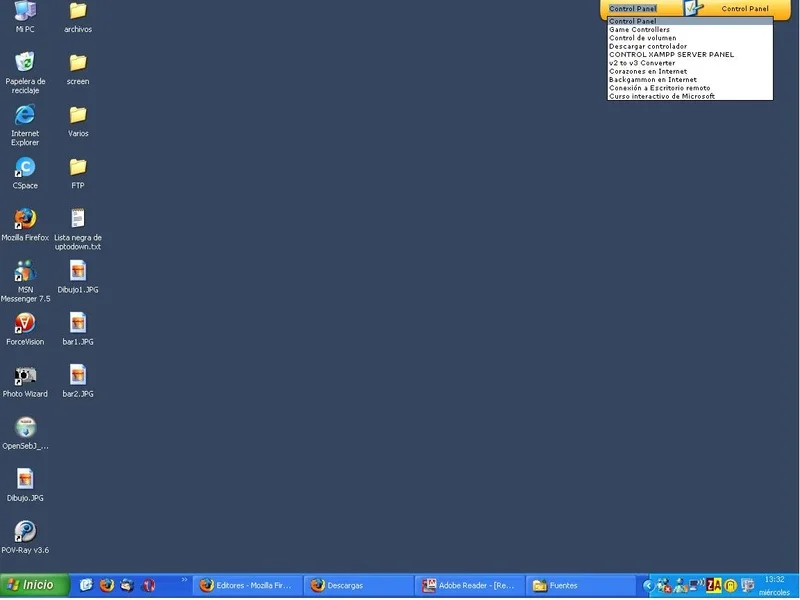
Launchy gives quick access to the applications installed on a computer. It stays hidden until you summon it with the keyboard shortcut Alt Space. Type a name, such as Word or Media Player, and the app opens.
- A drop-down list shows programs whose names begin with or contain the typed text.
- It can also open items like Control Panel, Power Options, and Display Settings.
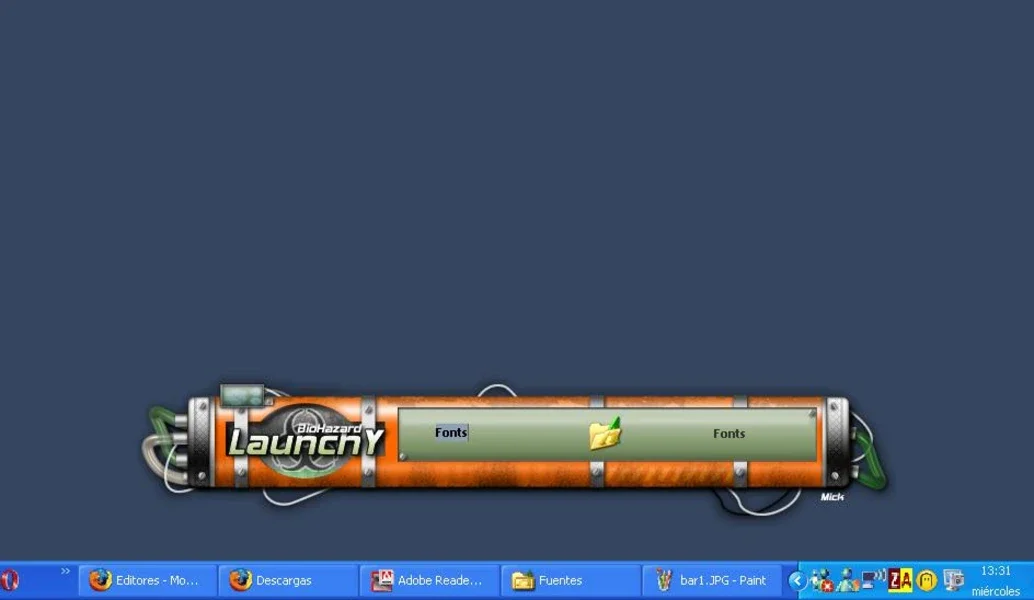
- About a dozen skins are included for changing its appearance.
- More skins can be downloaded from the developer's website.
It runs on Windows.
Download files
FileLaunchy2.5.exeEXE
Version2.5
ReleasedAug 11, 2026
Size4.3 MB
SHA-256
Get
ee2db6974e9af49184d439d86dac78f17d2d1e8277d1ec85ebd03d8fc36eac14
No digital signatureFile2.5EXE
Version2.5
ReleasedOct 10, 2024
Size4.3 MB
SHA-256
Get
4271e8f3969dc11259bc2791ce89b6eb73cb36eb663872792c0c4dfa87fa1916
No digital signatureFilelaunchy-1.25.exeEXE
Version1.25
ReleasedUnknown
Size1.0 MB
SHA-256
Get
3846de19c6d20181ef485fd1a18739372e96cf1a62092e31822d3e6ca153592c
No digital signatureSystem requirements
Available on:
Minimum OS:
Windows Windows 98 SE or later
Additional information
Developer
Latest release
2.5 · Aug 11, 2026
Size
4.3 MB
File type
EXE
SHA-256
ee2db6974e9af49184d439d86dac78f17d2d1e8277d1ec85ebd03d8fc36eac14
Digital signature
No digital signature





