Android emulator for Windows with Hyper-V support and built-in tools
You are on macOS — this is the Windows version.
Screenshots
Description
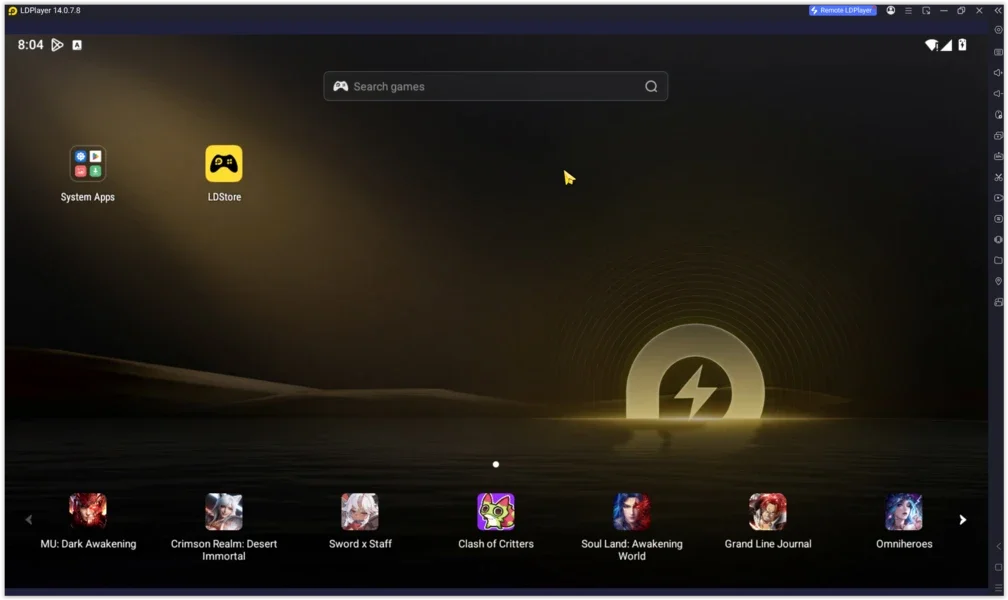
LDPlayer 14 is a free Android emulator for Windows PCs. It runs on an Android 14 engine and is made to handle recent, demanding mobile games. The engine is described as lightweight and is built on a stable, optimized core. The Android 14 update promised a 30% gain in FPS, and in tests with graphically heavy MMORPGs the frame rate held fairly steady.
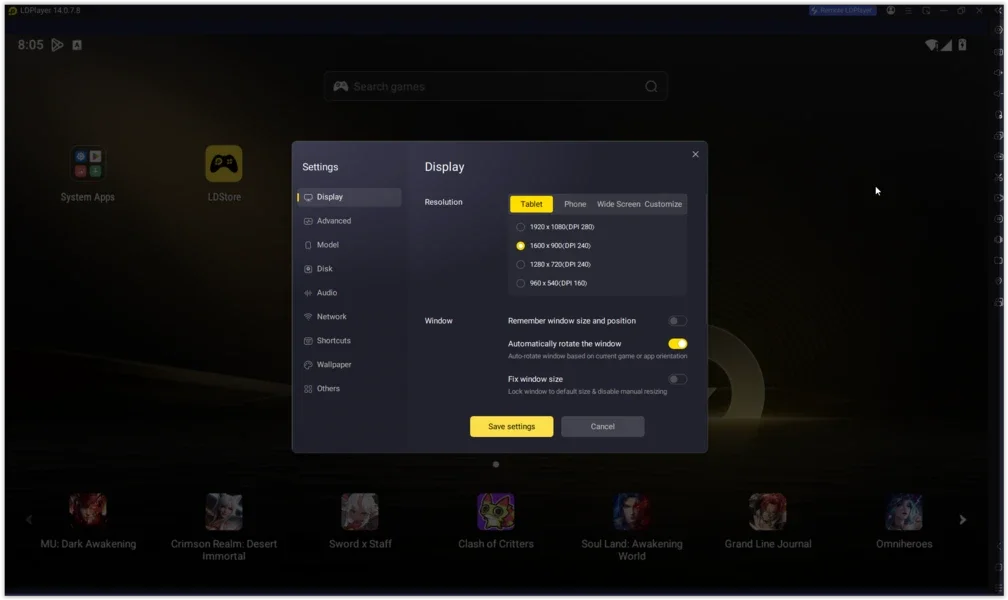
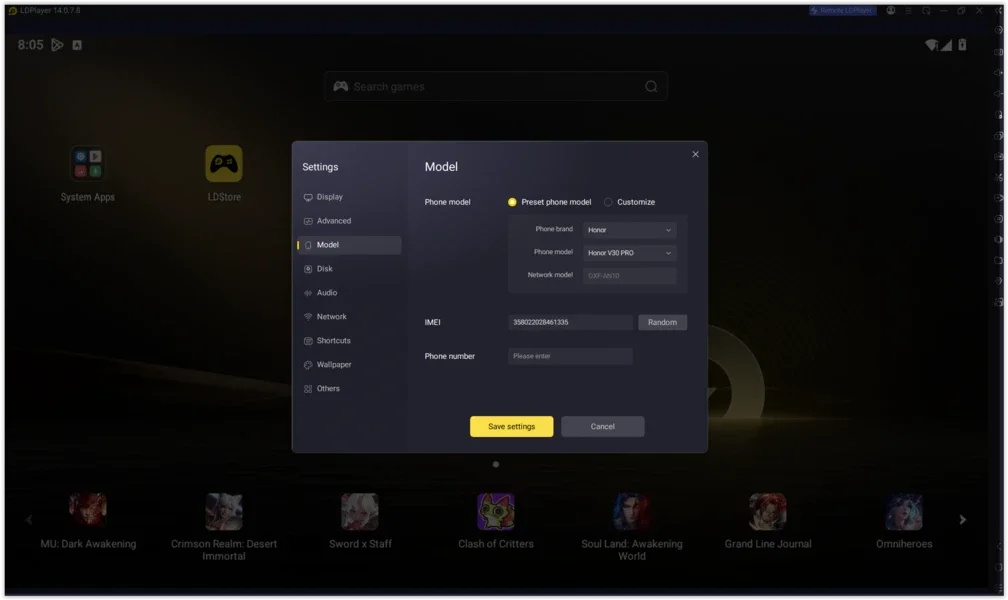
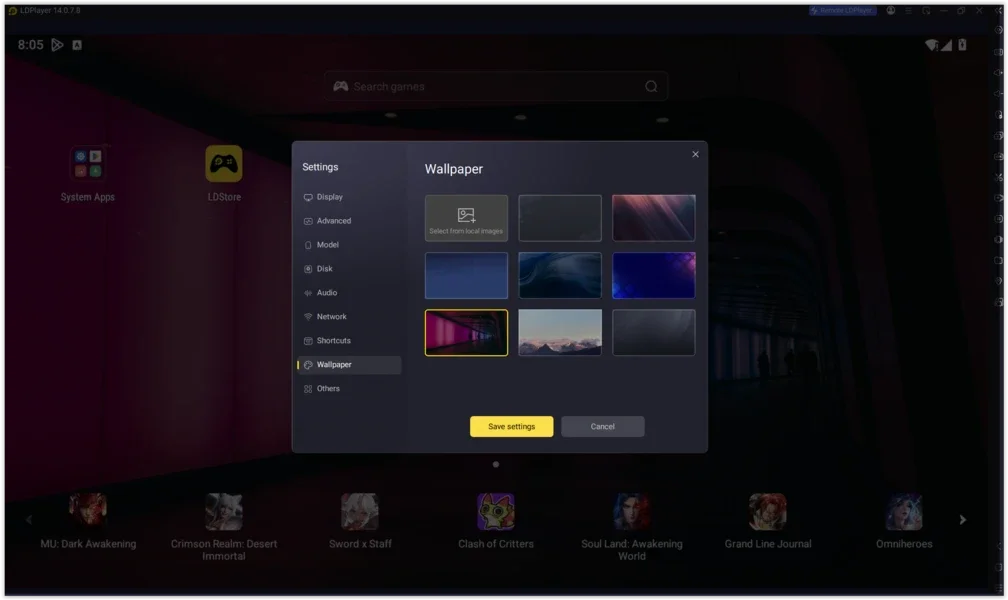
Hyper-V integration is included. It tackles the usual virtualization clashes on Windows 10 and Windows 11, which adds stability. The interface follows LDPlayer 9's look. A settings panel changes resolution, with presets for tablets, smartphones, and ultrawide screens. Device simulation covers Honor, Oppo, Xiaomi, and Samsung models to improve compatibility; emulating an Honor V30 PRO made LDStore load a bit faster than in earlier versions. The virtual desktop wallpaper can be customized.
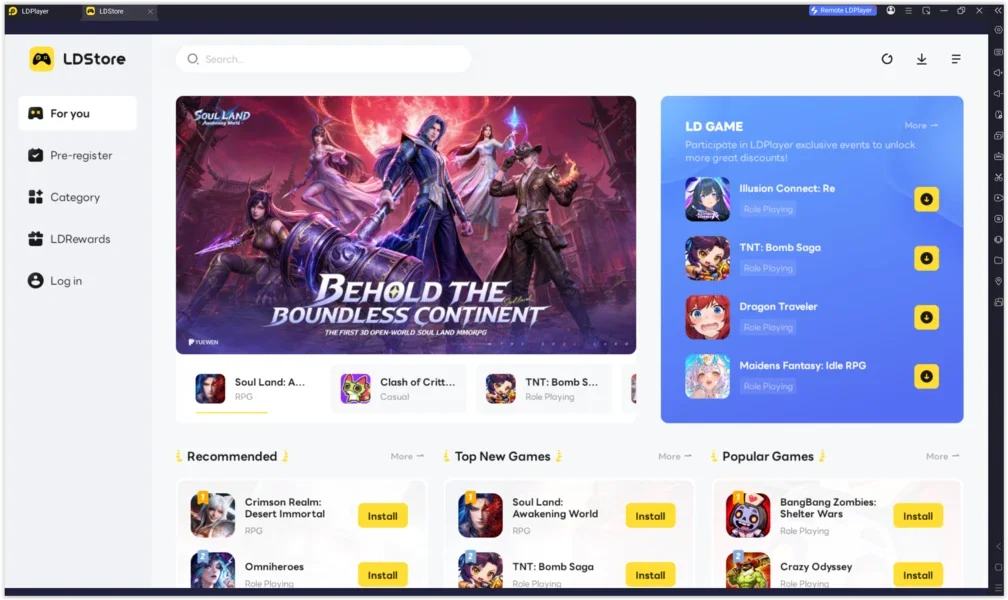
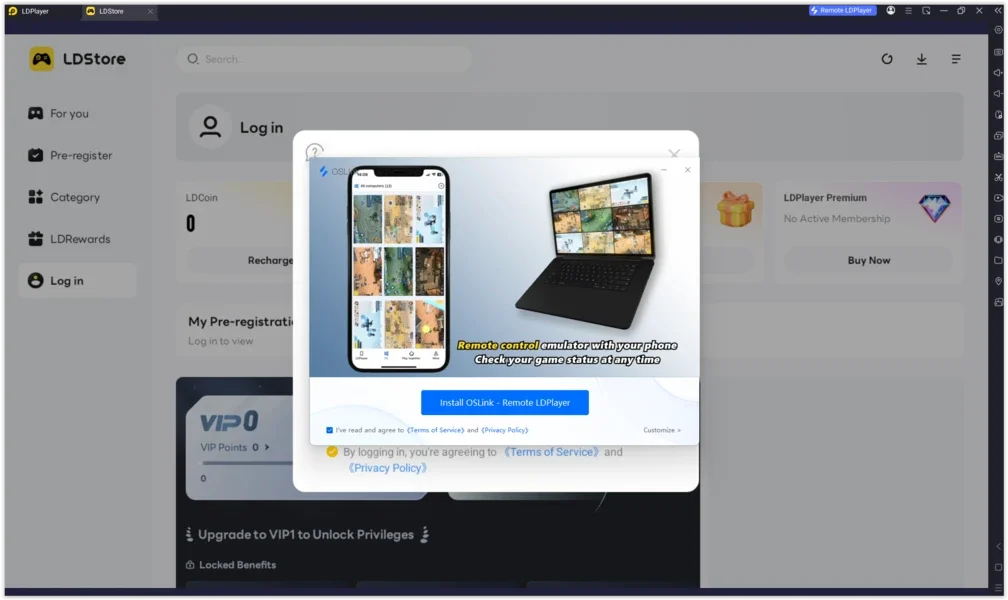
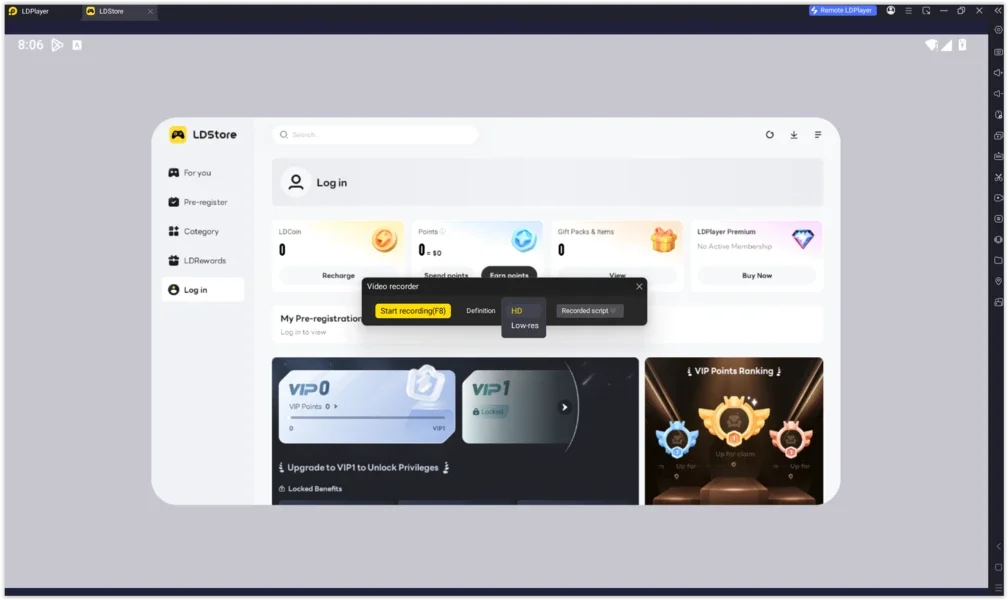
A side menu holds a built-in video recorder that captures gameplay without extra tools, at HD or a lower setting when disk space is tight. OSLink, a remote control system, is fully supported, so you can watch game status, manage automatic farming, or check rewards from a real phone. LDStore, the native store, lets you pre-register for or download Android games for free.
Download files
55b61915f530bd597b380abed9b7bb59947291e8af4a507516136f42c5f89a1f
System requirements
Available on:





