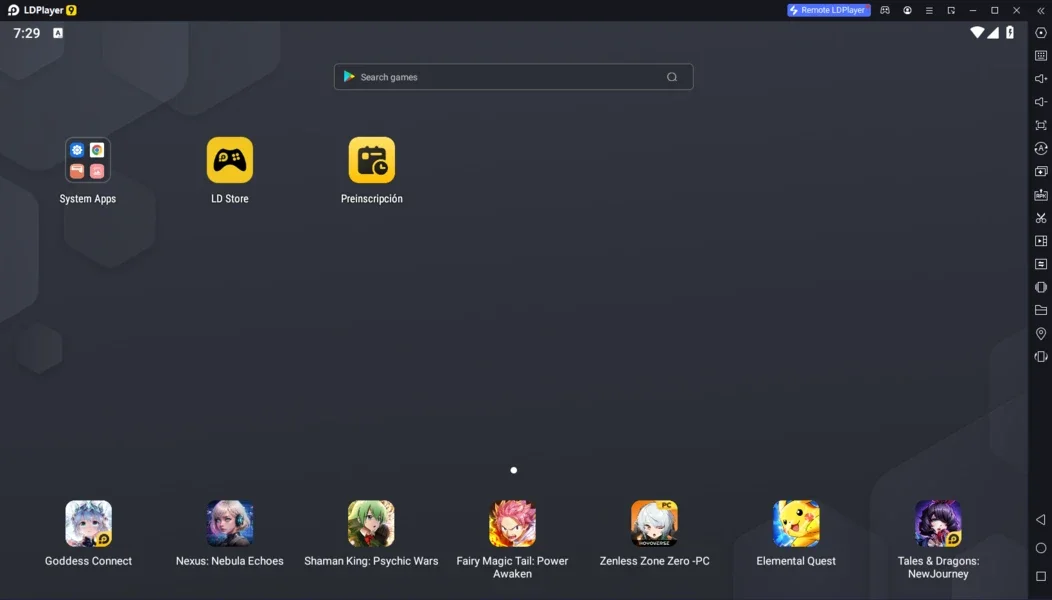

Android emulator for Windows that tunes CPU and GPU use on its own
You are on macOS — this is the Windows version.
Get it from the publisher
Distributed by the publisher: get it from the publisher’s official channel.
Versions
All ages
Age rating
Screenshots
Description
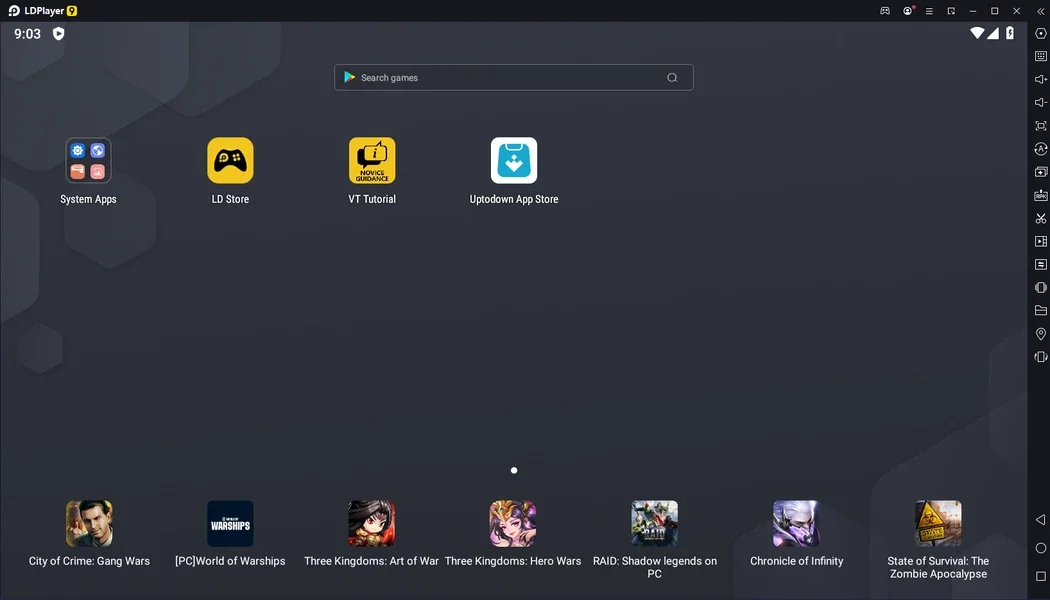
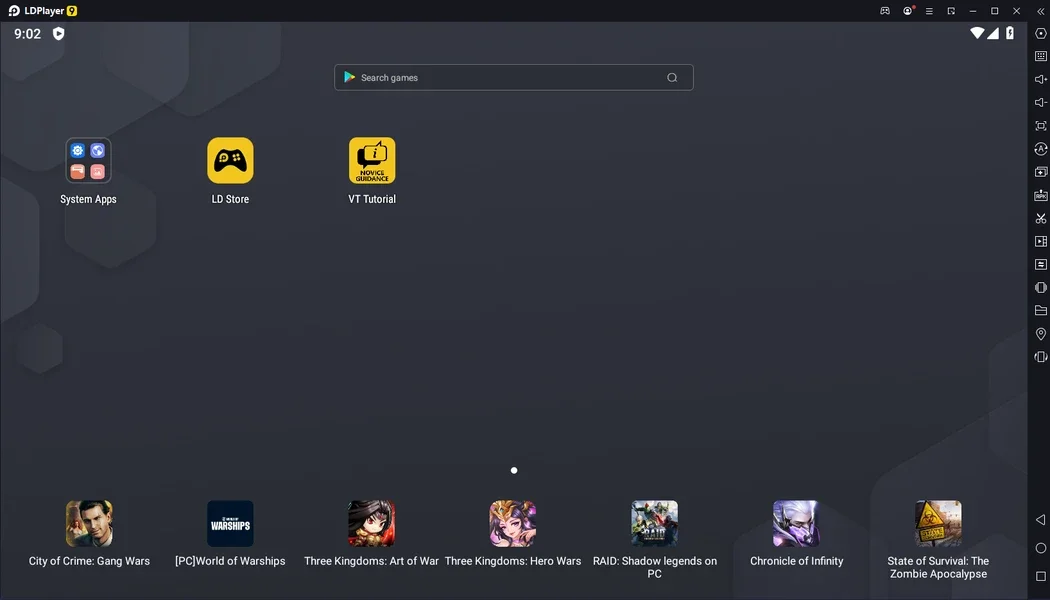
LDPlayer 9 tunes CPU and GPU usage automatically, without you setting anything up. The emulator targets stable frame rates of 60 to 120 FPS on low-end computers, and it loads its elements quickly, with processing times under 10 seconds.
Sessions and controls
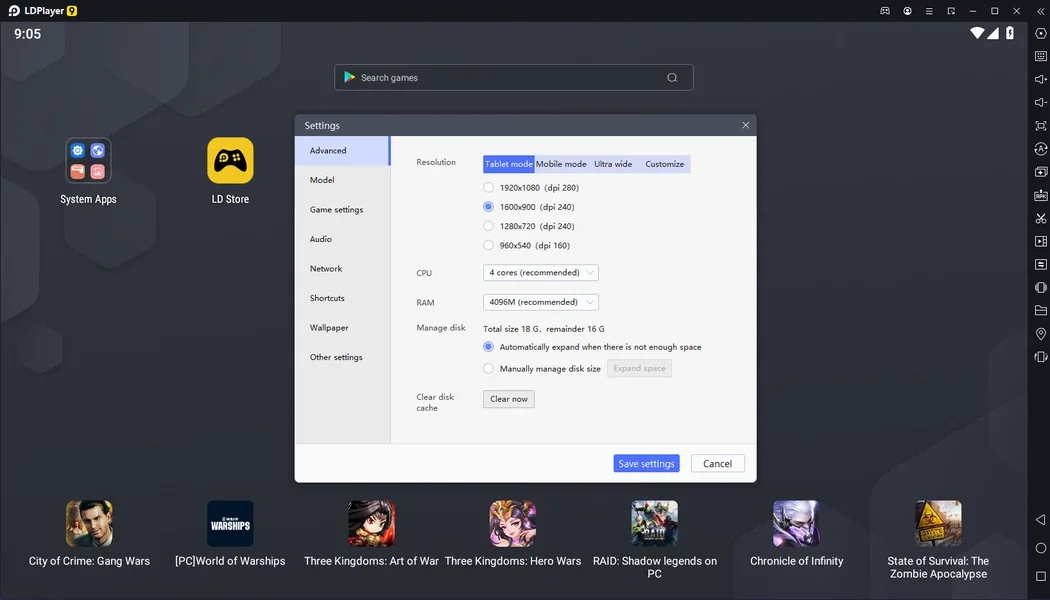
It runs on the Android Pie system, on an Android 9 kernel, and it opens most 64-bit and 32-bit APK files. You can start multiple instances to run more than one app at once. Keys can be assigned to in-game buttons, and the frame rate limit can be adjusted to match the graphics settings. Graphic resolution and RAM usage are changeable in the settings to fit the computer's capacity.
Download files
File9.5.27.0EXE
Version9.5.27.0
ReleasedJul 14, 2026
Size3.36 MB
SHA-256
[Download link coming soon]
8514265546d0df203b0dbf8b6b68d3b699fe6efe2d671638daee94de07b0816b
System requirements
Available on:





