
LetsView 1.3.1.1 for Windows
Mirror Android or iOS screens to a PC over WiFi and record the session
You are on macOS — this is the Windows version. See the macOS version
Screenshots
Description
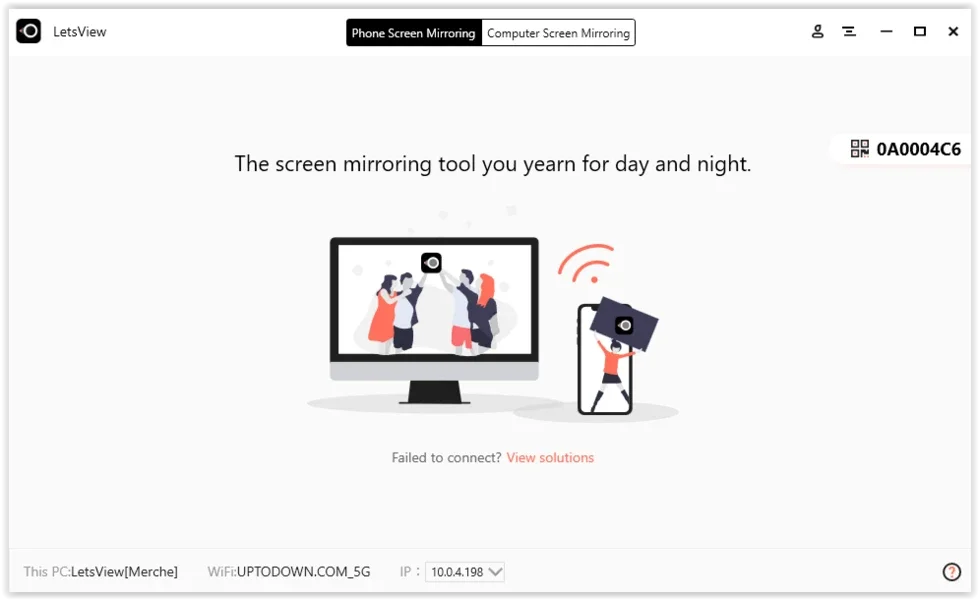
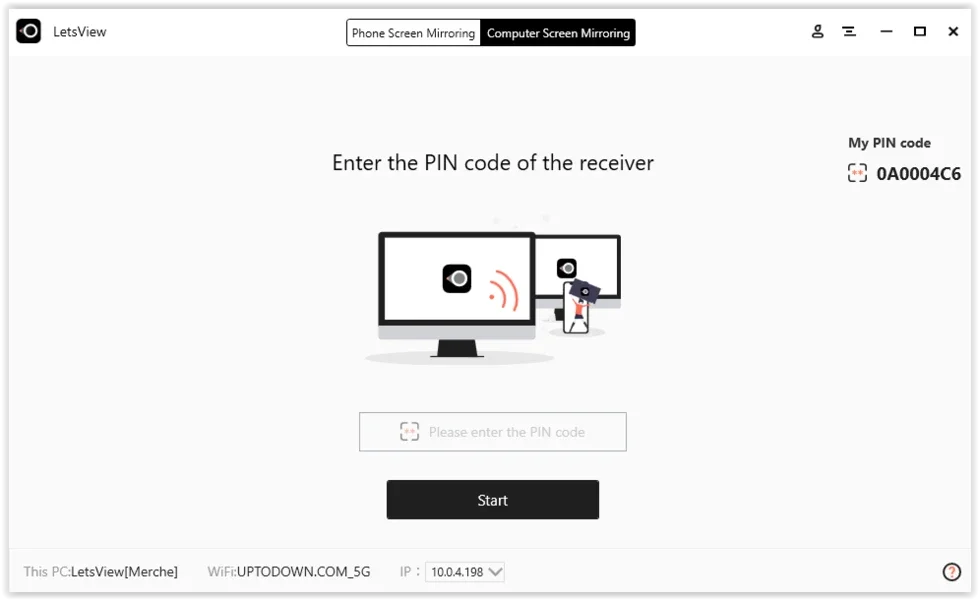
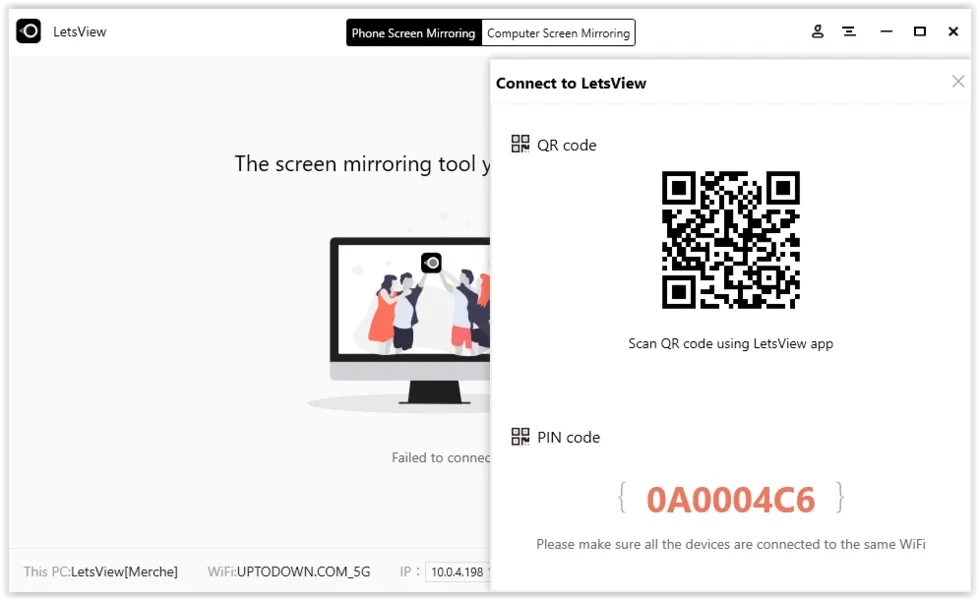
LetsView links devices over WiFi and mirrors one screen to another. No cable is needed. Both devices have to be on the same WiFi network. A code on the main screen ties them together.
Connecting devices
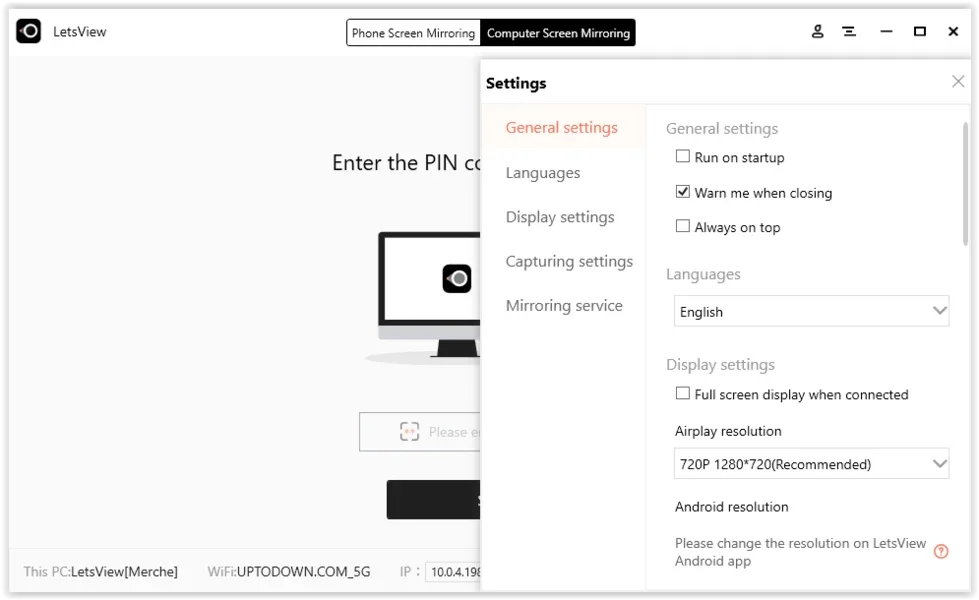
The app's bottom edge names the network you're on. From that spot you can switch to a different network, or join one, so other devices can link up. The IP address appears too, which helps when you need to connect or disconnect a device. Android and iOS devices both work.
Once linked, you can mirror the computer's screen or an Android device's screen and interact with it. An Android screen can go to a PC monitor or to another screen. Mirroring is wireless throughout. The app runs on multiple platforms.
Screen recording
Recording is built in. It captures the screen activity and saves it as a video you can watch later.
Download files
23c46aa032018c8769053f10fe844376df8df15b496c04c59f04097e274e59f7
Signed by Apowersoft Ltd · valid until Nov 27, 2023b17688774dbb6705be12a9ee5a70e8044b084526bc428c3e81033a6213811b3e
ab40b36603526c0e11e102de09eaffab43d9844dd54bb5f40ffdb42a95762ef8
fed8912a52f6043d9e7f7debb8096da565c4b38417c13159a8385d8ee15474f6
d1eafeb10517d36fff08f19572ef71421dd742ae1ad22d8a0d711c9766d99fb3
System requirements
Available on:
Minimum OS:
Windows XP or later
Additional information
Latest release
Size
File type
SHA-256
23c46aa032018c8769053f10fe844376df8df15b496c04c59f04097e274e59f7





