
Maestro Studio 0.8.13 for Windows
Records and replays mobile app tests on real and emulated devices
You are on macOS — this is the Windows version. See the macOS version
Screenshots
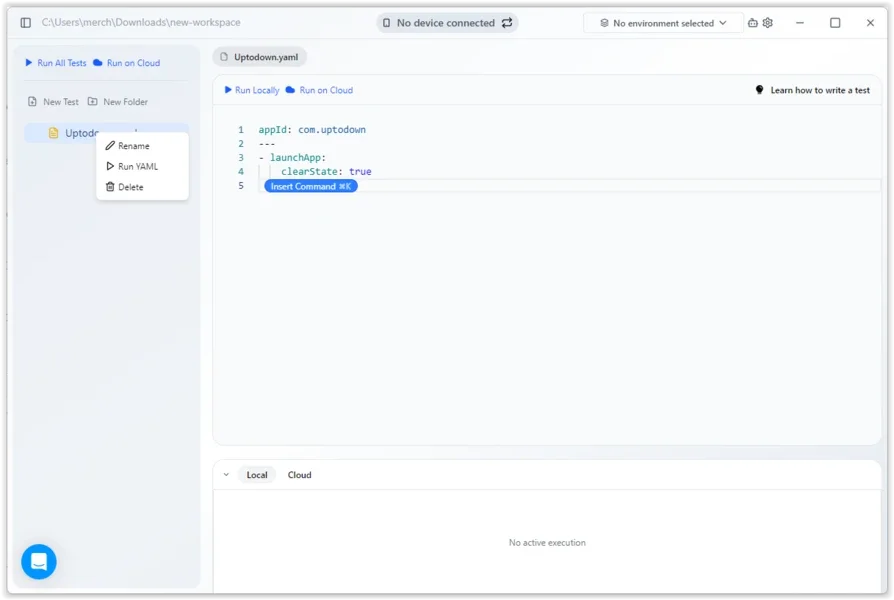
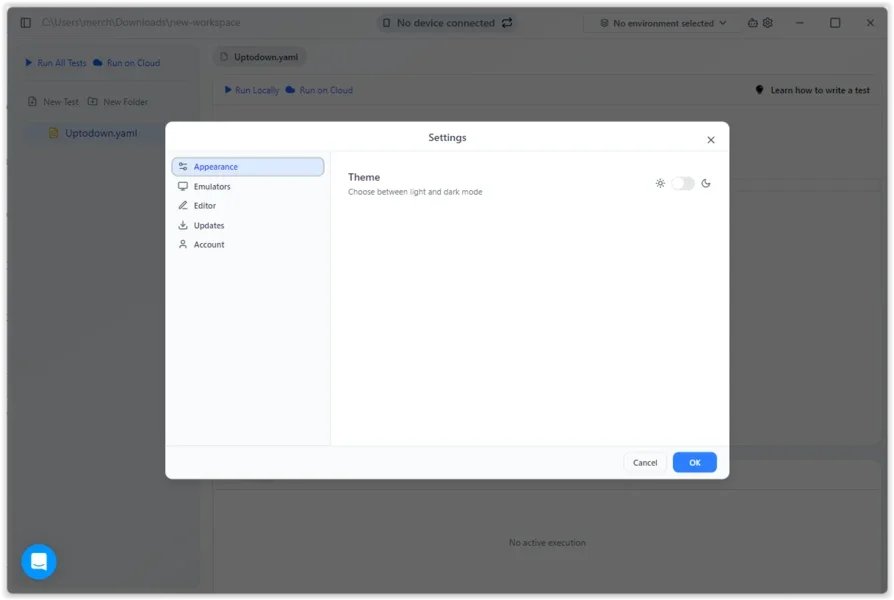
Description
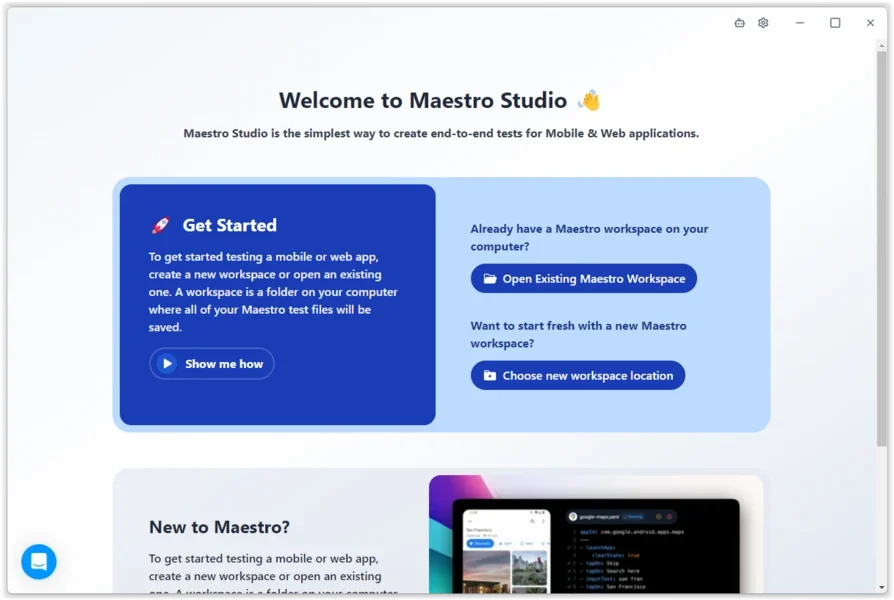
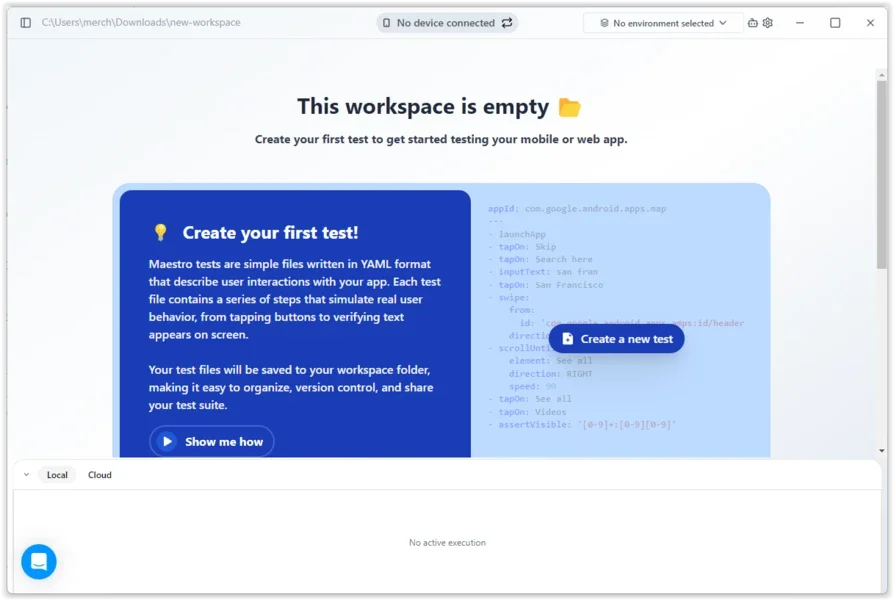
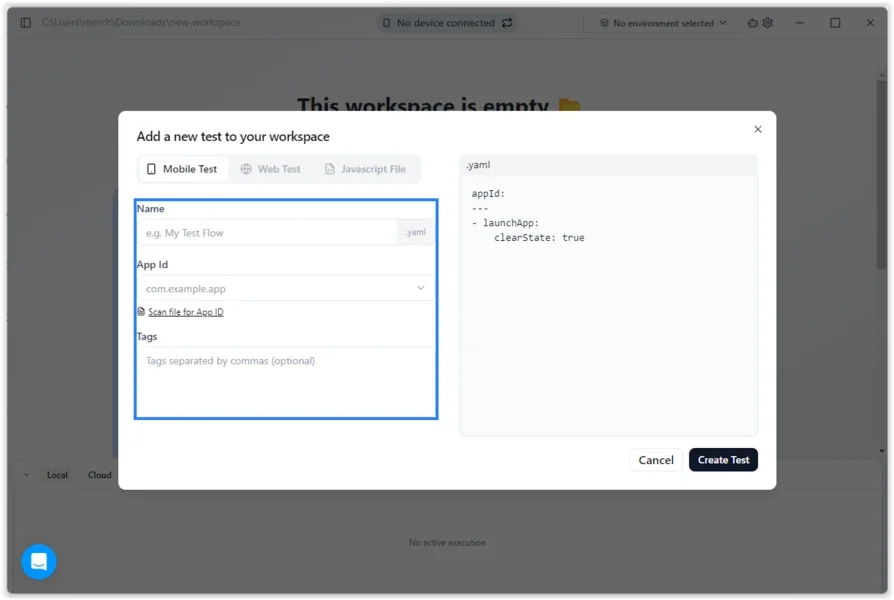
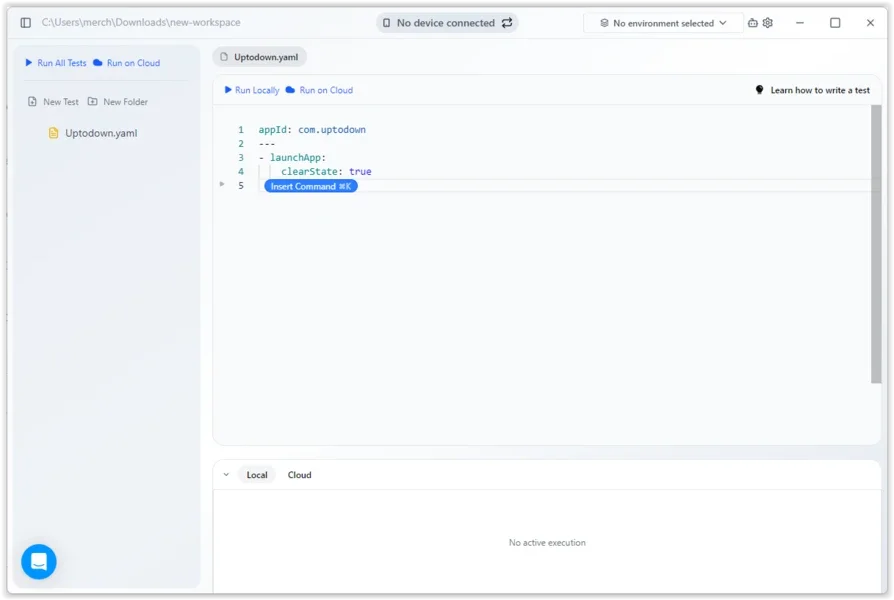
Maestro Studio creates, manages and runs automated tests for mobile apps. It works at the interface level, simulating real user interactions with the app.
Test flows are recorded as you go, and each one is visualized in real time so you can watch the actions execute. That covers whole journeys: logins, moving between screens, and more involved sequences. Tests run on real and emulated devices. Because the repetitive steps are automated, there is less room for human error, and errors or unexpected behavior show up as they happen. Flows are organized and grouped in a structured way, and you can keep several tests and projects in hand at once. For suites that have to scale as the app grows, that structure is what keeps maintenance workable. One place controls the lot, giving a clear view of how the project is doing. The point of it is to get tests written and run faster.
It runs on Windows and is free to use.
Download files
3372babeb692bc495001570ed157a2dcea4cdff1cbe875bcf8638b668e99d369
Signed by Developer ID Application: Leland Takamine (25CQD4CKK3) · valid until Sep 30, 2030System requirements
Available on:
Additional information
Developer
Latest release
Size
Category
File type
SHA-256
3372babeb692bc495001570ed157a2dcea4cdff1cbe875bcf8638b668e99d369