
Magnifier 2.4 for Windows
SHA-256 listed
Enlarges parts of the screen and saves screenshots as BMP
All ages
Age rating
Screenshots
Description
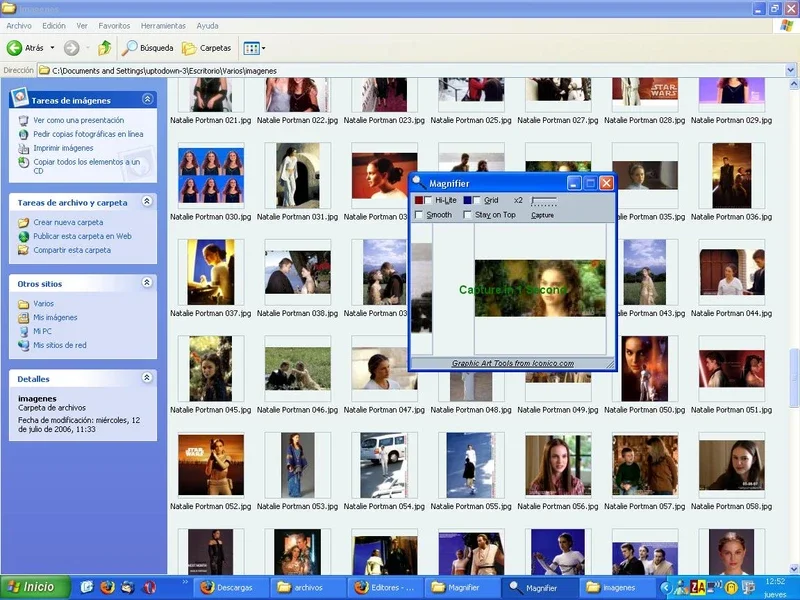
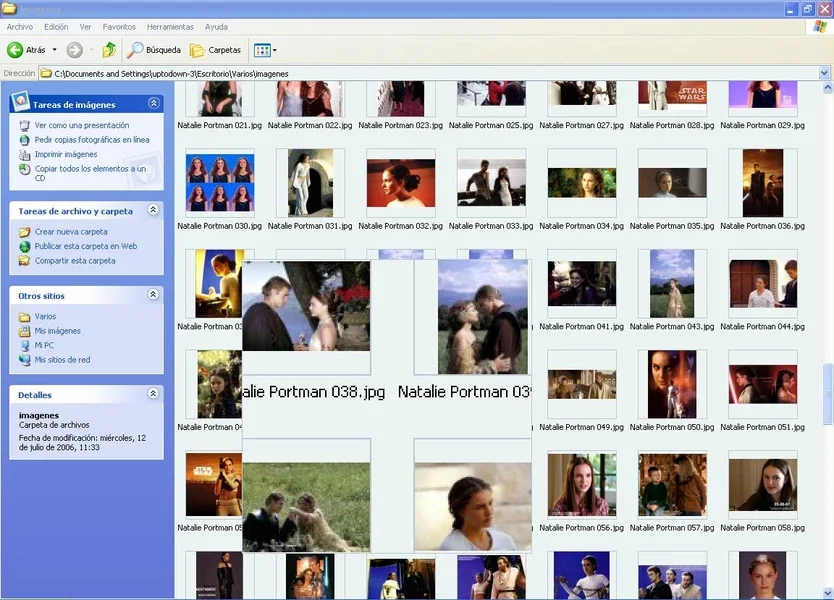
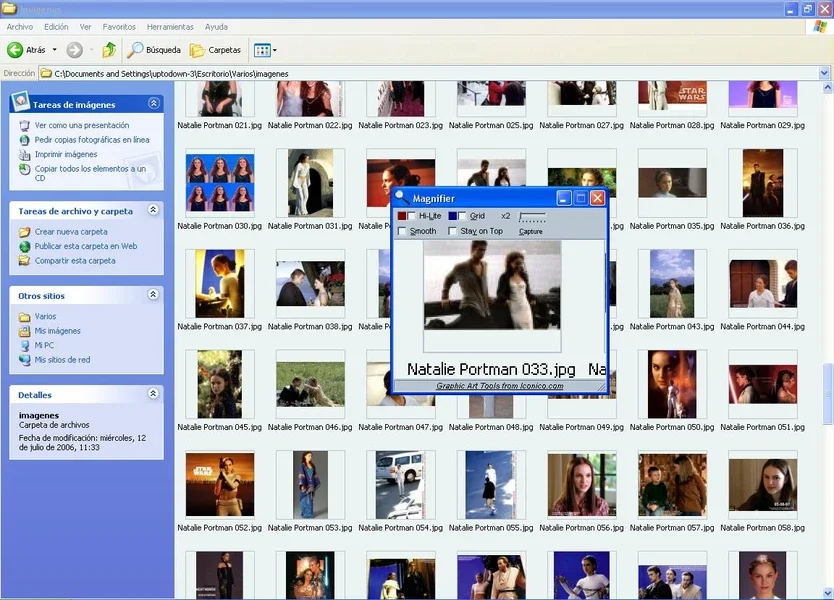
Magnifier enlarges chosen parts of the screen. The magnified view has no borders and follows the cursor as it moves.
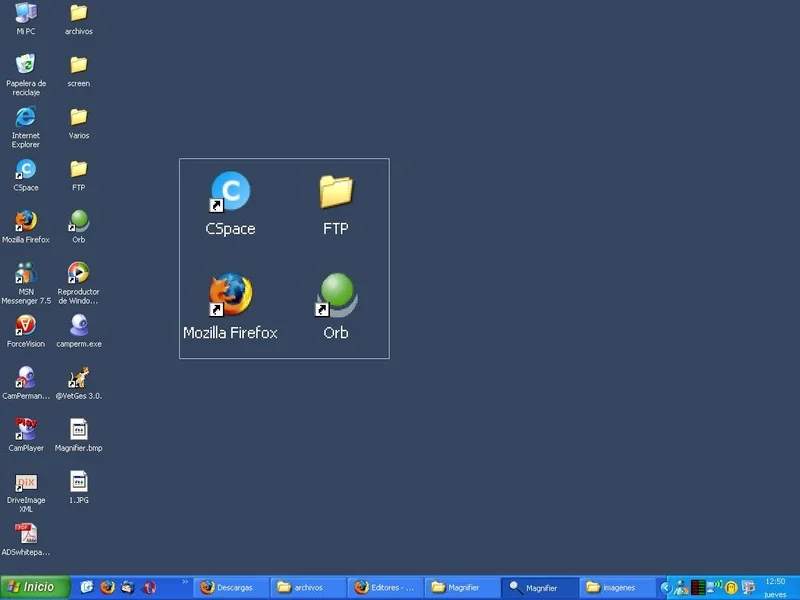
Press the screenshot button and a ten-second countdown starts, giving you time to position the mouse cursor over the target area. Screenshots of selected areas save as BMP files. A screen map can sit in a corner, showing which part of the window you are viewing. Moving the cursor over the area brings up the configuration parameters. The maximum magnification is 36 times, and the interface is simple.
It is a Windows utility by Nico Westerdale, free to use.
Download files
File2.4ZIP
Version2.4
ReleasedJul 23, 2007
Size413.1 KB
SHA-256
Get
95ceb294eae2761fd2403befe187f0debc668c53d918f549482fe57f9415bc05
System requirements
Available on:
Additional information
Developer
Latest release
2.4 · Jul 23, 2007
Size
413.1 KB
File type
ZIP
SHA-256
95ceb294eae2761fd2403befe187f0debc668c53d918f549482fe57f9415bc05





