
Makesoft DuplicateFinder 1.2.3 for Windows
Finds duplicate files by name and size, then deletes the ones you mark
Screenshots
Description
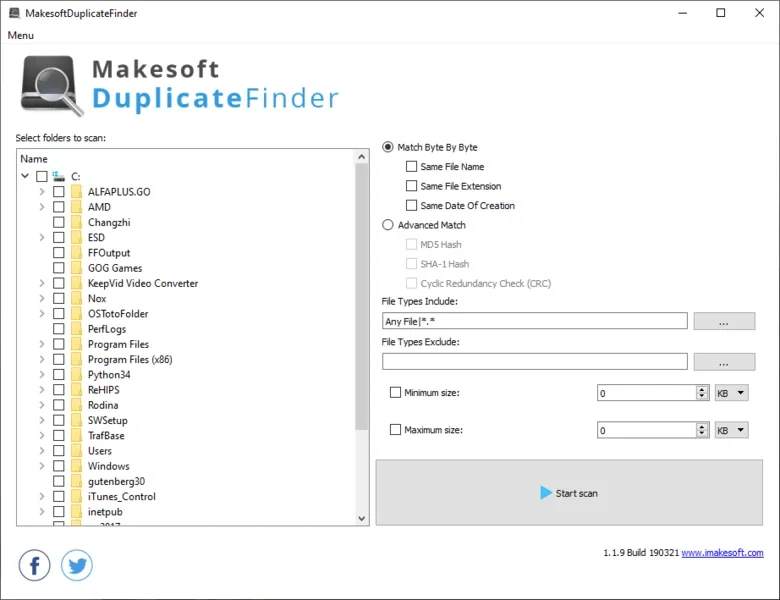
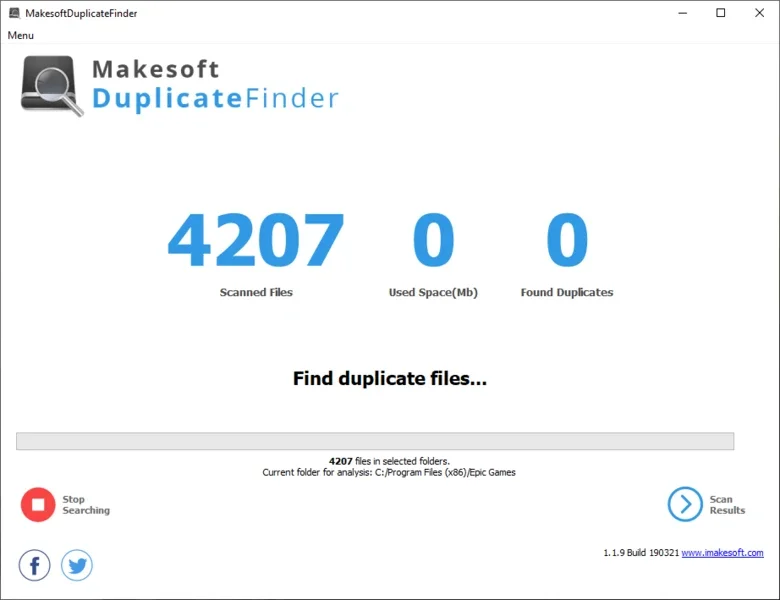
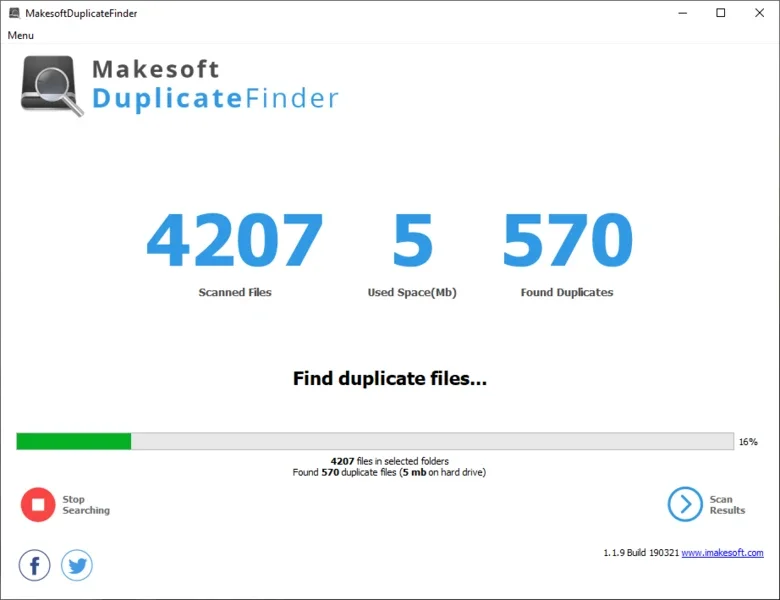
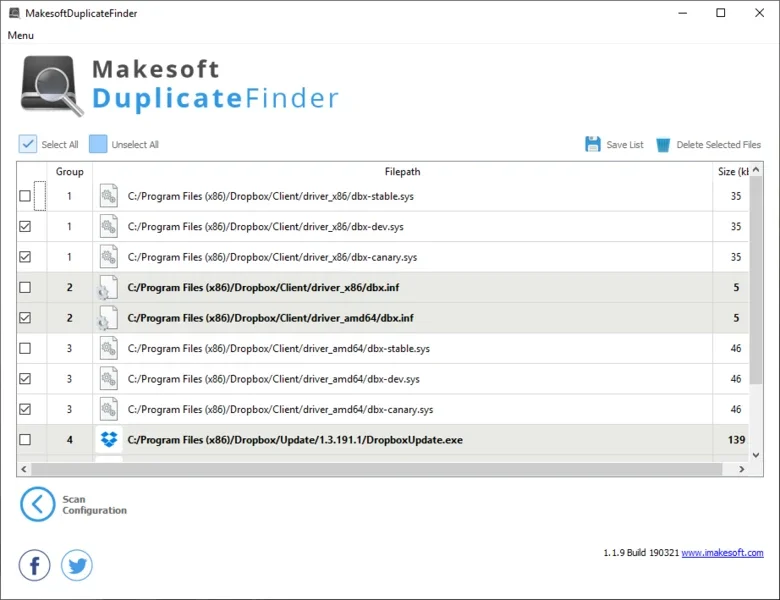
Makesoft DuplicateFinder scans a drive or folder you point it at and lists every duplicate file it finds. You pick the filepath to analyze, then press Start Scan and the scan runs on its own. Files are matched on two things: their names and how large they are. When the scan finishes you get the full list of duplicate file names, along with the space those copies take up on the hard drive. That is the point of the program: reclaimed space, and tidier folders that have collected obsolete documents over time. It is a Windows utility for disk and file cleanup.
The list is not acted on blindly. You can go through the marked duplicates yourself and untick any you think were flagged wrongly. Once you are satisfied, the Delete Selected Files button removes the selection, or a single button press clears the duplicates as a group.
It is free, and the current version is 1.2.3.
Download files
98d0b7326d3f11526a68297f88b8eb0644e4a137ce0aaf70abf929efb04d9c90
No digital signature47f798ba51aadf34b42b72f772c0cd83c476c65e772e9b1a30a1103595a0e622
a7f6c3529bc4cb6641f04f319b9468412311366a889d5b346dbac81df246daeb
c81e7254c85533bfcfdd11da24b796f6fa0f76c3bb2149c89a47a105db08788e
No digital signaturec50e670ea18021d991f33778ec5dcac505a8311f65da1393e9b64c4d3147fdbc
No digital signatureSystem requirements
Available on:
Minimum OS:
Windows XP or later
Additional information
Developer
Latest release
Size
Category
File type
SHA-256
98d0b7326d3f11526a68297f88b8eb0644e4a137ce0aaf70abf929efb04d9c90





