mGBA 0.10.5 for Windows
Game Boy Advance emulation with gamepad support and no BIOS needed
You are on macOS — this is the Windows version. See the macOS version
Screenshots
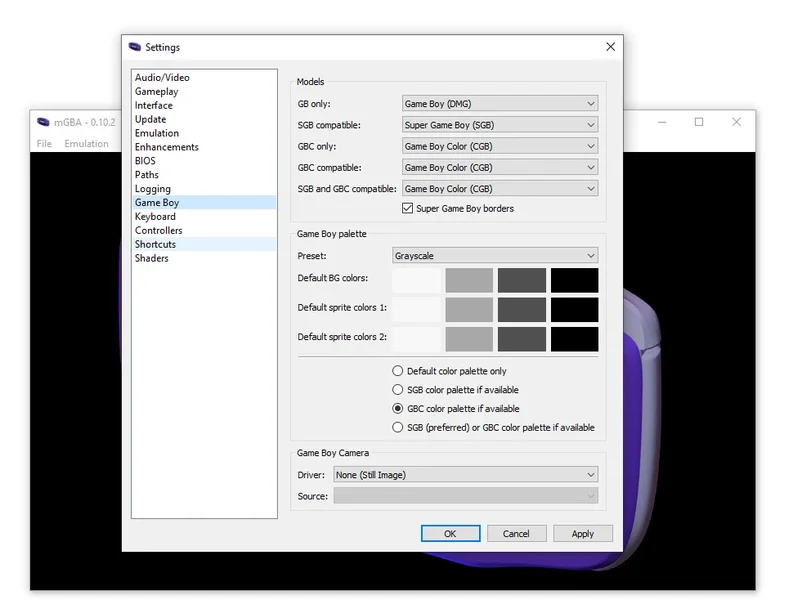
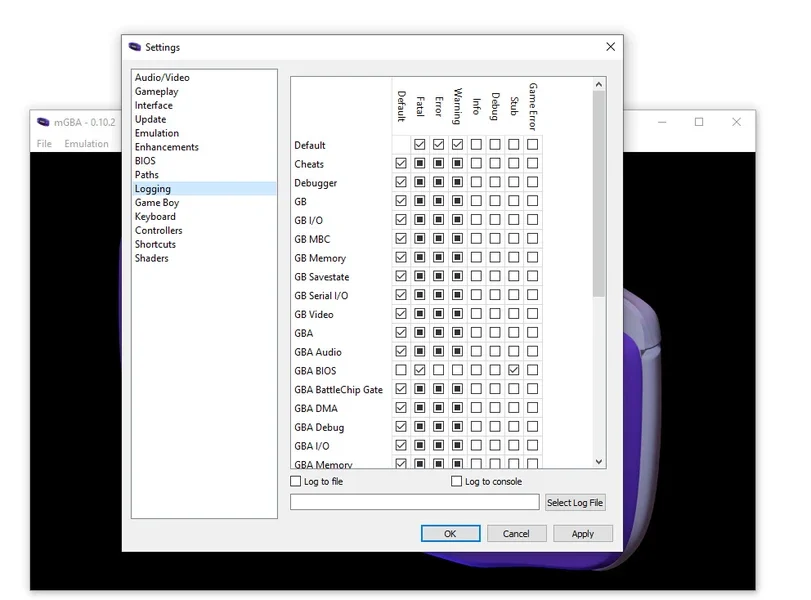
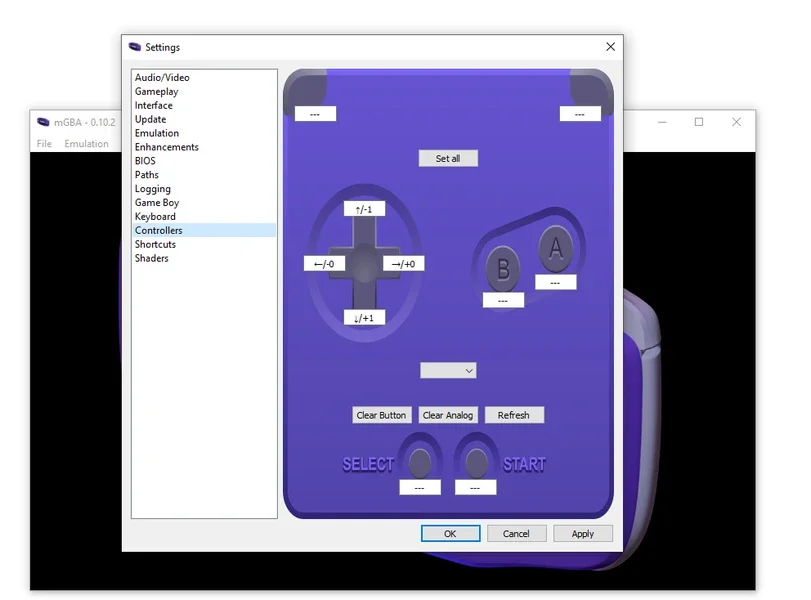
Description
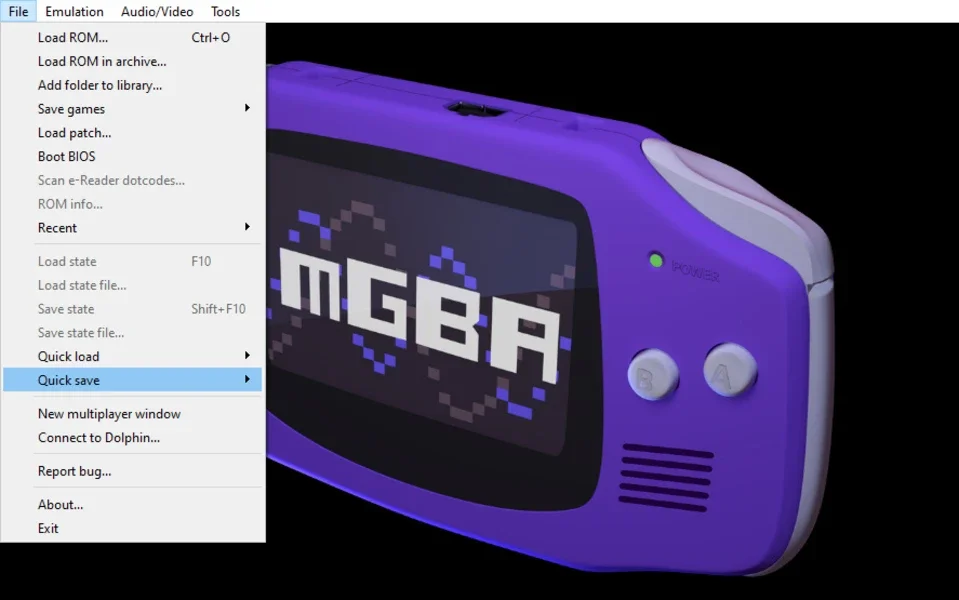
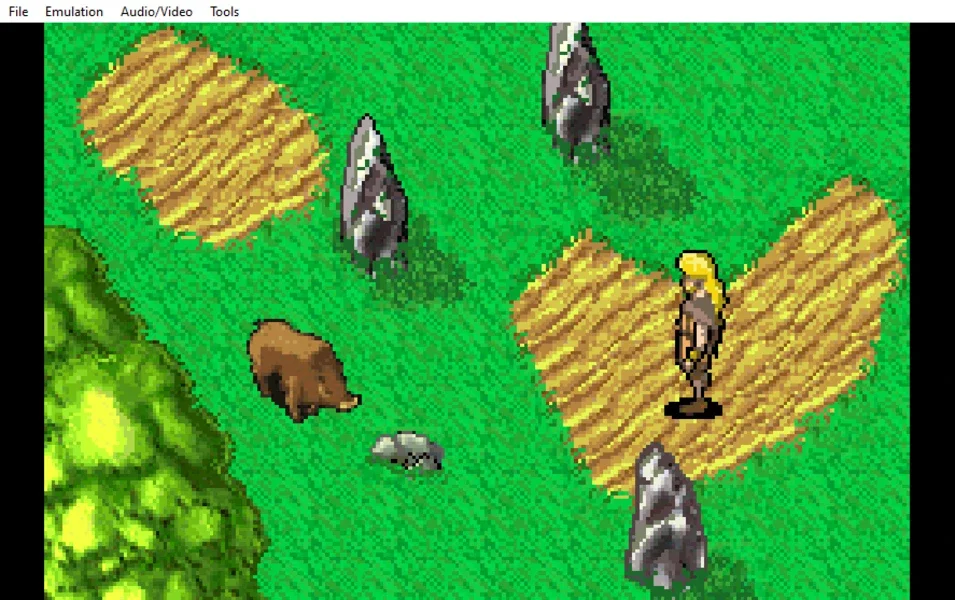
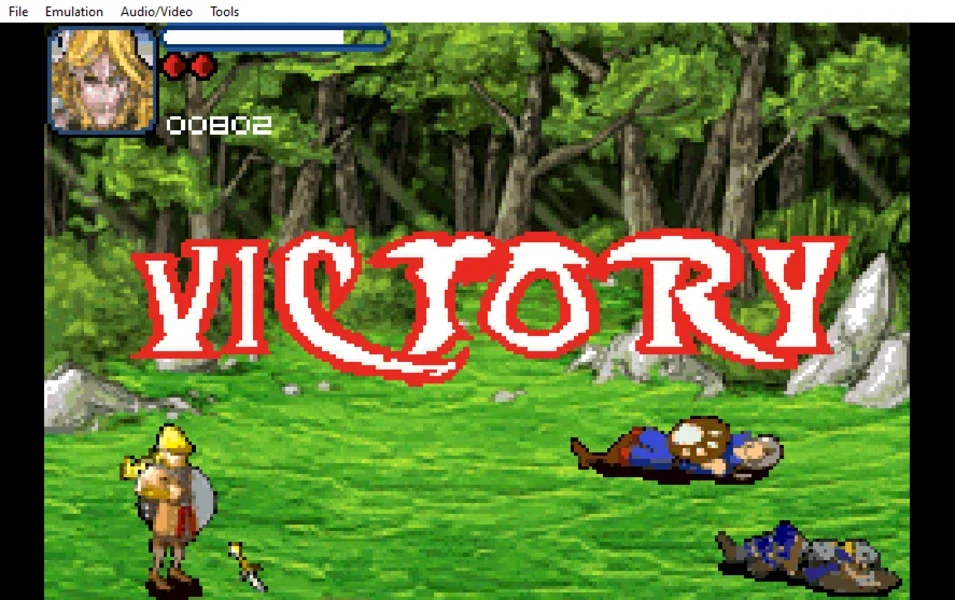
mGBA runs Game Boy Advance titles on a Windows PC. Load a ROM and play; the default keys put the D-pad on the arrow keys and the B and A buttons on Z and X, so nothing needs setting up first. Starting on a title does not call for a BIOS file.
Peripherals and gamepads
Rumble, the Solar Sensor, and both the Game Boy Camera and Game Boy Printer are supported, along with most other GBA peripherals. An Xbox controller or another gamepad can be connected, and the controls can be rebound in the configuration menu.
Thousands of Game Boy Advance, Game Boy Color, and Game Boy games run with full compatibility, and the combined catalog of Nintendo's 8-bit and 16-bit handhelds comes to over 1,000 titles. ROMs load from .gba, .gb, and .gc files, plus almost any compressed format. The program does not help you find or download ROMs; the advice is to dump your own cartridge and load the image directly. Experimental filters can be applied to the game image.
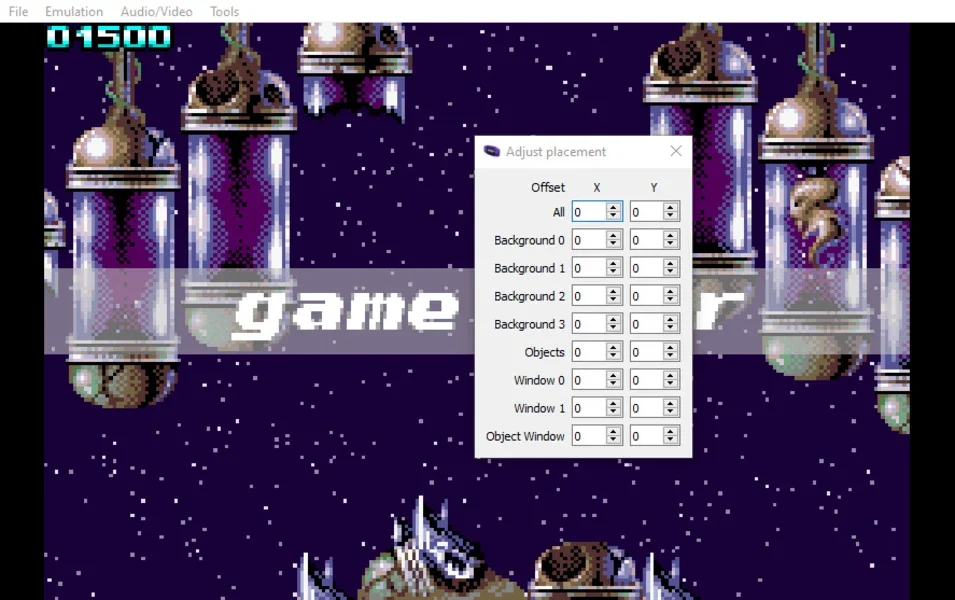
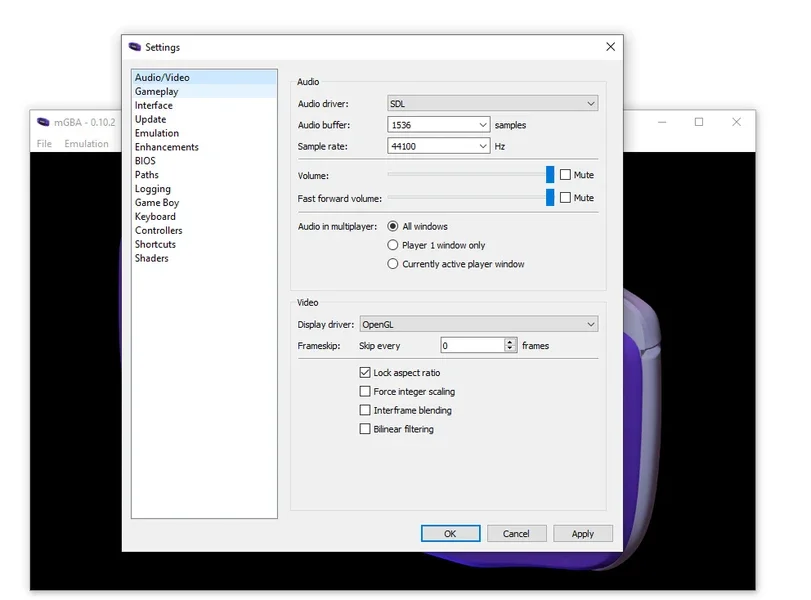
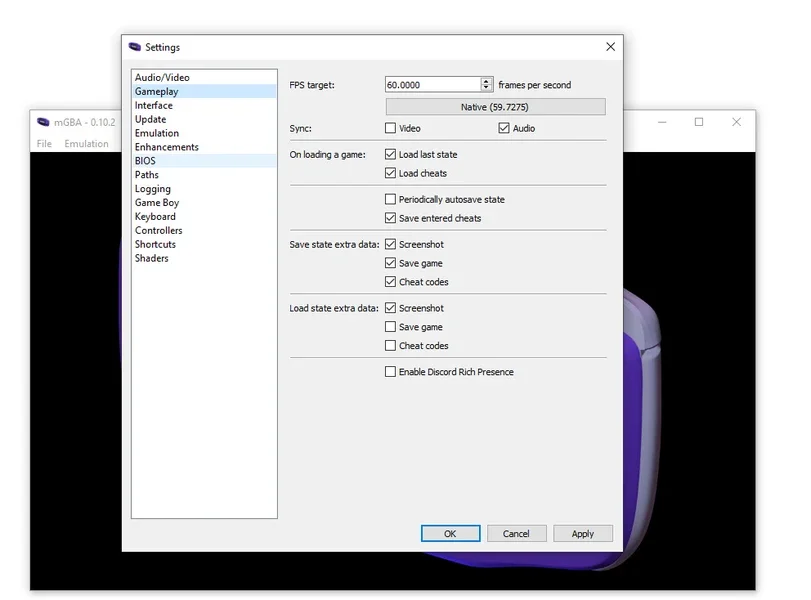
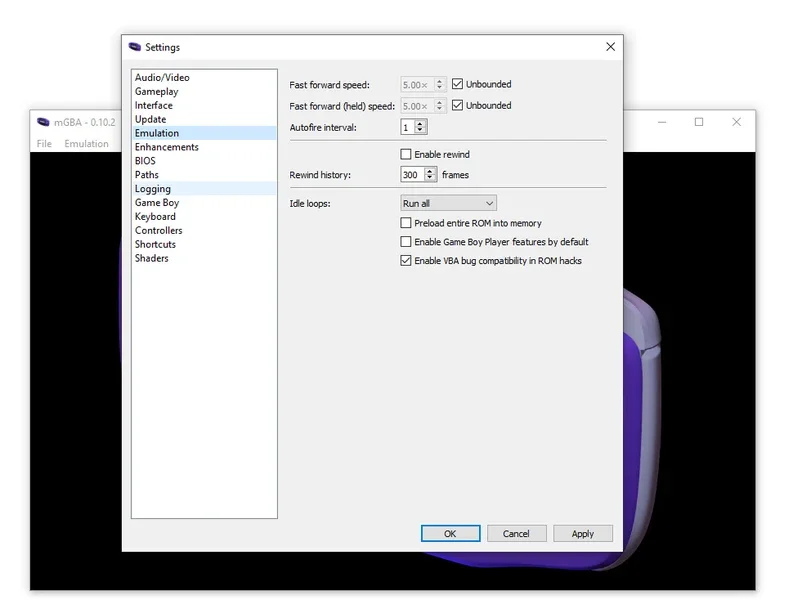
Dozens of configuration options are there if you want them, including frames per second and resolution. The interface language can be changed. The emulator is built to run well on weaker hardware: any machine that handles Windows 7 or higher will run it. The project began in 2013.
Download files
90b19d1d8871e306133c6d428e2c78a9670746815894f370e0e616a7373083d3
No digital signatureedd0454b8fe69f20dc2f0b47f2cfc32a14e3848550762ffbb3d782e649669c6b
No digital signaturec1b29f5852db574ee205765f2f958b2ea3f713c7c1cdfea4cb79998d0acd5375
61c3edcdfd07826a76e74d6003ad73221bd50fdf6f49ae2e63c1bb3e8c1a5c8d
3392133e65749a7f84242e168390084c45b7739b6931921e9d138ccf67dd3678
System requirements
Available on:
Minimum OS:
Windows Windows 8 or later
Additional information
Developer
Latest release
Size
File type
SHA-256
90b19d1d8871e306133c6d428e2c78a9670746815894f370e0e616a7373083d3





