MirrorGo 3.0.0 for Windows
Controls an Android phone from a Windows PC over a USB cable
Screenshots
Description
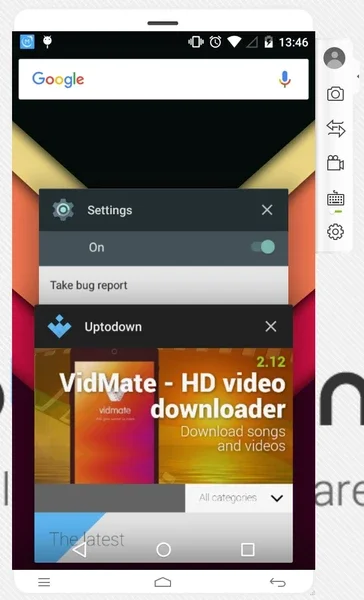
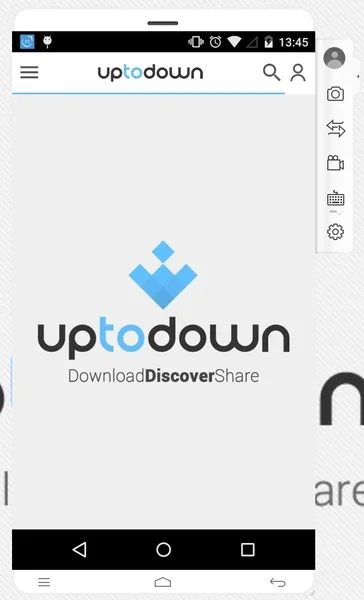
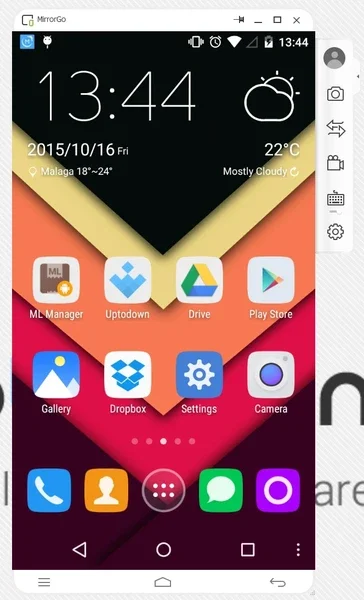
MirrorGo is a Windows tool for managing an Android device from a PC or laptop. Connect the phone and the computer with a USB cable first, then follow the on-screen instructions. Once both devices are synced, the smartphone appears on the screen with its content available.
The device is then controlled with the mouse and keyboard instead of touching it. You can move freely through all areas of the device without limitations. Folders can be navigated with a single mouse click.
- Screenshots
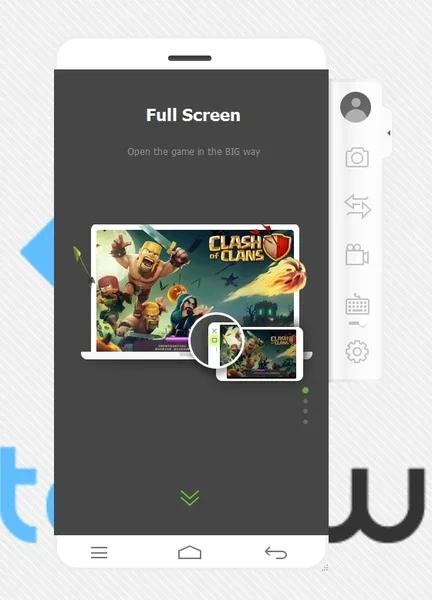
- Full screen and HD display
- Recording of everything that happens on the device, which can be used to create tutorials and videos to share with contacts or on social networks
Unlike Android emulators, it gives access to all internal and external memory and other functions just by connecting the cable. Wondershare describes it as more stable than tools that emulate operating systems, because the app's picture is shown on Windows rather than an emulated system being run, which avoids the errors such tools typically have.
Download files
3e14c743da4f94ba2a358ab45bd519c18d54931f5b840b0aeeeb3824ba2fee69
Signed by Wondershare Technology Co.,Ltd · valid until Apr 11, 20227e44cb4c8cb58a73f397b92102f7080e3d4c5920d62008df07249d835a97d055
4db7d23924343490fbb4223a45a7aeb4173f5468030c2112f1e7e512f7045d53
1967554cb37e233b43612a7337ab8d46acd859eeab02b0197ebafb41b2c5e404
System requirements
Available on:
Minimum OS:
Windows XP or later
Additional information
Developer
Latest release
Size
Category
File type
SHA-256
3e14c743da4f94ba2a358ab45bd519c18d54931f5b840b0aeeeb3824ba2fee69