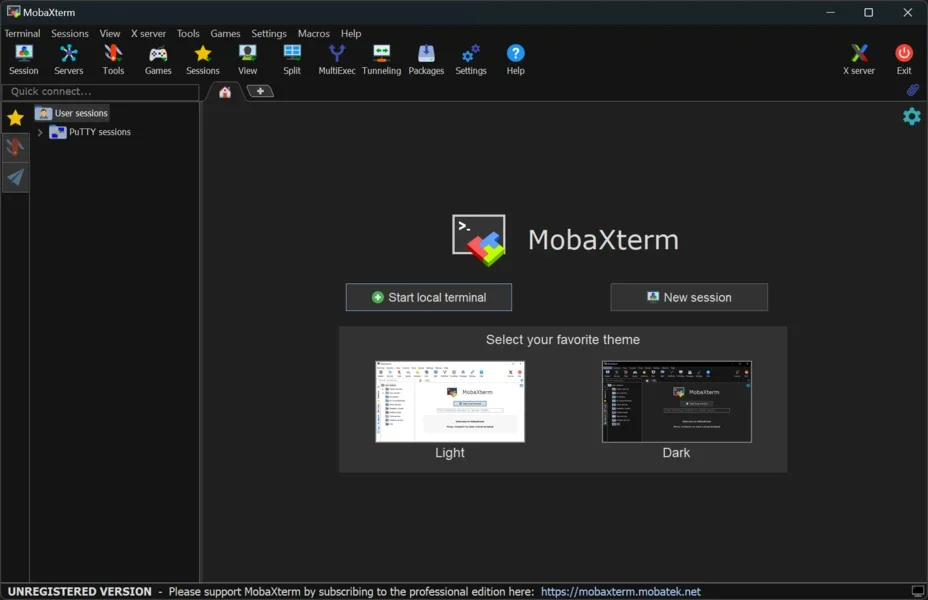
Screenshots
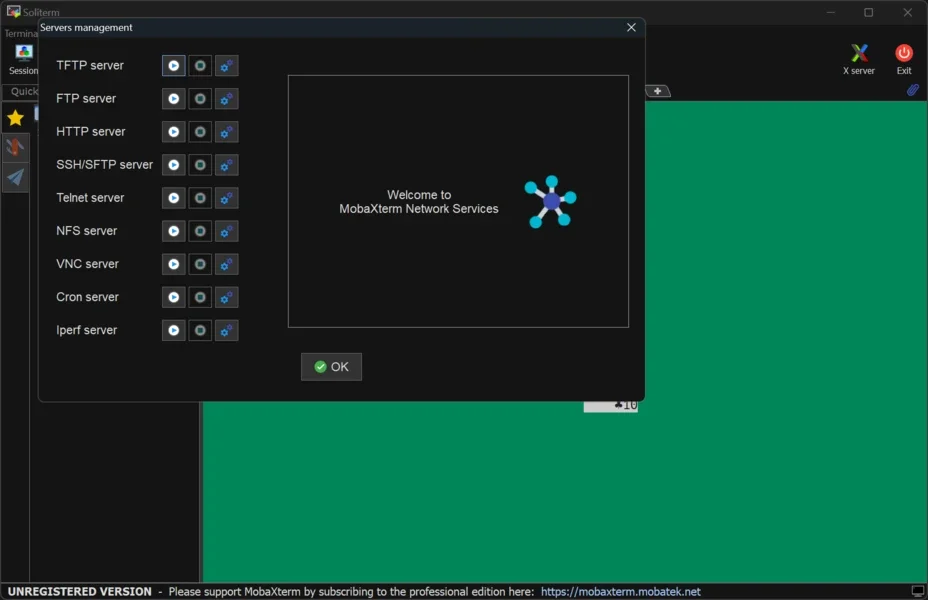
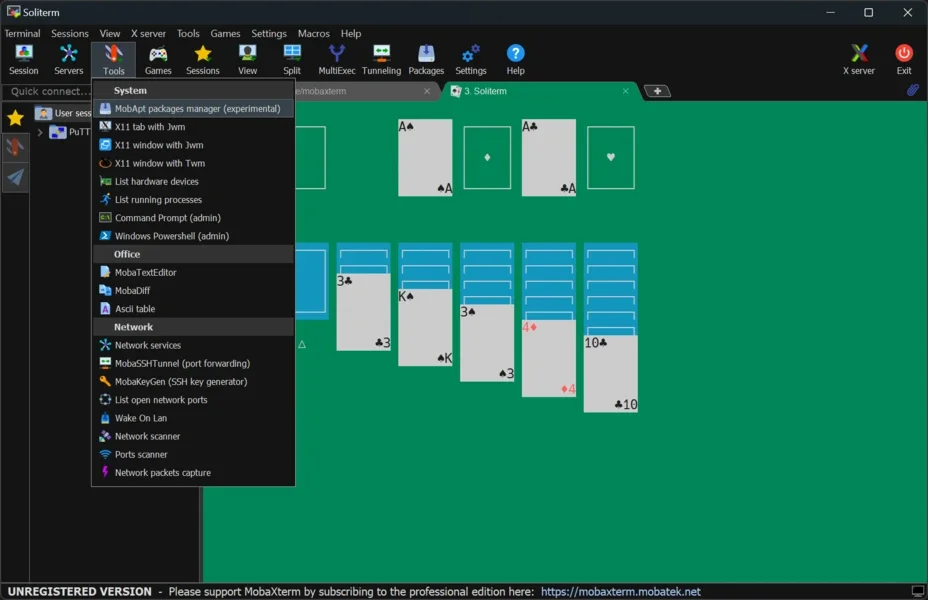
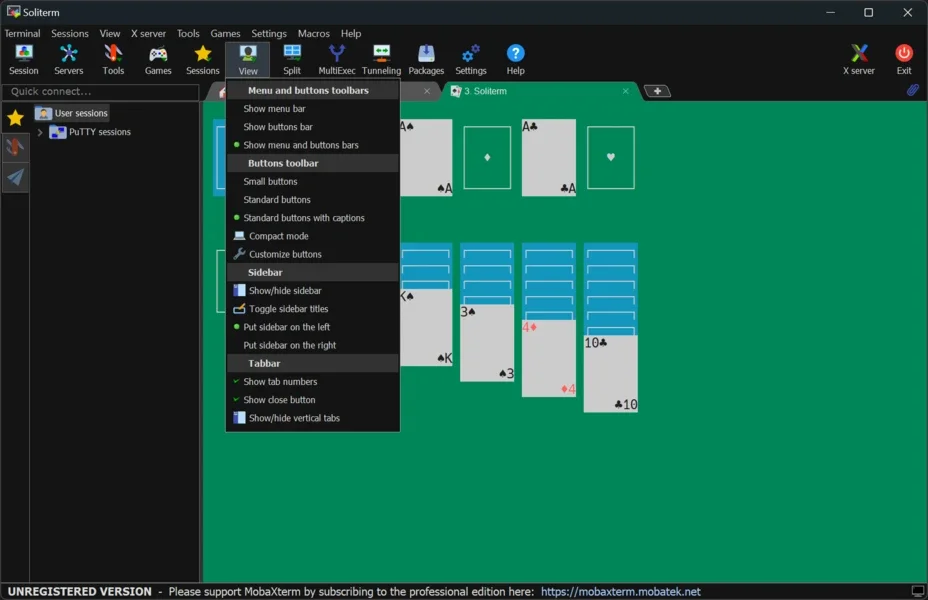
Description
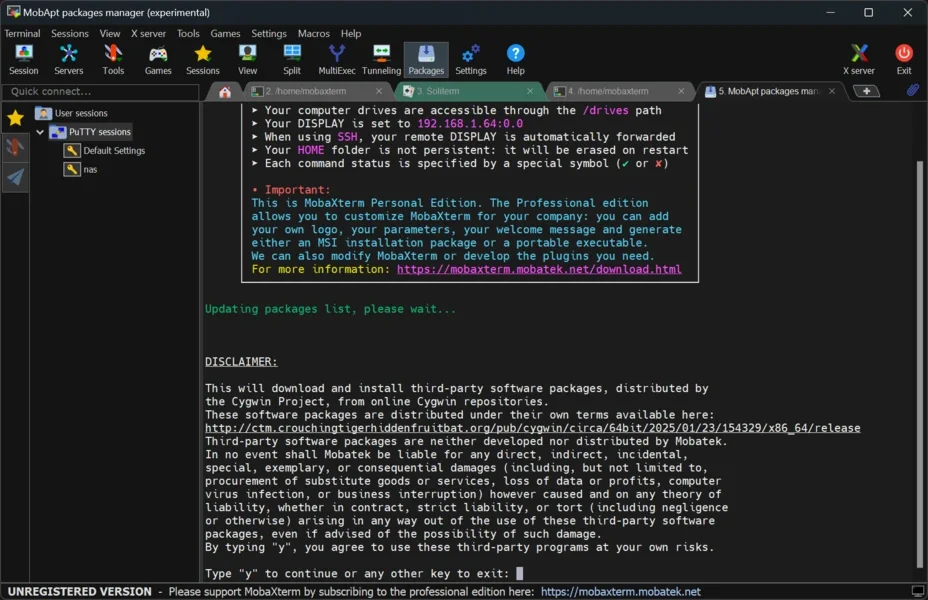
MobaXterm starts an X server by itself when a compatible connection is made, so there is no manual configuration to get remote graphical applications running on the Windows desktop. That covers editors and browsers, which behave as if they were installed locally. The program also handles remote and local administration from Windows.
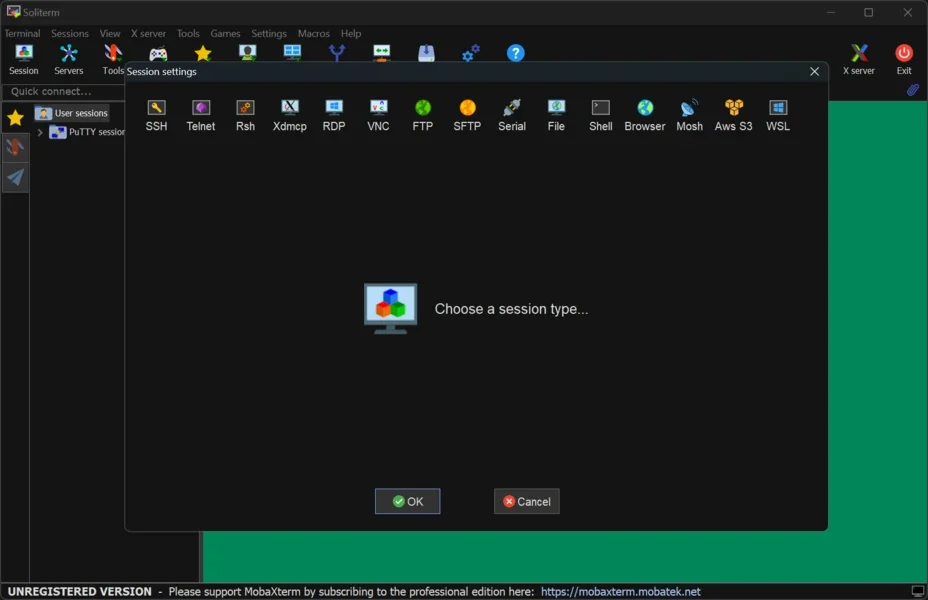
- SSH: secure command sessions and file transfers
- SFTP and FTP: dedicated transfer connections, with an FTP/SFTP client included
- RDP and VNC: remote desktop access
- MOSH: keeps a session usable over an unstable internet connection
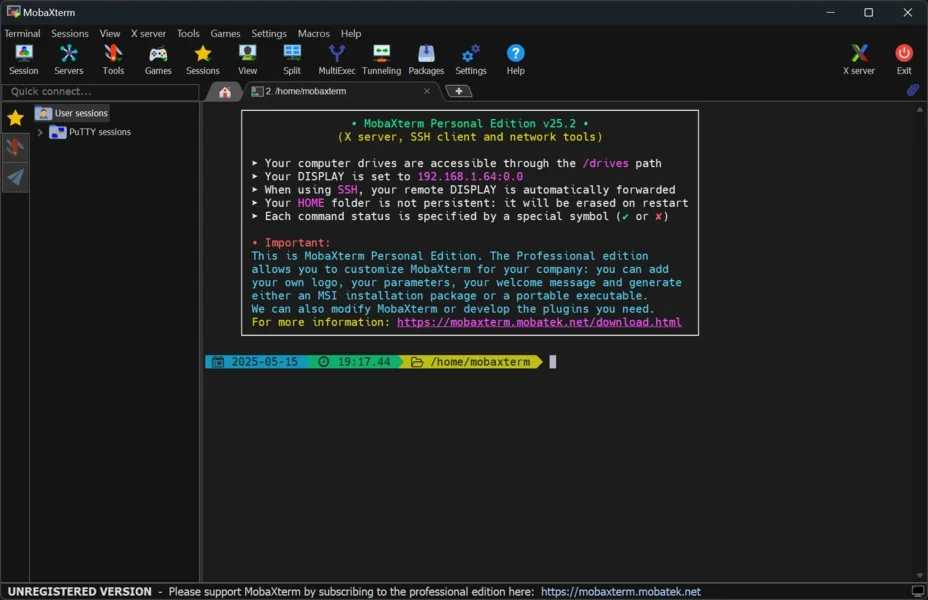
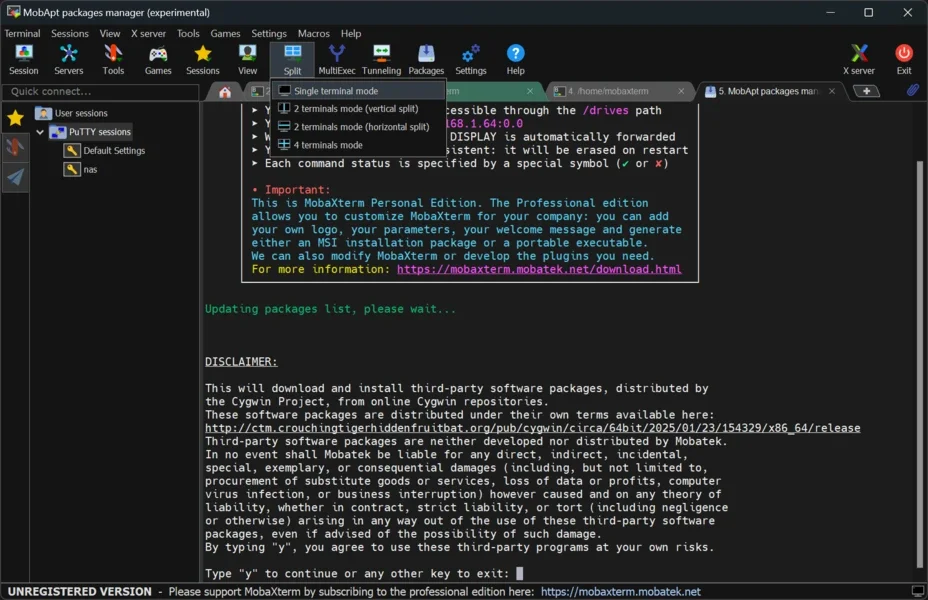
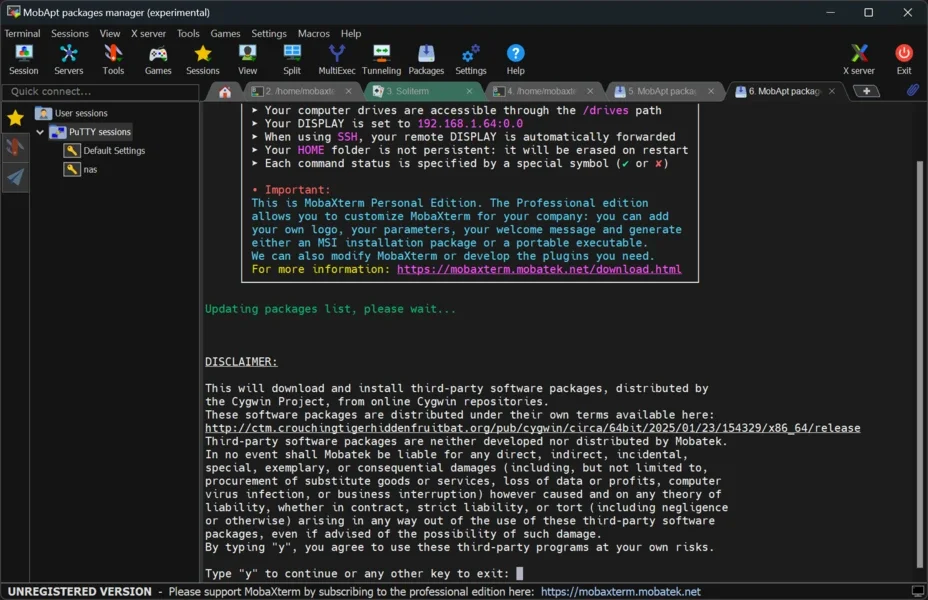
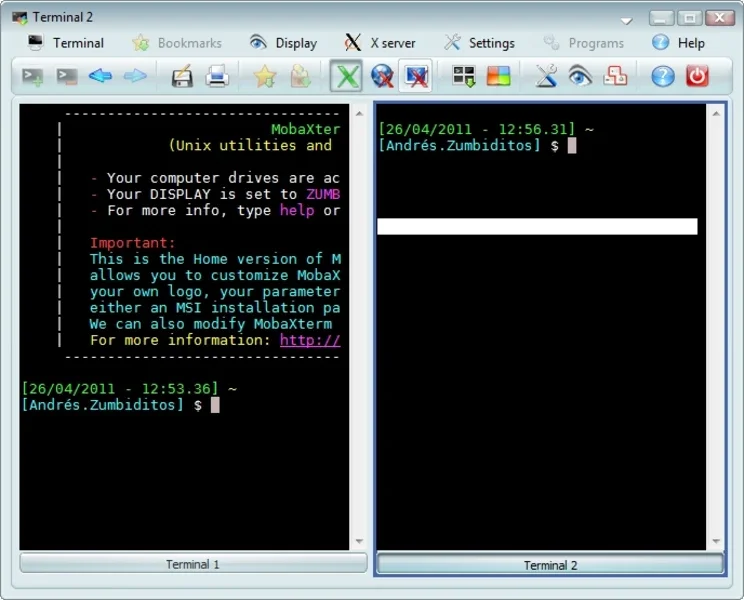
Sessions run in tabs, so several can be active at once, and the view splits into vertical or horizontal panels when multiple terminals need to be visible together. Open an SSH or SFTP connection and a file browser appears in the left pane. That browser renames, moves, copies and deletes remote files, and files can be dragged between the local computer and the server. The included terminal is Unix-based and runs bash, zsh, sh and other shells. Scripting, custom aliases and session logs are built in. MobaXterm connects over SSH, RDP, VNC, FTP, MOSH and SFTP.
Download files
c4840fffebf0f722e68f9279f9c57aff8782ee5fc46f1f397fb19dbf2a58dcf1
fb898e15b98cd2656fef04108601bc6102a2f19f48b6412b25f4f0563b3b0c1d
44c21c00f264fdc9e6b997bc7d4b63a4bcebd4b953af1410f4adead545d0a4e5
9fa4381dae047c1bc6bca3a50ff8a3bc63eb7a38fdb2137854f0548bf967e754
b6e7ffe7899118adde2d18e948a4a565280b6b321060f00e156be3fcbc6b1897
System requirements
Available on:
Additional information
Developer
Latest release
Size
File type
SHA-256
c4840fffebf0f722e68f9279f9c57aff8782ee5fc46f1f397fb19dbf2a58dcf1