MobieSync 2.0.6 for Windows
Syncs and exports photos, videos, contacts and texts from Android and iOS devices
Screenshots
Description
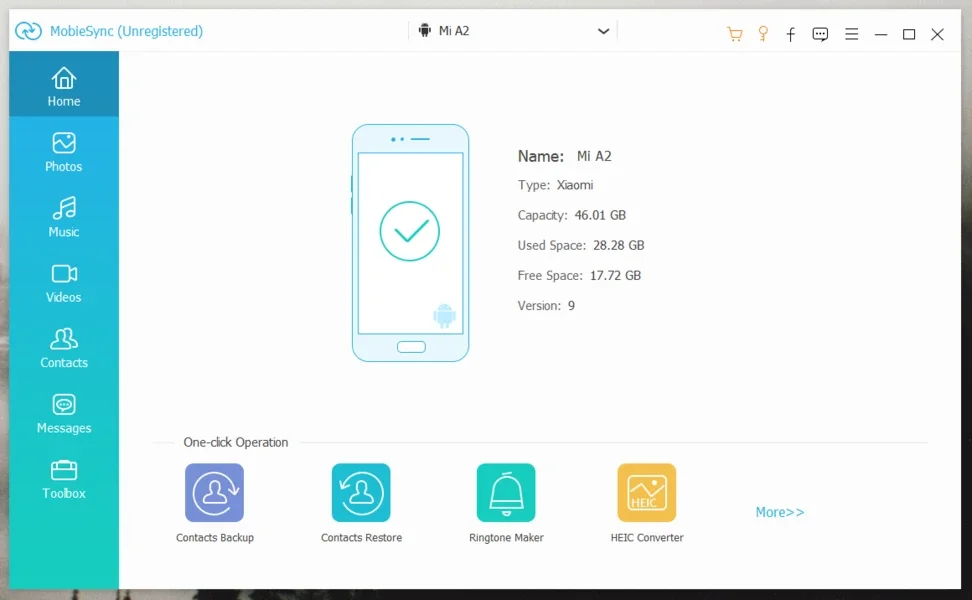
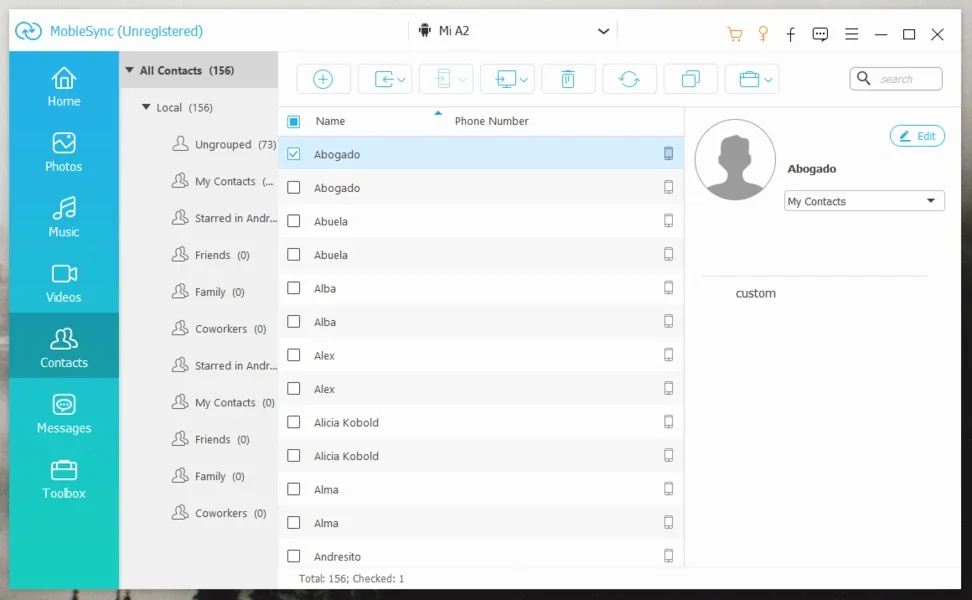
MobieSync moves photos and videos between a computer and a mobile phone. Connect the phone and it detects and syncs the device automatically, whichever operating system the phone runs.
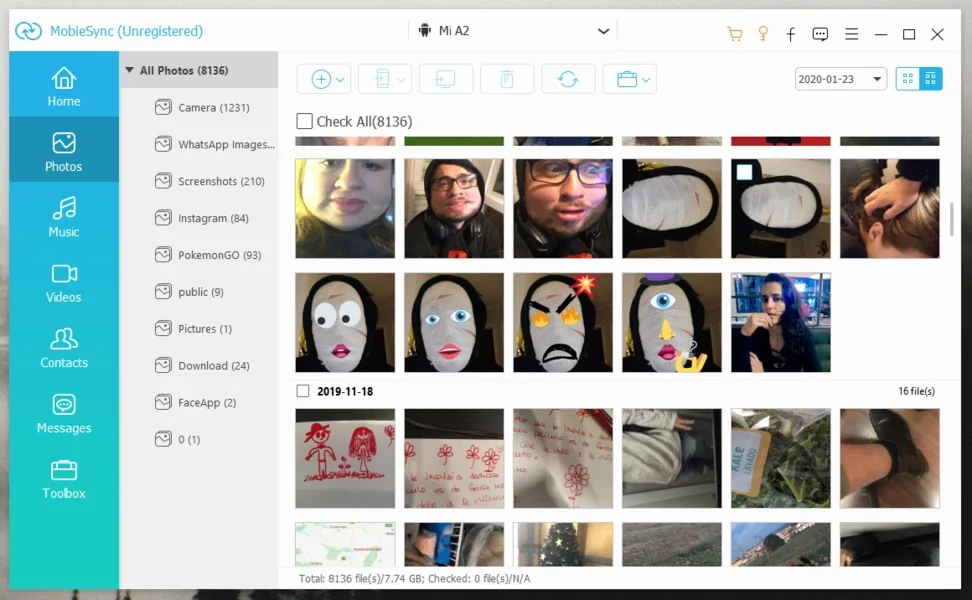
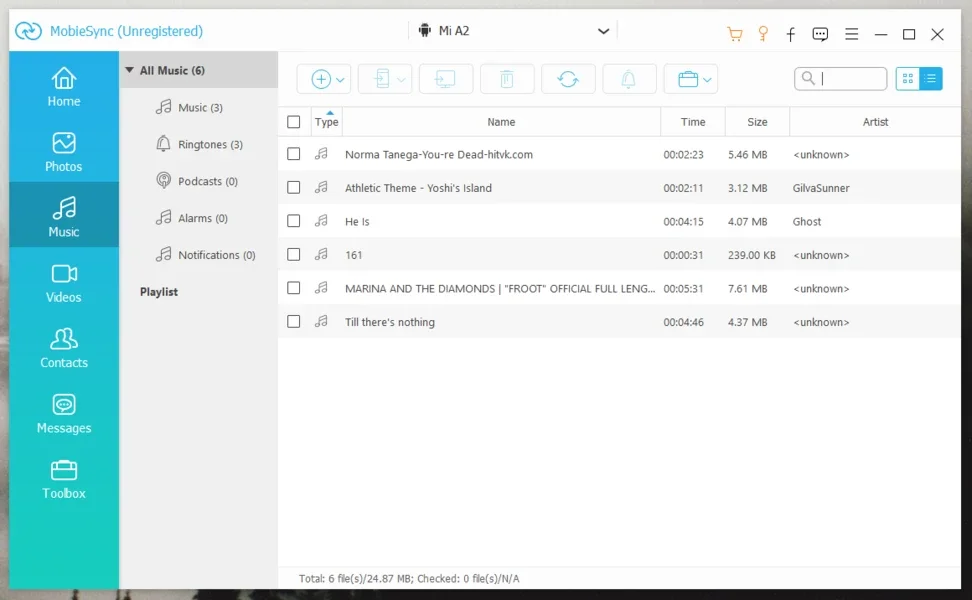
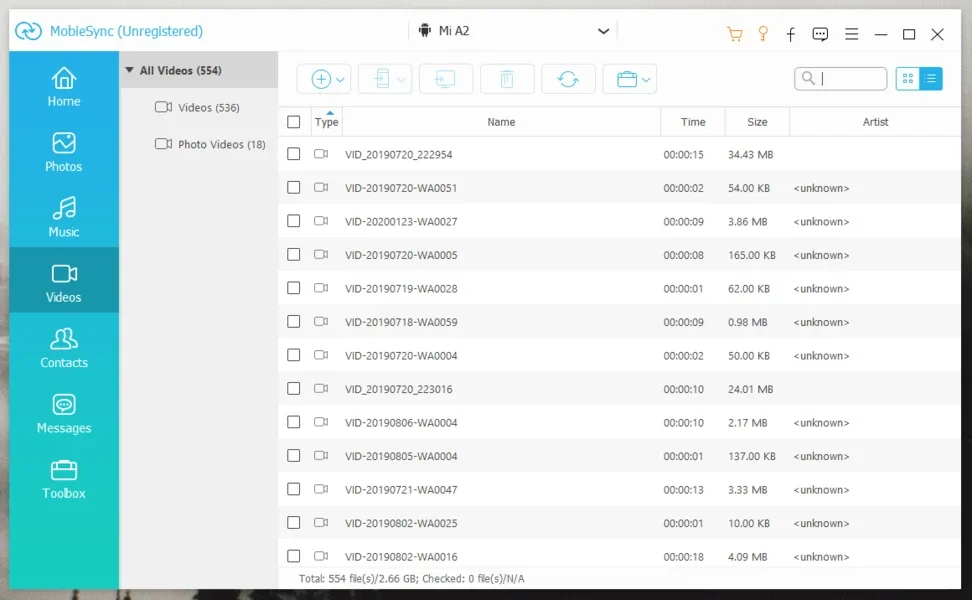
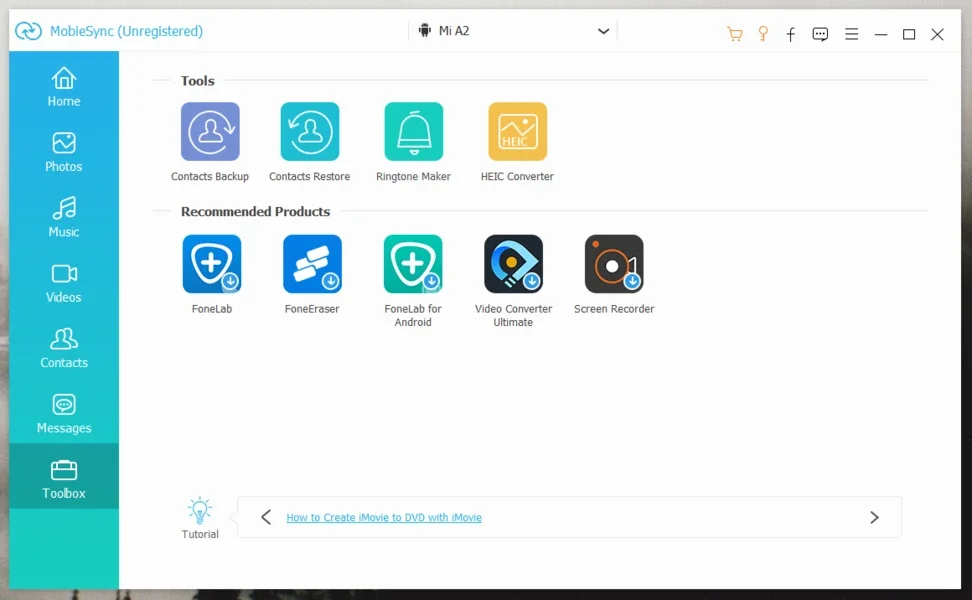
Content shows up on screen within seconds, sorted by file format, so photos sit with photos and videos with videos. Exporting to the computer is a matter of selecting the items and clicking the computer-shaped icon. Beyond media, the program exports contacts and both sent and received text messages. It works with Android and iOS devices alike, and the menus are designed to be easy to use. The interface is self-explanatory, so there is no need to work through tutorials or guides before starting.
The whole job is exchanging data and files with mobile devices of any kind.
Download files
80dce29bde1af3524e06ddfea044c1501e6e65cdf989805c9423246775ac0e17
Signed by RayShare Co.,Ltd · valid until Jul 27, 2020System requirements
Available on:
Minimum OS:
Windows XP or later
Additional information
Developer
Latest release
Size
File type
SHA-256
80dce29bde1af3524e06ddfea044c1501e6e65cdf989805c9423246775ac0e17