MobiKin Assistant 5.4.60 for Windows
Backs up Android phone data to a Windows PC
You are on macOS — this is the Windows version. See the macOS version
Screenshots
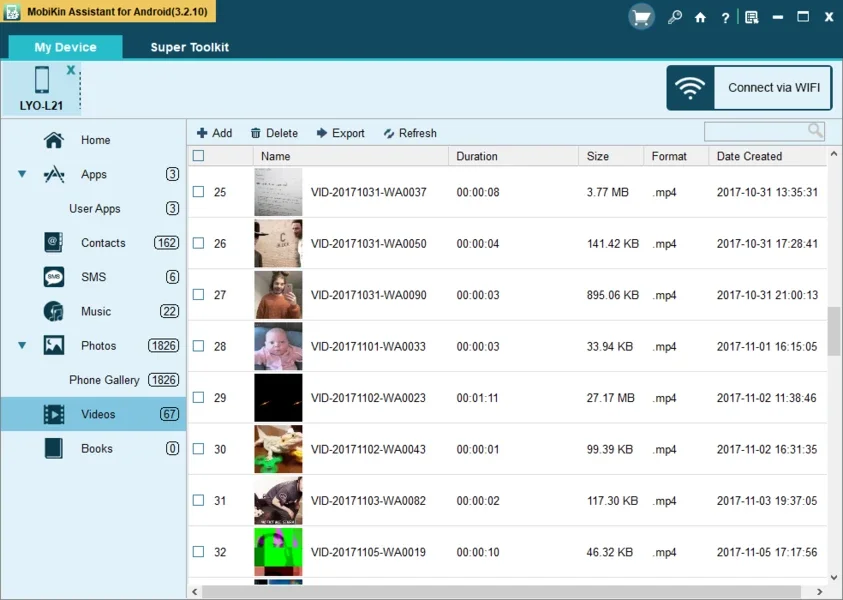
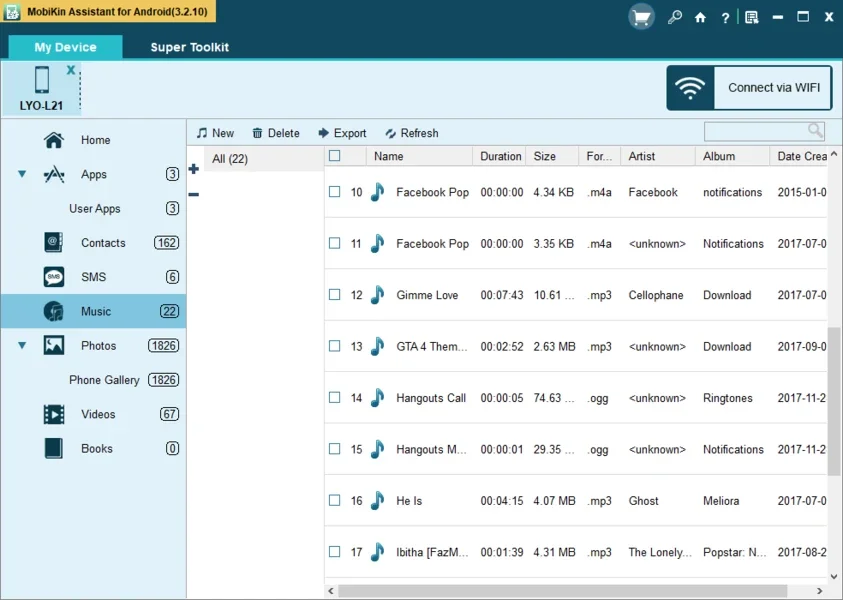
Description
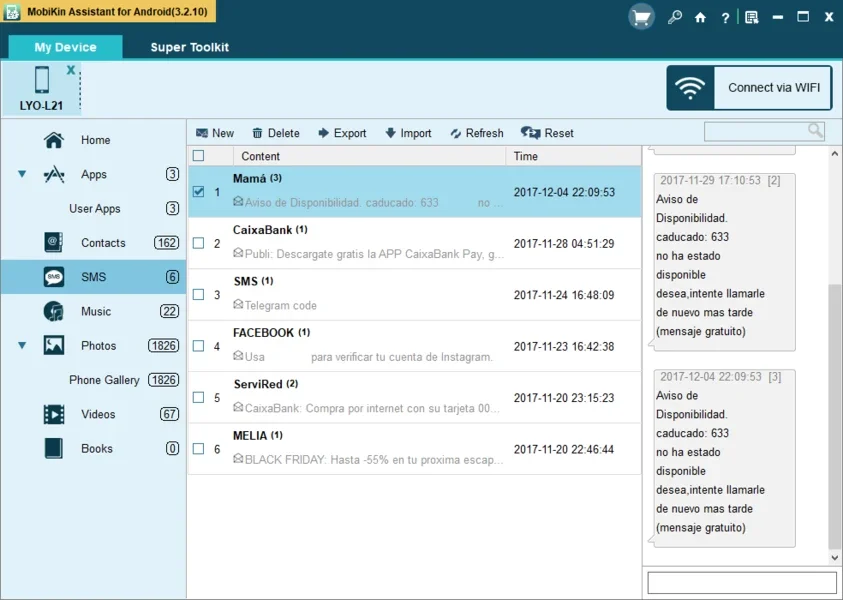
MobiKin Assistant is a backup tool for Android, and the most specific thing about it is that it backs up data from a mobile device to a computer. You connect the phone to the PC first.
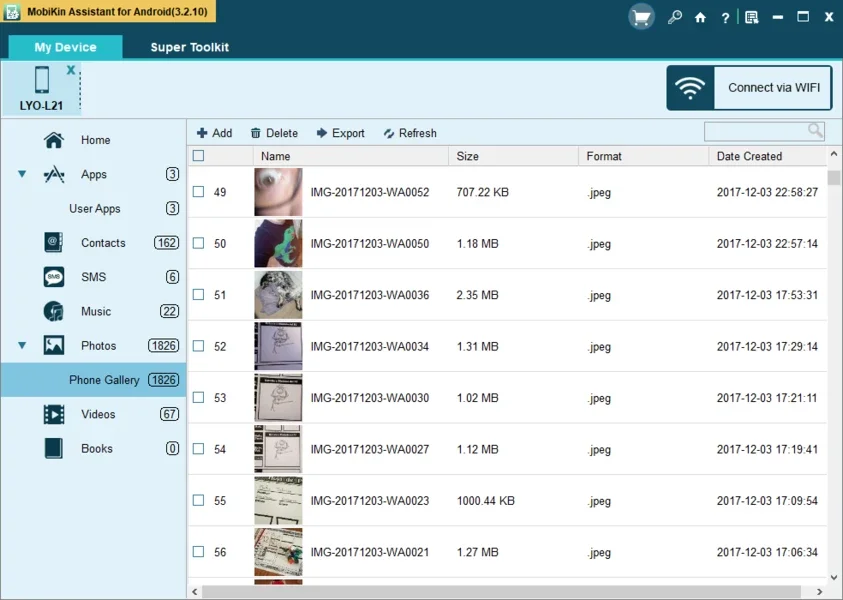
From there it reaches files in both the external and internal memory of the phone. Contacts, text messages and applications are among what it can back up, and it handles image and video files too. Files are transferred to the PC by dragging them to a chosen folder, so you pick where each one lands. An on-screen usage guide shows detailed steps, which helps when you are working through the phone's storage for the first time.
It runs on Windows. The license is proprietary, and the pricing is free.
Download files
dc8d760f43ecbca530eca073222920d8076a5974352db29fd218f0b9c42f48b4
Signed by SHENZHEN QIXINGSHI TECHNOLOGY CO.,LTD · valid until Jan 8, 2029fa2793fc55497135d9c7ae3f636e3b4c86393f4398ca627d8e5b78220b73efef
Signed by SHENZHEN QIXINGSHI TECHNOLOGY CO.,LTD · valid until Jan 8, 20294b20172b08db834305c9bb8a06d5102c93a23ea143161ba8c5350279a55f52c9
d534613672c5761033071e652531bdcd8bdaefa936467afc41877f40708dd91f
21acc532d2072779e9d3729165f18a72bde5a49160f2d7a9b0409b153d7677e2
System requirements
Available on:
Additional information
Developer
Latest release
Size
Category
File type
SHA-256
dc8d760f43ecbca530eca073222920d8076a5974352db29fd218f0b9c42f48b4