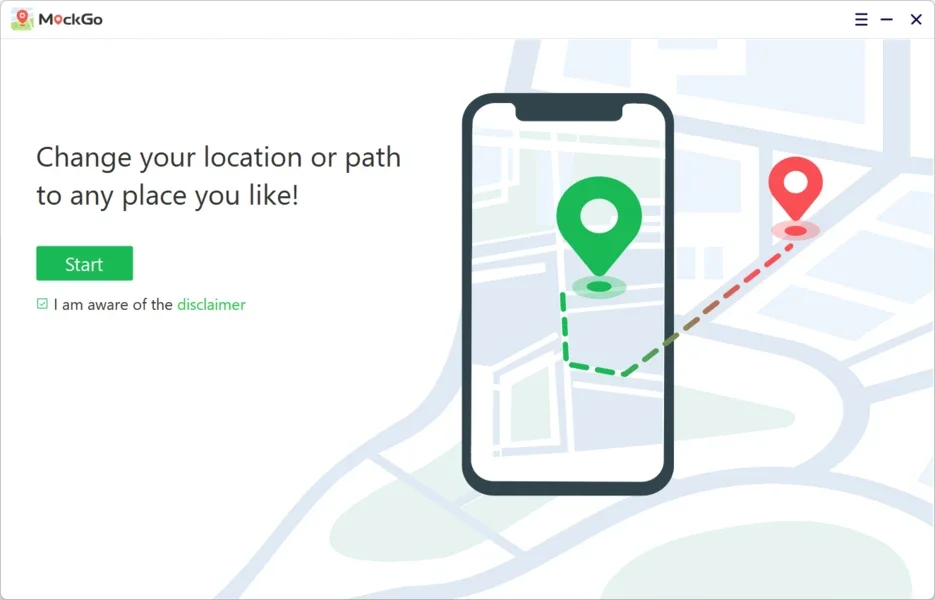

Change an iPhone's GPS location and simulate movement along routes
You are on macOS — this is the Windows version. See the macOS version
Screenshots
Description
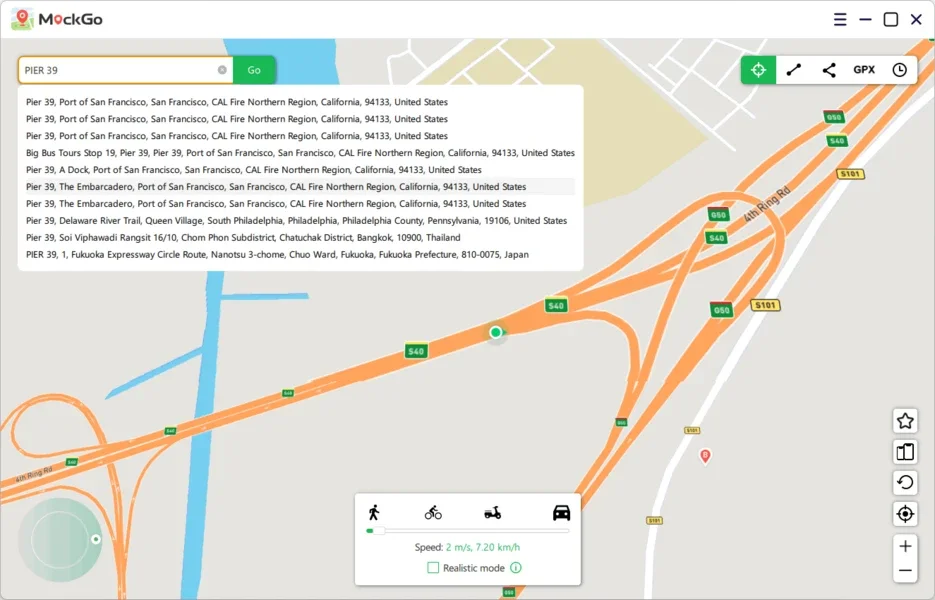
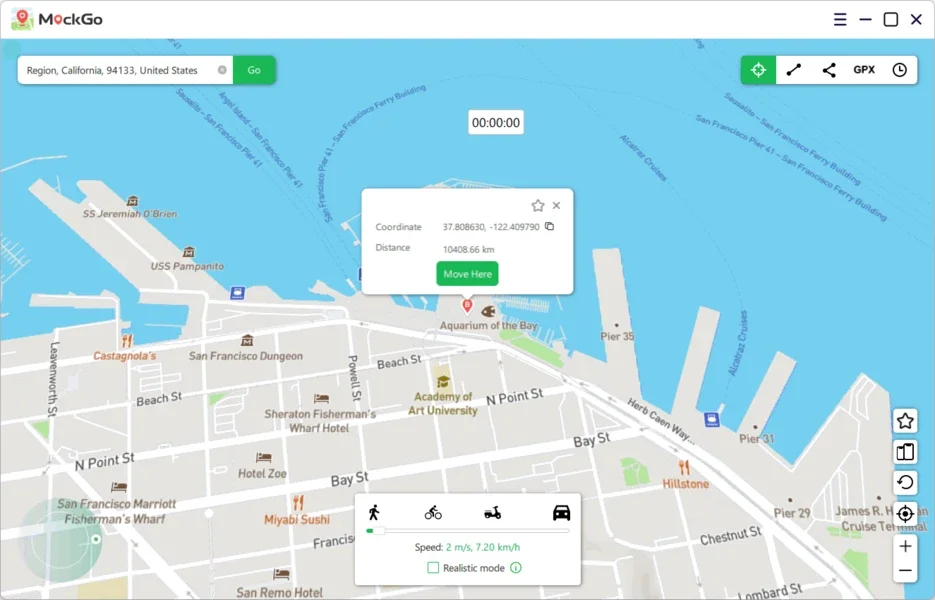
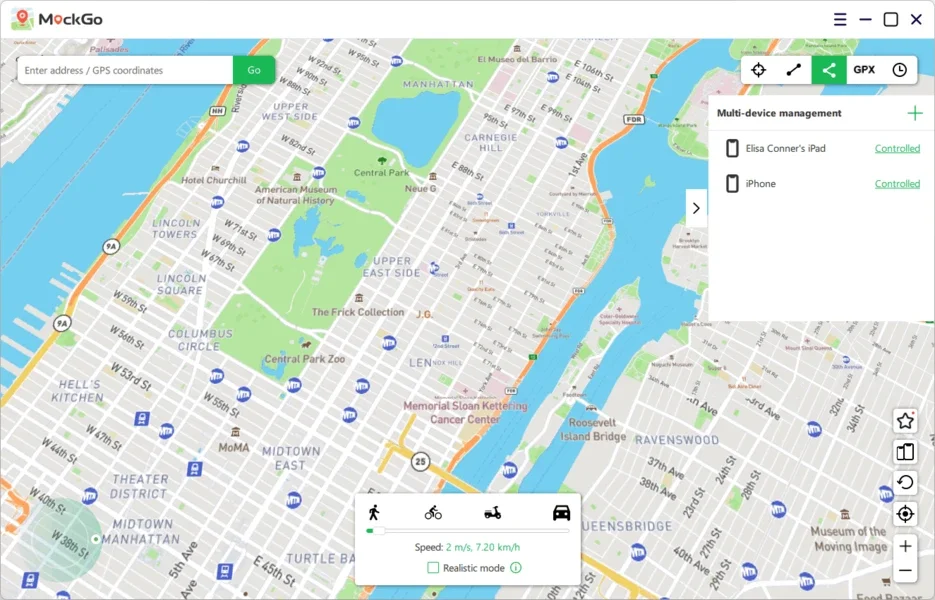
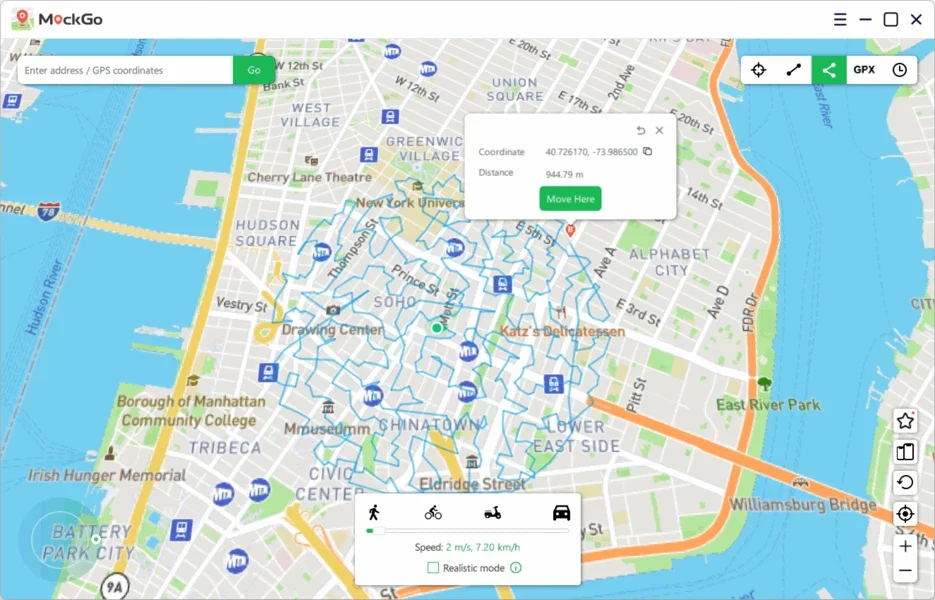
Teleport mode changes an iOS device's GPS location to any place in one click. That is the quickest way in, and it works on several devices at once.
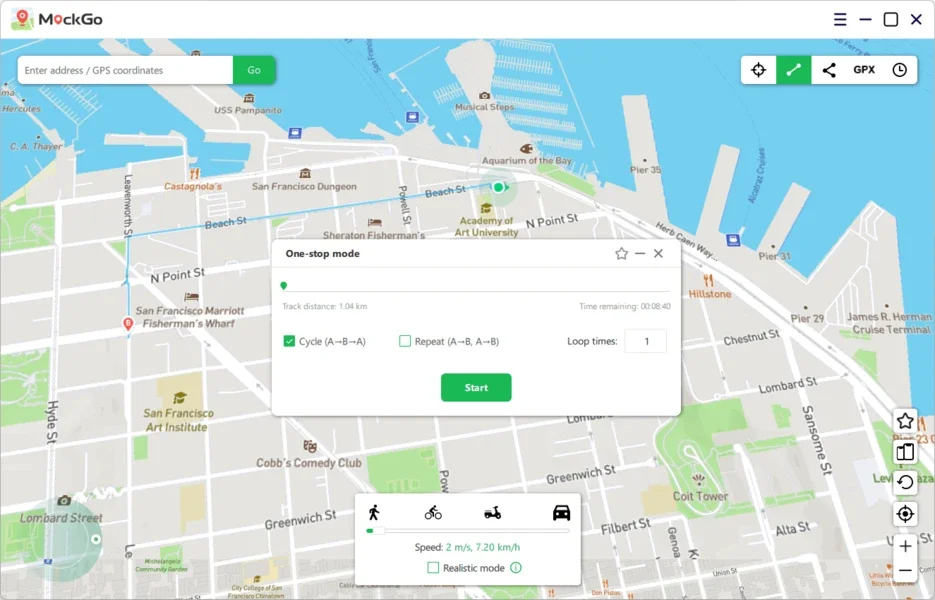
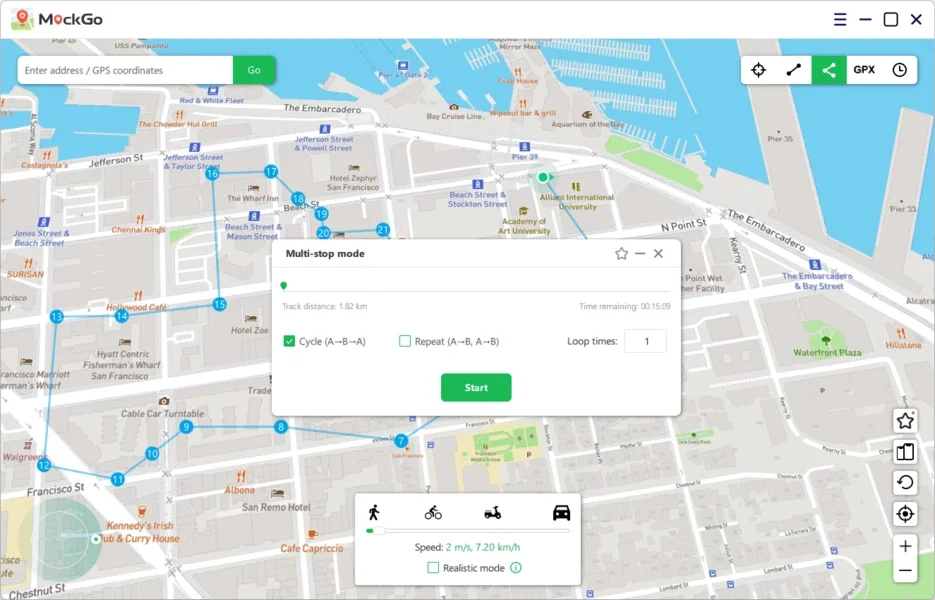
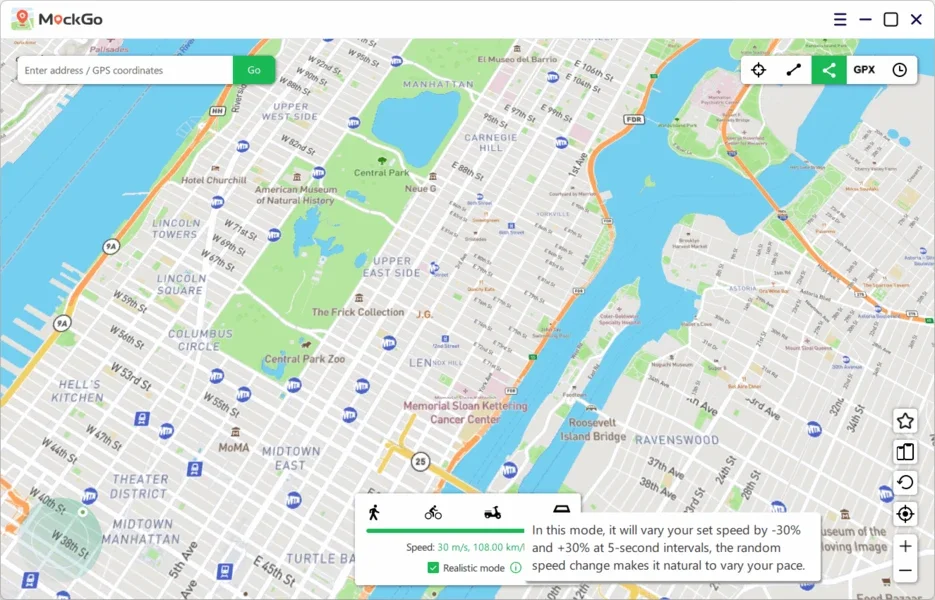
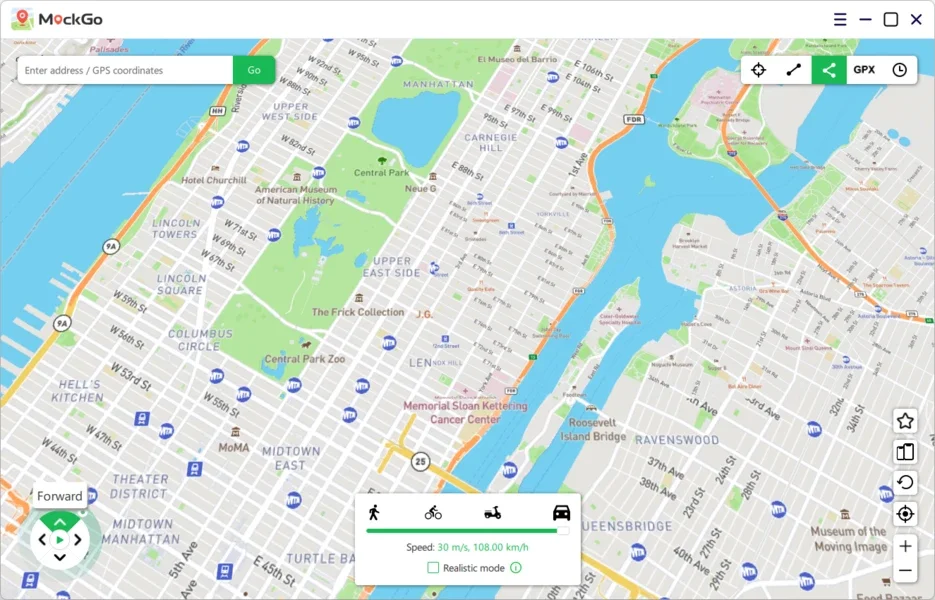
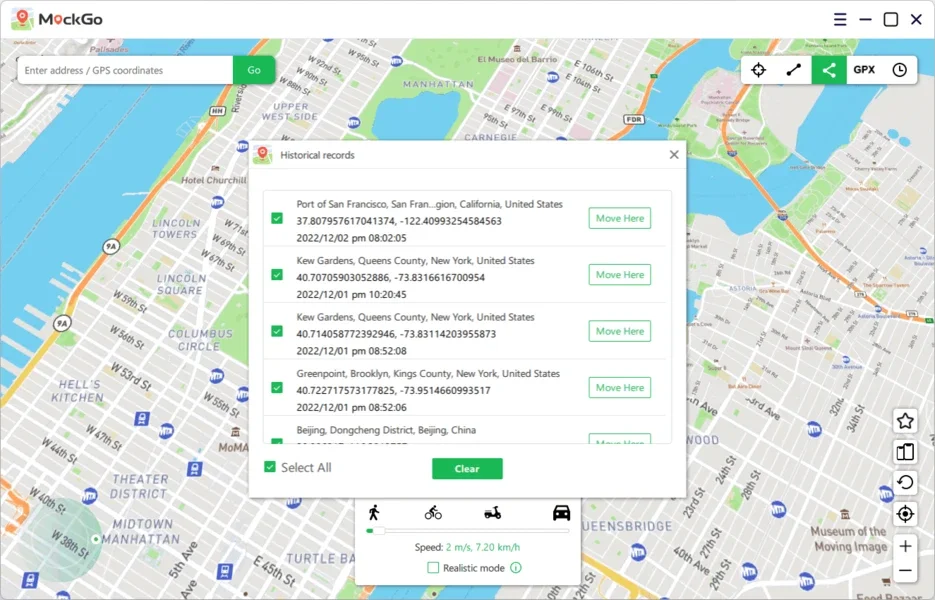
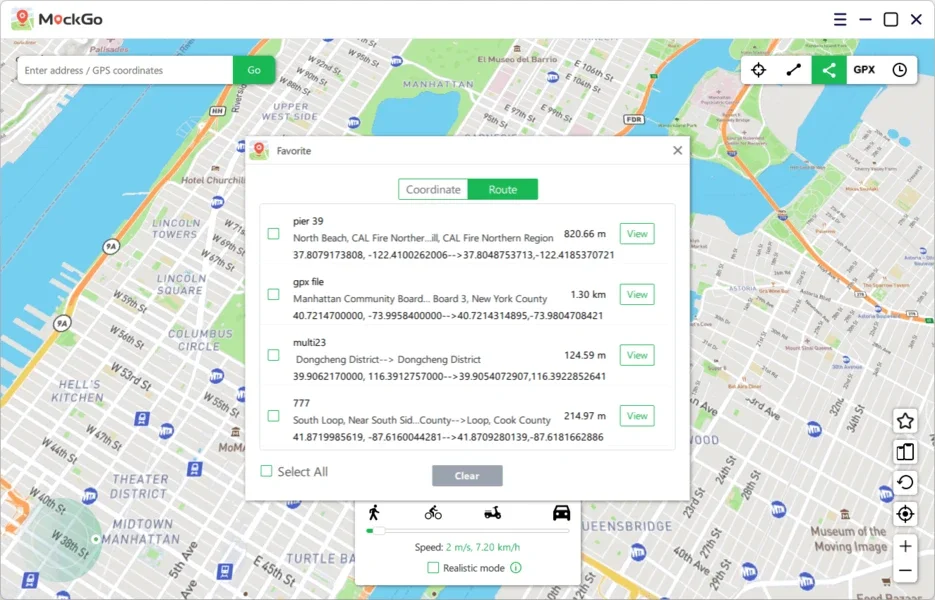
For routes, you can plan a path on the map and travel it at a speed you set. Two modes handle this: a single destination, or several stops along the way. Either way, the simulated GPS movement runs at walking, cycling, or driving pace. A GPX file can be imported and followed as a real-time route, which suits location-based games like Pokémon Go. A joystick moves the position forward, backward, left, and right, either with the on-screen arrows or with W, A, S, and D on the keyboard. Every spot visited along the way is kept in history, and any saved spot can be picked again as a destination or cleared out. Location-based apps, AR games and social platforms all see the faked position.
MockGo runs on Windows. The developer is Foneazy.
Download files
77c7157dc98f3c4616f41c22a9594c6b5deb3d6188f91915b461a2b8bb4476c8
Signed by Foneazy Technology Co., Limited · valid until Jan 17, 202872476ca7809fae9cd60b62829098823c62f6128fcffebf00cb90cd4946bb6f45
Signed by Foneazy Technology Co., Limited · valid until Jan 17, 20282a0b57cbd1869724f592f075b9f2d2991088885a75b8266d0ea90b705ad523f6
d677f29acf8cbf886839014c3c7707a43a368363b89f8fd78ded0774a1c1afc8
0dd8da8a3fbe90dbd832fbfbe85ceeb883f1ca5a4deebec914812e383639a8ee
System requirements
Available on:
Minimum OS:
Windows Windows 11 or later
Additional information
Developer
Latest release
Size
File type
SHA-256
77c7157dc98f3c4616f41c22a9594c6b5deb3d6188f91915b461a2b8bb4476c8





