
Movavi Screen Capture Studio 10.2.0 for Windows
SHA-256 listed
Records screen activity and edits the results, with scheduling and GPU acceleration
You are on macOS — this is the Windows version. See the macOS version
All ages
Age rating
Screenshots
Description
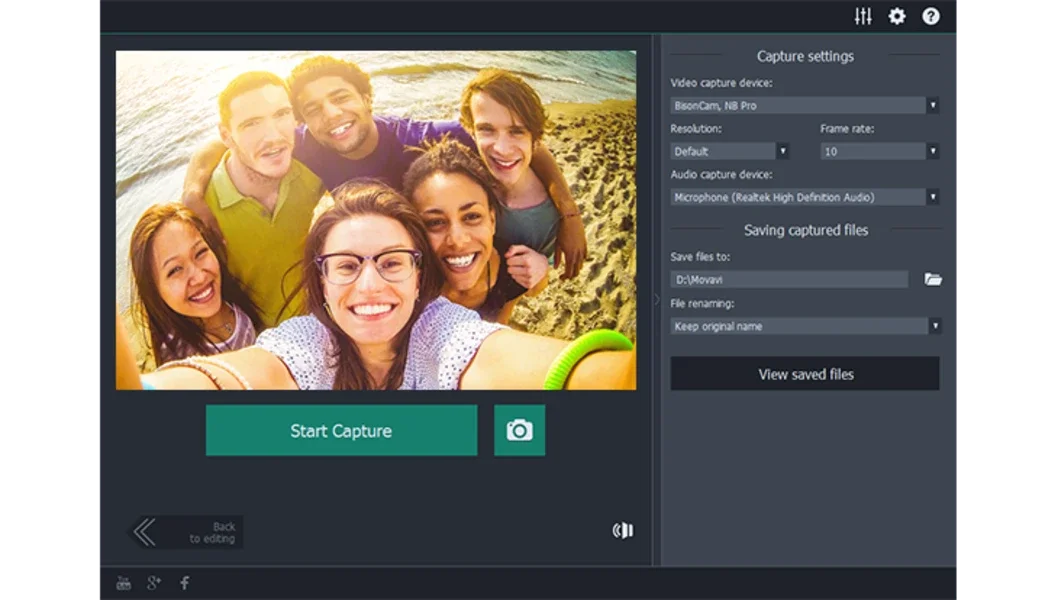
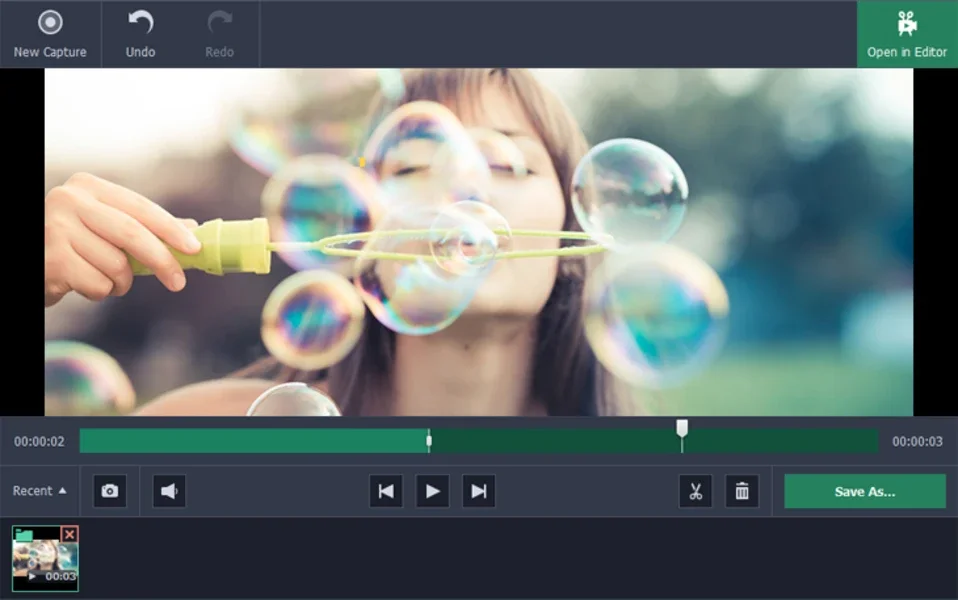
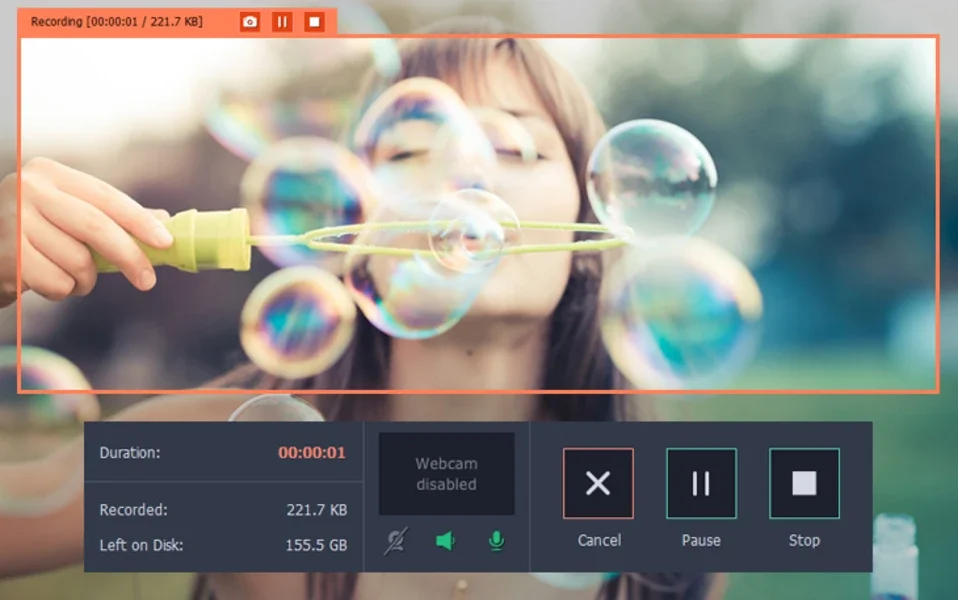
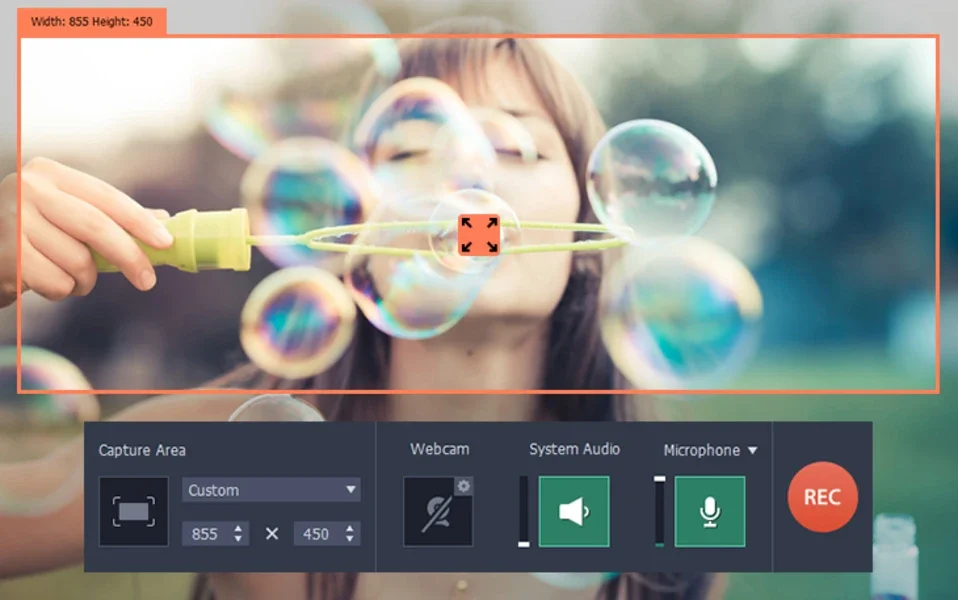
Set the area you want to capture, then press the button to start. Movavi Screen Capture Studio records screen activity such as games, movies, or browser tabs. You can also take screenshots. Hardware or GPU acceleration can be enabled, and settings let you choose the video quality and frames per second. Recordings can be scheduled, and keyboard shortcuts can be customized. Sufficient hard drive space is required.
Editing after capture
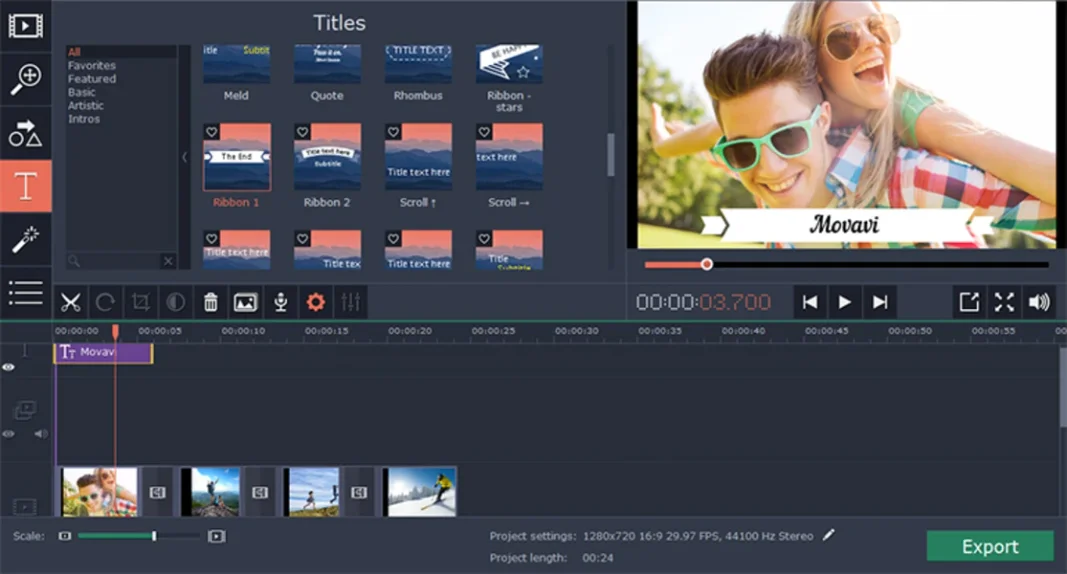
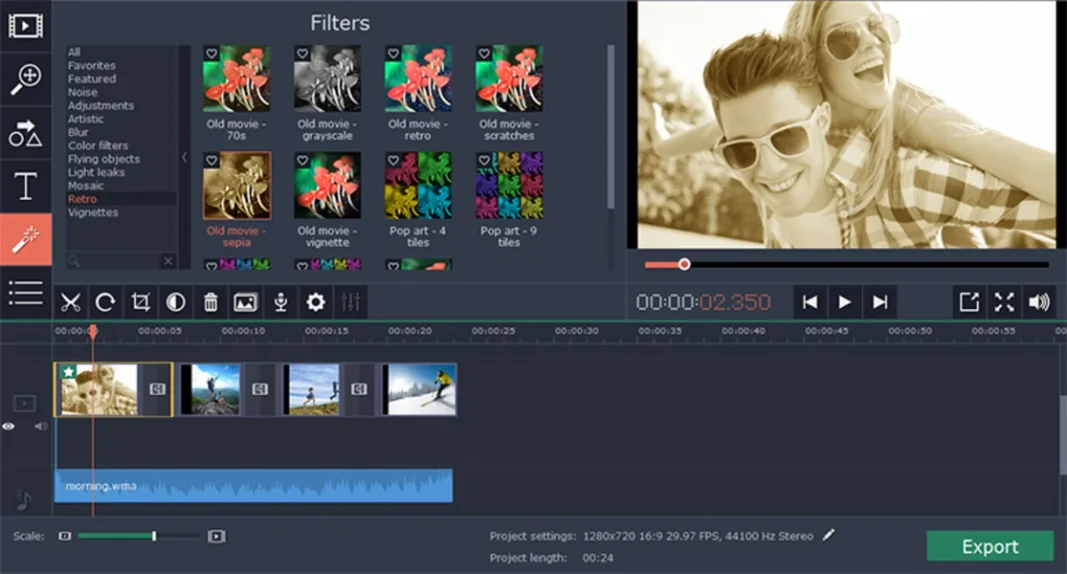
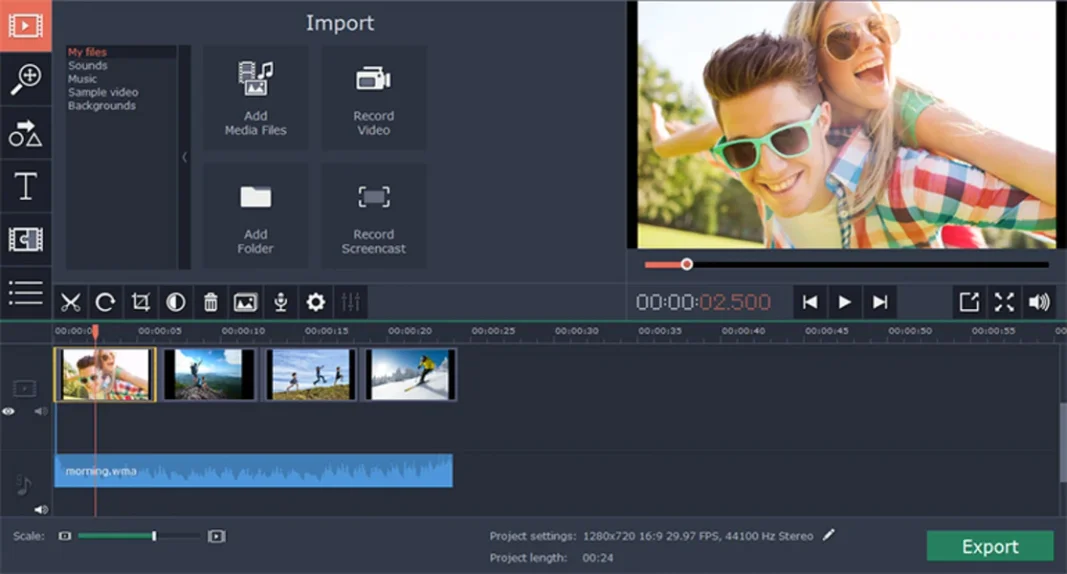
The program includes an editing tool for cropping videos, adding transitions, and applying filters and effects. It can also edit images.
Download files
FileMovaviScreenCaptureSetupC.exeEXE
Version10.2.0
ReleasedApr 17, 2026
Size62.5 MB
SHA-256
Get
30fce4fe762b360725141497ce7e69b6921d7ec0ab9d04d0a8a8171dea702d6d
Signed by Movavi Software Limited · valid until Aug 28, 2020File8EXE
Version8
ReleasedMar 8, 2017
Size74.0 MB
SHA-256
Get
b01219dc27dac41c08da0fa222ca6164c40c80945e0e8a19da0dcffbb8856cf7
Signed by Taukonsalt OOO · valid until Dec 13, 2018Filemovaviscreencapturestudio-5.exeEXE
Version5
ReleasedUnknown
Size95.4 MB
SHA-256
Get
ae8346686815f737a6f690c2f2906a2621d696535eb54f30d90ec12a05c4a13e
Signed by Taukonsalt OOO · valid until Nov 25, 2015Filemovaviscreencapturestudio-3.exeEXE
Version3
ReleasedUnknown
Size66.5 MB
SHA-256
Get
475a020dce14670bcbdbdf61a1bdda2c6f61b90641257289958ad4ebcd745399
Signed by Taukonsalt OOO · valid until Nov 25, 2012Filemovaviscreencapturestudio-4.exeEXE
Version4
ReleasedUnknown
Size110.2 MB
SHA-256
Get
b980971998d54120bb1bfed6bc19c66a8df541291c7d575c620272969d719743
Signed by Taukonsalt OOO · valid until Nov 25, 2015System requirements
Available on:
Additional information
Developer
Latest release
10.2.0 · Apr 17, 2026
Size
62.5 MB
Category
File type
EXE
SHA-256
30fce4fe762b360725141497ce7e69b6921d7ec0ab9d04d0a8a8171dea702d6d
Digital signature
Signed by Movavi Software Limited · valid until Aug 28, 2020