
muCommander 1.6.2 for Windows
Dual-pane file manager with tabs, bookmarks and remote access
You are on macOS — this is the Windows version. See the macOS version
Screenshots
Description
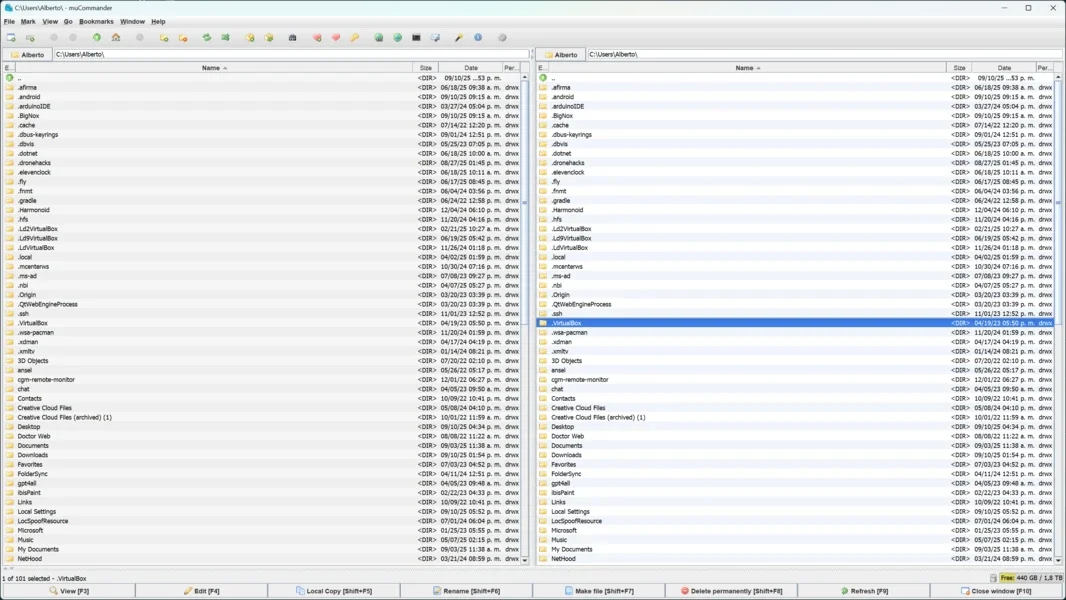
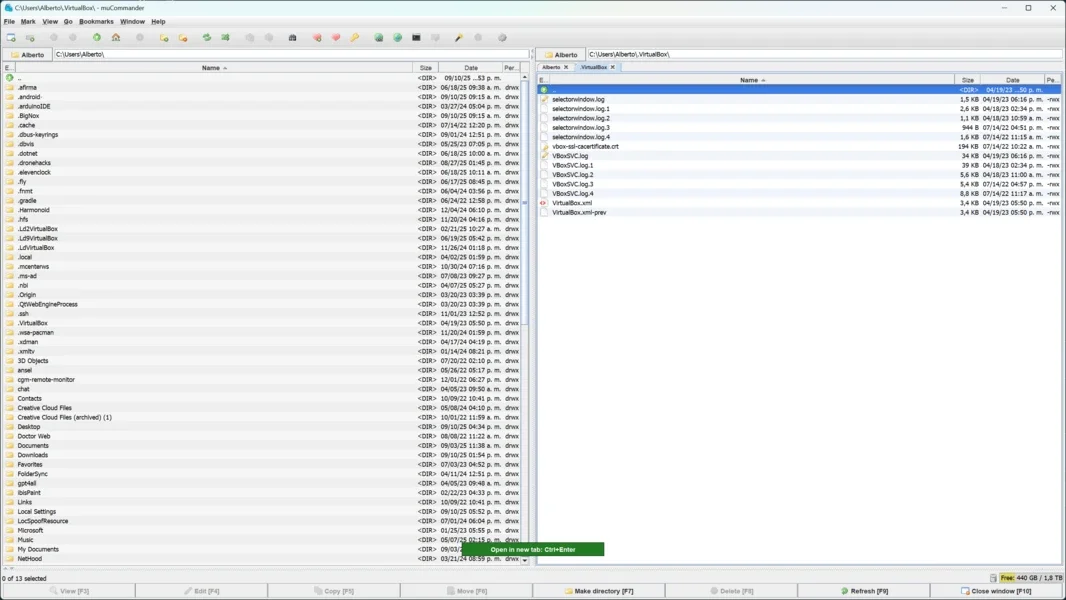
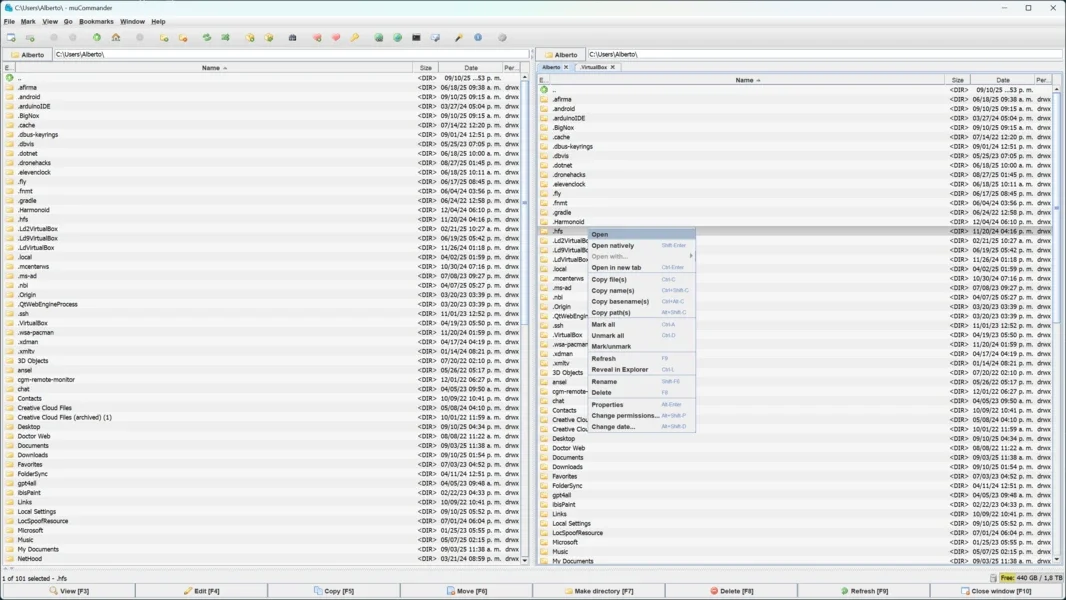
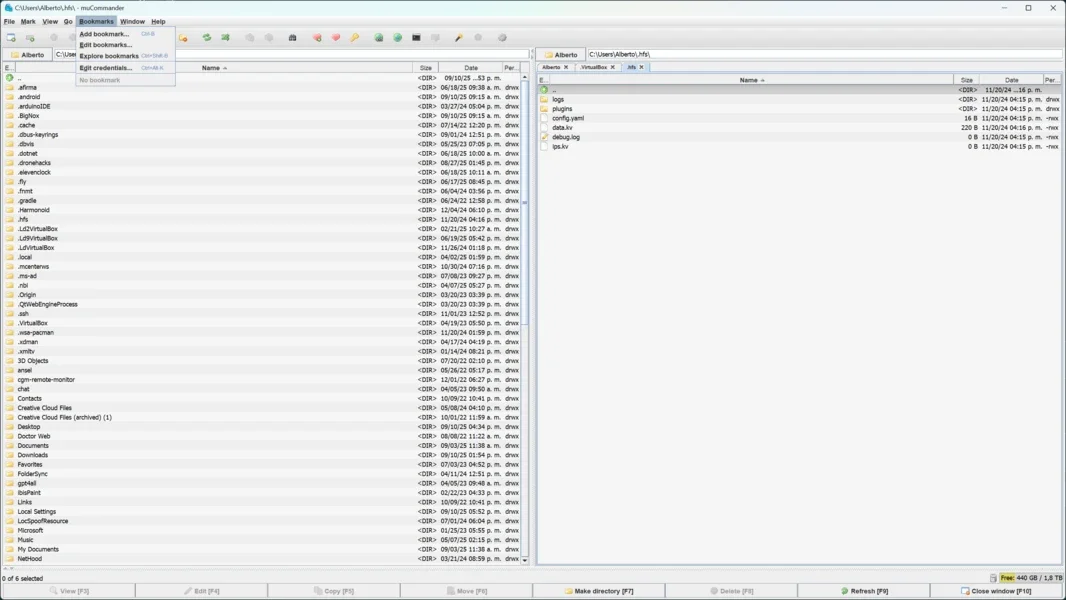
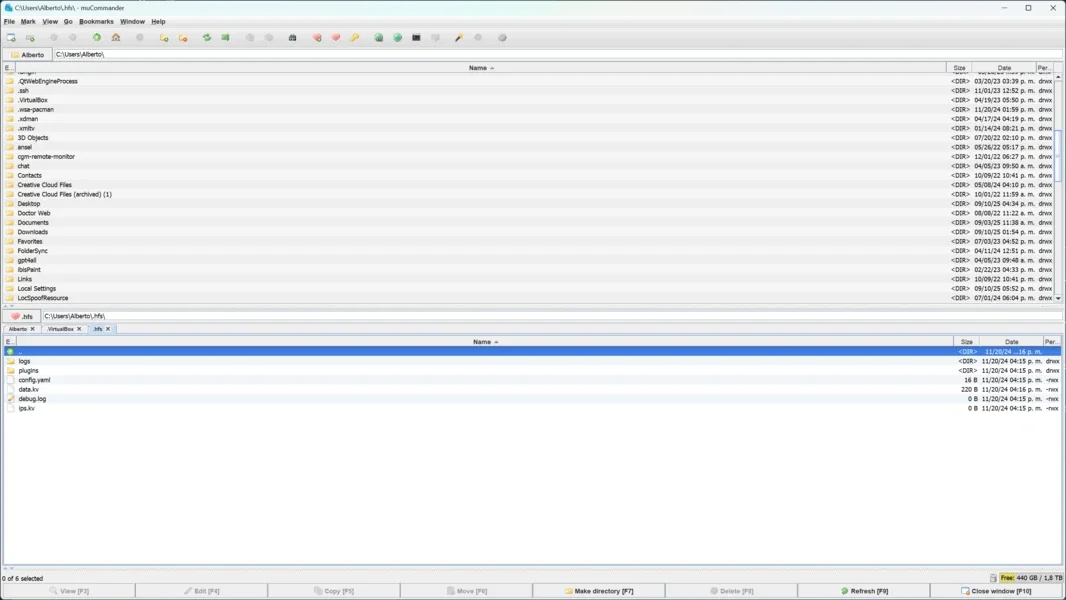
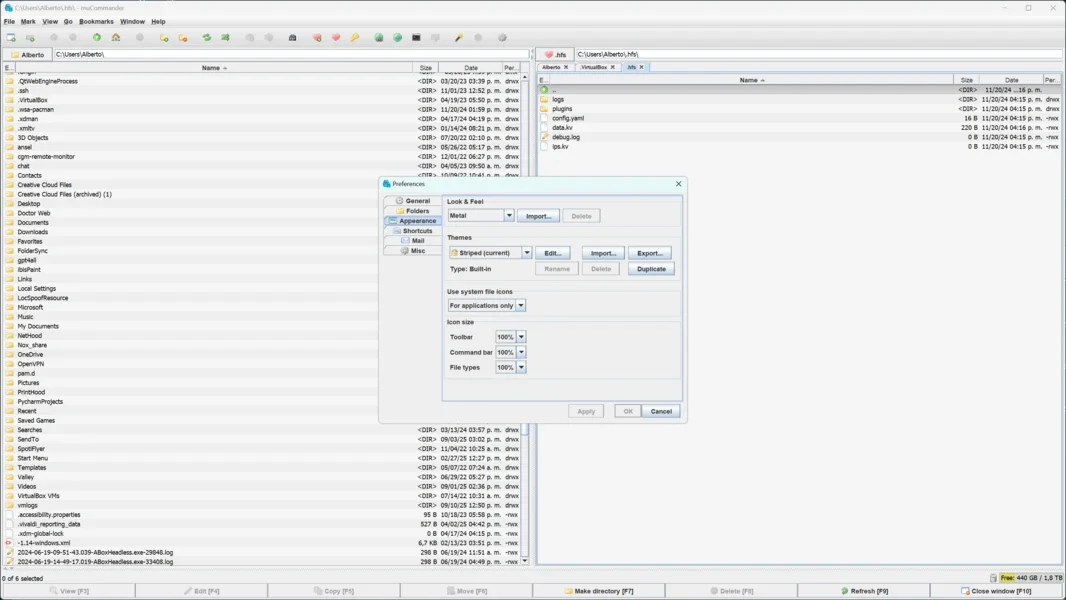
muCommander is an open source file manager for Windows built around a dual-pane layout. Each panel holds several tabs, so you can keep a local folder open in one and a server path in the other.
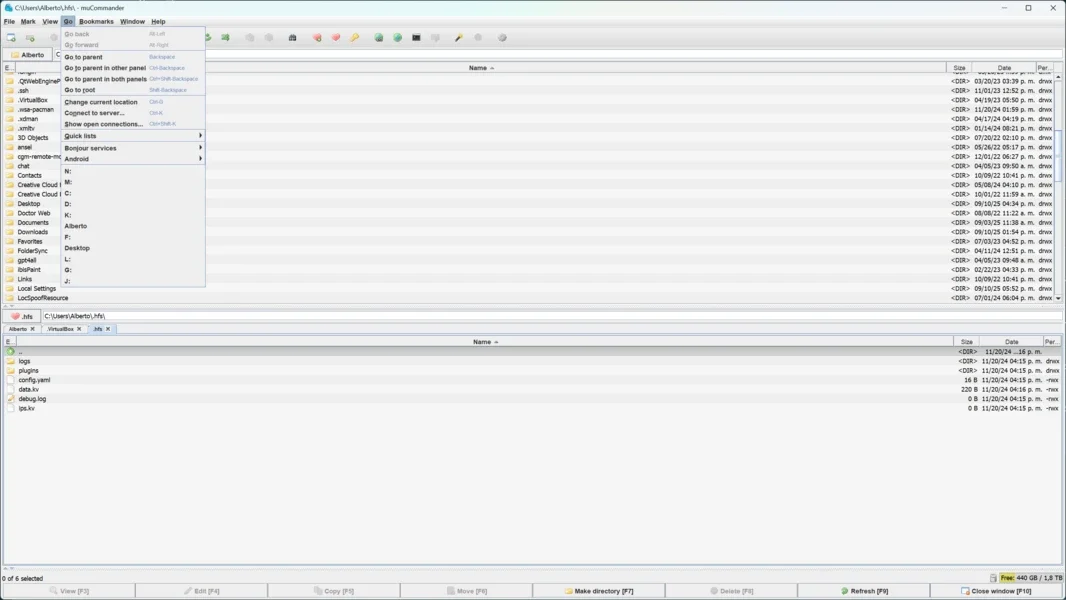
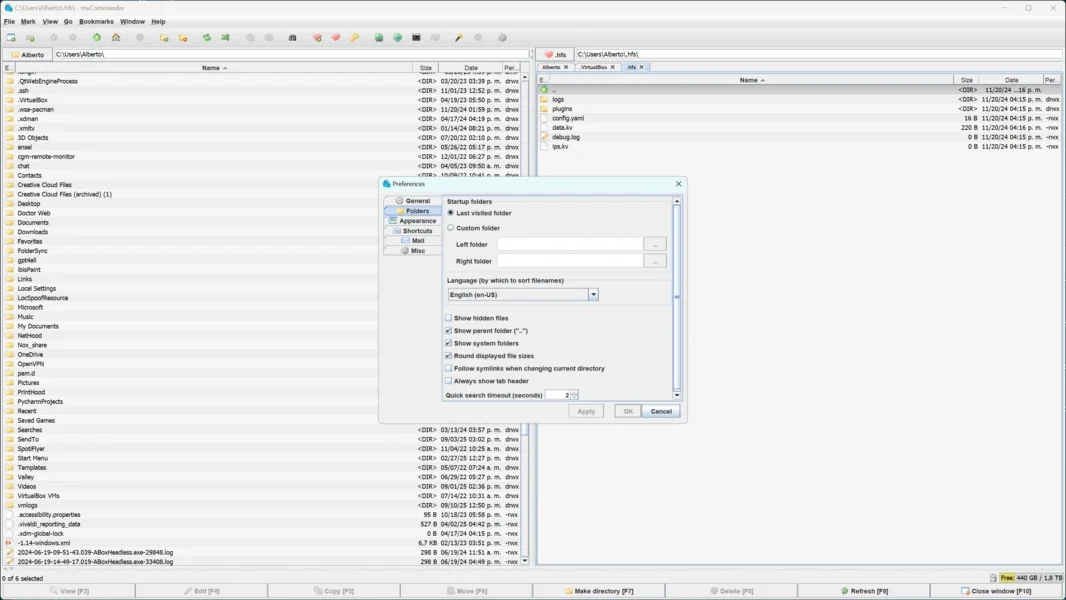
Files and folders are copied, moved and renamed between the two locations without going through the Windows explorer, and the same commands cover local and remote paths. FTP, SFTP, SMB, NFS, HTTP, Amazon S3 and Hadoop HDFS all show up inside the interface, as do Dropbox and Google Drive, so files there can be opened, changed and transferred in place. Server credentials are kept and managed from within the program. Frequent paths go into a universal bookmarking system and open with one click, local or remote. The archive support covers ZIP, RAR, 7z, TAR, GZip, BZip2 and ISO among others, so compressed files are browsed and unpacked like folders. Batch renaming applies custom patterns to several files at once, and checksums can be calculated to verify data integrity. Interface and toolbars are customizable.
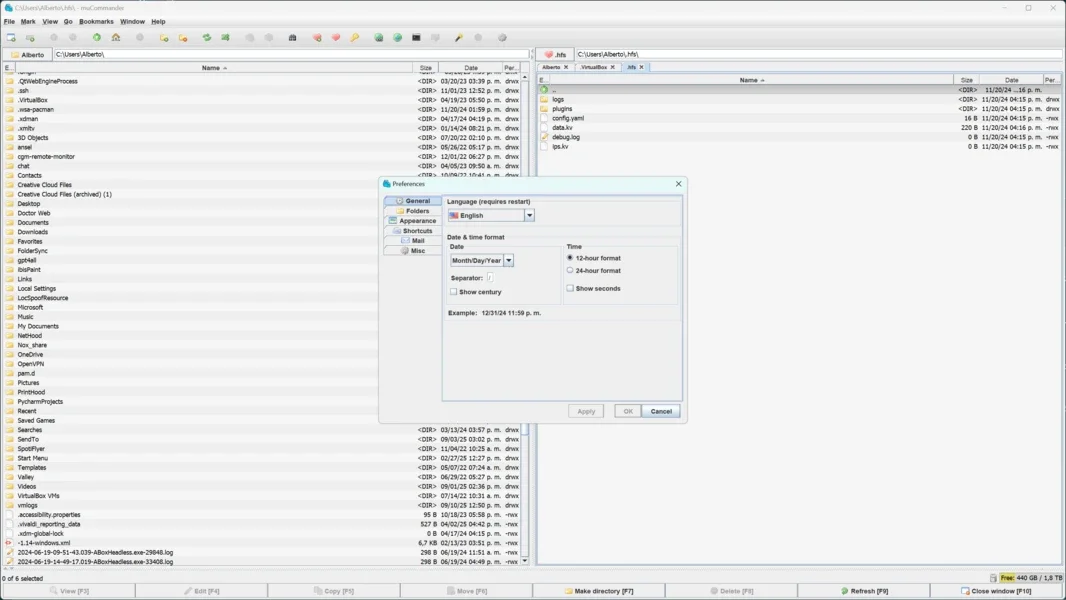
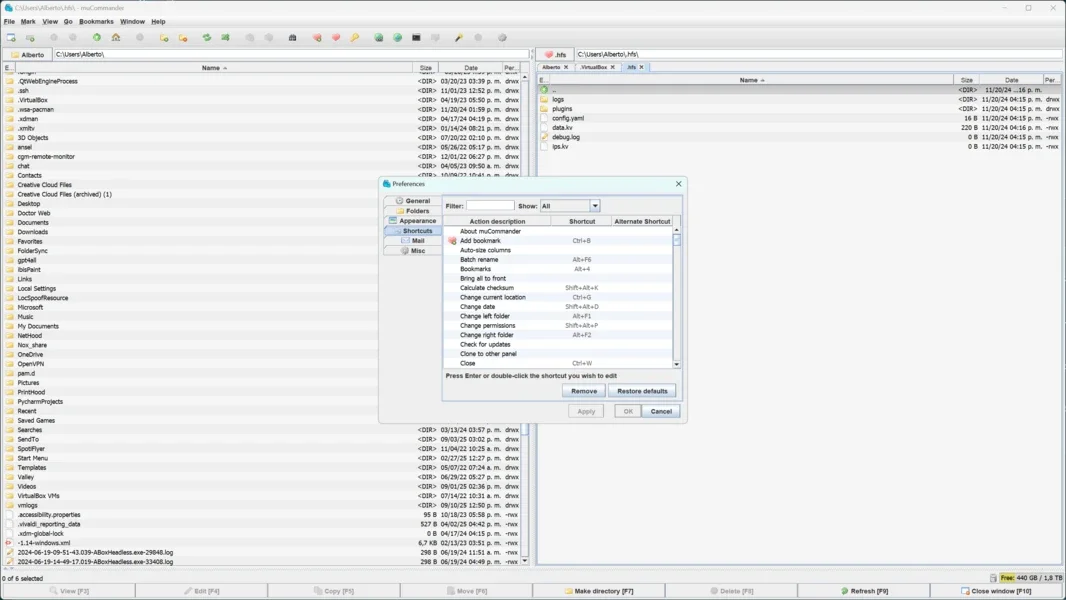
Keyboard shortcuts are remapped in the settings.
Download files
afb58b1bce528b3e331ecf6ffba9619f2ed23d6874f29860c634c1fc8a44e931
No digital signature9ae69722b0ef679097baaf7fcbe3c4dad0bf6c11dc97c541595a9b22858f71a1
No digital signaturef2249a50eef3293fadddbb394e9c6d9417b63b67e610ed37ce186d20397add75
No digital signature53d089010e81cf37a6d6461188e82d10239bed3e3df40abfd3efa0a2d1566a14
c13cda9de74069ed77e6d5aa4acf40a943fa75ccdb80ff415ebf4c47b19d76bb
System requirements
Available on:
Additional information
Developer
Latest release
Size
Category
File type
SHA-256
afb58b1bce528b3e331ecf6ffba9619f2ed23d6874f29860c634c1fc8a44e931





