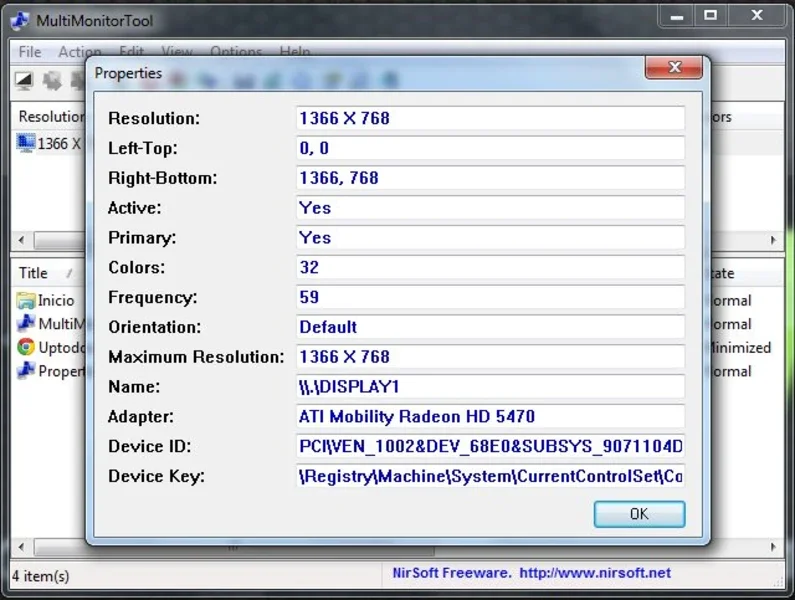
Screenshots
Description
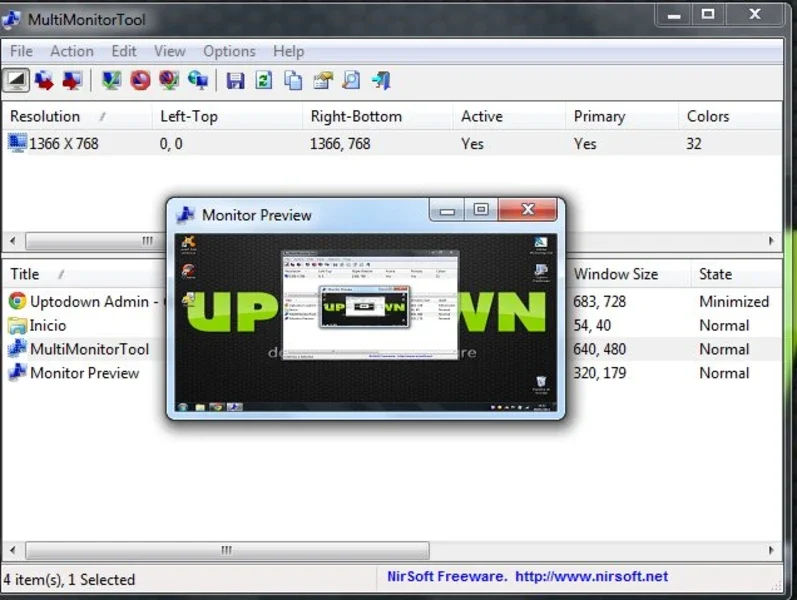
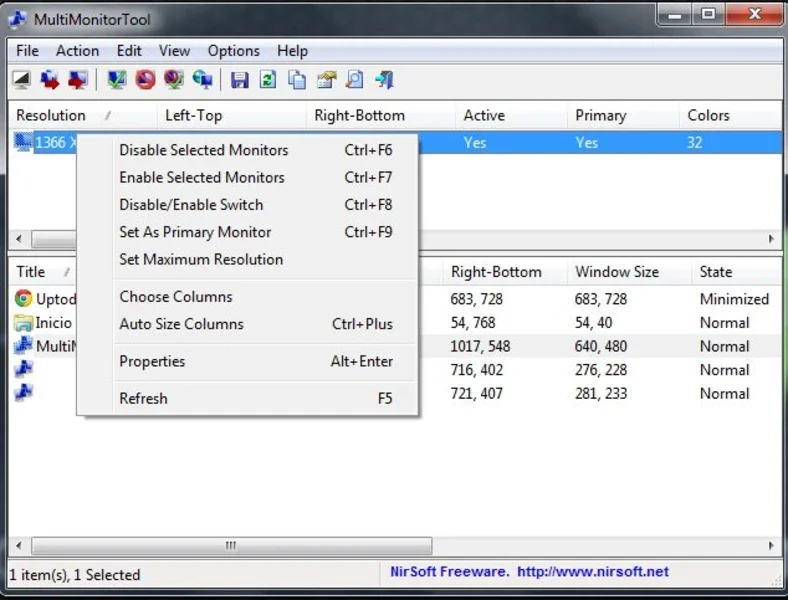
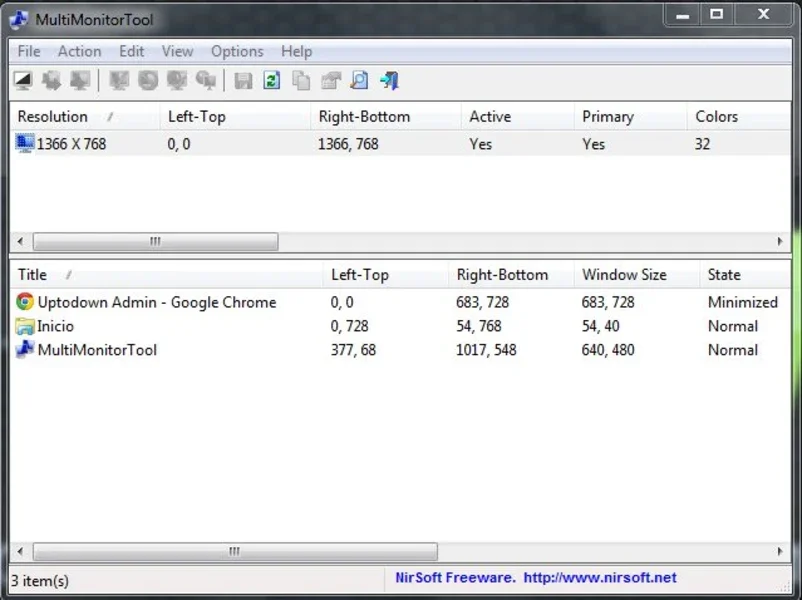
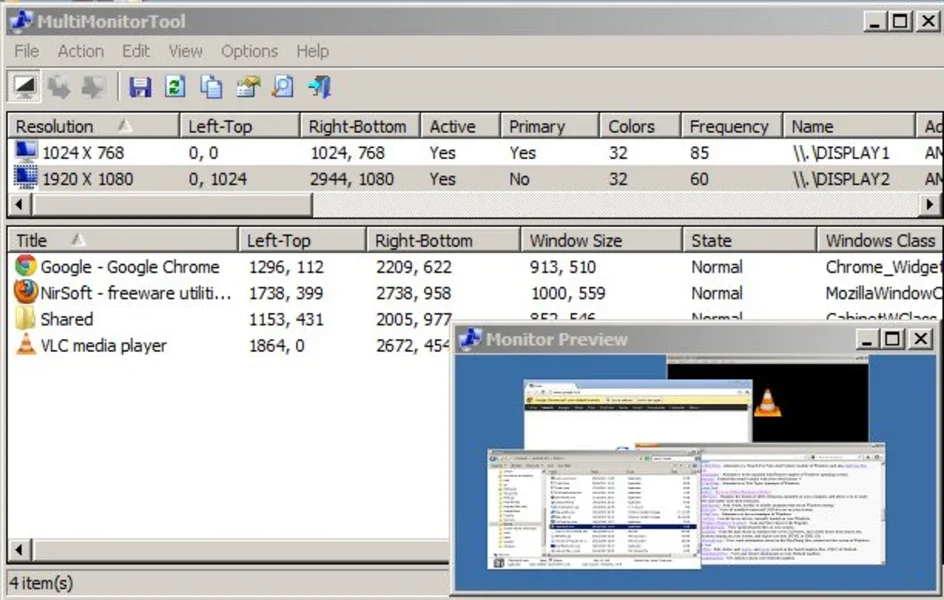
MultiMonitorTool lets you turn monitors on and off and set which one is the main display. Configurations can be stored and brought back later, so a layout you use often doesn't have to be rebuilt each time. A preview shows what a change will look like before you apply it.
Moving windows between displays
Windows sitting on one screen can be sent to another from inside the utility. It runs on Windows and is aimed at machines with more than one monitor attached.
Download files
FileMultiMonitorTool_V2.25.zipZIP
Version2.25
ReleasedJul 23, 2026
Size202.0 KB
SHA-256
Get
ad93dc509d95256cf0485a34dfcc3d515e62ec23483c1ca9bea2e63508448d02
Filemultimonitortool-2-25.zipZIP
Version2.25
ReleasedJul 6, 2026
Size219.0 KB
SHA-256
Get
9227764723f4b011f066a88b36b5a64bf81c9e3fa044356e877820319efe1c58
Filemultimonitortool-2.20.zipZIP
Version2.20
ReleasedMar 6, 2025
Size218.6 KB
SHA-256
Get
195aecdc3c607b070daacf23c94a37069e3144aeb6b0ad88a36268c6d2b167a2
Filemultimonitortool-1.96.zipZIP
Version1.96
ReleasedDec 30, 2021
Size218.6 KB
SHA-256
Get
2cf23f292ed38c946a8c7e1b904f89d3f6af9d3a5ecb43cef681bb07a3702715
Filemultimonitortool-1.90.zipZIP
Version1.90
ReleasedAug 22, 2017
Size202.7 KB
SHA-256
Get
02d4b024747f64ecc63febd2fef5485c4bfc3069e3170b217f398c88136143df
System requirements
Available on:
Minimum OS:
Windows Windows 11 or later
Additional information
Developer
Latest release
2.25 · Jul 23, 2026
Size
202.0 KB
File type
ZIP
SHA-256
ad93dc509d95256cf0485a34dfcc3d515e62ec23483c1ca9bea2e63508448d02





