
My Drives 1.4 for Windows
SHA-256 listed
Changes the icons Windows shows for your disk drives
All ages
Age rating
Screenshots
Description
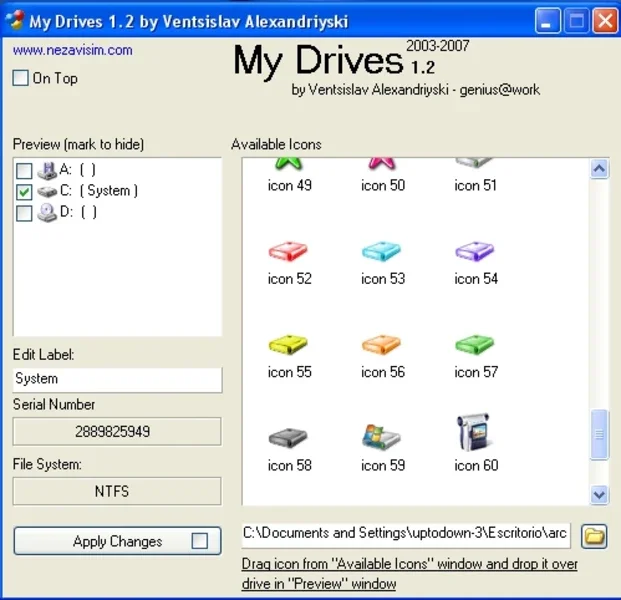
My Drives changes the icon Windows shows for a disk drive. The drives are listed in the window, and you pick the one you want to change. A list of available icons then appears on the right for that drive.
The program is a small utility for exactly this job, and it keeps the interface simple. Everything happens in the one window: select a drive, choose an icon.
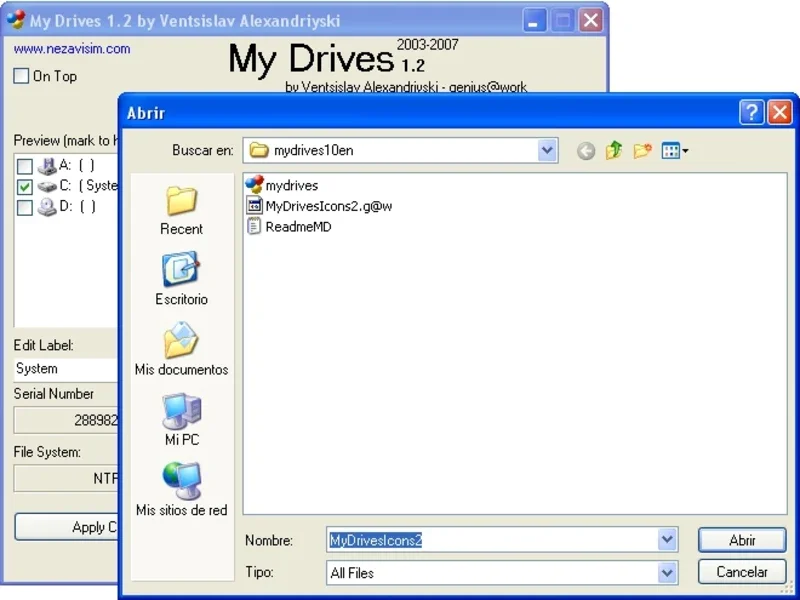
If the built-in set isn't enough, new icon packs can be brought in through a folder selector in the interface.
Download files
System requirements
Available on:
Additional information
Developer
Latest release
1.4 · Jul 20, 2021
Size
1.0 MB
File type
EXE
SHA-256
5e00893977dd753320fd0999093d0a60a9676d907ce017bff6d56db991ac0155
Digital signature
No digital signature