
MyPublicWiFi 31.3 for Windows
Turns a Windows PC into a Wi-Fi hotspot with logging and a firewall
Screenshots
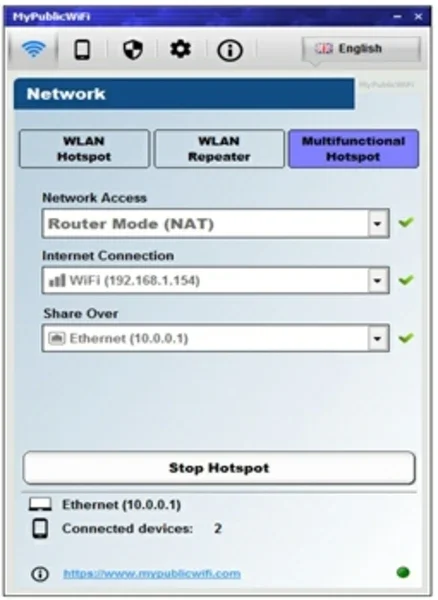
Description
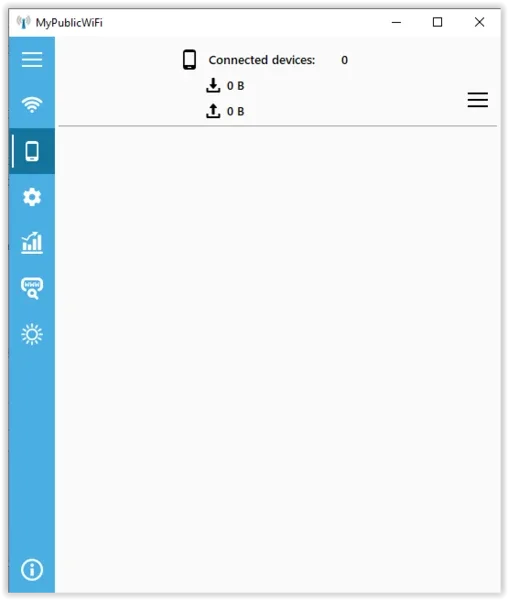
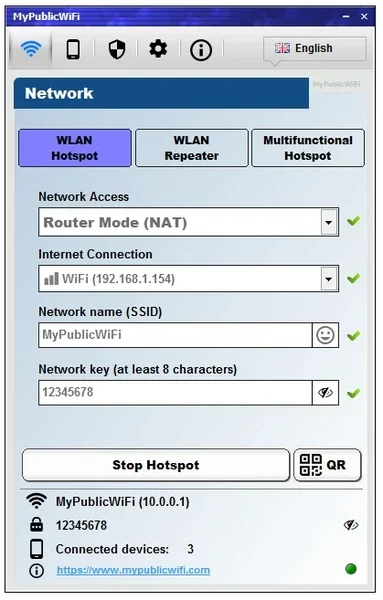
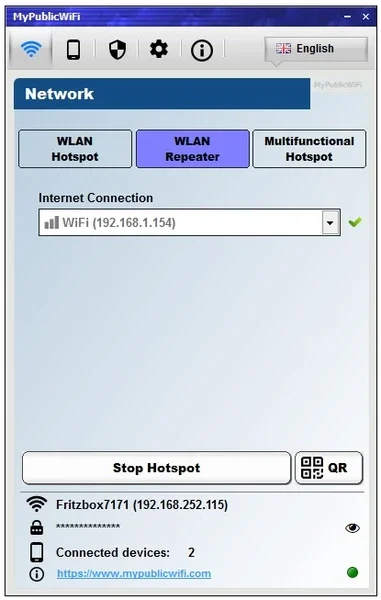
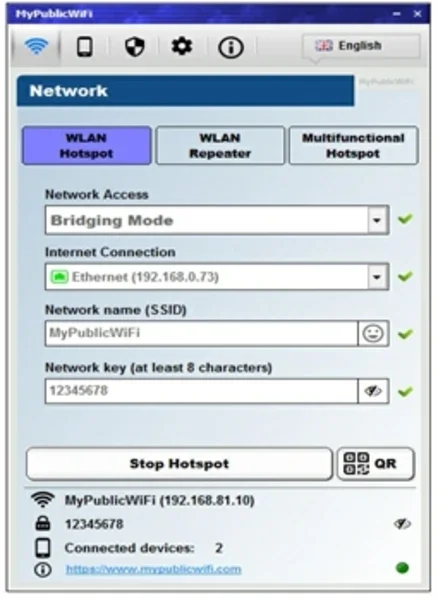
MyPublicWiFi turns a computer with an Internet connection into a Wi-Fi access point. Other devices join over the local network and share that connection, and no extra hardware is needed. A hotspot goes up in seconds through the interface.
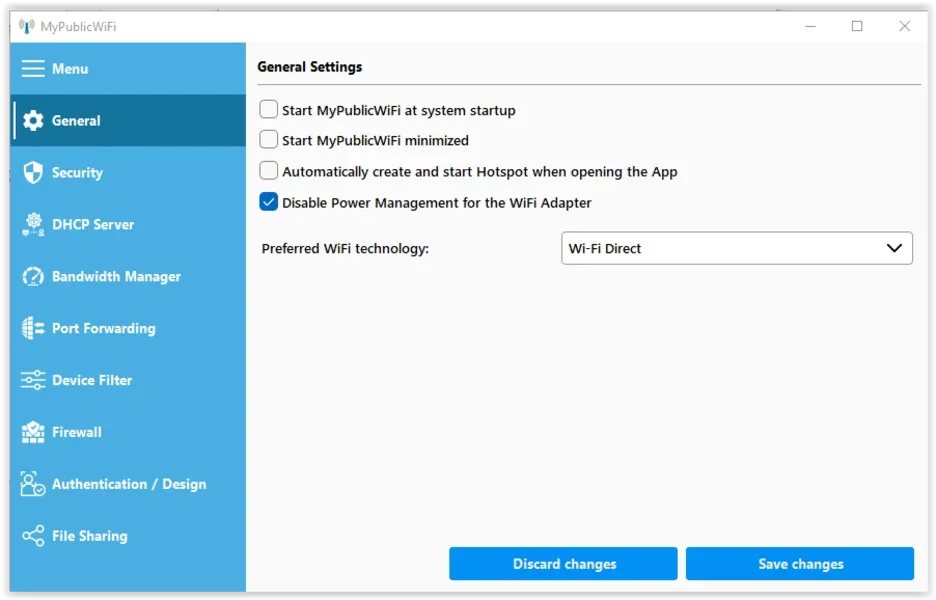
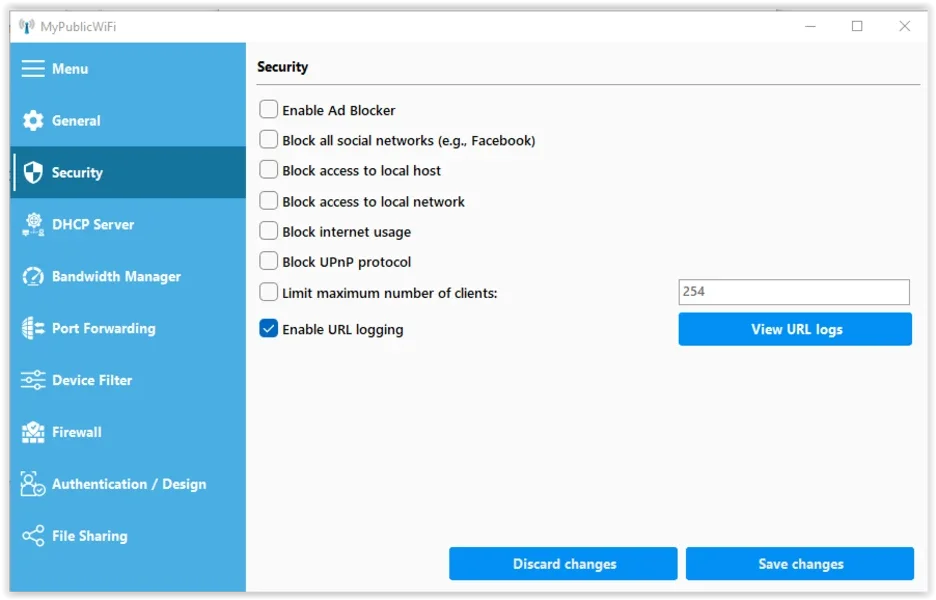
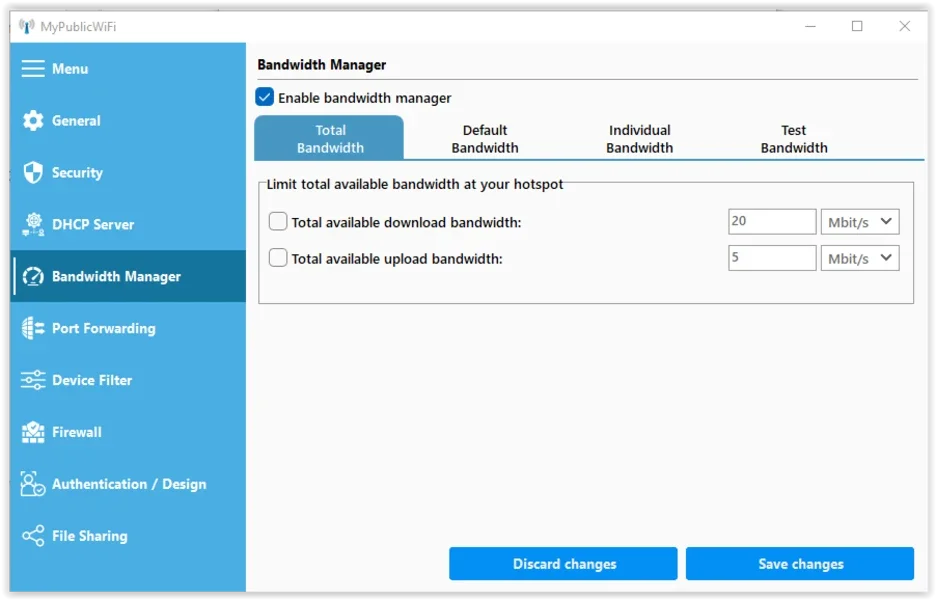
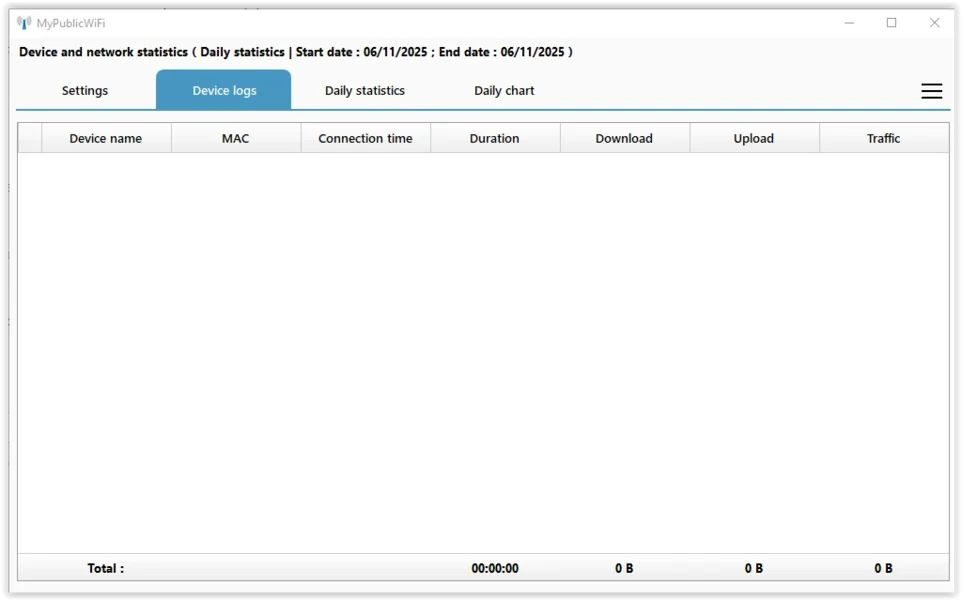
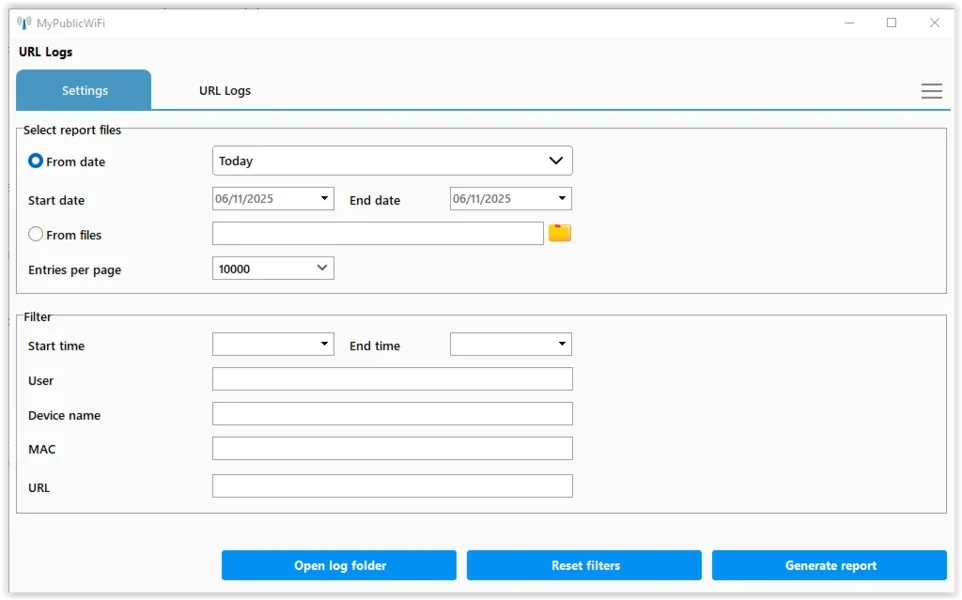
The program shows which devices are connected. WPA2 encryption can be turned on, and unauthorized connections can be blocked. A built-in firewall filters unwanted access and keeps the shared network from being misused. Bandwidth can be limited for each connection, and you can restrict individual services, P2P downloads among them, along with particular ports. Traffic recording is optional. When it is on, each session is logged and browsing through the created network can be recorded and analyzed. Traffic analysis covers pages visited, site addresses and active connections. The logs hold the IP address, host name and data usage of every client.
The interface handles both the hotspot and the logs. It runs on Windows.
Download files
1fc03260a0b839d0677742c64ff363149483c833c766ceab2a9c0fce71903163
No digital signaturebe362b15546c4d4b48b901c48a93212609f22be666221bc49e06a68ec696eb1c
d414cdea9126c1f2137c131cb61a49c3ab26be22d0e1af49ec7e46bd9a2aa486
846e78d0696c04b6423469255c6d322e81b31593e46d1cfdc74b1cdb380f8d12
cac89cad0194d9b8ebb4bb91ccd923da6f042b6b420e17f8d25d28f77786651a
System requirements
Available on:
Additional information
Developer
Latest release
Size
File type
SHA-256
1fc03260a0b839d0677742c64ff363149483c833c766ceab2a9c0fce71903163