
See every device on your network and cut its access
You are on macOS — this is the Windows version. See the macOS version
Screenshots
Description
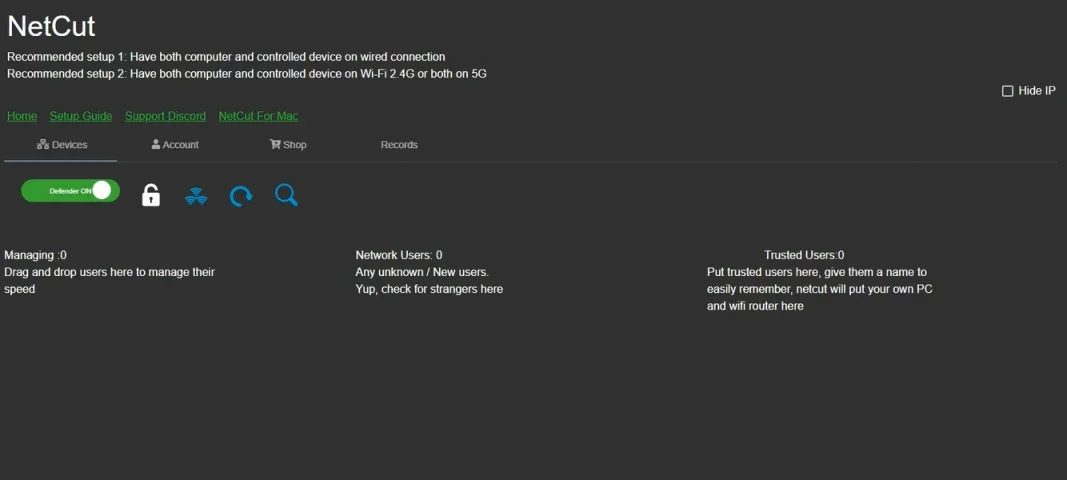
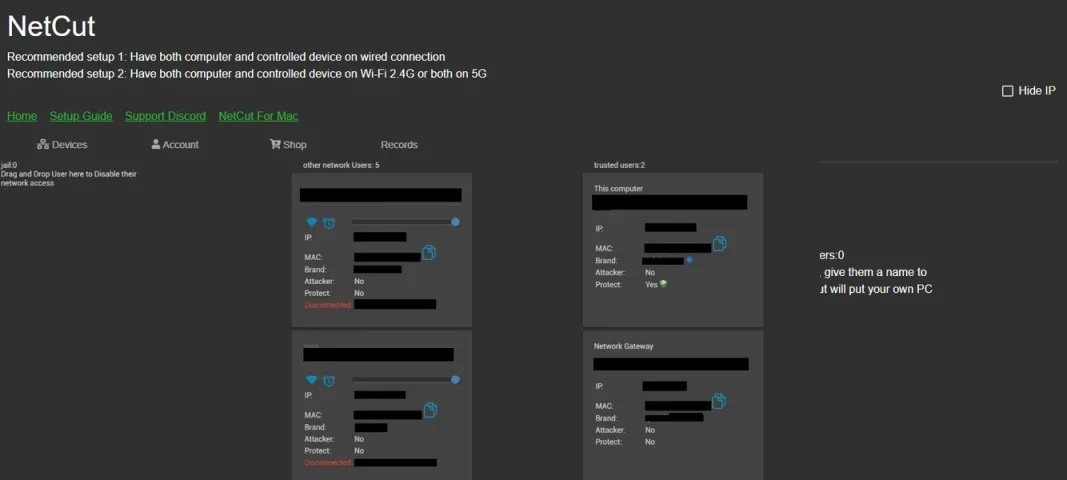
You can cut off Internet access for any device you see connected. NetCut shows who is on the network within seconds, listing each device's IP, device name and MAC address. It can also show devices that were connected before but are no longer on the network, so you get a picture of what has come and gone.
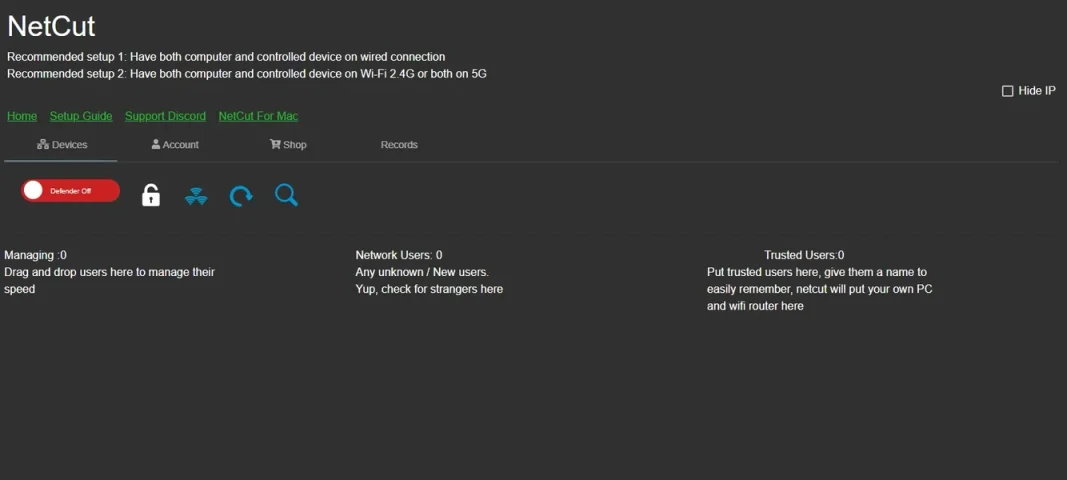
Install NetCut first; it takes a few seconds. If WinPcap is not already on the machine, it has to be installed too. Arcai.com describes WinPcap as the industry standard way to reach the link between network layers in Windows. Once installation is done, NetCut runs and opens straight in your browser, and all of its tools sit in a single tab. The interface is simple and stays confined to that tab.
One tool sets a maximum allotted time per day for a device's connection. That daily time limit is useful as a parental control measure.
Download files
eda9f7efc58886db766dc24656f718eb7421aec037f9216f0e0875522b98437f
Signed by ARCAI (Guang Ming Liu) · valid until Mar 23, 202634463381311400de5186ede5f087c01befbf84e6cd418599e44b361c56f643c2
f136c3a2427629995c5a906a455ea7b0a5e8b5f43de0a9b8e542d2f781c6b1a0
68c7c12035995369754cbfb078fda8724911b3d9f0f10f50499c88f4d2048e82
2bd7777c34bf33a52149e1b2199a0b644d286067ac9d00a5874c096c169a6ac8
System requirements
Available on:
Minimum OS:
Windows XP or later
Additional information
Developer
Latest release
Size
File type
SHA-256
eda9f7efc58886db766dc24656f718eb7421aec037f9216f0e0875522b98437f