Screenshots
Description
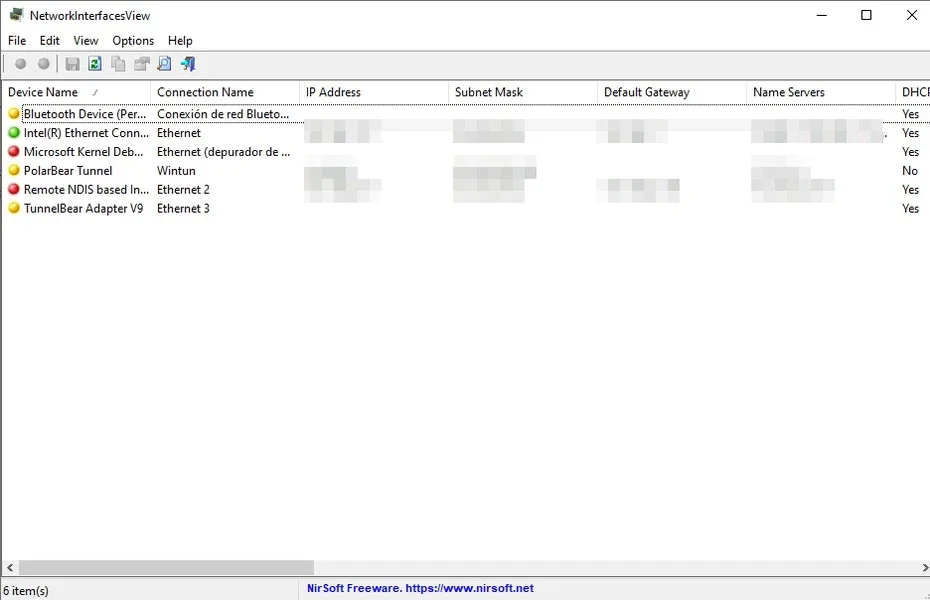
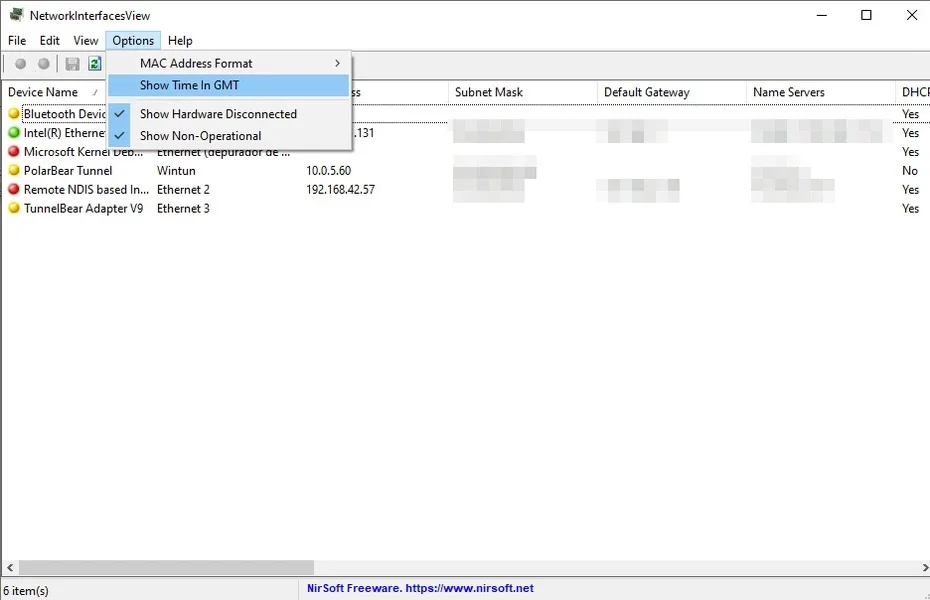
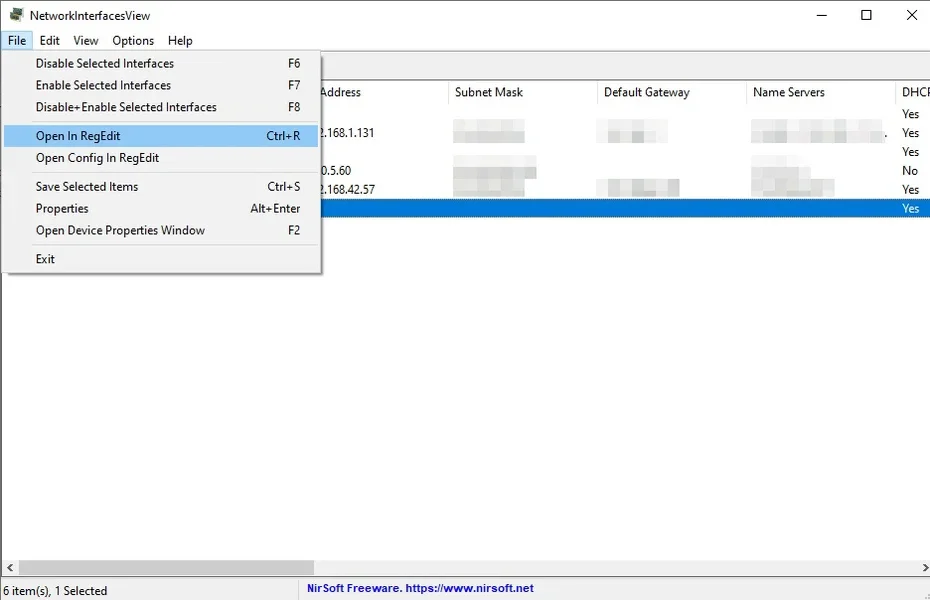
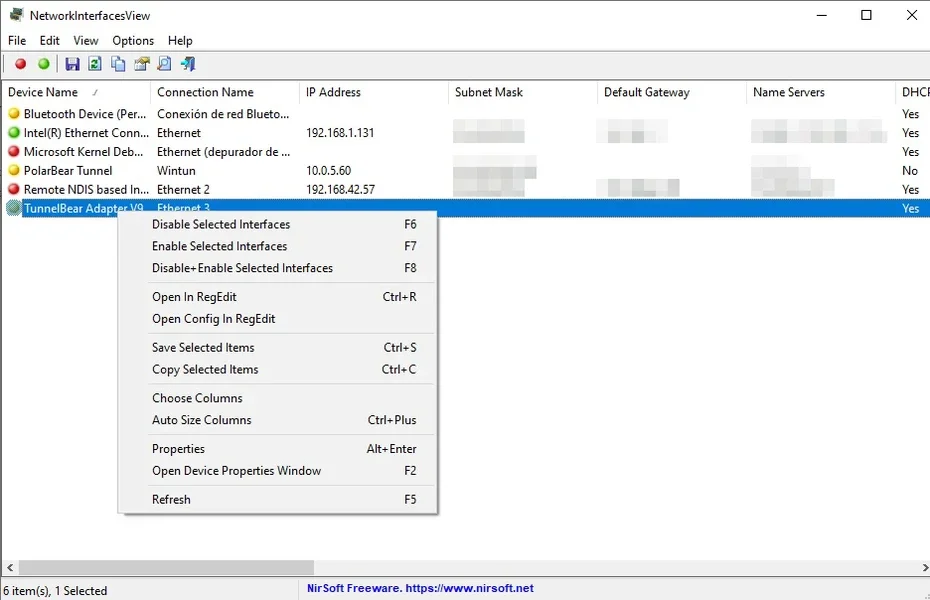
NetworkInterfacesView shows every network adapter and interface installed on a Windows machine. That includes adapters that are active right now and interfaces installed earlier that are not currently connected, such as a USB wireless network adapter you have unplugged.
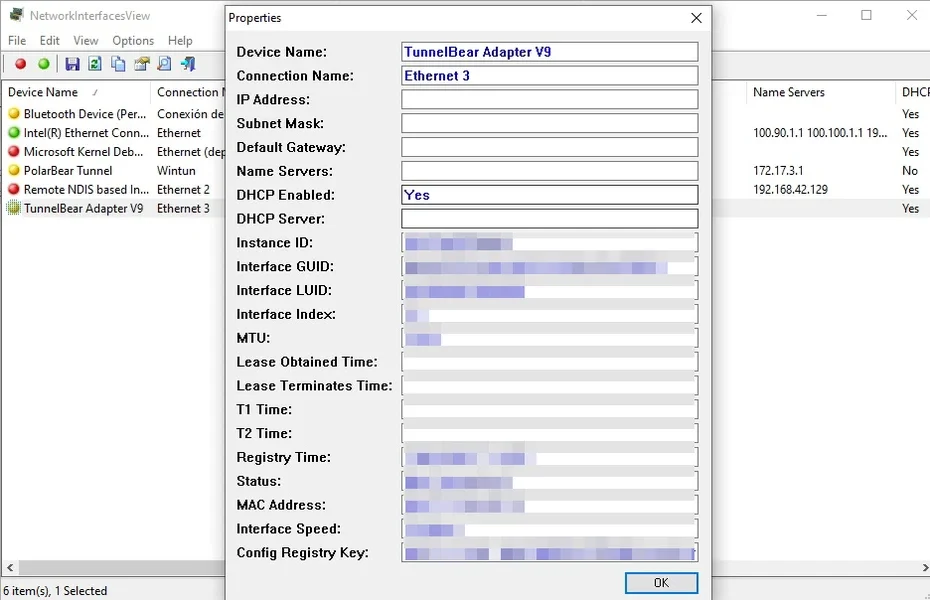
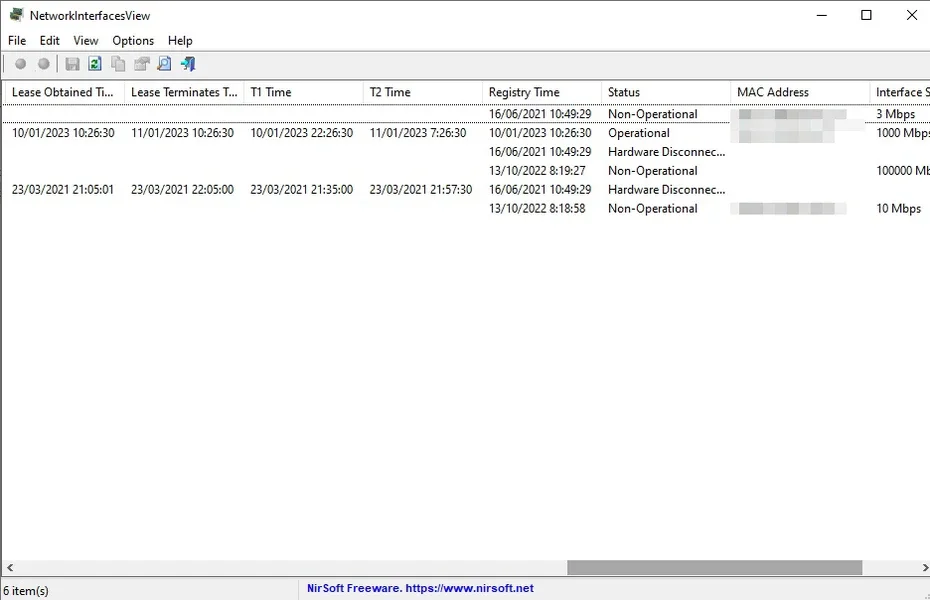
For each entry the list gives the device name, the connection name, the IP address, the subnet mask, the MAC address, the DHCP server, the default gateway, the MTU and the interface speed. Clicking an adapter activates or deactivates it. Right-clicking a list element opens the interaction options, and one of those opens the element straight in RegEdit.
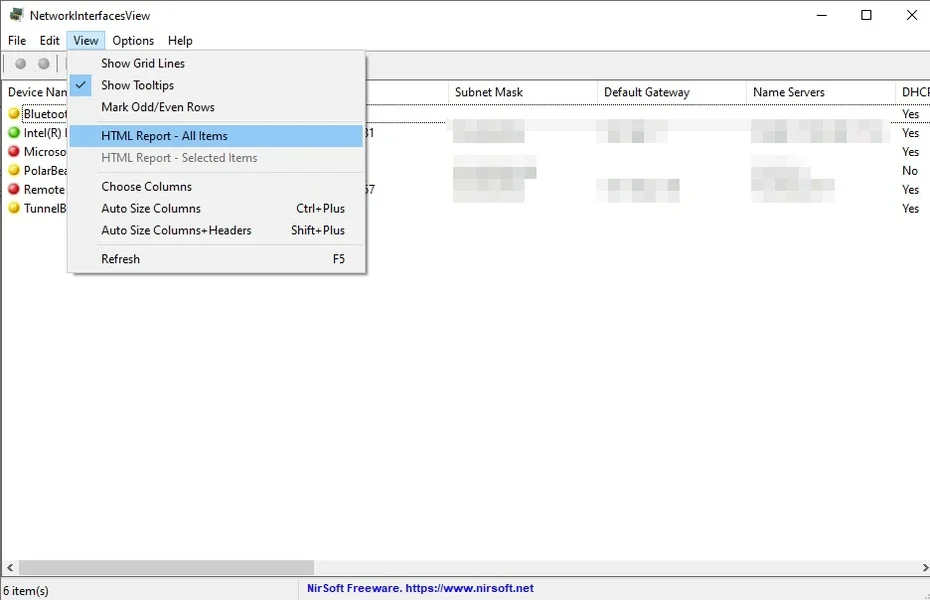
All of it can go out to an XML or CSV document. The program takes up less than 100KB.
Download files
System requirements
Available on:
Minimum OS:
Windows XP or later
Additional information
Developer
Latest release
Size
File type
SHA-256
71c7a26ca3cbe6f92174a326bc58304d08646b59061c30da7cdbfb56cedb7db0