
Screenshots
Description
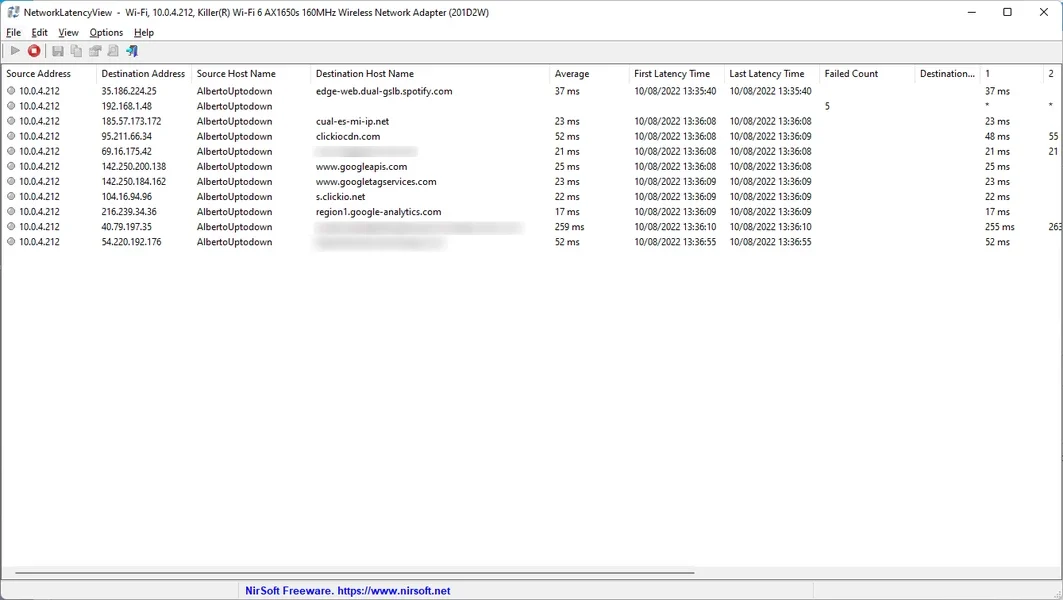
NetworkLatencyView watches the latency of network connections opened by any program on the machine. When it spots a connection to an external address, the window lists that connection with its source IP, destination IP, and the latest and average round-trip time. Latency here is the round-trip time to the destination server, measured in milliseconds; the averages give you a sense of whether the route is holding steady or degrading. That is useful when a connection performs badly or when a particular service seems to be having trouble, since you can check whether the delay sits with the network or with the service.
Running it
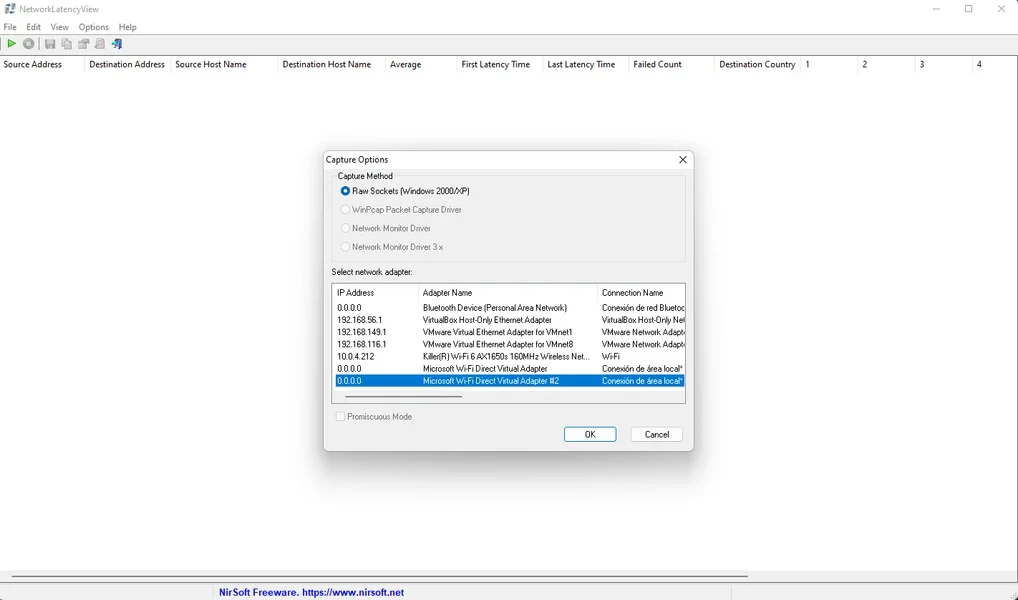
The program has to be started as administrator to work correctly. Without those rights it shows a warning and offers to reopen itself with them, so you can fix the situation from the warning rather than hunting through the Start menu. For each IP address it shows the 10 most recent latency values and computes their average.
Download files
7fcd1b49aaab0eb5164f878c8fc7c4e7c6f126f9a6ab615e9bf386a2b26e4f97
84522bb85c73b2b0088ed2e78762899fe5f095678fffc81df338107f905e0e65
d6051732806b143a4f34419c0b67f5fdff2ab6aba249c6ee5bef8a8aec281d85
System requirements
Available on:
Minimum OS:
Windows XP or later
Additional information
Developer
Latest release
Size
File type
SHA-256
7fcd1b49aaab0eb5164f878c8fc7c4e7c6f126f9a6ab615e9bf386a2b26e4f97