
NitroBackup 3.0 for Windows
Automatic ZIP backups with weekday folders and scheduling
Screenshots
Description
NitroBackup is a Windows backup utility that writes automatic backups as ZIP files. It requires no installation, so you can run it from wherever it sits.
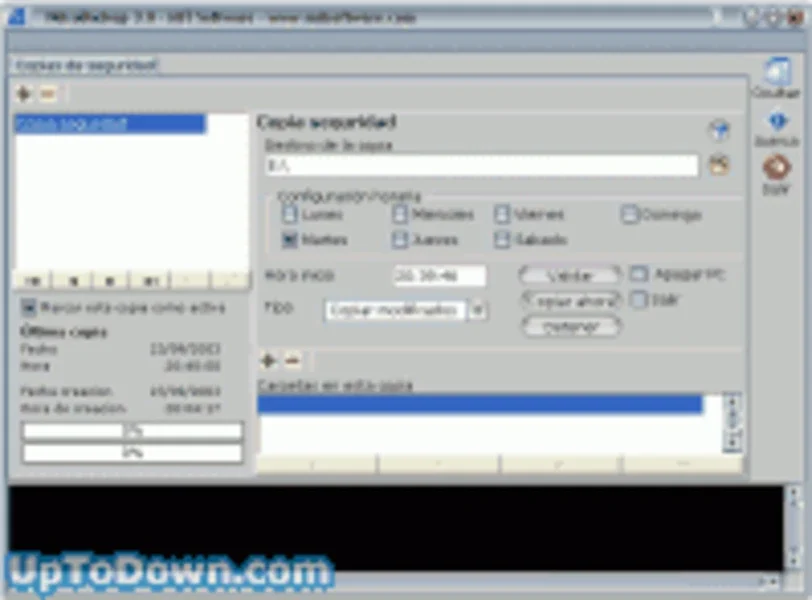
Backups can be full each time or only update files that were modified. You set the destination folder, and the program places its folders inside it, each named after a weekday such as Lunes or Martes. Scheduling works by day of the week and time. When a backup finishes, NitroBackup can shut down the PC or exit the application automatically if required. To run it at Windows startup, add a shortcut to the Startup folder (Start menu, programs, startup) or add the task in Scheduled Tasks (Start menu, programs, accessories, system tools). The program can be used without restrictions for 30 uses.
The backup format is ZIP. The article recommends Windows XP, WinZip or WinRAR to browse the zip files.
Download files
2ff1b5001a23e4b26bb56cad3b55f9088b68581b29c93f1e5d61302651b48646
System requirements
Available on:
Additional information
Developer
Latest release
Size
Category
File type
SHA-256
2ff1b5001a23e4b26bb56cad3b55f9088b68581b29c93f1e5d61302651b48646





